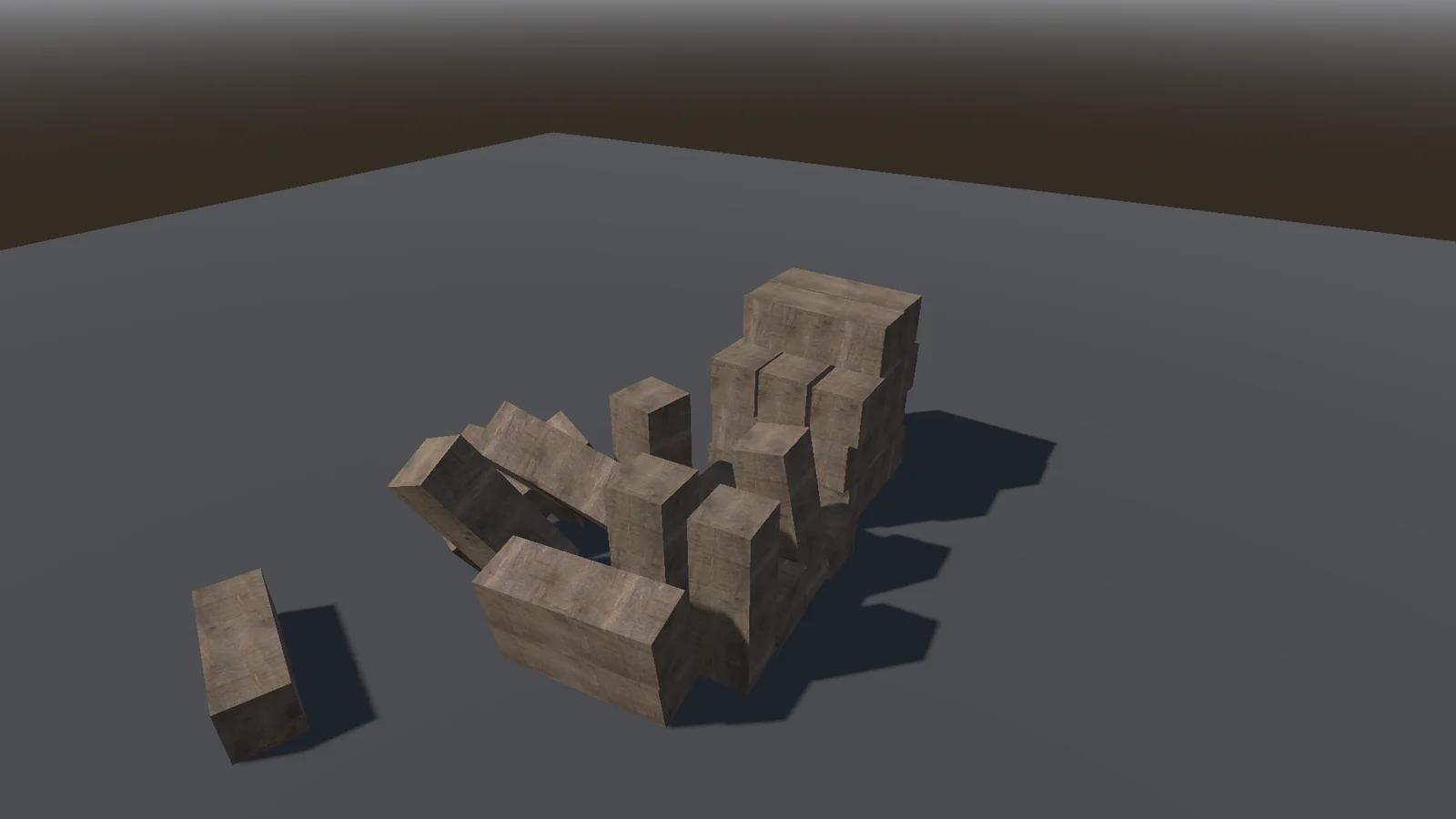
0.45.3 Keep It in View 2026-11-21
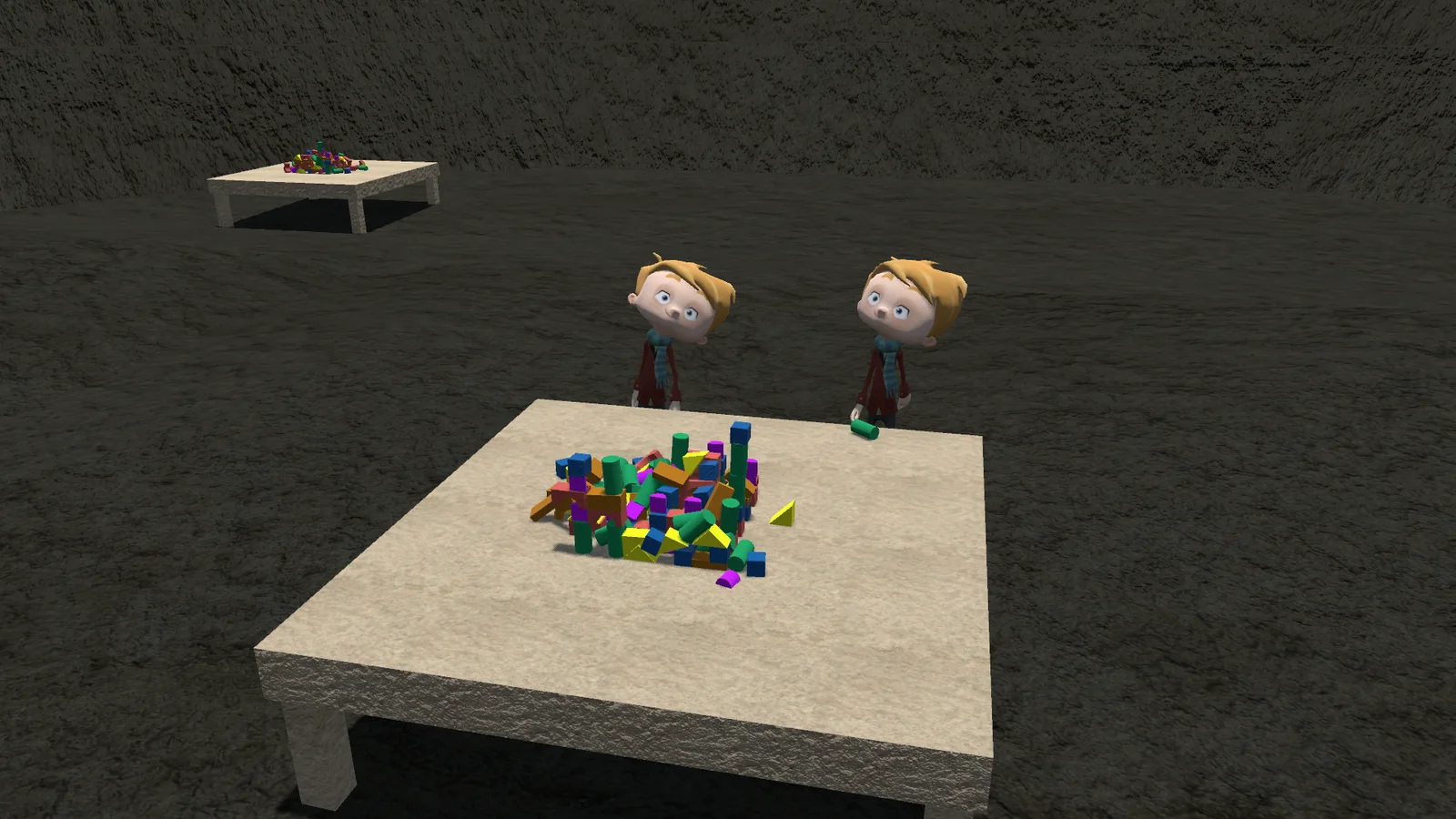
Dragging a block on the Tower Map table no longer loses it.
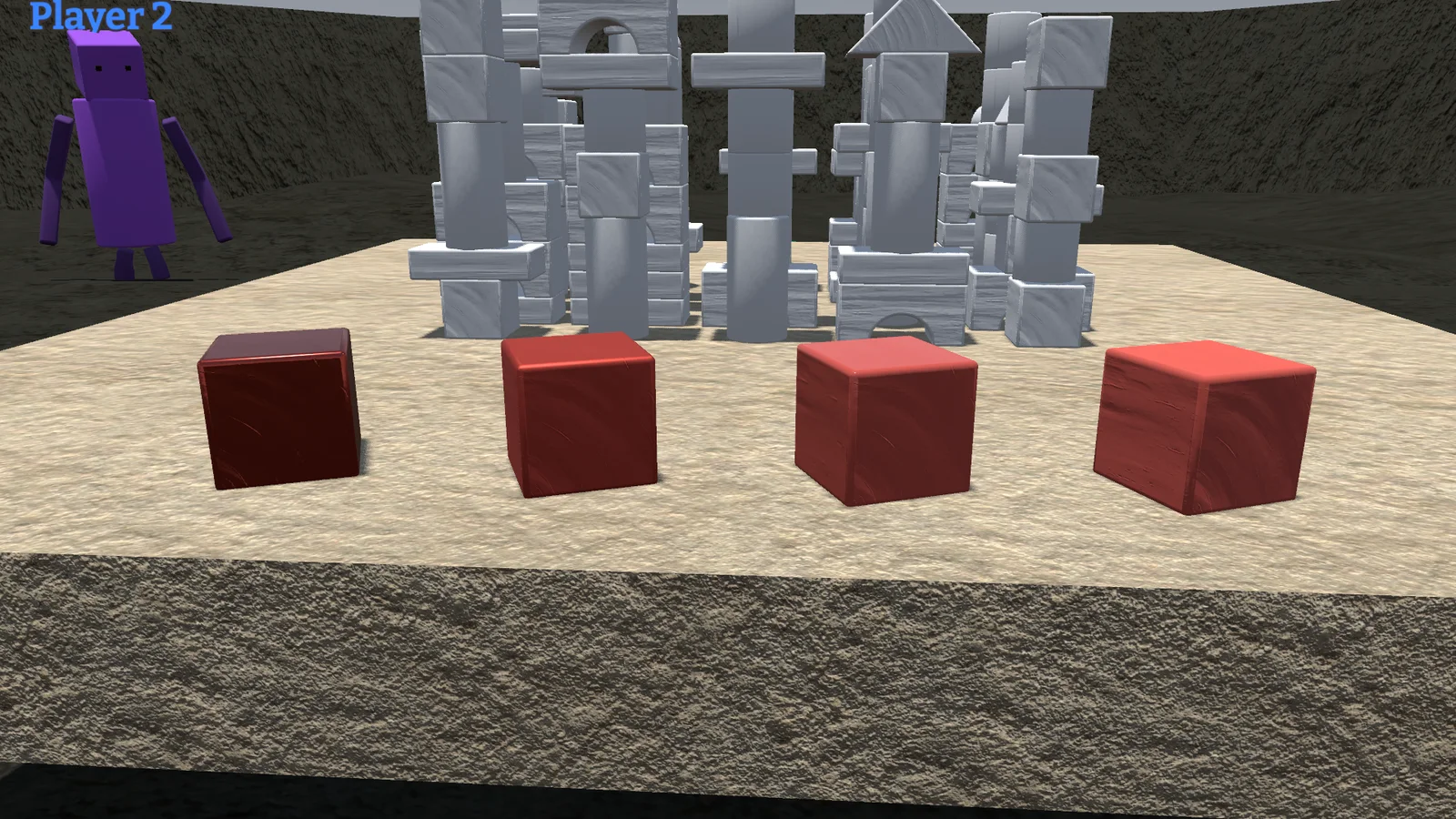
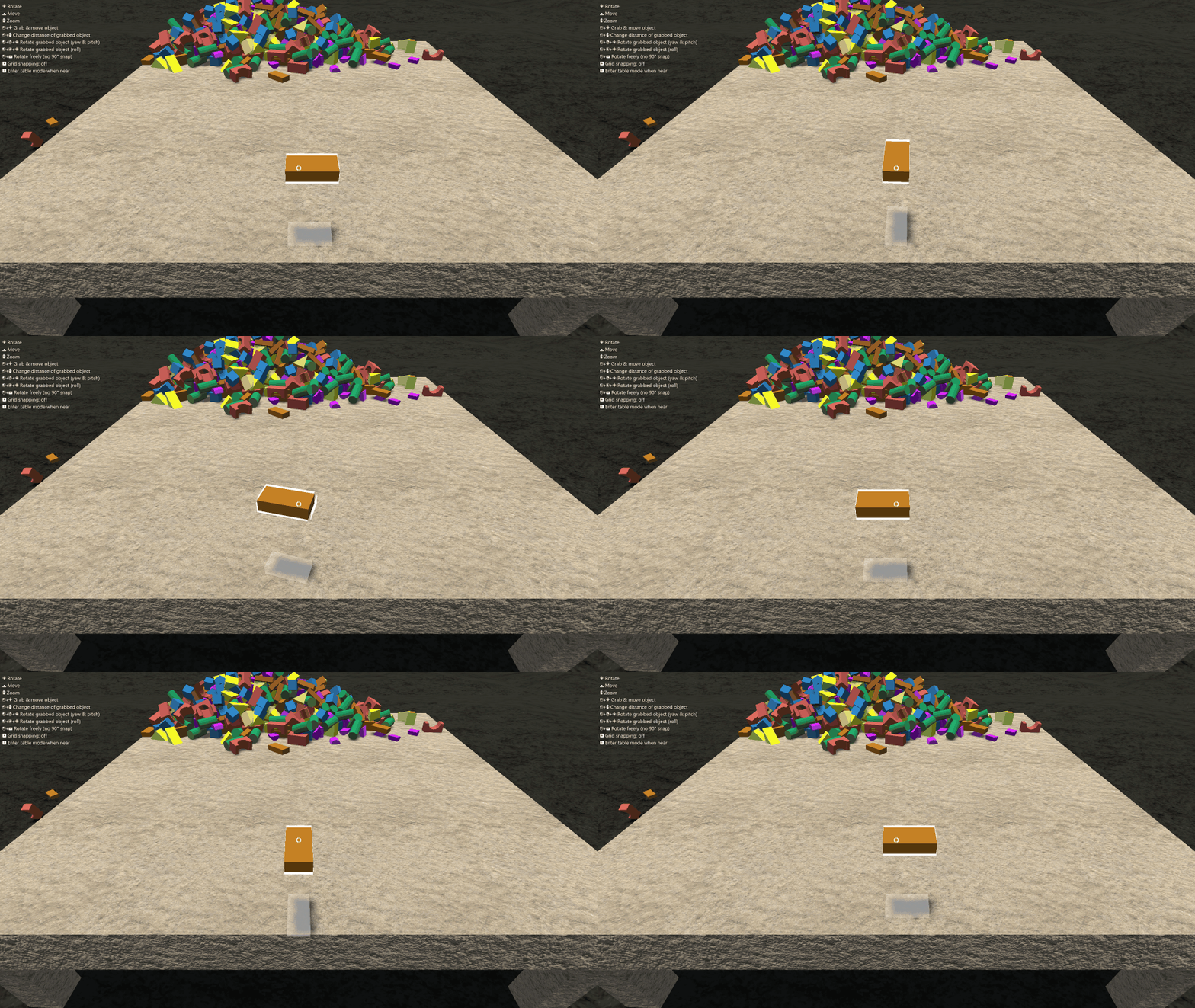
- The view follows your block: when you drag a block towards you or away from you, the view now scrolls along and the block stays in the picture, just like it already did sideways.
- Marian: each team's start now has a small hill.
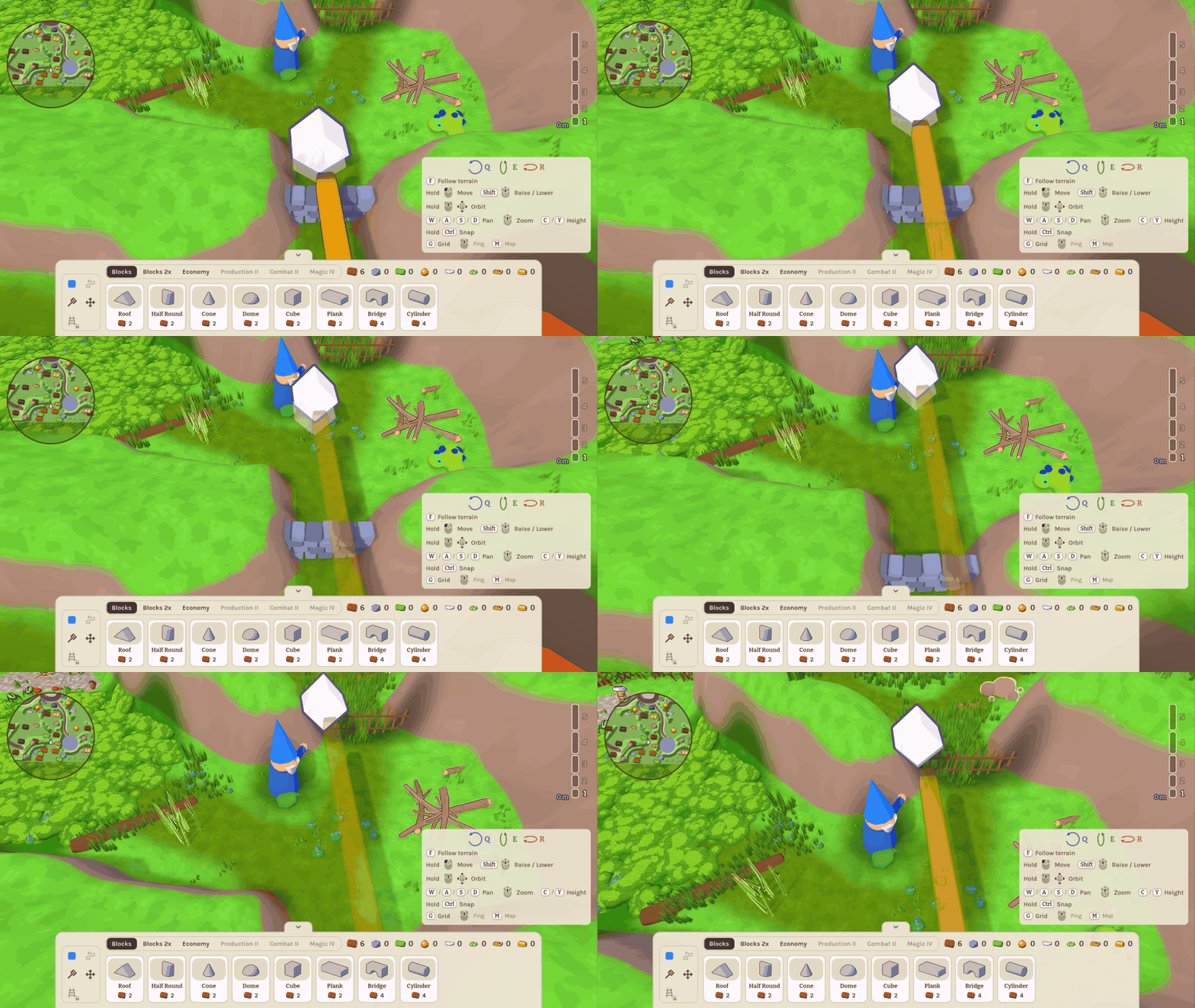
0.45.2 Smooth Strokes 2026-11-21
The Map Editor paints smoothly now, and your unsaved work is safer.
- Smooth painting: brush dabs, stroke ends and the regrowing of decoration and grass no longer hitch, also with several people painting at once. Big brushes are about five times faster, and the host no longer stalls while players' maps are compared.
- Closing asks first: closing the game window with unsaved changes now asks, like Quit does.
- Restore offer after a crash: it is only put off when you close it with × or Esc, and comes back the next time you open the map. Only "Keep the saved map" deletes the backup.
- Fixes: a rare freeze when a Tower Map round starts on PCs whose graphics fall back to OpenGL, and a Quit that could fire later after cancelling "replace existing map?".
0.45.1 Clickable Again 2026-11-20
Fixes for the Map Editor release.
- Map list: clicking a map in the list works again.
- Discard: in the Map Editor, "Discard" on the unsaved-changes question now really discards, so you can leave to the lobby, quit or open another map without saving.
- Save a copy: players who join a lobby in Map Editor mode get "Save a copy" too.
- Leaving a Tower Map round no longer causes an error.
0.45.0 Open the Editor 2026-11-20
The Map Editor is now in the lobby's mode list. It was missing there in 0.43.0 and 0.44.0, so the mode could not be started from the game.
- Painting no longer stutters: the ground is worked out in the background, so a brush stroke, a moved line or a placed pond no longer freezes the editor for a moment.
- Smaller download (about 14 MB less): the old Standard map and its leftovers are gone. Marian and your own maps are the maps.
- Fixes: several players leaving at the same moment no longer cause errors on the host, and the game shuts down more cleanly.
0.44.0 Build Together 2026-11-20
The Map Editor is now a team sport. Friends shape and paint the same map at the same time.
- Build maps together: everyone edits the same map at once and sees each other's cursors with names. Friends can join while you are building, and undo takes back only your own steps. Anyone can keep a copy of the map with Save a copy. The host's unsaved work is backed up every few minutes and offered for restore.
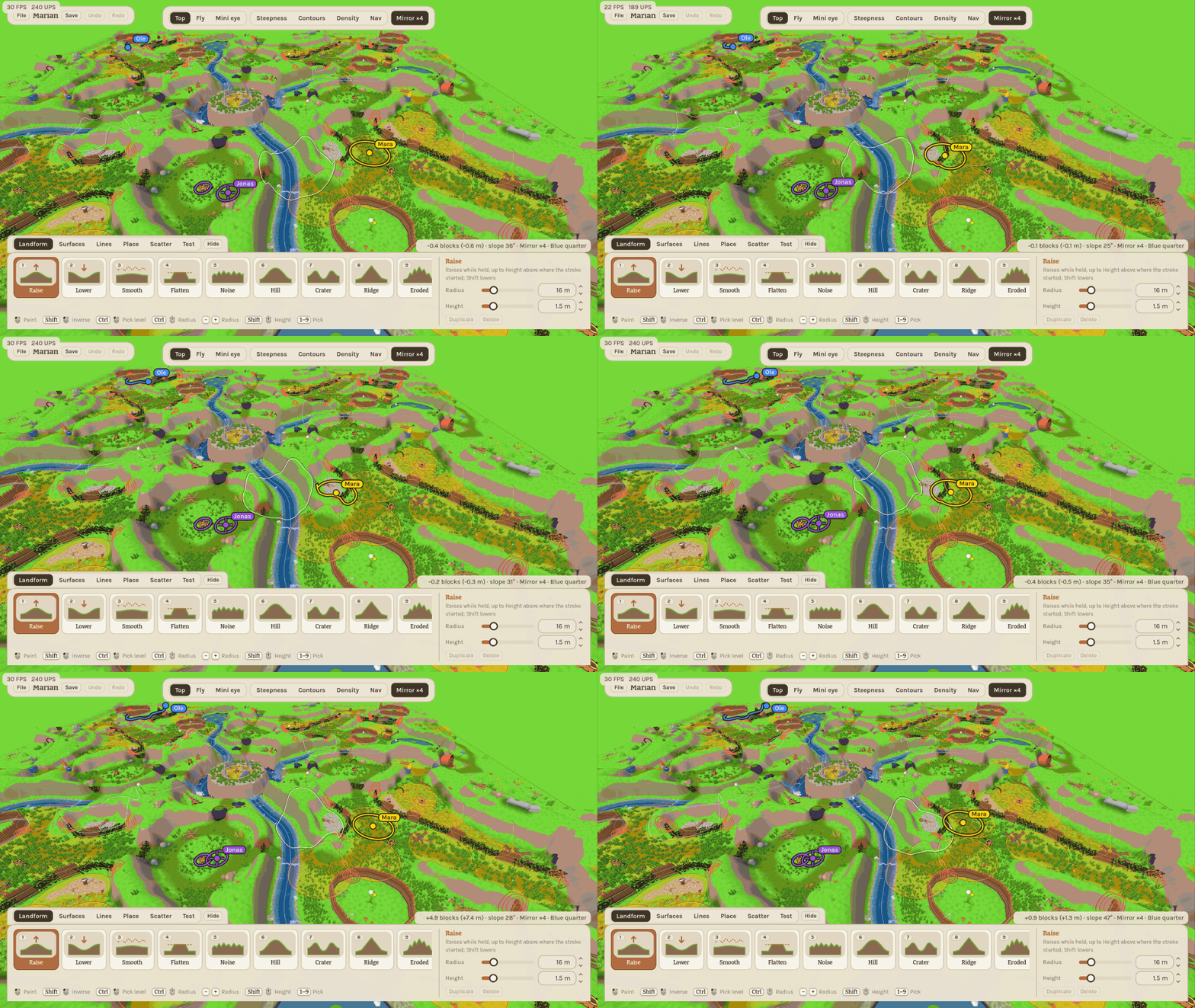
- A proper map list in the lobby and in the editor, with preview pictures. Make a new map, rename, duplicate or delete one.
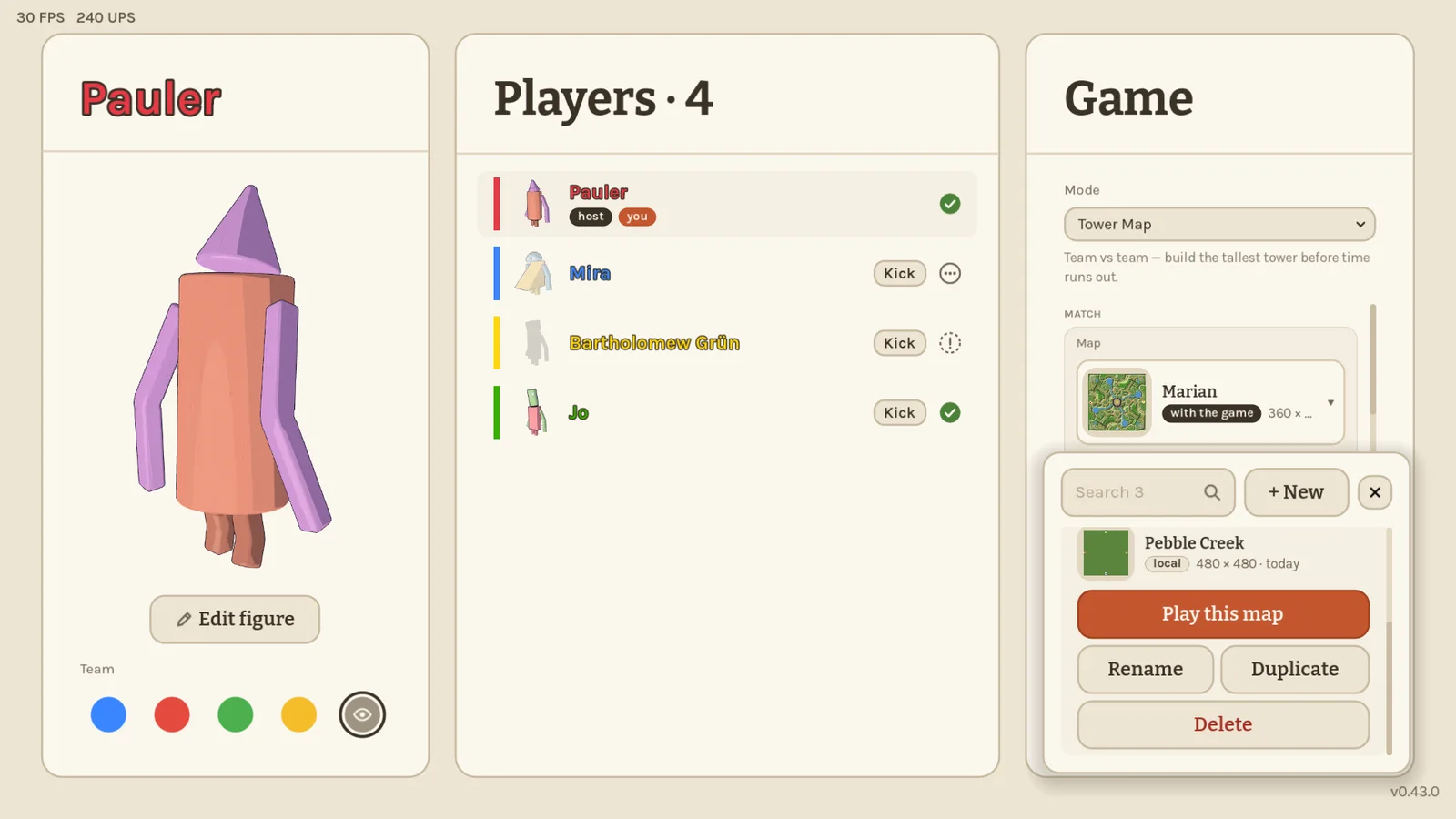
- The old "Standard" map is no longer offered; Marian and your own maps are.
- Berry bushes wobble when shoved or clicked, like everything else.
- Fixes: at round start the host could wrongly get "Could not load…" and be stuck on the loading screen. The giant's arm no longer flickers at the table over flat ground. At the table in Freebuild and Make'n'Break a held block can no longer be dragged out of view.
0.43.0 Map Editor 2026-11-20
Build your own Tower Map boards. The new Map Editor lobby mode lets you shape a whole garden yourself, and your friends can then play on it.
- Map Editor: shape the ground with brushes and stamps, paint moss, gravel, rock and gold, and draw brooks, gorges, walls and hedges. Place sources, nests, tool gates, landmarks and ponds. Four-way mirroring gives every team the same quarter. For now the host edits alone; building together comes next.
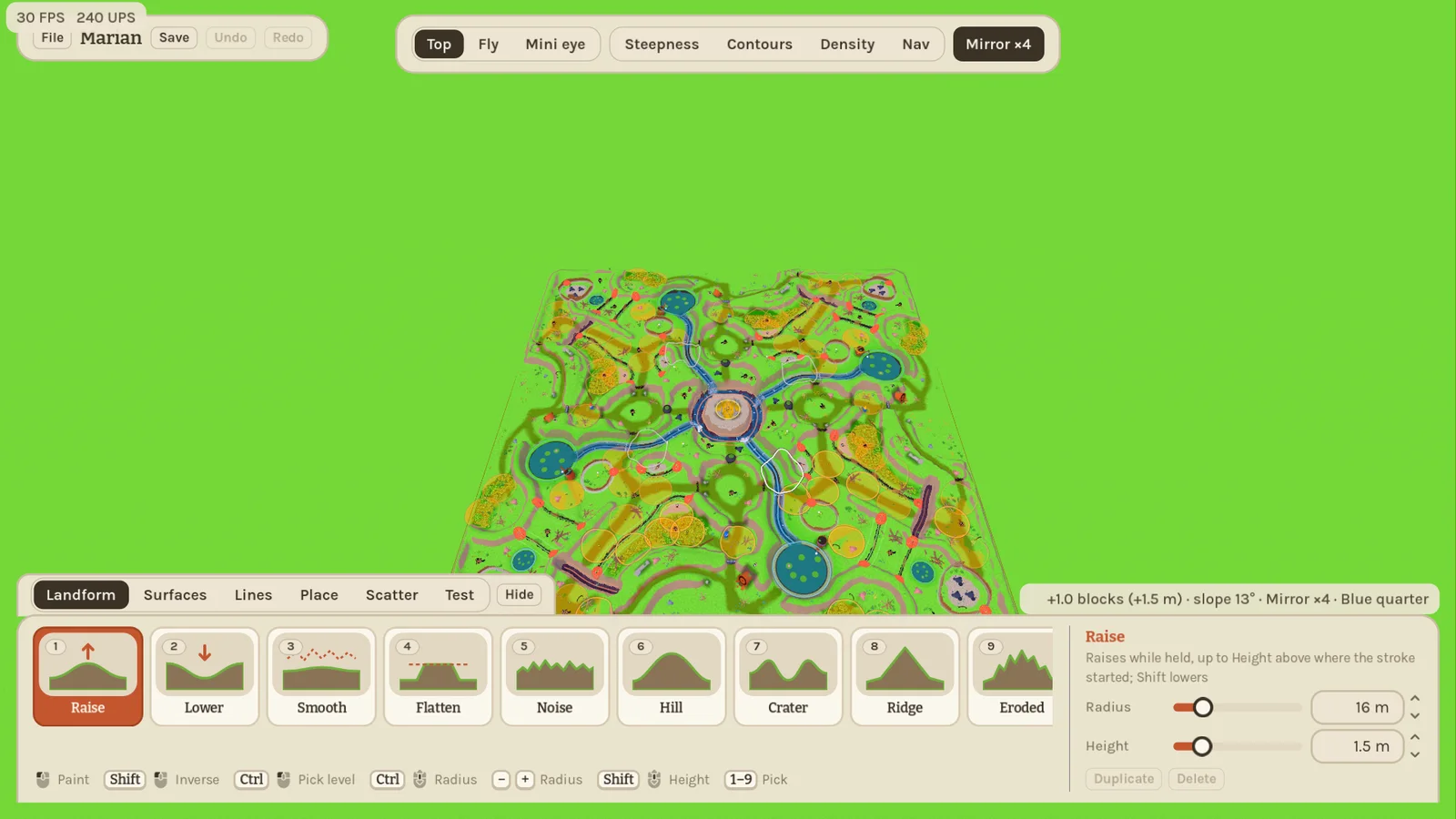
- Your maps live on your PC and can be picked for the Tower Map in the lobby.
- Friends get your map automatically when they join, with a progress display, and can keep a copy with Save a copy in the lobby.
- The leftover test maps "draft" and "test" are gone from the lobby, and a map's ground is prepared the first time it is played (about a second).
0.42.0 Guided Tower Map & Cleaner Lobby 2026-11-20
Jumping into Tower Map for the first time is a lot easier to read now: every round can open with a short camera tour of the garden, followed by a live role checklist and tips while you play, and the lobby settings have been tidied into grouped cards.
- Tower Map intro tour: rounds start with a short synchronized fly-through that shows the full garden, your team's platform as the fog rolls in, the Minis, and the Giant before handing control over to everyone at once. Toggle Intro & tutorial off in the lobby whenever you want to jump straight in.
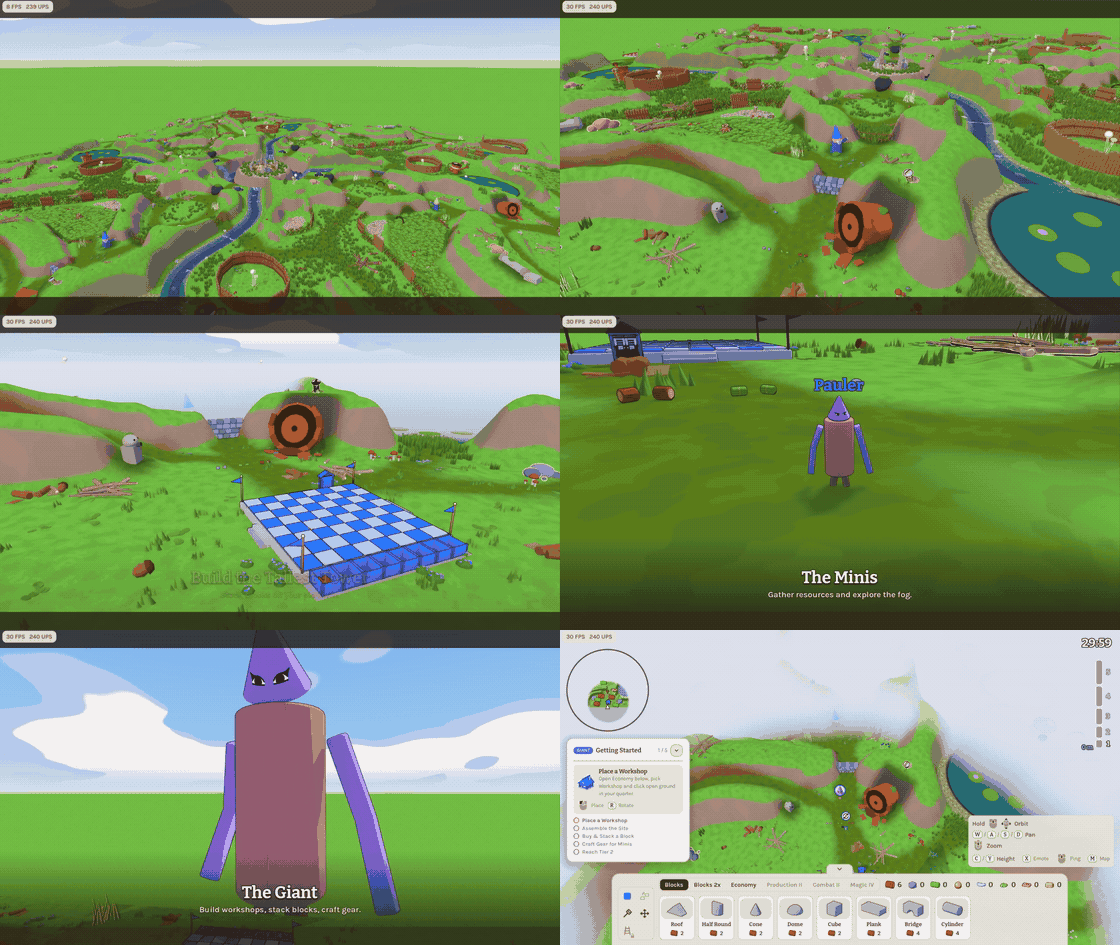
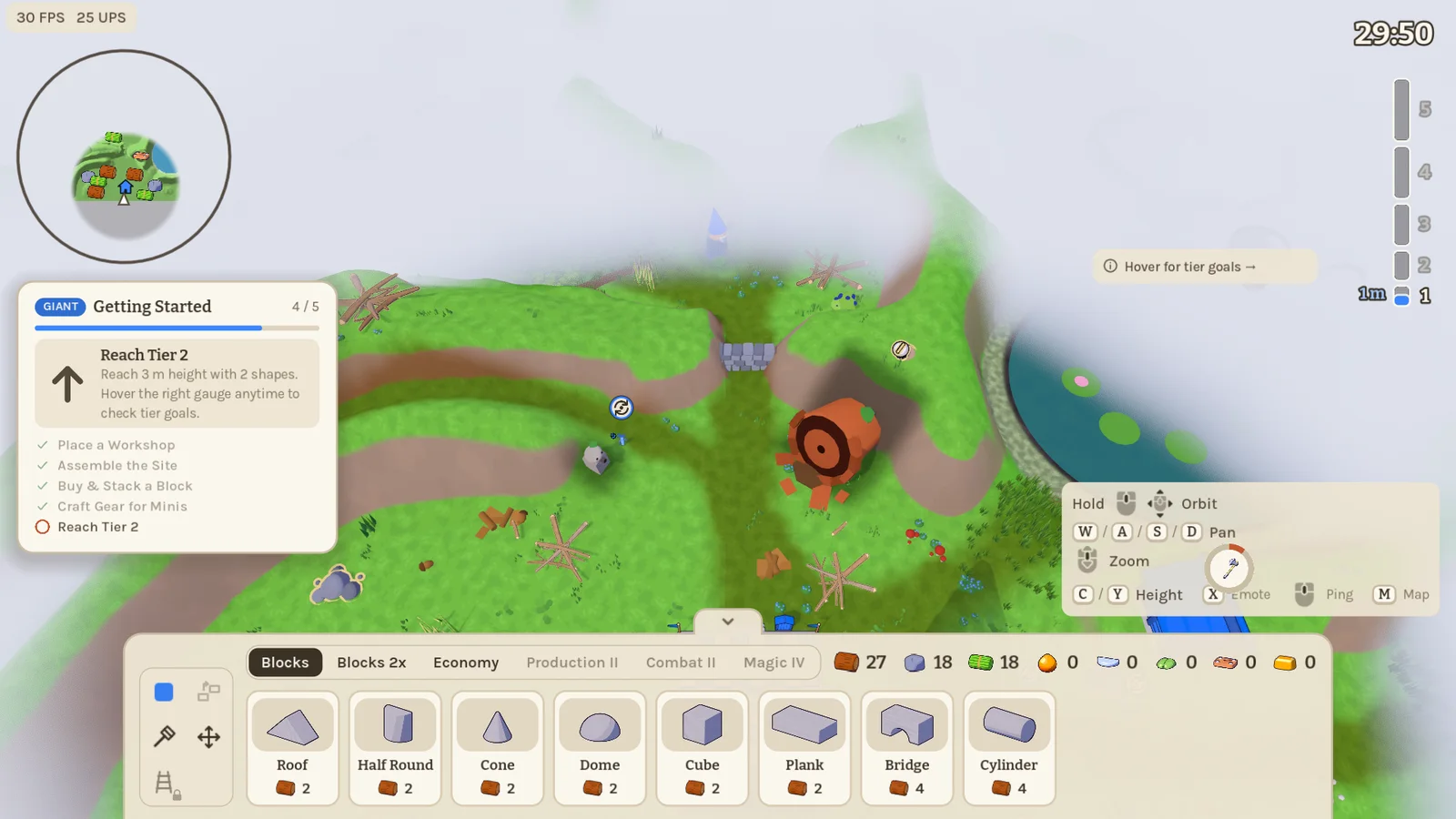
- Live Getting Started guide & tips: Minis and Giants each get a compact five-step checklist tailored to their role that ticks off as you gather, build, craft and climb tiers, plus brief situational tips when you hit a tool gate, unlock a new tier or spot incoming ants. You can toggle the guide anytime in Settings → Gameplay.
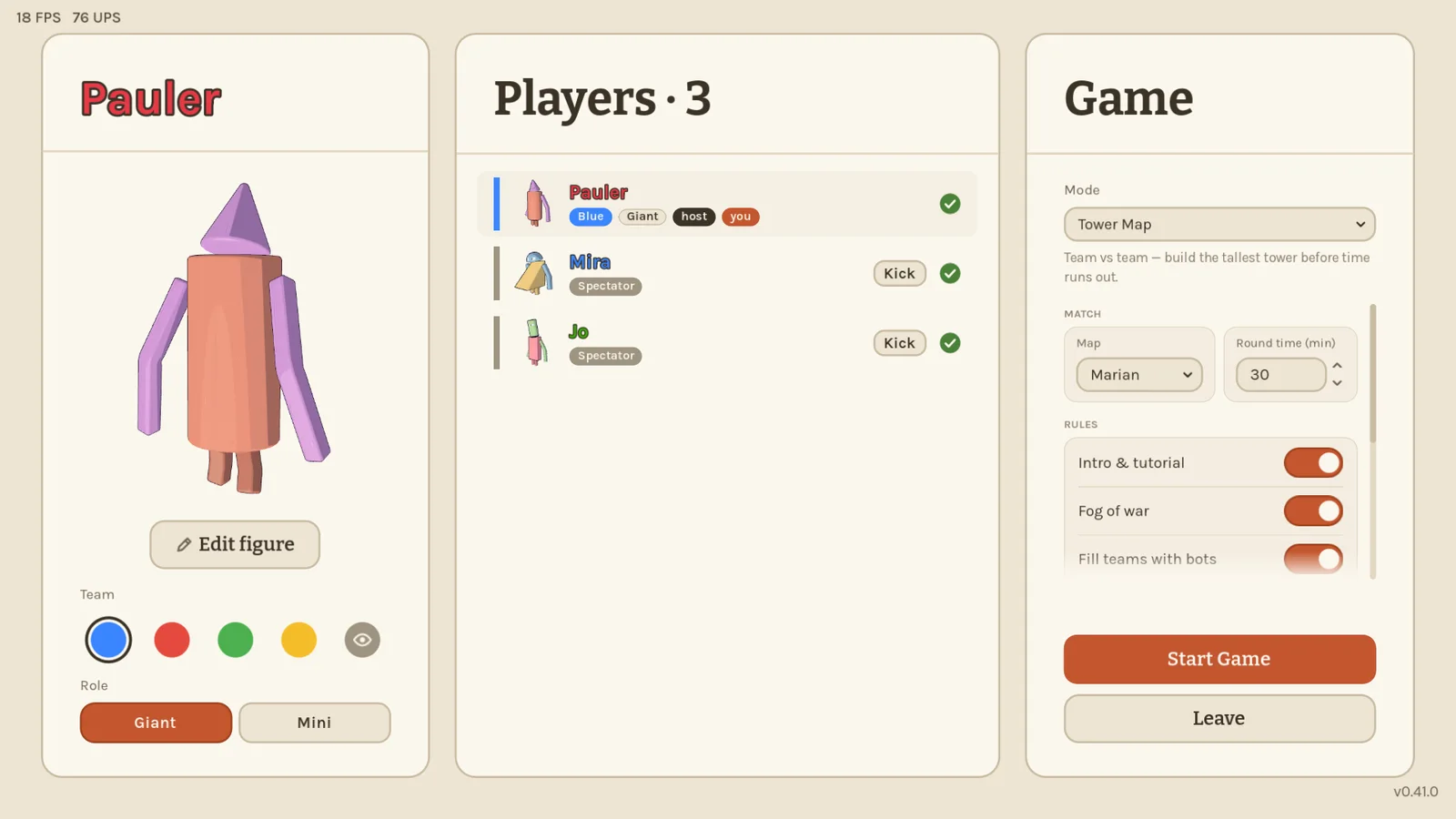
- Cleaner lobby settings & Marian default: Tower Map now defaults to the Marian map. Every game mode shows a short description right below the mode picker, and the host's Game settings are grouped into Match, Rules and Scale & Dev sections with a soft scroll fade when the list gets tall.
- Cleaner Tower Map starts: loose starter resource piles by the foundations have been removed — teams begin with their starting stock and nearby resource sources.
0.41.0 Team Locker 2026-11-19
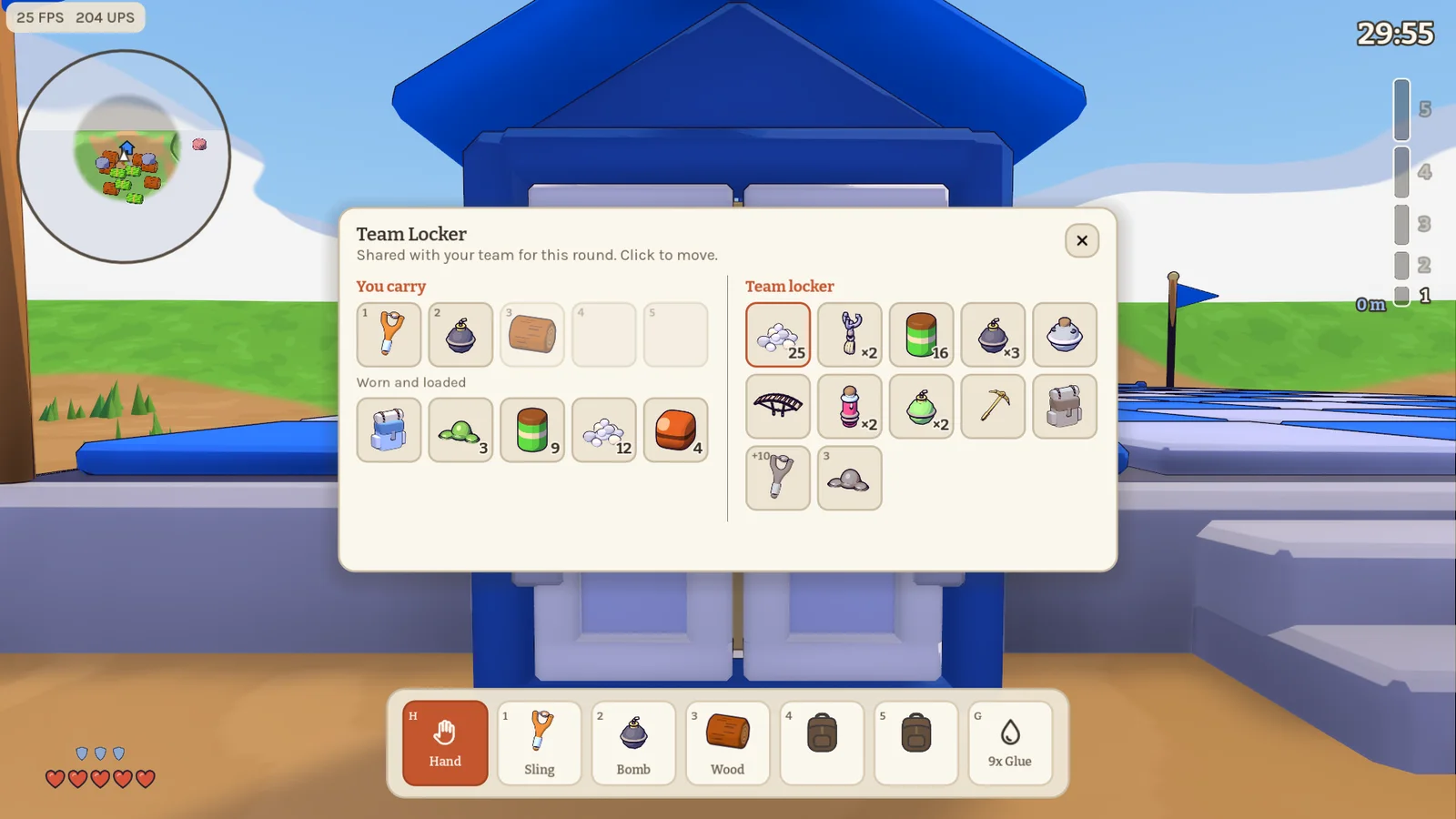
Minis on Tower Map can share gear through the lockers at their platform and barns. Aim at a locker and press E, then click an item to move it between your inventory and the team's. Gear stays available at every locker on your team for the rest of the round, so you can leave a spare tool at the platform and a teammate can pick it up at a barn.
0.40.1 Build along the slope 2026-11-18
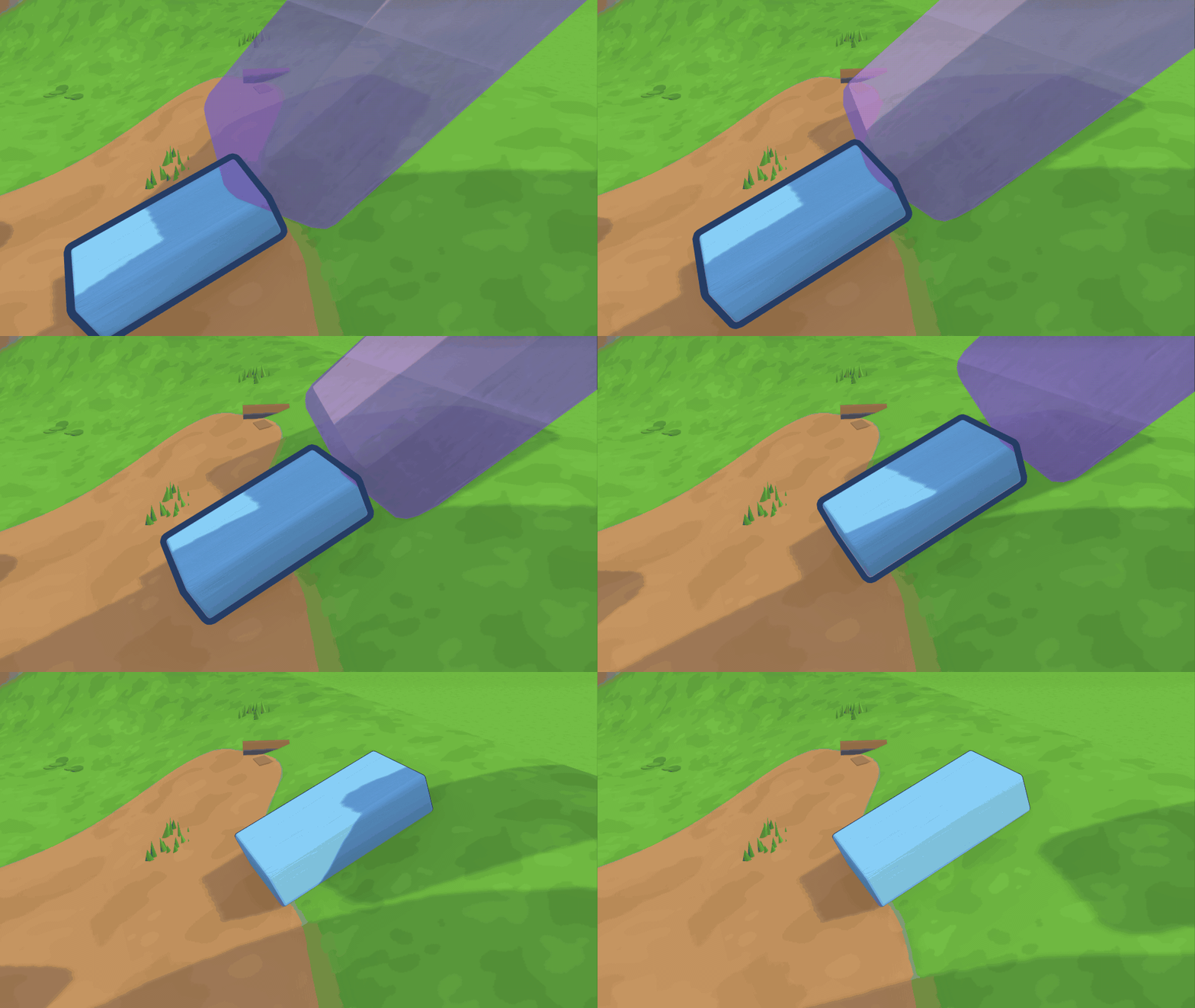
Giants on Tower Map can tap F to make held blocks follow the terrain's height and slope. Slide a block uphill, turn it with Q, E or R, and let go to see how it settles. Terrain follow stays on as you pick up the next block. Tap F again to switch it off.
0.40.0 Shields up, tools combined 2026-11-18
A big round of Tower Map playtest feedback, a new tool for minis, and a world that reacts when you bump into it. Older builds can't play together with this one, so everyone needs to update.
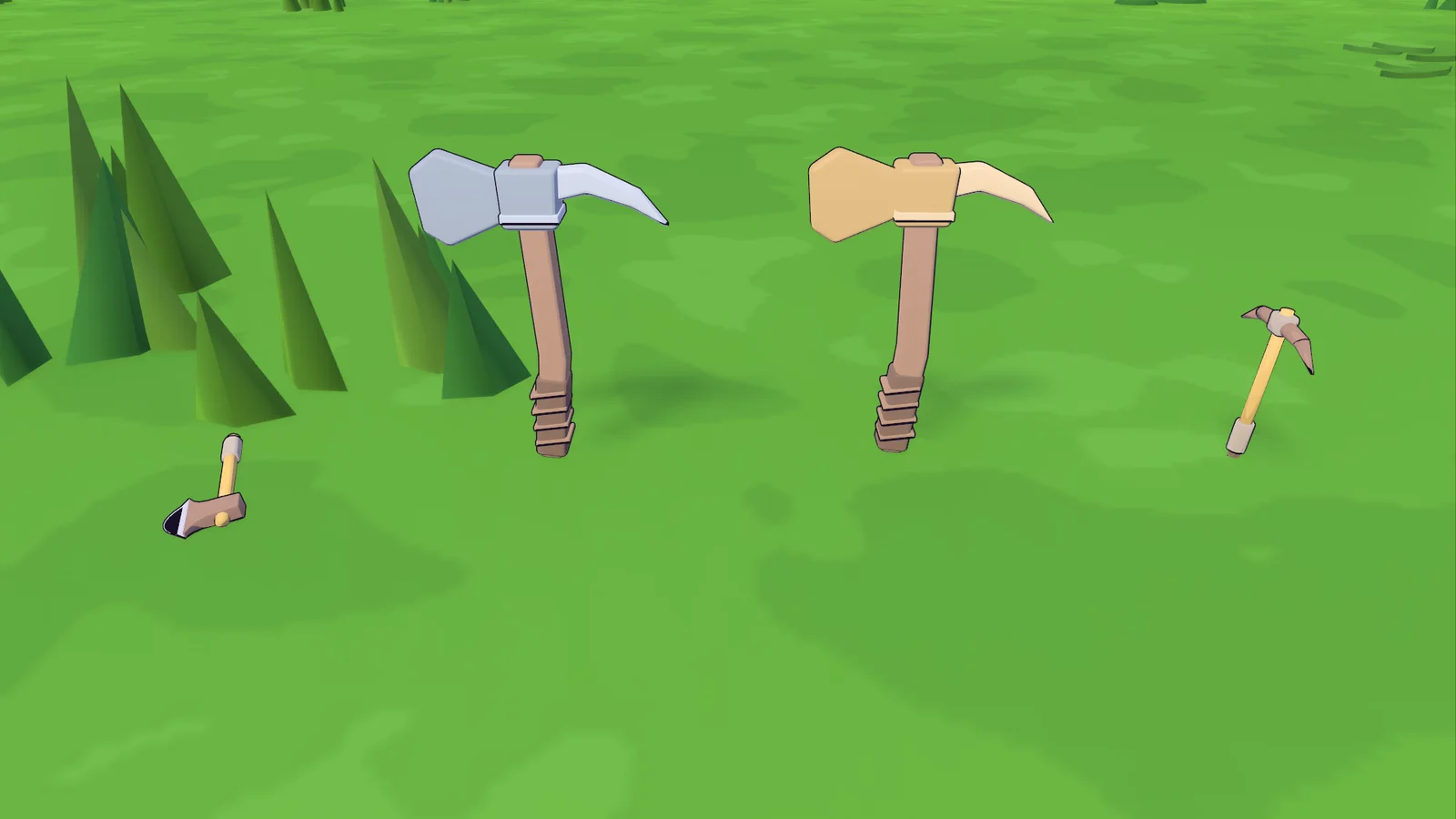
- Omni Tool: the new Iron and Gold Omni Tool is an axe and a pickaxe in one. Chop wood and mine stone without swapping, and keep a slot free.
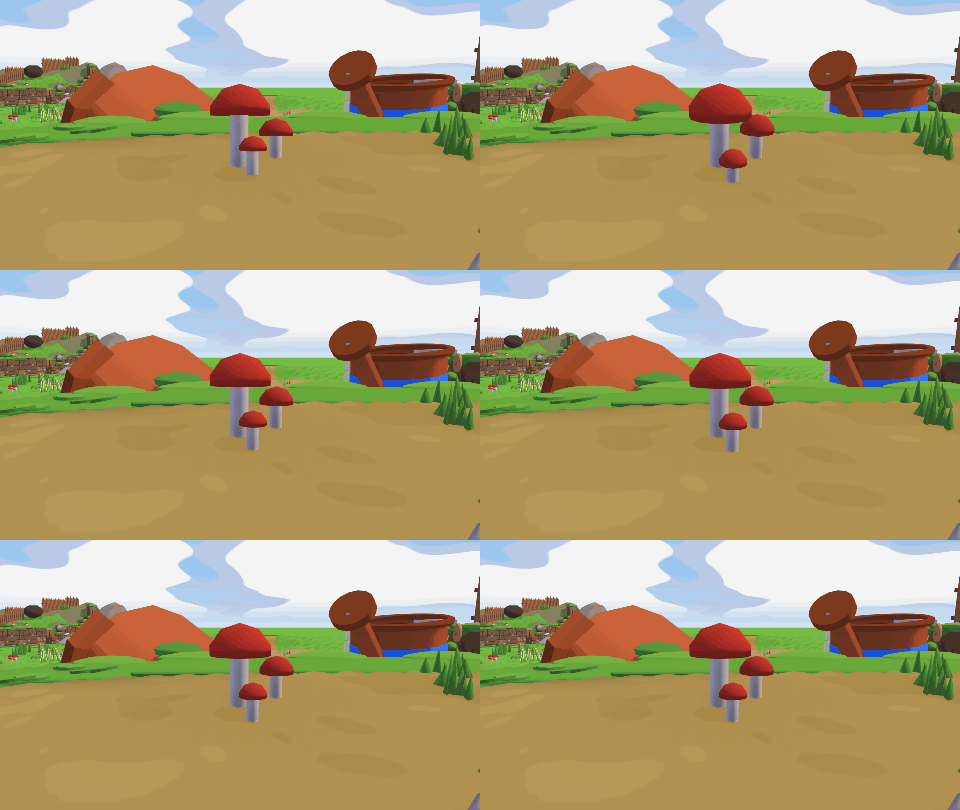
- Deco you can bump into: mushrooms, plants and other decorations are now solid, and they wobble when a mini shoves them or a giant clicks them.
- Armour is a shield now: it recharges after a while without damage, and lost hearts slowly come back. The heal mushroom fills your hearts first, then your shield. Putting on new armour drops the old one instead of destroying it.
- Sources regrow piece by piece instead of all at once, and nest sources now sit on the ground.
- Gathering and crafting: the grappling hook reaches 20 % less far. The converter turns out resin from tier V. A glue charge costs only resin, and the cart station no longer costs gold. Smashed blocks drop their material where you can see it. Deposit zones are smaller.
- Cannon: it asks whether you want to fire yourself or your cargo.
- Clearer texts: hover a resource number to see what it is, and descriptions across the menus say more plainly what things do.
- Giants: dragging a block in table mode feels the same at any angle and height, and the camera follows the held block. Giant arms no longer shove minis away, but minis can still stand on them.
- Minis: backpacks sit properly on the back, and minis joining a running round no longer fall out of the map.
- End screen: shows each mini's delivered resources, distance walked and kills.
- Workshop and building sheet: the recipe grid fits on screen and the building sheet sizes itself to what it shows.
0.39.6 Find your gear 2026-11-17
- Tier progress for minis removed again: the always-on height goal next to the tower gauge got in the way more than it helped.
- Crafted gear points the way: when your team's freshly crafted item is off screen, an arrow at the screen edge points to it, just like a ping.
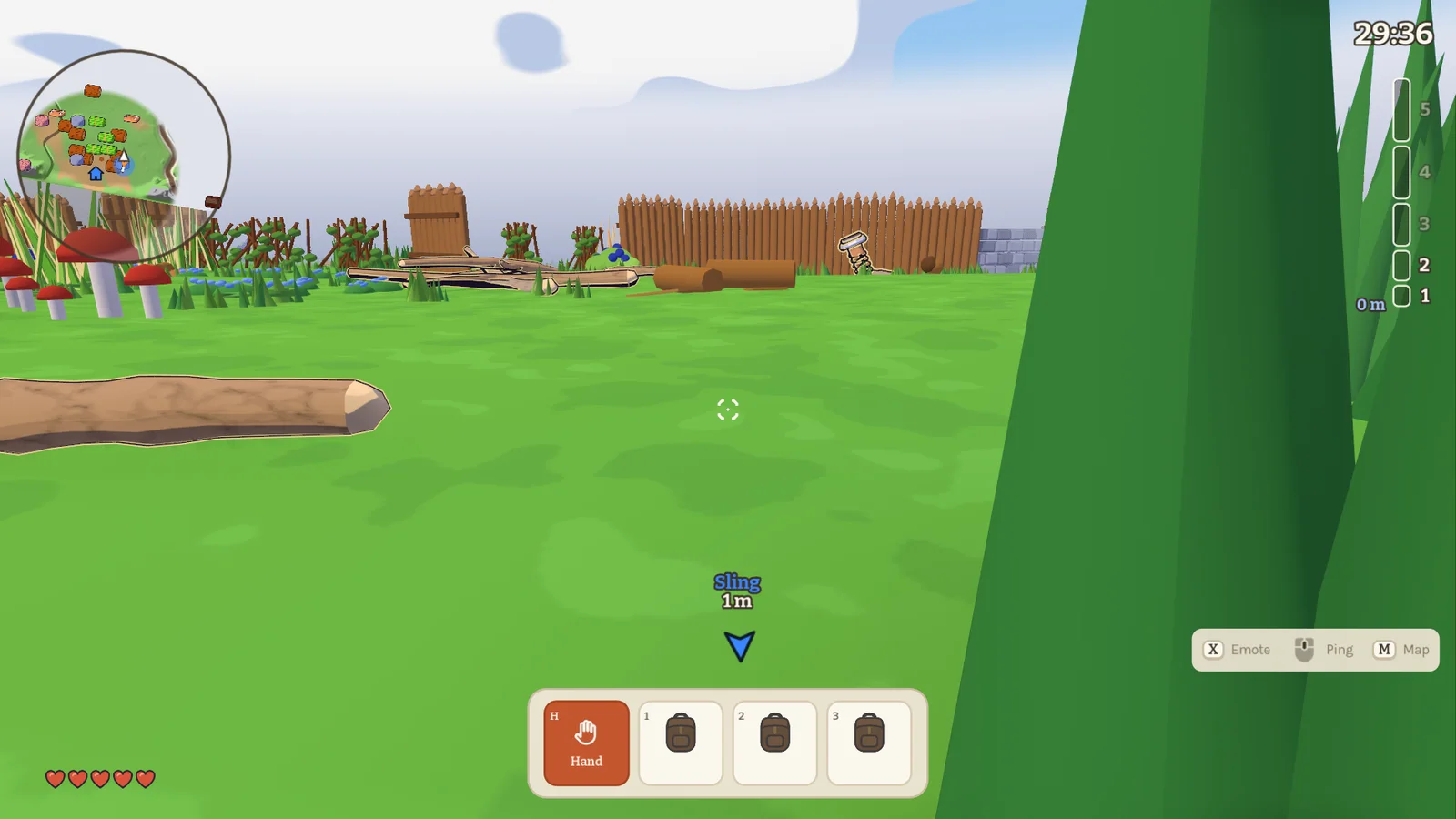
0.39.5 Half-built upgrades 2026-11-17
- Upgrades: the old building's blocks are now ordinary loose blocks, just as if someone had built half of the upgrade. Knock them out and you lay them in again with the rest.
0.39.4 Upgrades from real blocks 2026-11-17
- Upgrades: when you start an upgrade, the old building turns back into its blocks right where they stood, and you add the new parts to them. No more half a hologram.
0.39.3 Clearer upgrades 2026-11-17
- Upgrades: while a building is being upgraded, the old building disappears and its whole new shape shows as a hologram, so you see exactly where the new parts go.
0.39.2 Upgrades you can finish 2026-11-17
- Fix: while a building is being upgraded, its old shell no longer blocks you, so the new parts of the producers' level 2 can actually be placed.
0.39.1 Know where you stand, mini 2026-11-16
Minis now get the same sense of progress the giants have.
- Tier progress for minis: the next tier's height goal now always shows next to the tower gauge for minis, without the giant's building goals.
- Delivery feedback: when your delivery reaches the barn, a small "+3" with the resource's icon pops up above your toolbar.
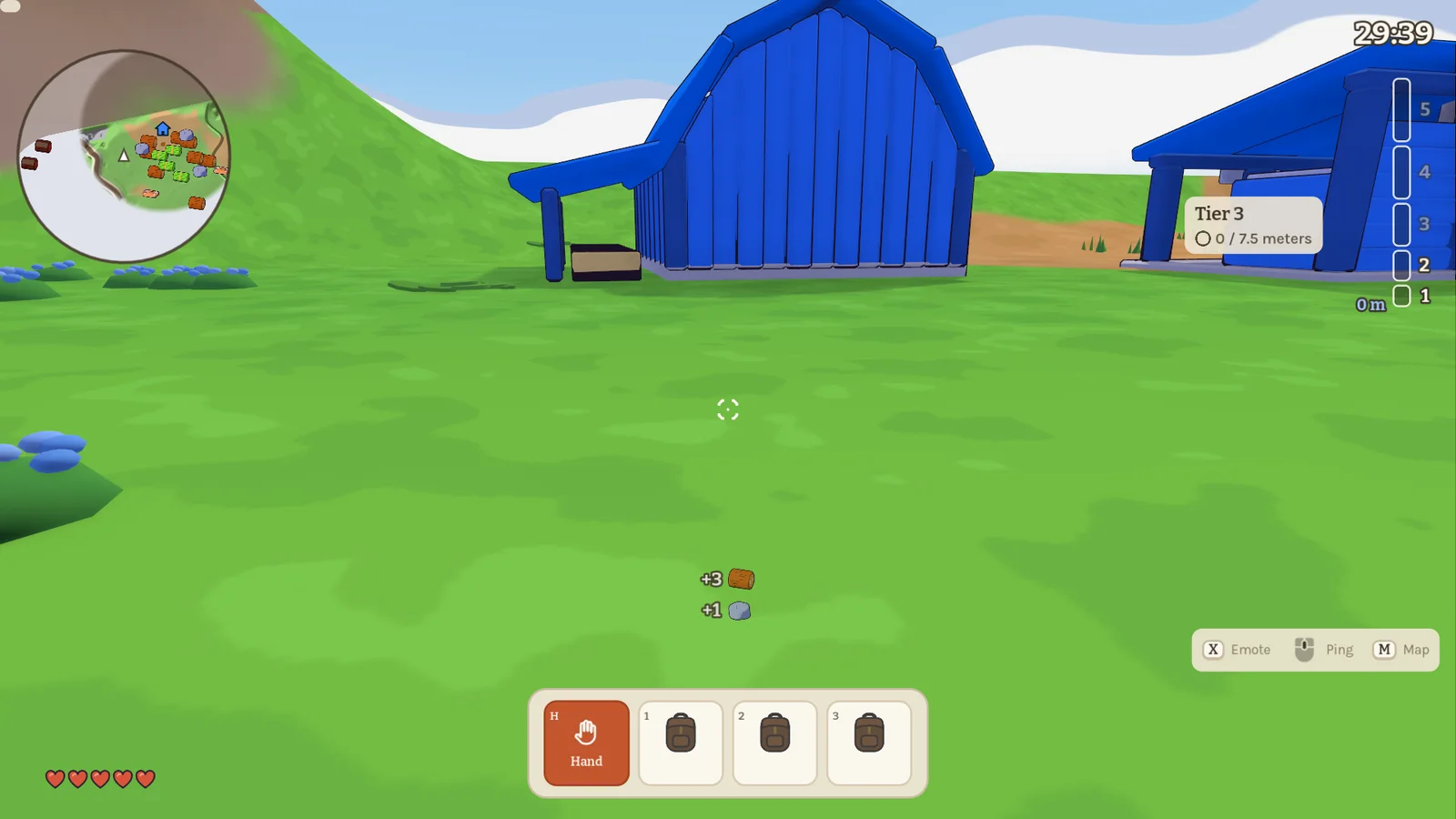
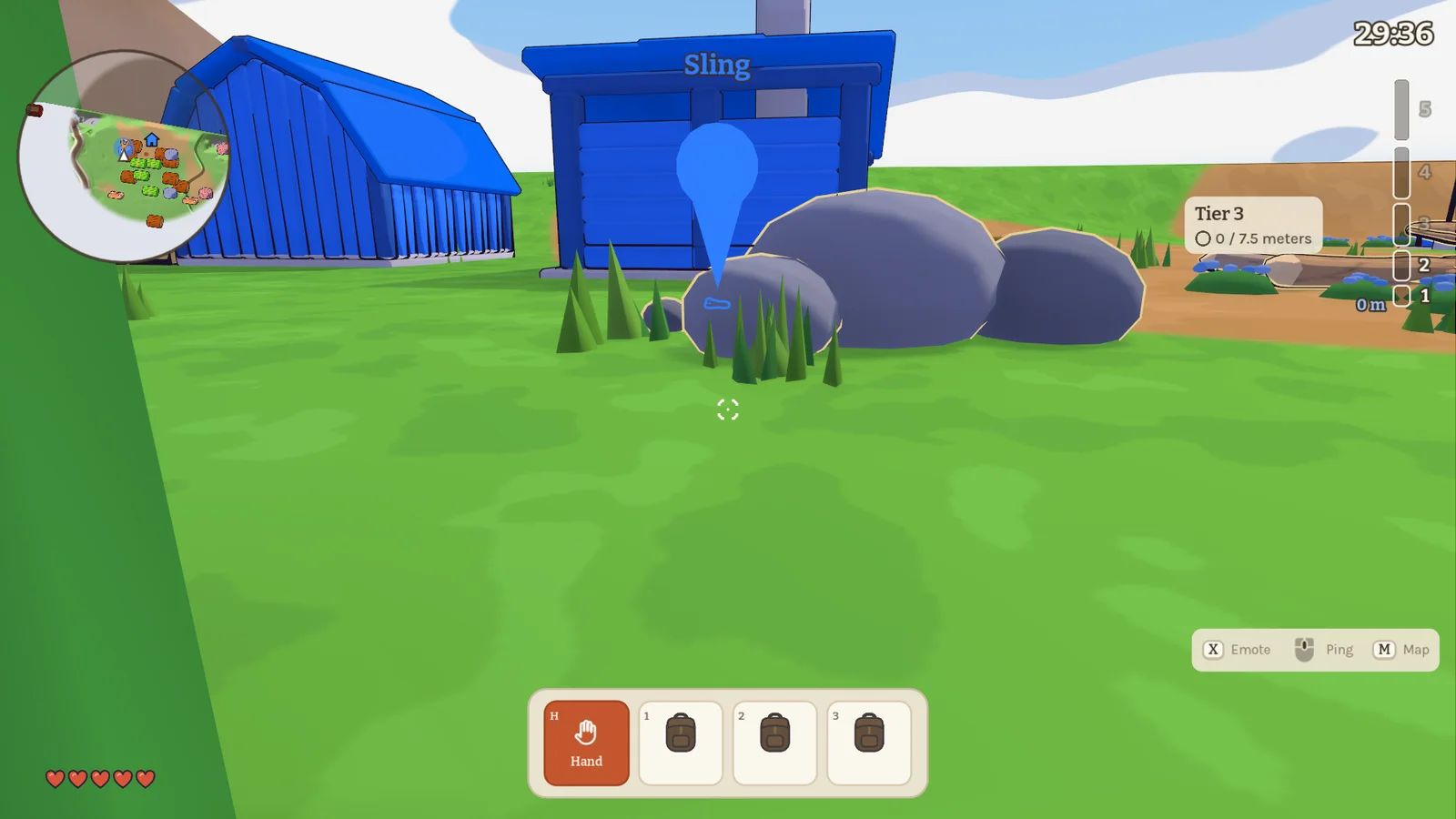
- Finished items are marked: gear your team crafted stays marked beside its building, and on the minimap, until someone picks it up.
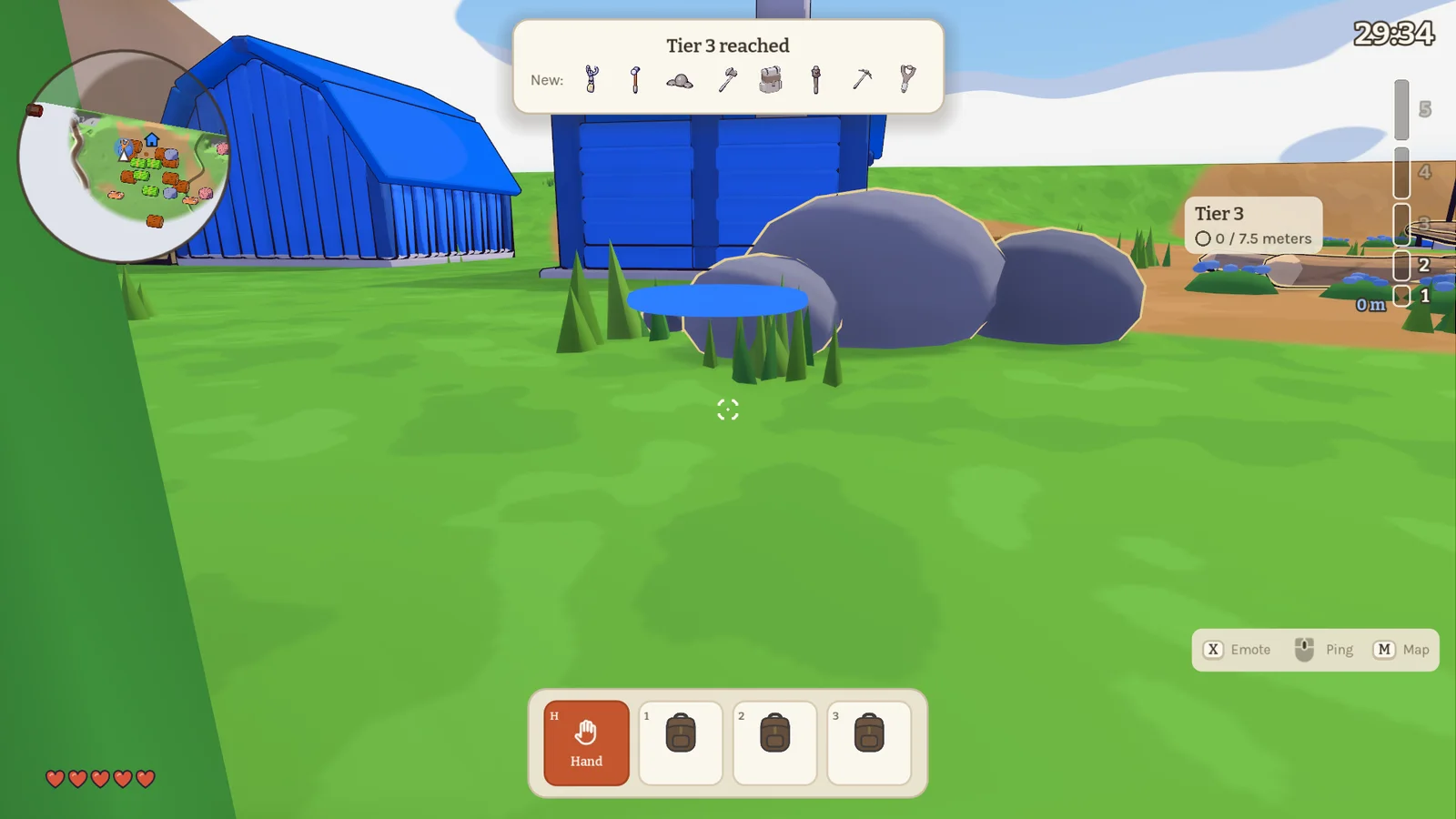
- Tier-up for minis: when your team reaches a new tier, minis see the gear they can now craft instead of the new buildings.
0.39.0 Passive income 2026-11-16
Four new buildings now produce resources for your team all on their own. Older builds can no longer play together with this one, so everyone in your group needs to update.
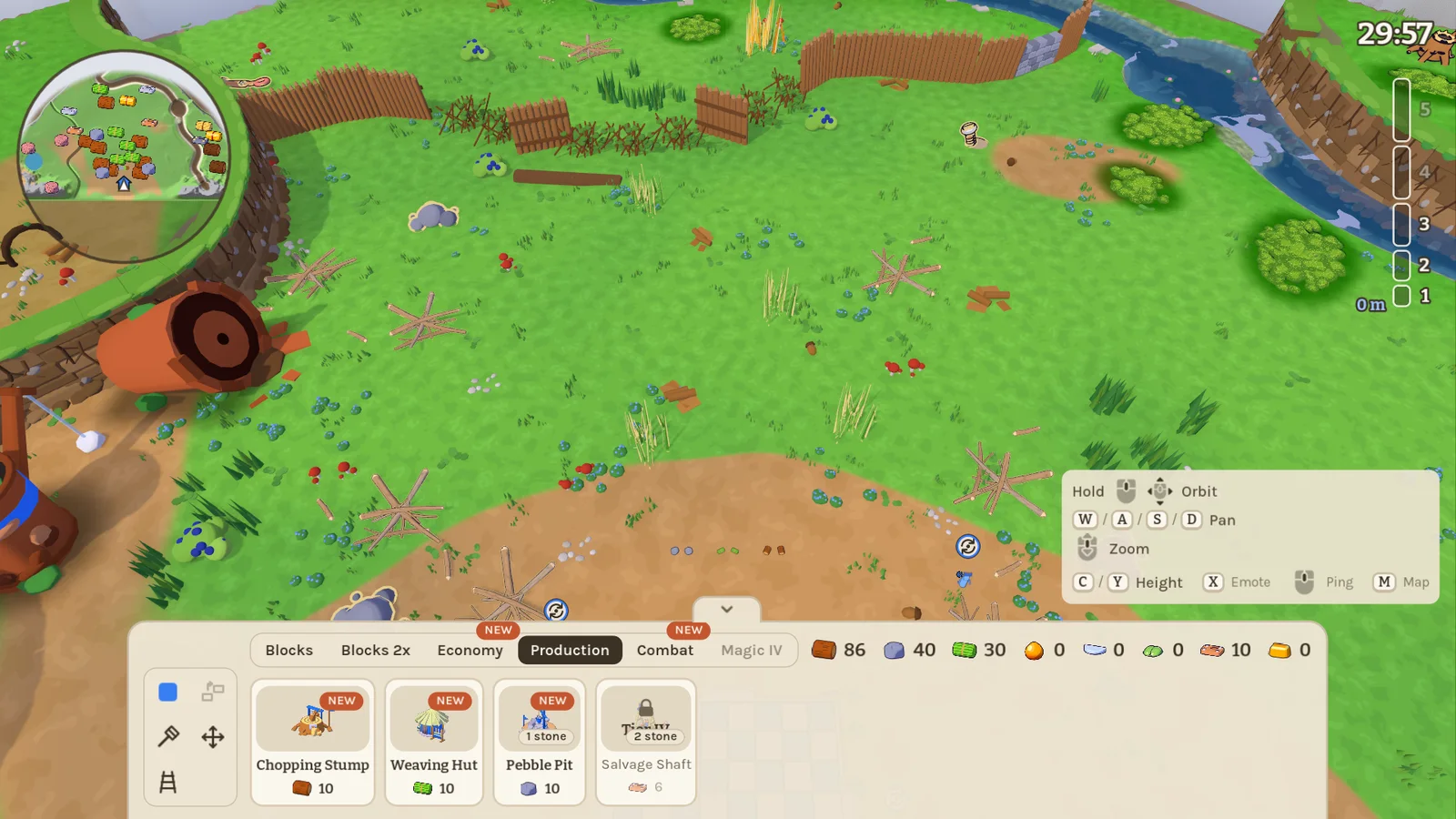
- Producer buildings: a Chopping Stump (wood), a Weaving Hut (fibre), a Pebble Pit (stone) and a Salvage Shaft (iron). Each one drops a resource straight into your team's stock every 20 seconds. Each costs the resource it makes, and every team can build one of each. A ring above the building shows when the next piece arrives.
- Level 2: upgrade a producer at its site to double its output. A damaged producer works slower, and a destroyed one stops.
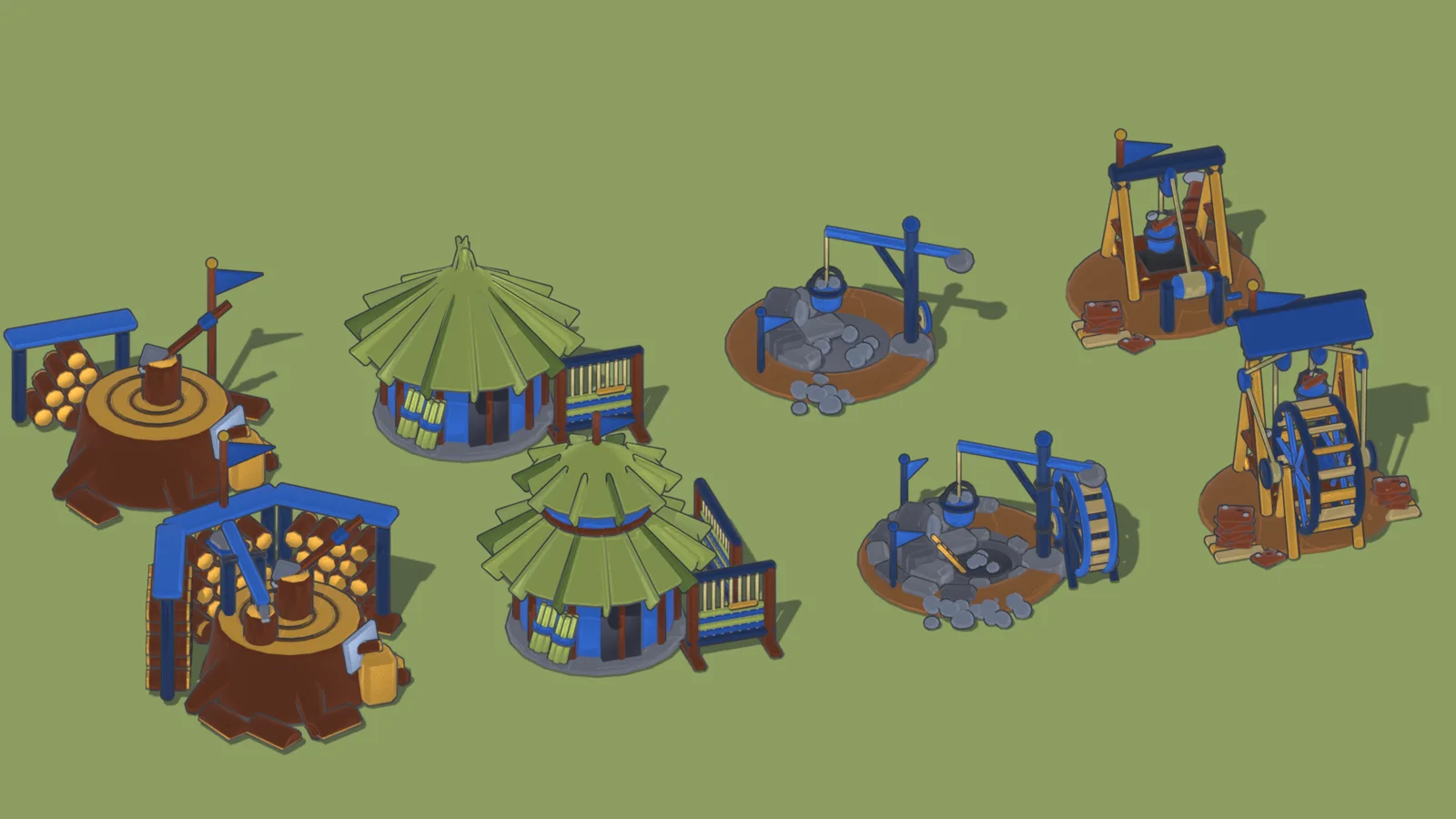
- Production tab: the producers have their own tab in the build menu, right after Economy.
0.38.0 Maps, barns and loot 2026-11-16
A big batch of changes straight from our last playtest: a minimap, a full-size map, easier hand-ins at the barn and more loot. Older builds can no longer play together with this one, so everyone in your group needs to update.
- Minimap: a round minimap in the corner shows your surroundings and pings. Hover a resource icon to see what it is. It also works while a giant sits at the table.
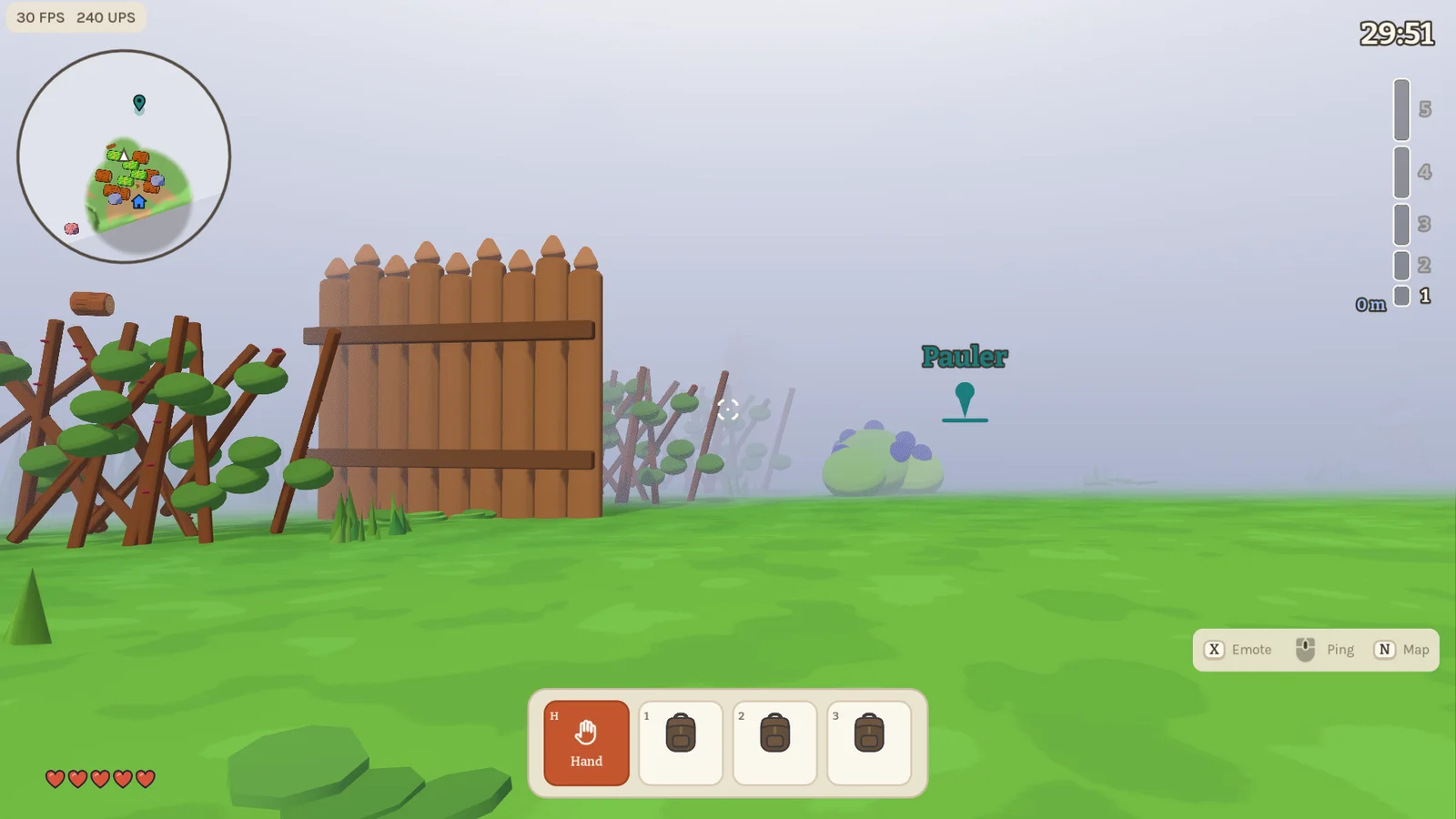
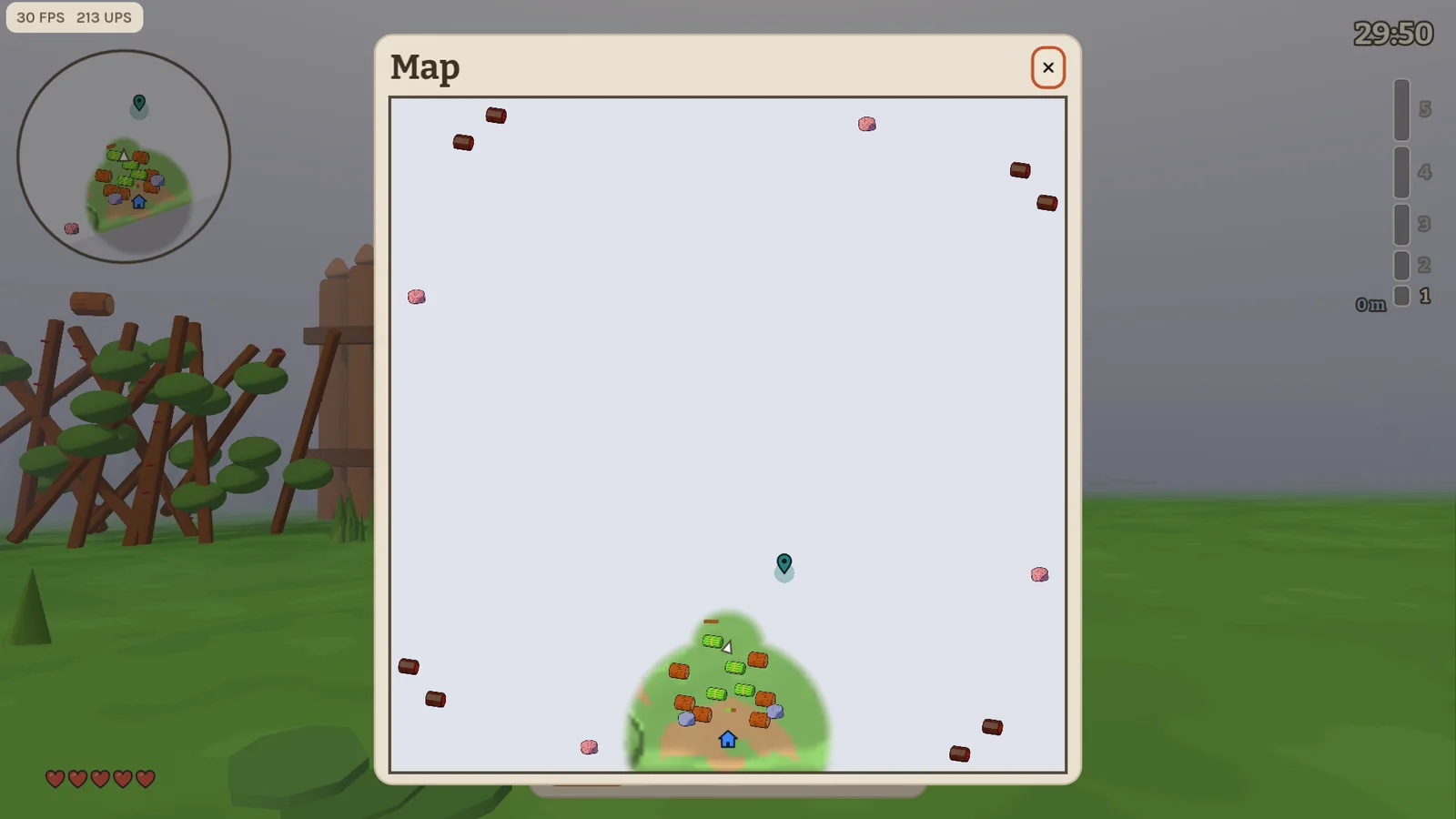
- Full map on M: open a full-size map to zoom, pan and ping anywhere; fog of war still hides what your team hasn't seen. The minimap toggle moved to N.
- Barns: press E at a barn to deposit everything you carry at once; the old way of handing resources in is gone. You get one barn at tier 2, two at tier 3 and three from tier 4, and barns and the tier platform share the same stock crates. A giant can now throw resources a mini dropped into the barn.
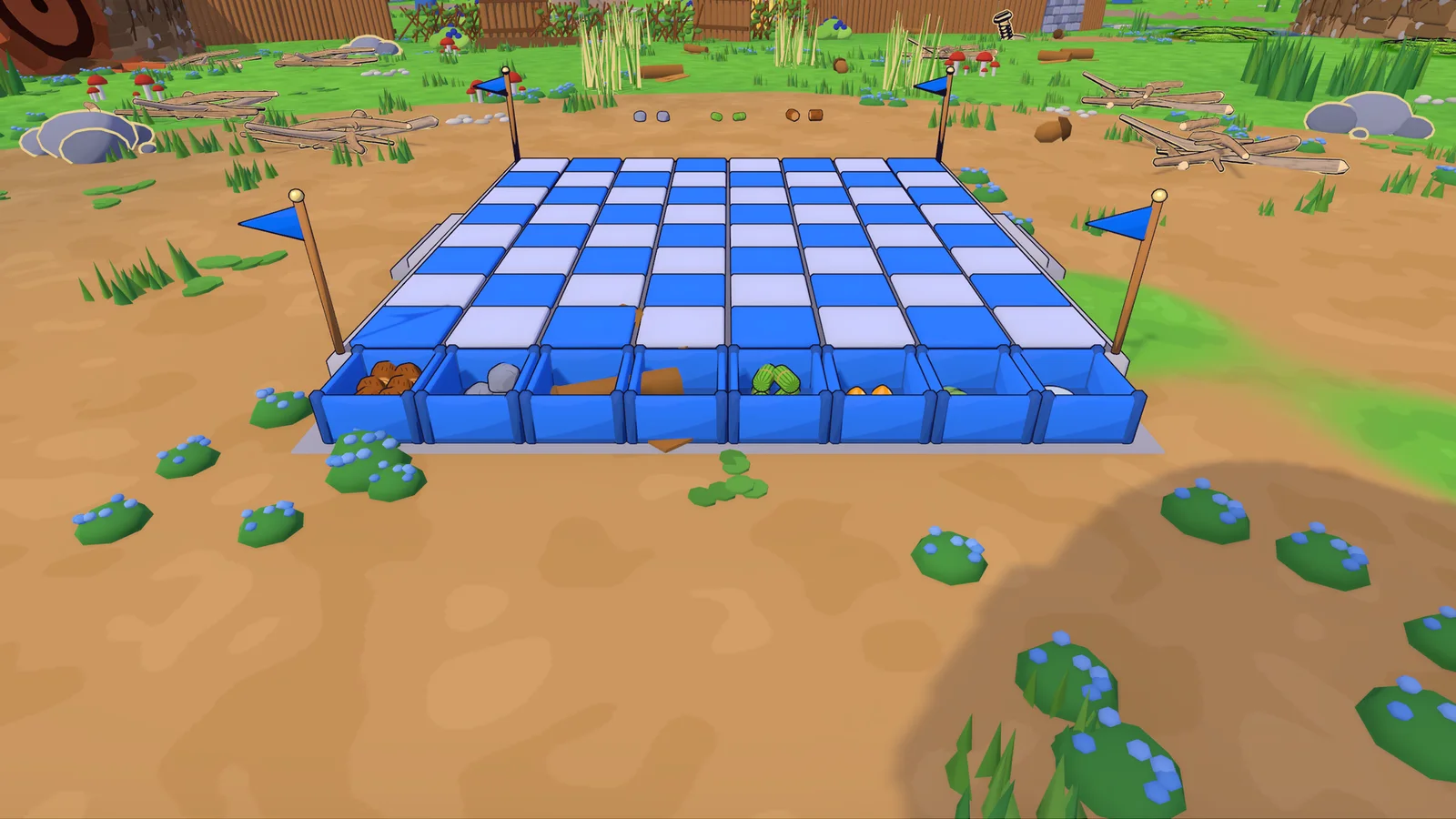
- More loot: armour drops when you die, with the points it has left. Broken rock walls, boulders and hedges drop stone or wood. Dismantled buildings refund half their cost.
- Nests: they give resources weighted by tier (never gold) and no longer take damage from building blocks.
- Quick pickup fills every free slot.
- Tall grass: loose items show an outline through the blades that fades with distance.
- Shallower lakes: lakes are less deep, and map makers can now set each lake's depth.
- Version check: when joining fails because of a different version, you now see both your version and the host's.
- Fixes: a tool's hit lands when it actually strikes, not when you press the button. A giant pressing down on a mini pushes it aside instead of into the ground. Glue charges, ammo and armour points now stay correct for joined players.
0.37.0 Play to the last second 2026-11-16
Tower Map rounds now always run until the clock hits zero. Older builds can no longer play together with this one, so everyone in your group needs to update.
- No early win: reaching a target height no longer ends the round. When time is up, the team with the tallest tower wins; on equal height, the team that got there first.
- Simpler lobby and HUD: the "Target height" setting is gone, and so are the hold countdown and the goal mark on the height meter. Tiers unlock at the same heights as before (3, 7.5, 13.5 and 21 m).
0.36.0 Smoother sessions 2026-11-16
A stability release built from the error reports your games sent in. Older builds can no longer play together with this one, so everyone in your group needs to update.
- Version check: joining a host that runs a different game version is now refused cleanly with a "Different game version" message, instead of connecting and then breaking in odd ways.
- Fewer disconnect glitches: going back to the lobby or starting the next round no longer leaves clients briefly out of sync. Leaving a game on purpose no longer shows up as a lost connection or a player who "left the round".
- Bots stop getting stuck: bots no longer wander or detour down slopes they can't climb back up, so they stay near their base and keep working.
- Small fixes: ants tilt cleanly on uneven ground, and a handful of rare engine warnings are gone.
0.35.9 Giants land on their side 2026-11-16
- Growing back at the board's edge: a mini turning back into a giant near the rim of the board no longer lands on top of a building on the board; the giant stands on its own side again.
0.35.8 Everything floats 2026-11-15
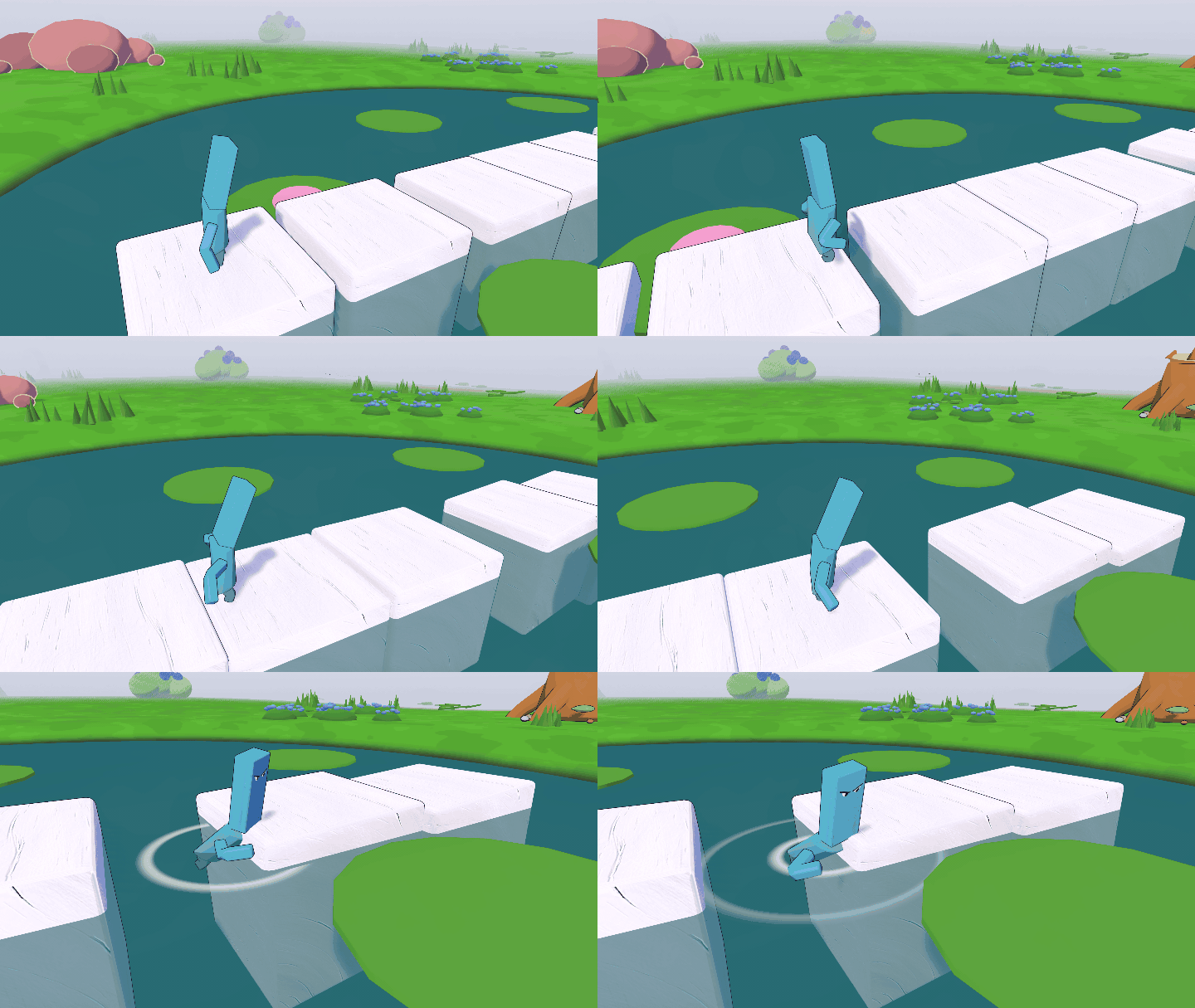
Blocks and resources now float in every pond, lake, moat and brook, so giants can build bridges for their minis.
- Floating bridges: building blocks and resources float in all water. Lay a row of blocks across a pond and your minis can walk over; a block dips a little when a mini steps on it. Resources in water no longer sink after 30 seconds, they stay until someone picks them up.
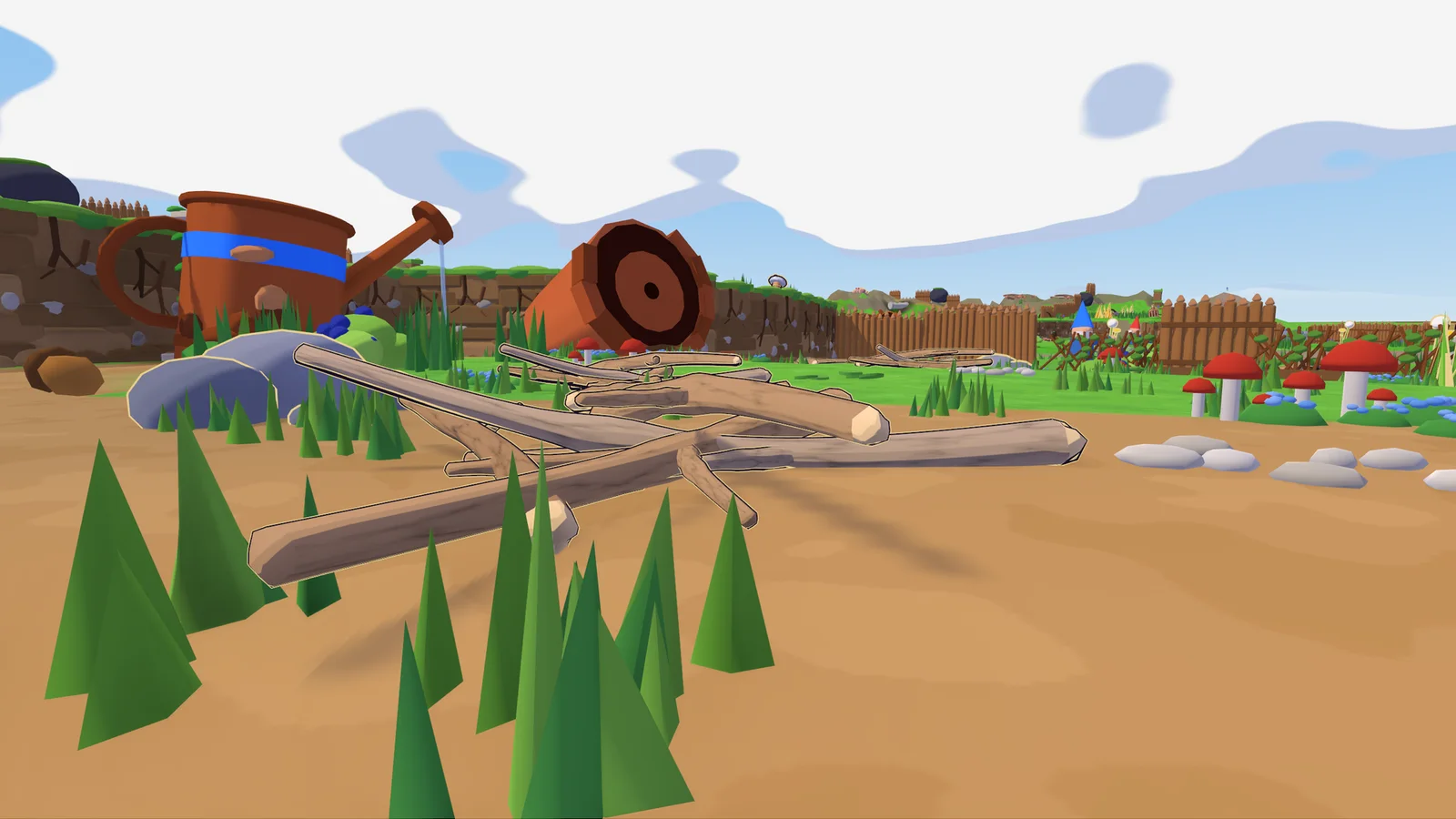
- Sources stand out: every resource source has a warm-white outline rim, so you can tell it apart from decoration at a glance.
- Climb with a load: minis can now climb while carrying anything.
- Ant nests: a destroyed nest never comes back; a large resource source grows in its place. New nests only appear when a team reaches a tier for the first time. Nests also attack less often: they rest after each march.
- Tiers count by volume: big blocks count by their size towards tier requirements (a 2×2×2 cube counts as 8). The tier height display no longer rounds an unmet height up.
- Marian map: reworked again.
0.35.7 High graphics by default 2026-11-15
- New players start on High graphics again instead of Medium.
0.35.6 Smooth ground for everyone 2026-11-15
- Joined players see the full terrain detail: the ground no longer looks low-poly for everyone except the host, and the camera no longer dips under it.
0.35.5 Marian reworked 2026-11-15
The Marian map got a new layout.
- Gold in the centre: a stag beetle now guards the centre, beside a gold vein and the gold crown.
- Iron on the map: a rusty screw and a scissor half give iron, and a rake lies in the meadow.
- More to gather: extra twigs, pebbles, granite, grass and oak branches, a second pond, and ant nests and beetle meadows in new places.
- Walls hold: rock walls, hedges and the boulder can no longer be climbed over, only broken.
- The start moved a little.
0.35.4 Stag beetles find the shore 2026-11-15
- Stag beetles get home again: a stag beetle that chases a gold thief into the crater lake now swims round to where the island slopes into the water and climbs out there. Before, it could get stuck below the island's sheer rock forever.
- Iron forks on the Tower Map now stand on level ground.
- Graphics: new players start on the Medium graphics preset instead of High. Graphics settings you changed yourself stay as they are.
0.35.3 Bots carry like minis 2026-11-15
Mini bots now follow the same carrying rules as you do as a mini.
- Gear takes a slot: tools, the sling, the club and bombs each take one of a bot's resource slots; backpacks and armour don't. A bot with a pickaxe and no backpack carries 2 resources instead of 3. A bot always keeps at least one slot free for resources, so it won't pick up gear that would leave it with none.
- Tools in hand: while a bot gathers, it holds the matching tool in its hand, and only then does the tool knock out extra pieces. On the way home or in a fight it switches back to its club or bare hands.
- Broken walls: after a bot breaks a rock wall or hedge on a slope, it no longer gets cut off from its base.
0.35.2 Bots with backpacks 2026-11-15
Mini bots now wear backpacks, and a new dev console command gets lost bots home.
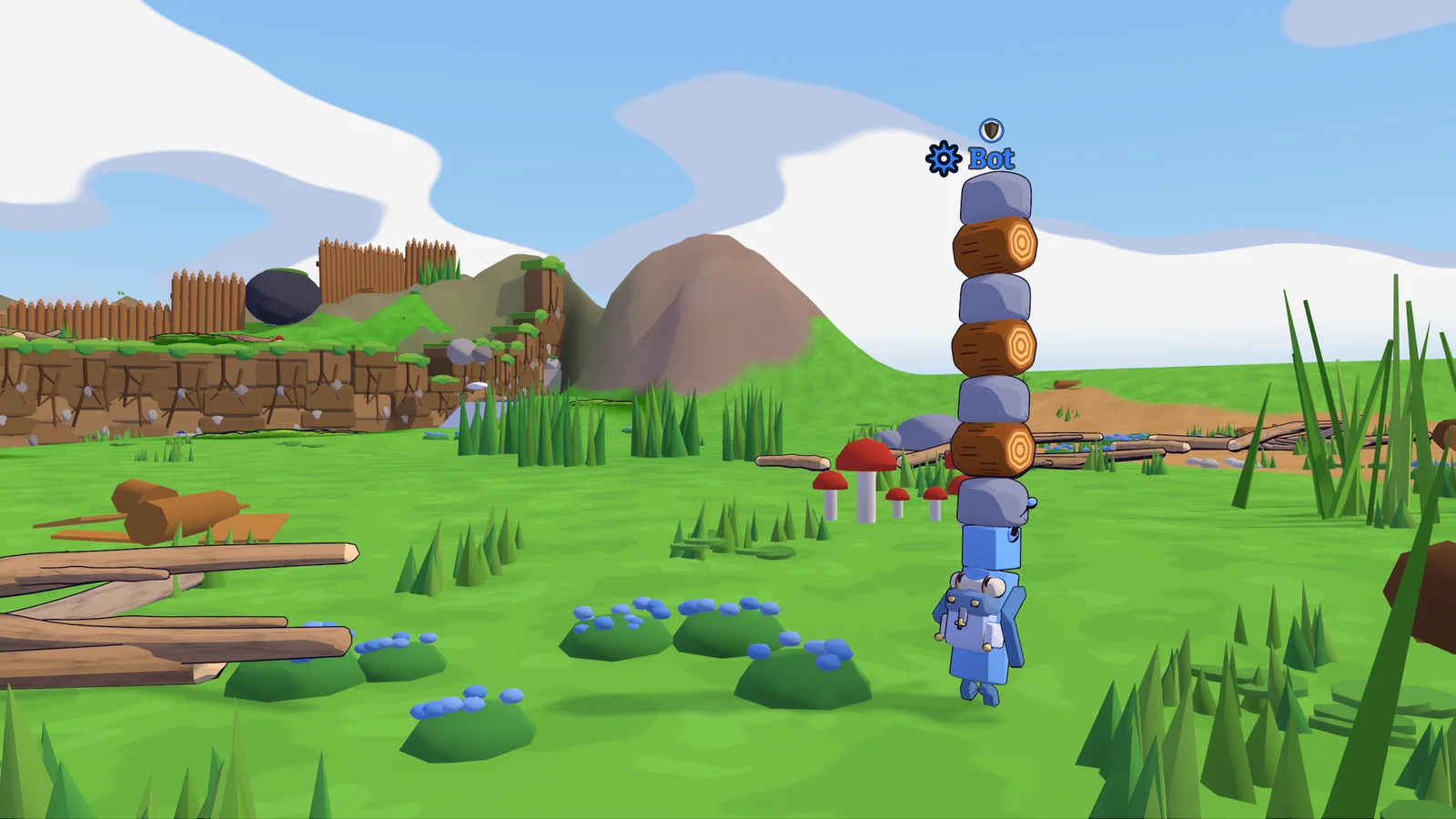
- Backpacks for bots: mini bots pick up backpacks lying nearby, just like tools. With a backpack they carry 5, 6 or 7 resources instead of 3, stacked high on their head. You can see the backpack on the bot, and it drops when the bot dies or gets Drop everything.
- Unstuck bots: the dev console command
unstuck botssends every living bot back to its team's platform. Bots keep their gear and their order. - Mobs that jump far now appear at their new spot right away instead of sliding across the map.
0.35.1 Ants on the cliffs 2026-11-15
Ants now climb any hill, mini bots can ride a block you carry, and bots find their way back after clearing a wall.
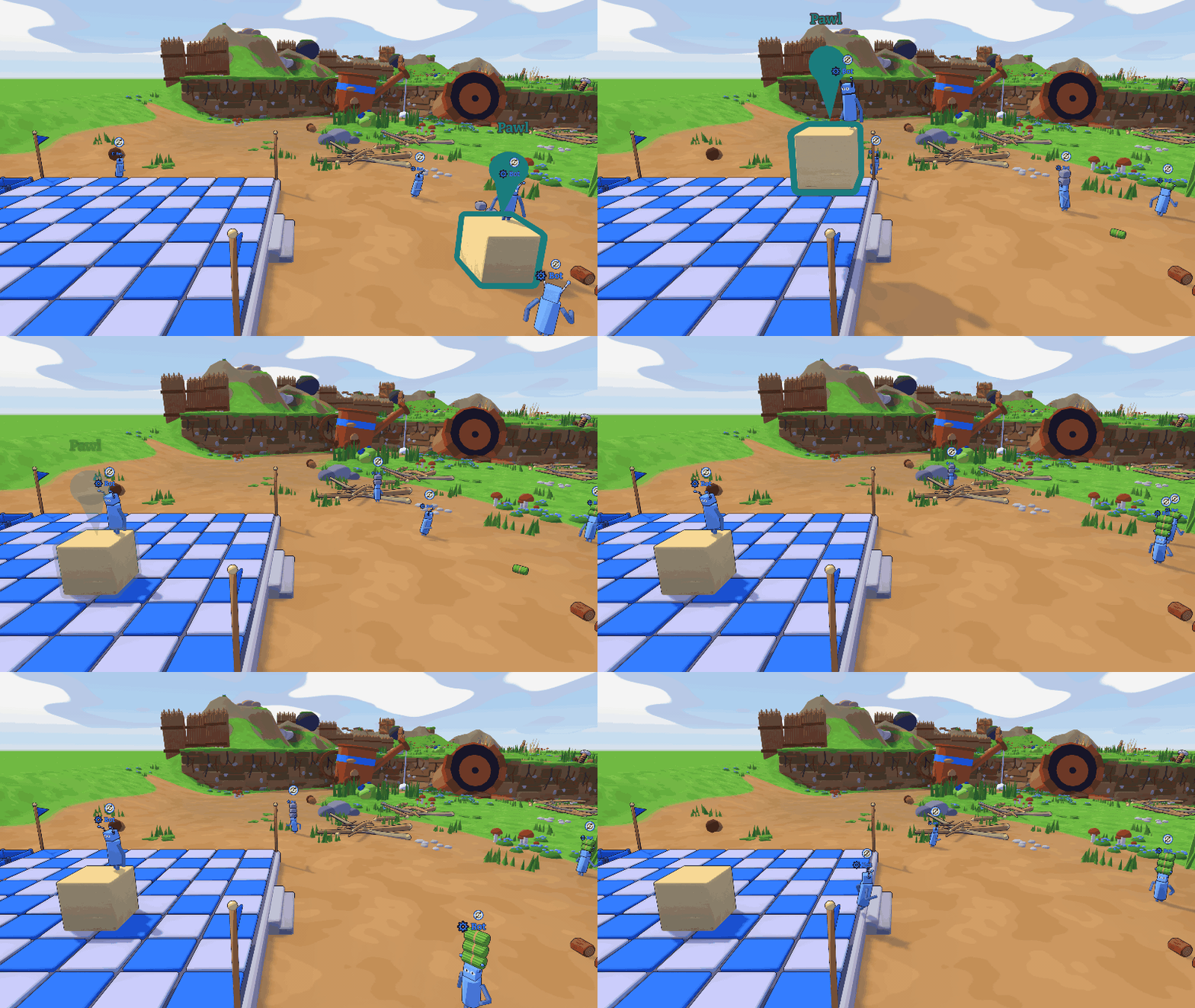
- Bots ride blocks: give a mini bot Go to on a low building block and it climbs on. Pick the block up and carry the bot wherever you like; after you set it down it hops off and goes back to its job. Blocks that are too high show "Too high".
- Bots after Destroy: a bot that broke a rock wall or hedge no longer says "no route" on its way back through the gap.
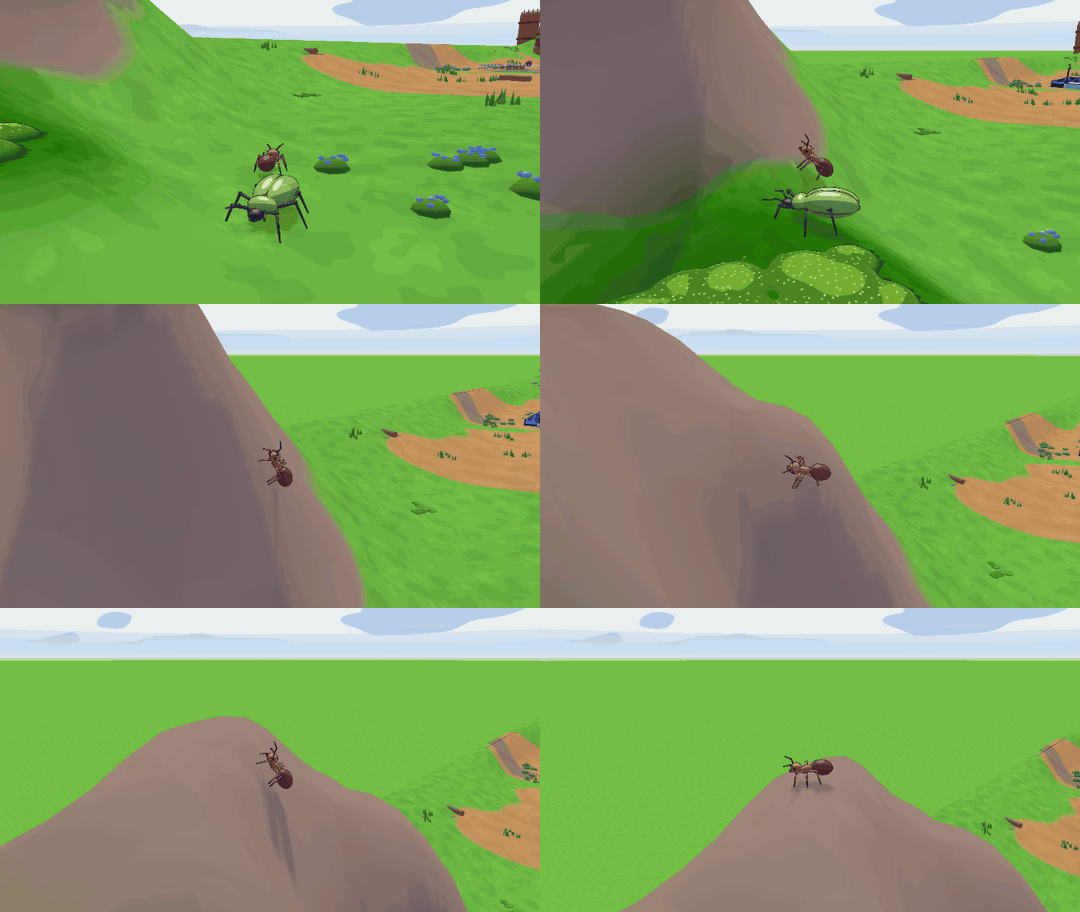
- Ants climb: ants walk up and down hills and cliffs of any steepness, tilting their body to the slope. Beetles, stag beetles and mini bots still need a gentle slope, and everyone still walks around rock walls, blocks and buildings.
- Map editor: the path test can show the route of ants or of beetles and bots.
- Cheats: cheats no longer unlock every tier or fill every storage. Use the dev console instead:
tier 3unlocks up to tier 3,give all 50adds resources.
0.35.0 Gold veins and smarter bots 2026-11-15
Gold now comes only from Gold Veins, which need an iron pickaxe. Mini bots take more precise orders, and the Tower Map runs noticeably faster. Older builds can't play with this one.
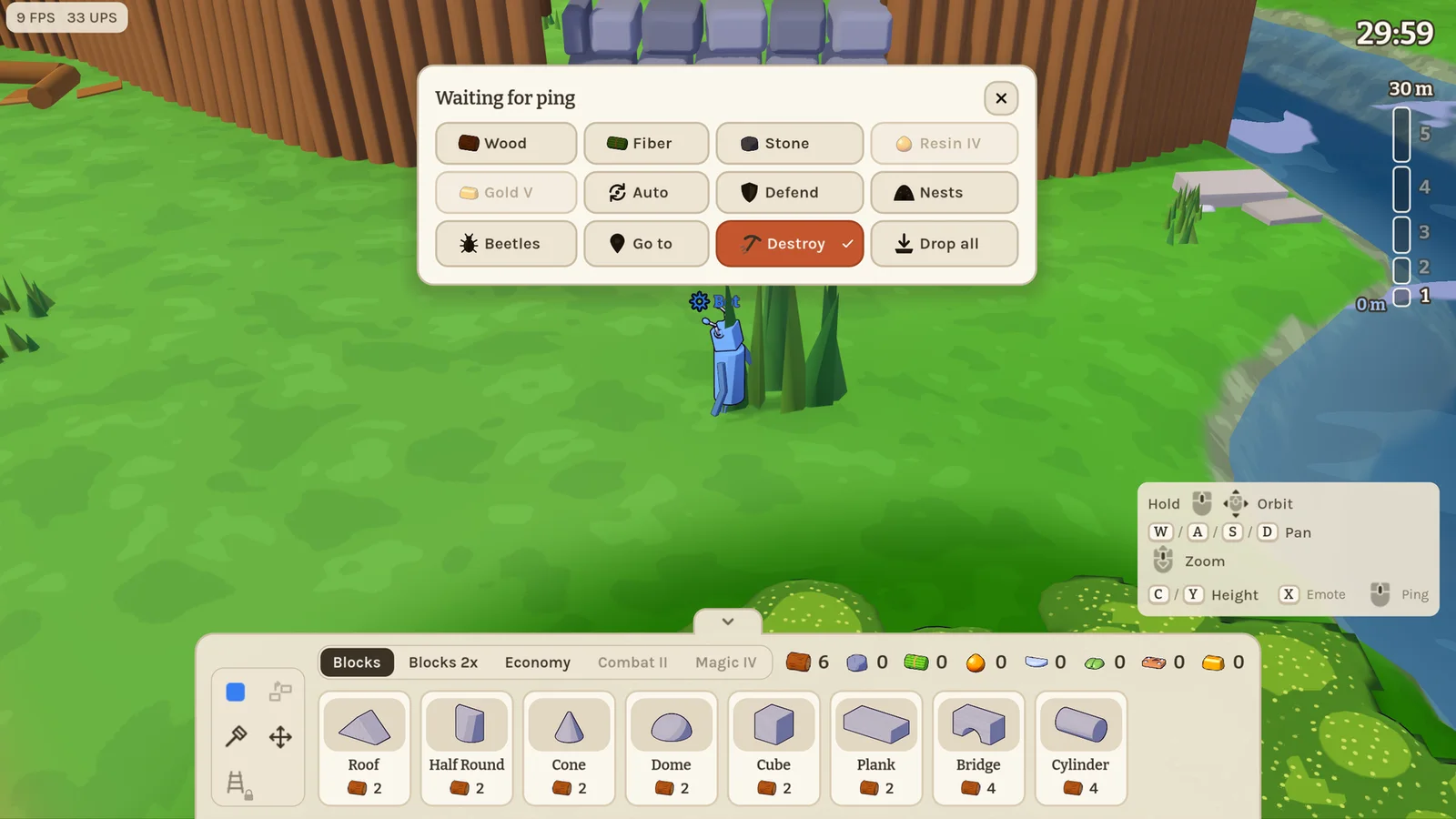
- Bot orders: Go to sends a mini bot to the spot you ping. It waits there a moment, then goes back to its old job, picking up the source you sent it to. Destroy has it break the rock wall, hedge or boulder you ping, fetching the right tool from nearby if it has none.
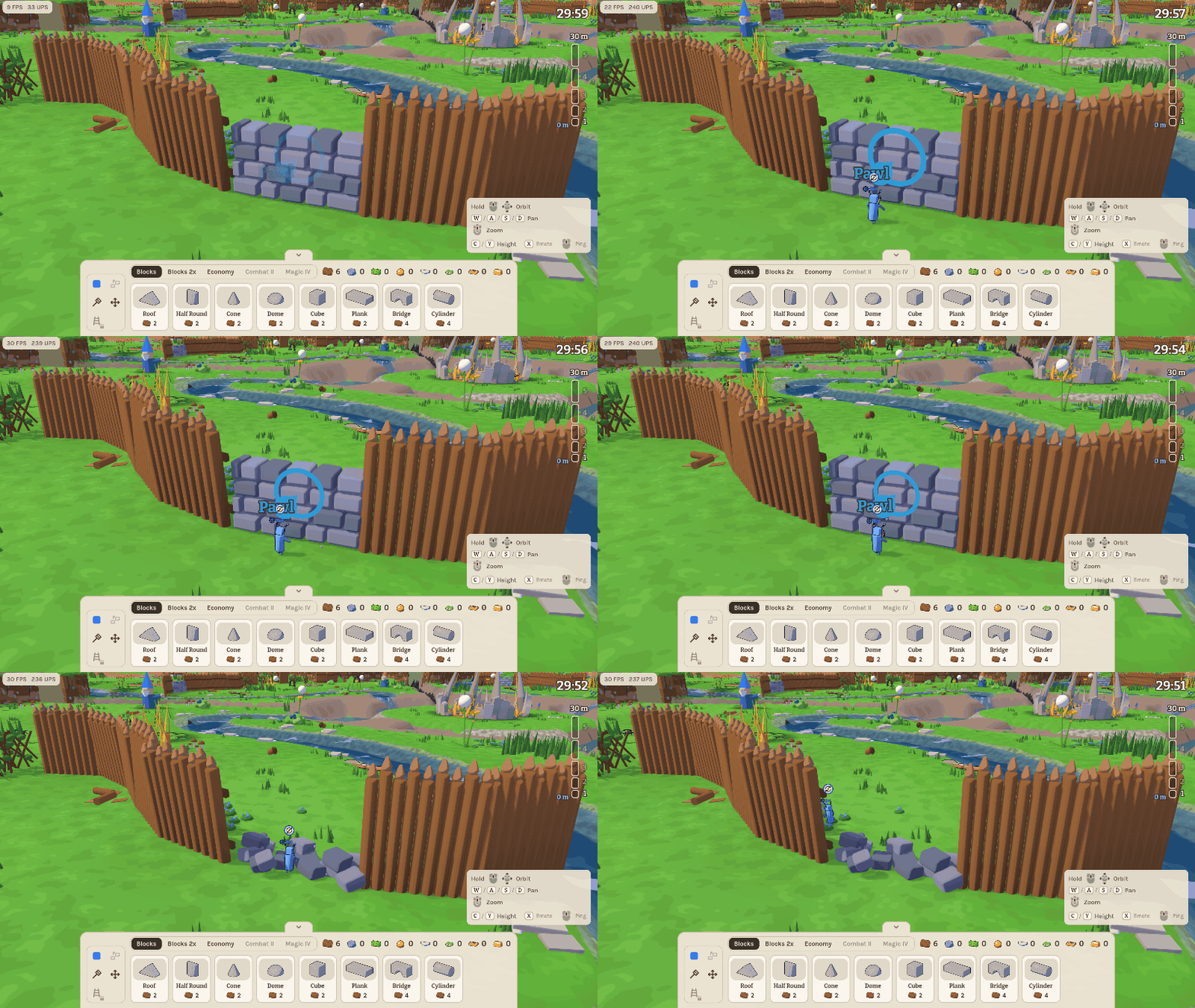
- Gold Veins only: loose gold no longer appears on the island. Gold Veins can only be mined with an iron or gold pickaxe; other tools bounce off and show which pickaxe you need. Giants can't grab gold right next to a vein.
- Stag beetle dens: in the map editor the old gold area is now a stag beetle den. Each den gets a stag beetle guarding a ring you can size.
- Sources: home sources are ordinary sources now. Every source regrows by its size: small ones after 6 minutes, medium after 8, large after 10.
- Nests: bug nests grow close to your base first and farther out as the game goes on.
- Faster Tower Map: the terrain, the fog, distant shadows, full storages and resource sources all cost much less to draw. The map editor slows down while it's in the background, so test rounds started from it run at full speed.
- Map editor: the gold crown lands right under the cursor.
0.34.1 Hide in the grass 2026-11-15
Maps can now have tall grass for minis to sneak through, and teams keep their markers to themselves.
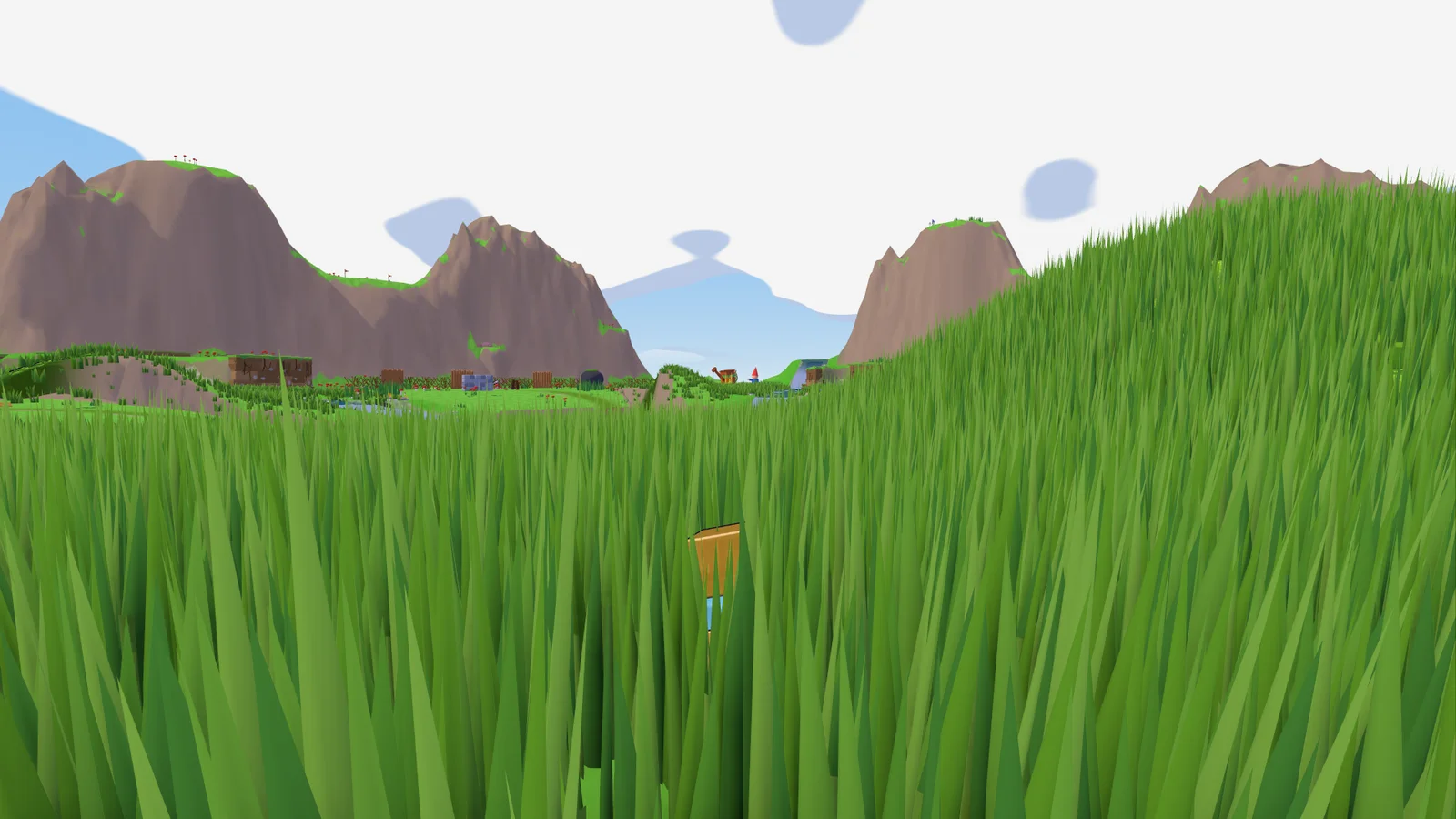
- Tall grass: dense grass taller than a mini, swaying in the wind. Minis walk through it at full speed and stay hidden while they stand still; moving parts the blades, so a careful eye can spot them. Blocks and buildings lying on it press it flat.
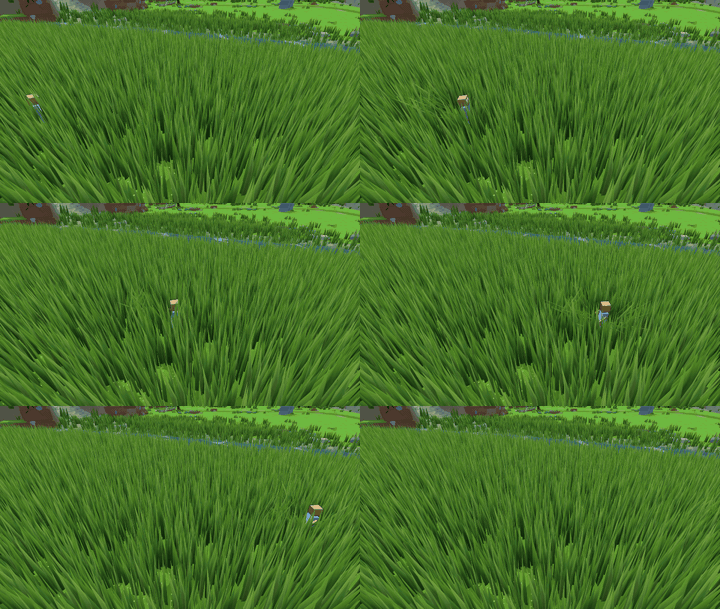
- Team markers: in team rounds you only see your own team's mini markers and pings.
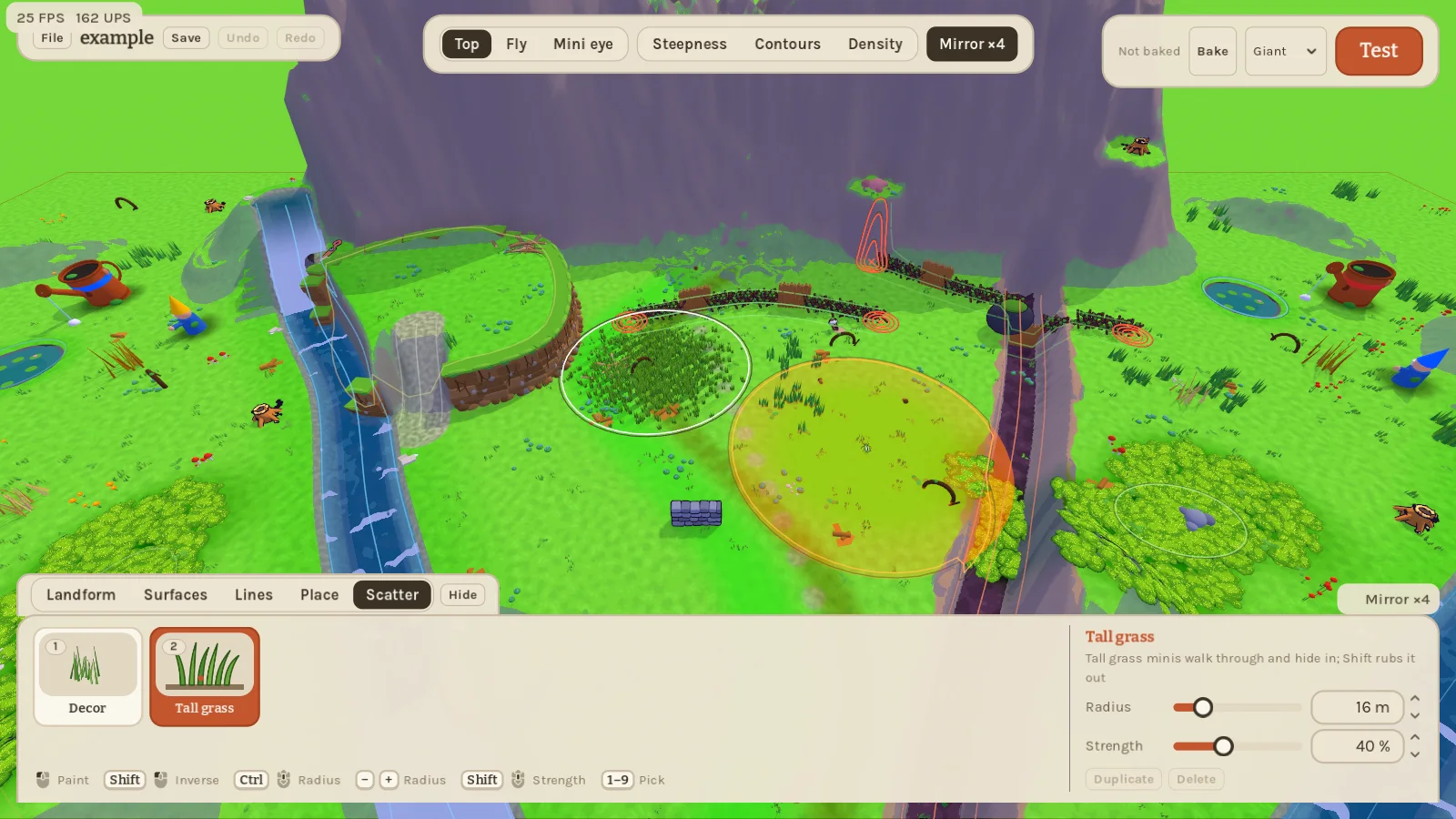
- Map editor: paint tall grass with the new Scatter brush. A Path test shows the route ants, beetles and mini bots would take between two points. Rock walls and other obstacles level the ground only once when placed, so you can sculpt hills right up against them. Strokes, undo and baking are noticeably faster.
0.34.0 Hits that land 2026-11-15
Fighting bugs feels punchier, glue sticks to ants, and waterfalls look like waterfalls. Older builds can't play with this one.
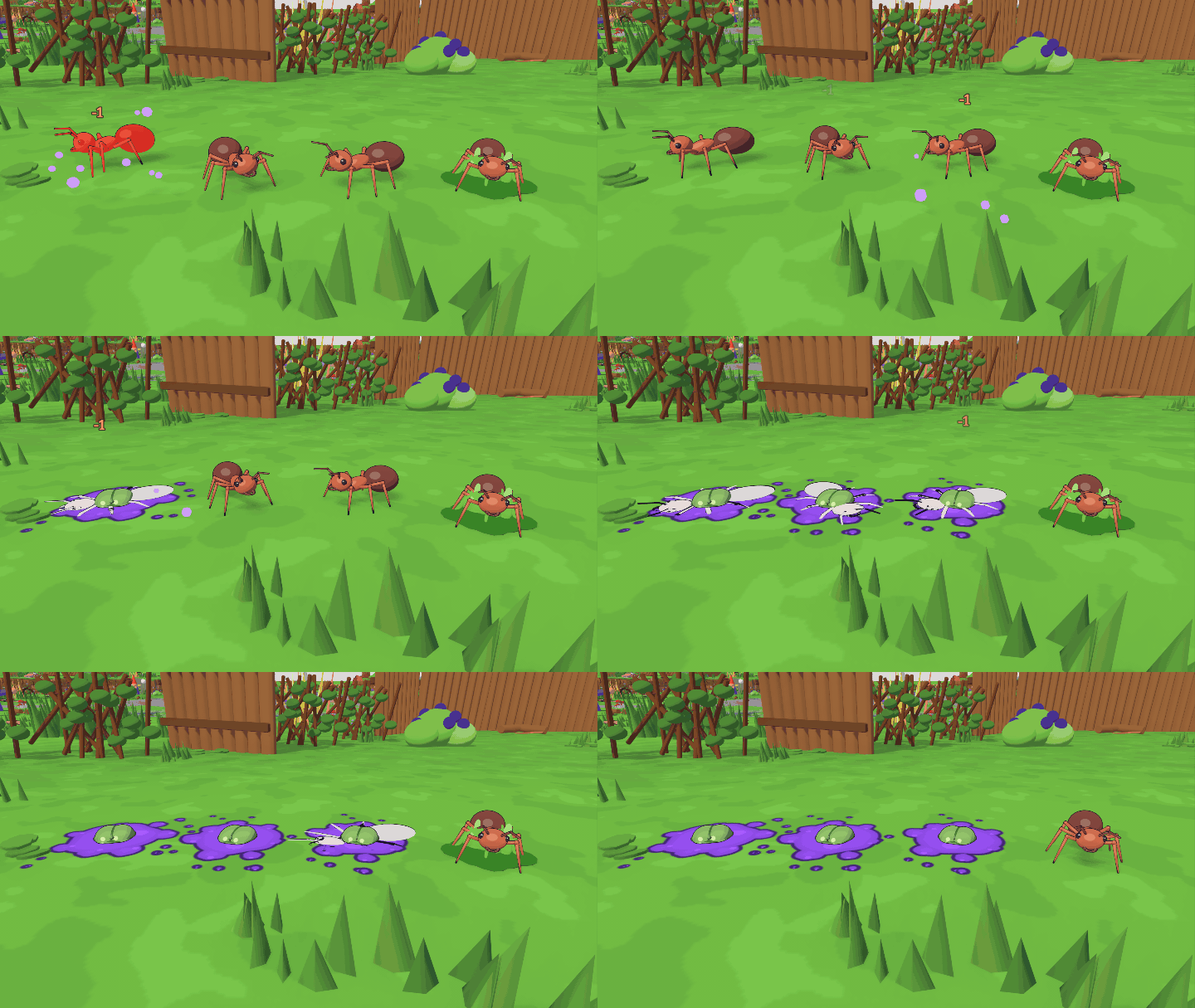
- Hit feedback: every hit on a bug (club, ammo, bombs, bots) flashes it white then red, freezes it for a blink, squashes it, splatters goo and knocks it back a little.
- Squished for good: defeated bugs now always get flattened, not only under blocks.
- Knockback Ammo: the old Wucht Ammo has a clearer name and now deals 1 damage on top of the shove.
- Glue Ammo on bugs: a glued ant or beetle is stuck for a second and then crawls slowly for a while, just like a glued mini.
- Glue Bomb is now crafted in the Alchemy Tower.
- Upgrades: Quick Hands and Second Bench got proper badge icons. The next tier's requirements show when you hover the height gauge, in meters.
- Converter now takes iron.
- Cheats: Dev Mode and Cheats are one option, Cheats. With cheats on, minis keep their load when they turn giant and back.
- Cannon: looking around while aiming no longer stutters.
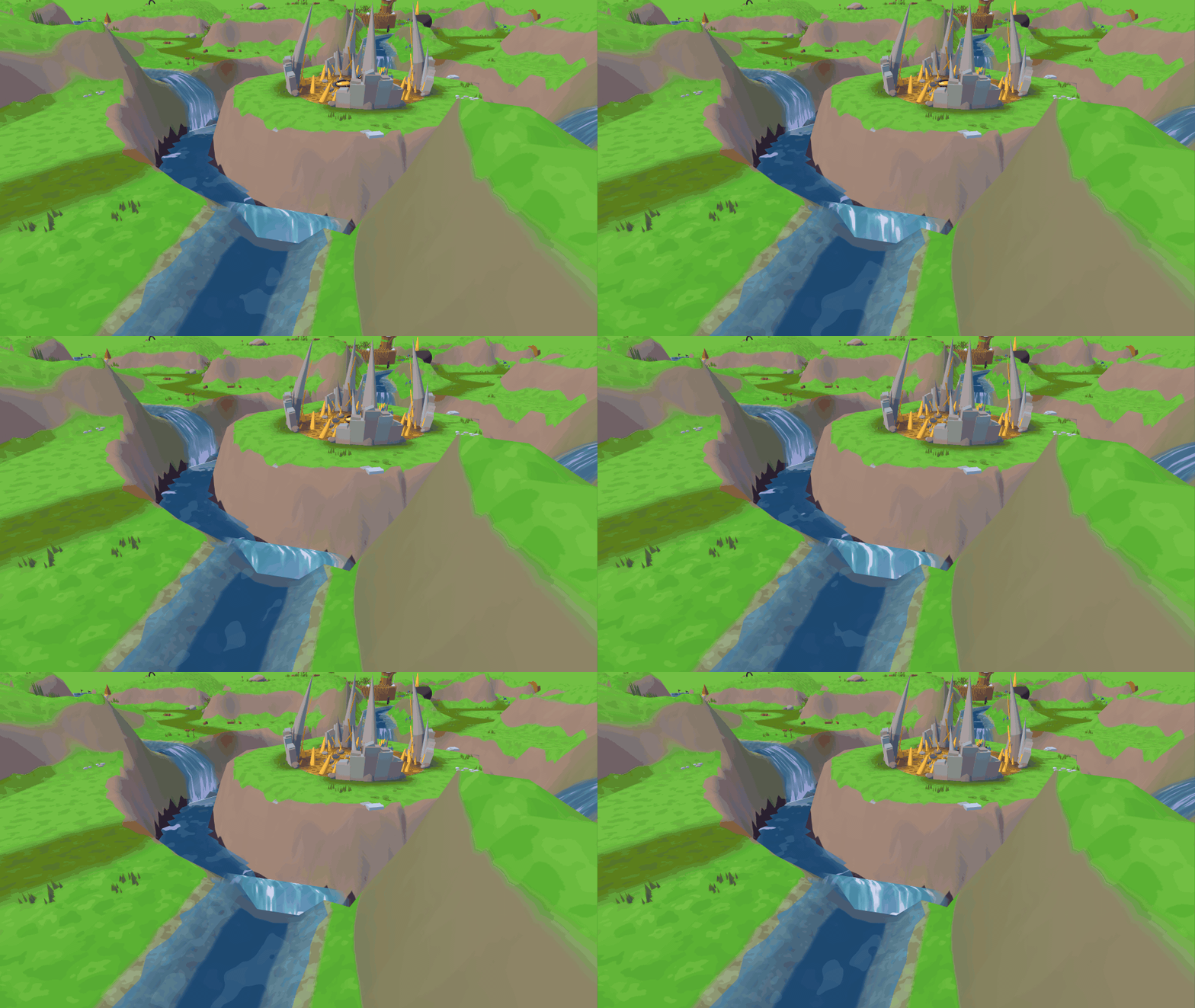
- Prettier waterfalls: brooks falling into a gorge now pour as a curved sheet with streaks, foam and mist.
0.33.0 Pick your map 2026-11-15
Maps from the map editor are now playable in the main game, and their brooks can tumble into gorges. Older builds can't play with this one.
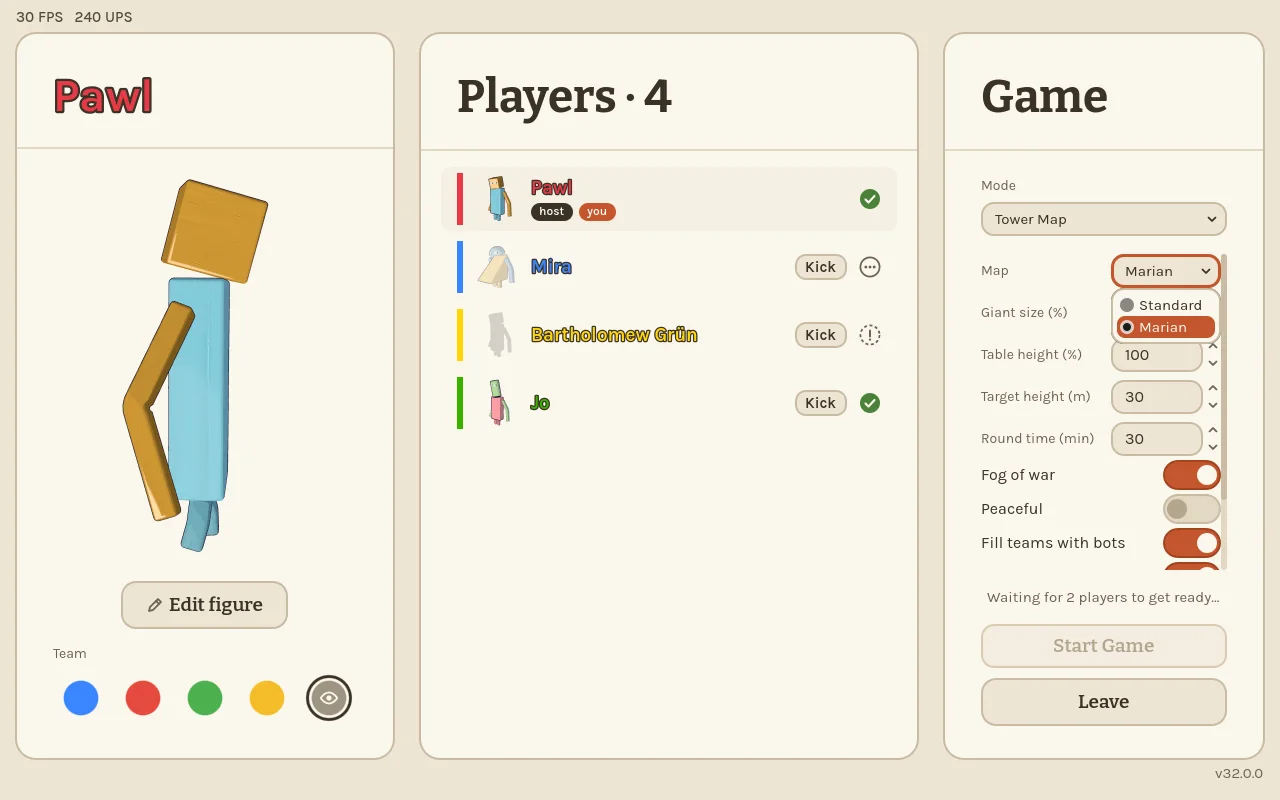
- Map choice: the Tower Map lobby has a new Map setting. The host picks Standard or a brushed map (Marian for now), and everyone plays it.
- Waterfalls into gorges: a brook that ends at a gorge now falls over the edge and flows on as a shallow stream along the gorge floor. Minis can wade and swim through; ants and beetles stay out of the water.
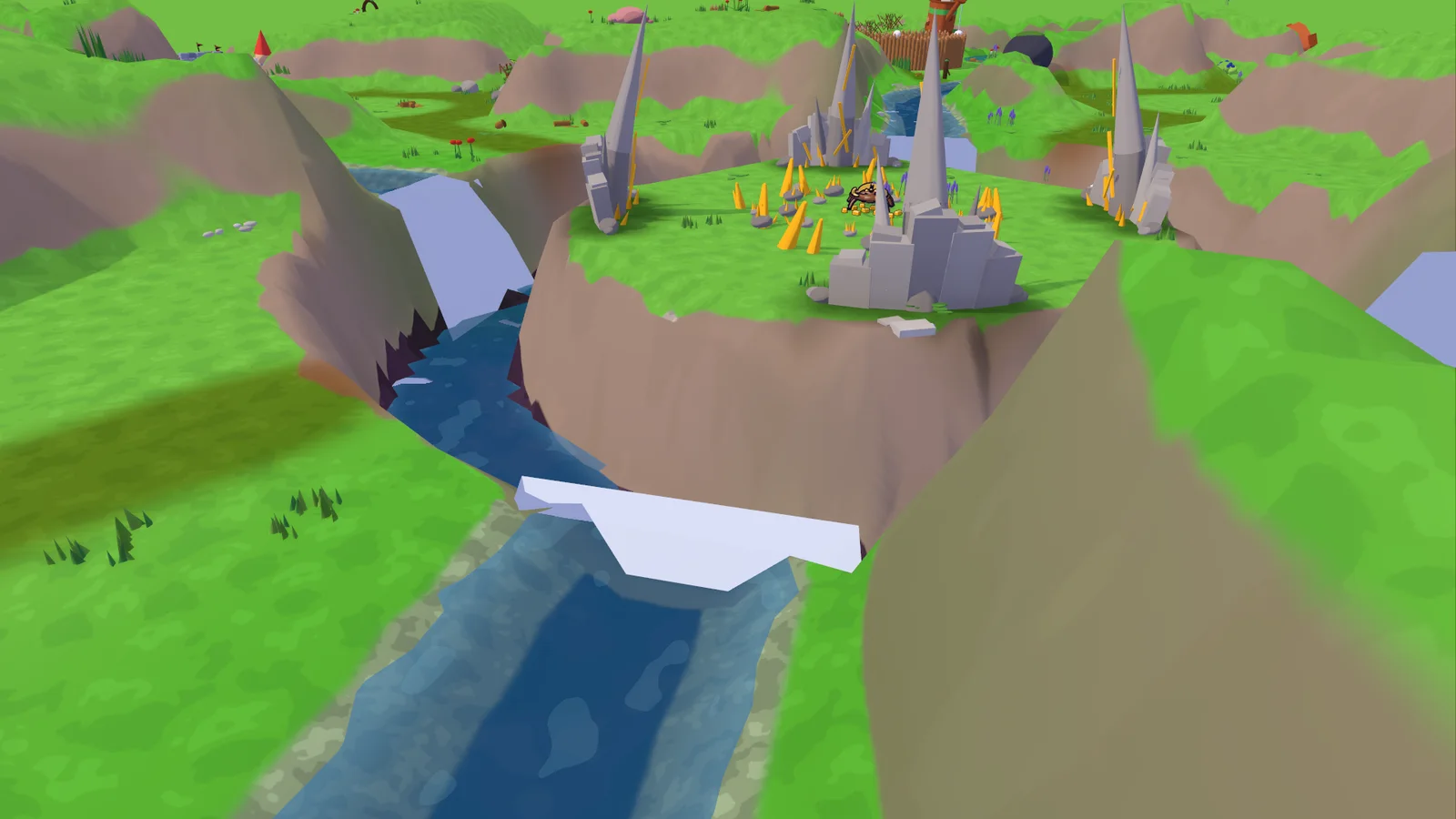
- Gold ground in the map editor: a new Gold surface paints the golden gravel of the centre wherever you like.
- Marian's start sits a bit farther in from the edge.
- Build cards: the count and the stone tag on a card no longer overlap.
0.32.0 Iron and gold gear 2026-11-14
Your tools, weapons and armour now come in stone, iron and gold. Older builds can't play with this one.
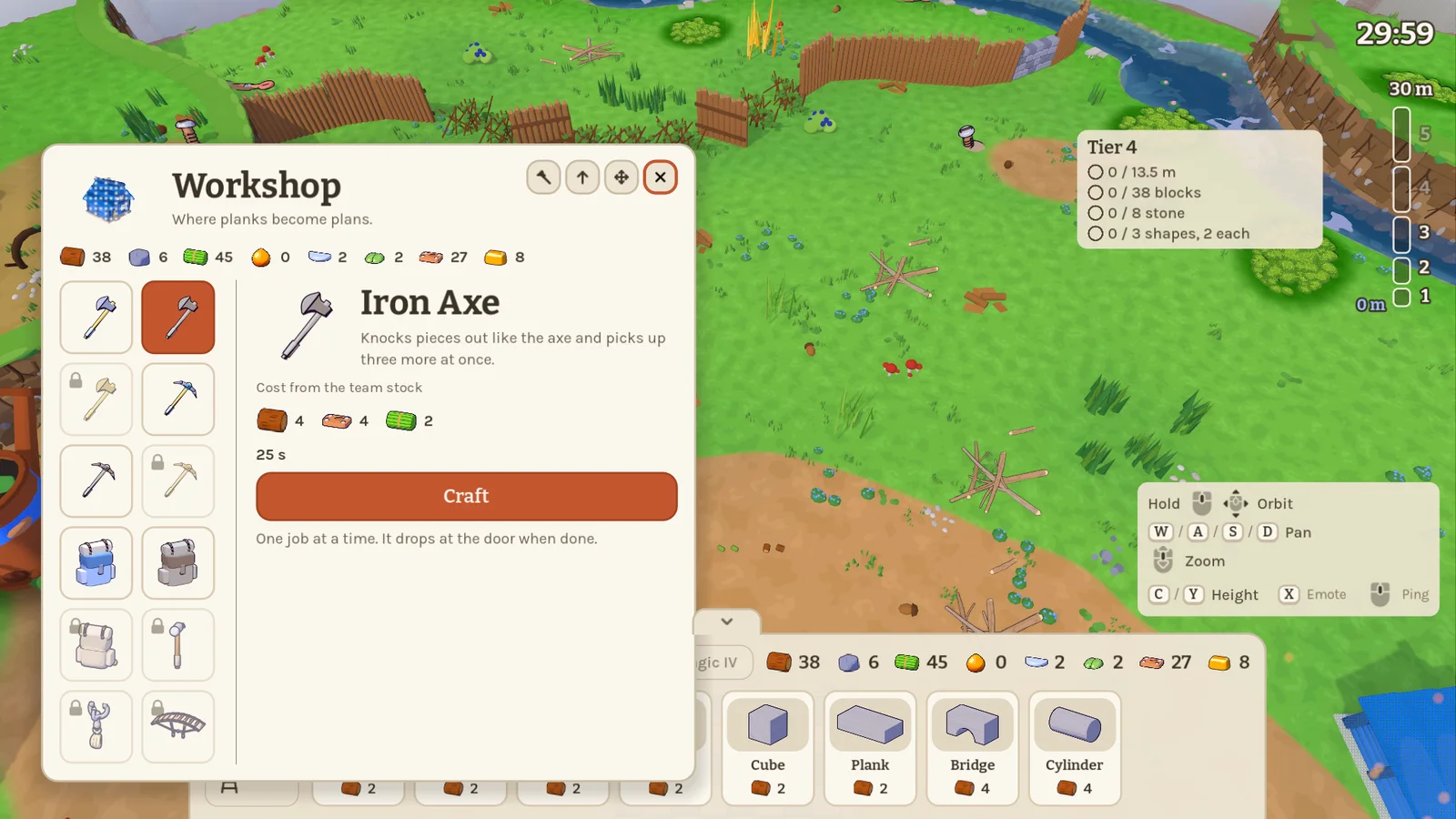
- Gear tiers: axe, pickaxe, club, sling, backpack and armour each come in stone, iron (from tower tier 3) and gold (tier 5). Each tier is a bit better: the axe and pickaxe pick up 2/3/4 extra pieces, the club hits for 2/3/4, armour adds 3/5/6 hp, the sling shoots 1×/1.2×/1.4× as fast and the backpack holds 5/6/7.
- Keep what you had: a higher tier is crafted fresh, and you keep the old one. If you carry several tiers, the best always counts. Bots pick up new gear and use their best too.
- Gold names: Backpack+, Sling+ and Armour+ are now the gold tier.
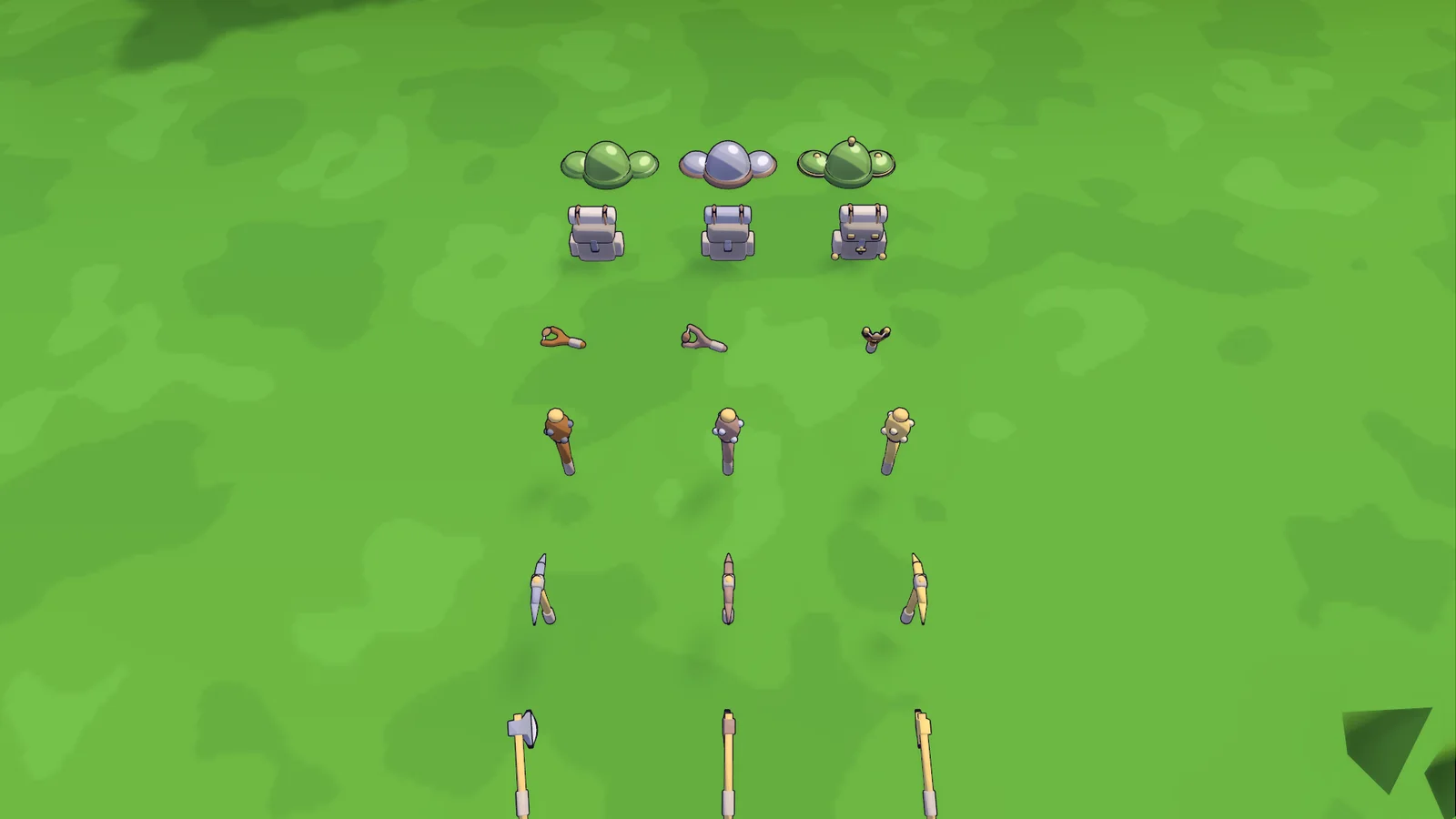
- Iron in recipes: the Repair Hammer, Grapple, Second Bench, Quick Hands II and Mini-Bot now need iron.
- Stone buildings cost stone: buildings with stone blocks swap part of their wood price for stone.
- No climbing walls: minis can no longer climb walls, hedges, rock walls or boulders.
0.31.0 Iron, stone buildings and room to build 2026-11-14
A new resource arrives on the Tower Map, later buildings want stone, and buildings fit almost anywhere now. Older builds can't play with this one.
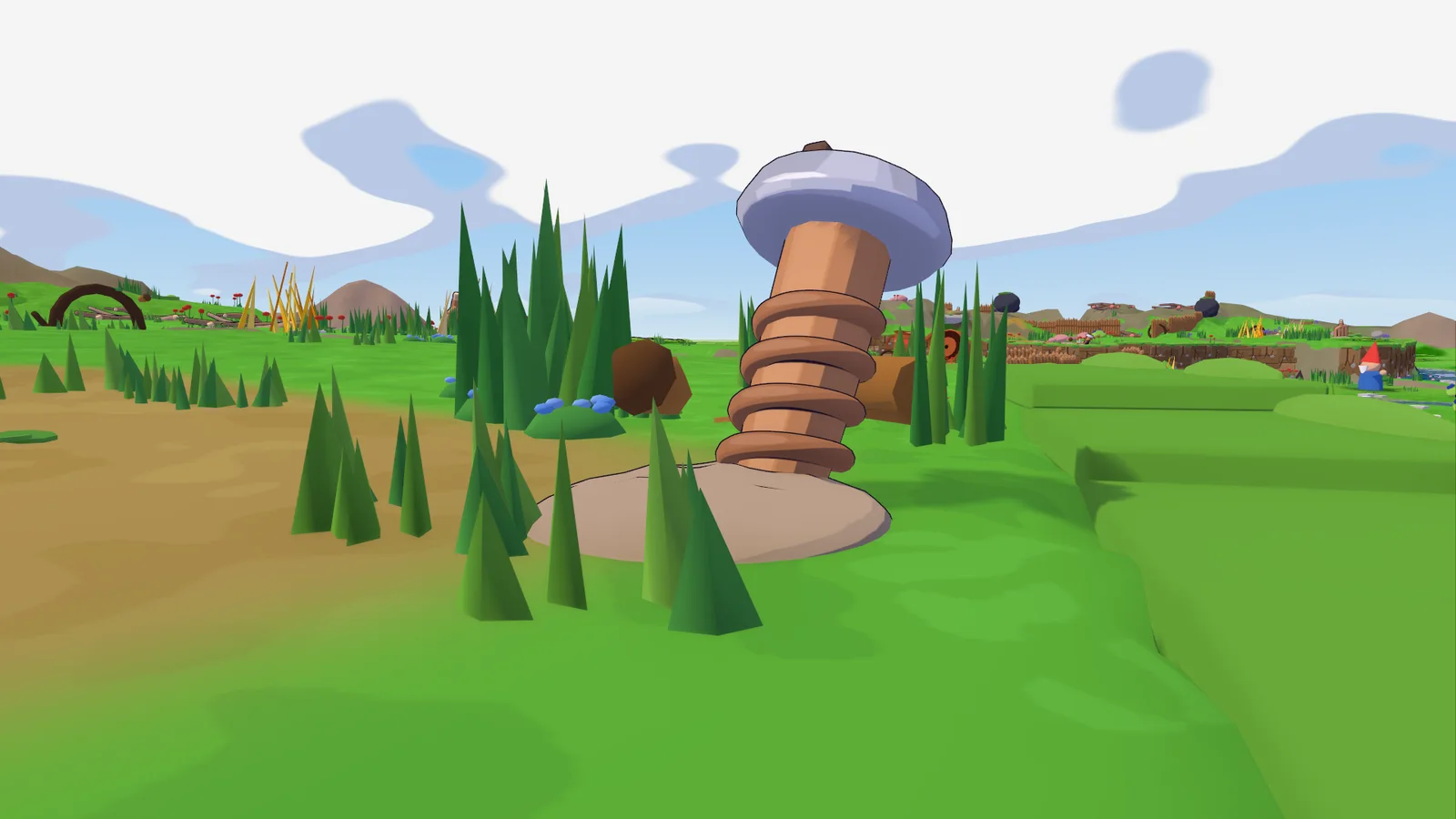
- Iron: from tower tier 3 you can mine iron with the pickaxe. It lies around as old buried tools: a rusty screw, a broken scissor half and a garden-fork head, worth 1, 3 and 5. Before tier 3 they just wobble when you hit them. Bots fetch iron too once you're there.
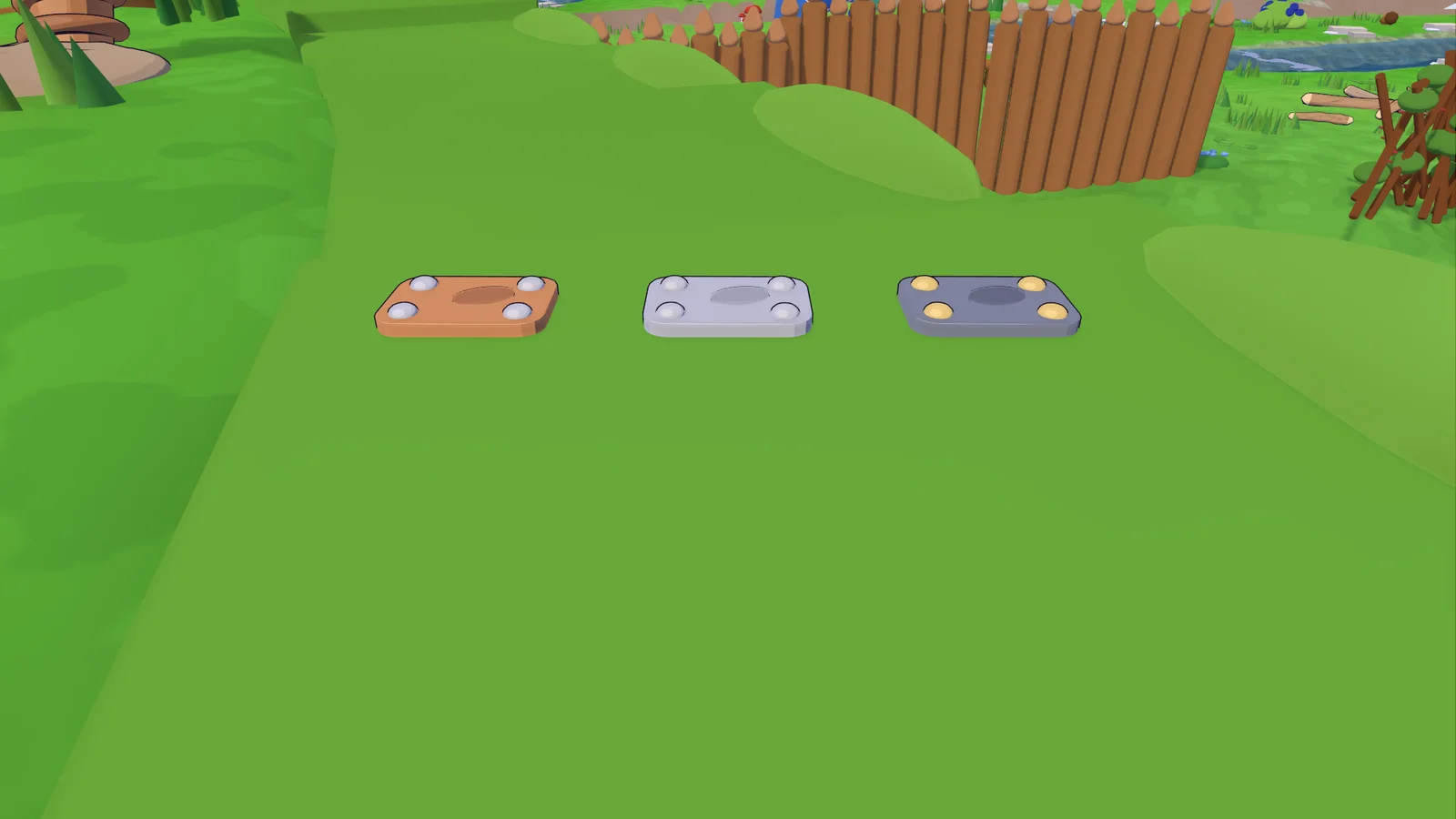
- Stone buildings: later buildings need stone blocks in their lower parts, the Barracks is all stone. Stone slots in the hologram are speckled, and a wooden block in a stone slot is refused. The build menu tells you how much stone a building needs.
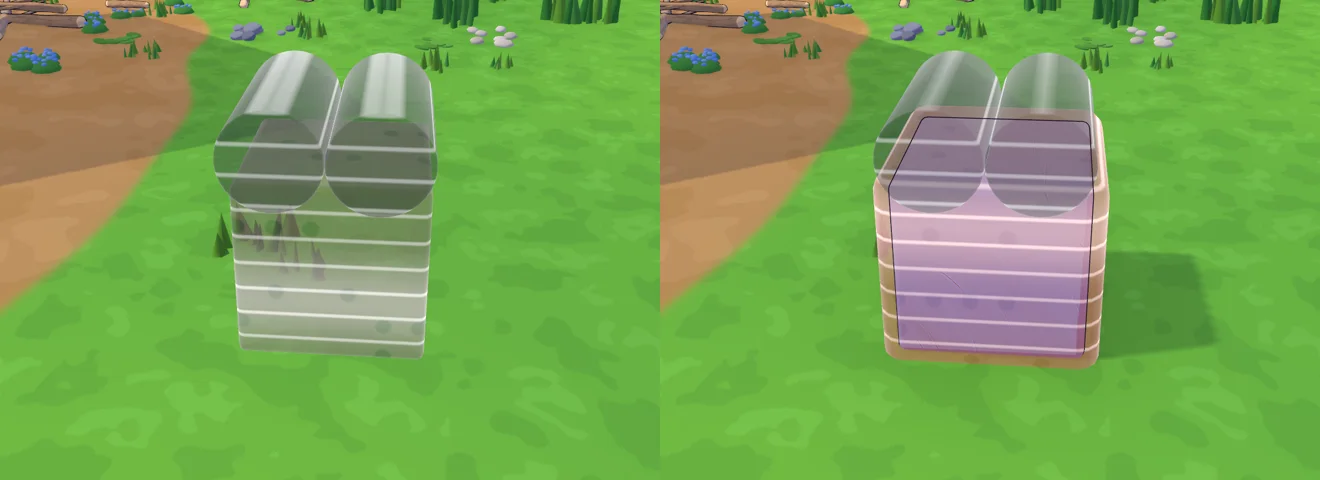
- Room to build: buildings need far less space. They can stand close to each other, near the map's edge, next to obstacles and sources and on rougher ground.
- Walls: walls no longer have earth ramps beside them, so you can't just walk up and around them, and tool gates only flatten their own gap.
- Rails now cost wood and stone depending on their length.
- Moss slows bots down too.
0.30.0 Tower Map: platforms, gold and better sources 2026-11-13
The Tower Map gets its nature back with a crater lake in the middle, richer resource sources, obstacles that want the right tool, and a team platform that heals and respawns you. Older builds can't play with this one.
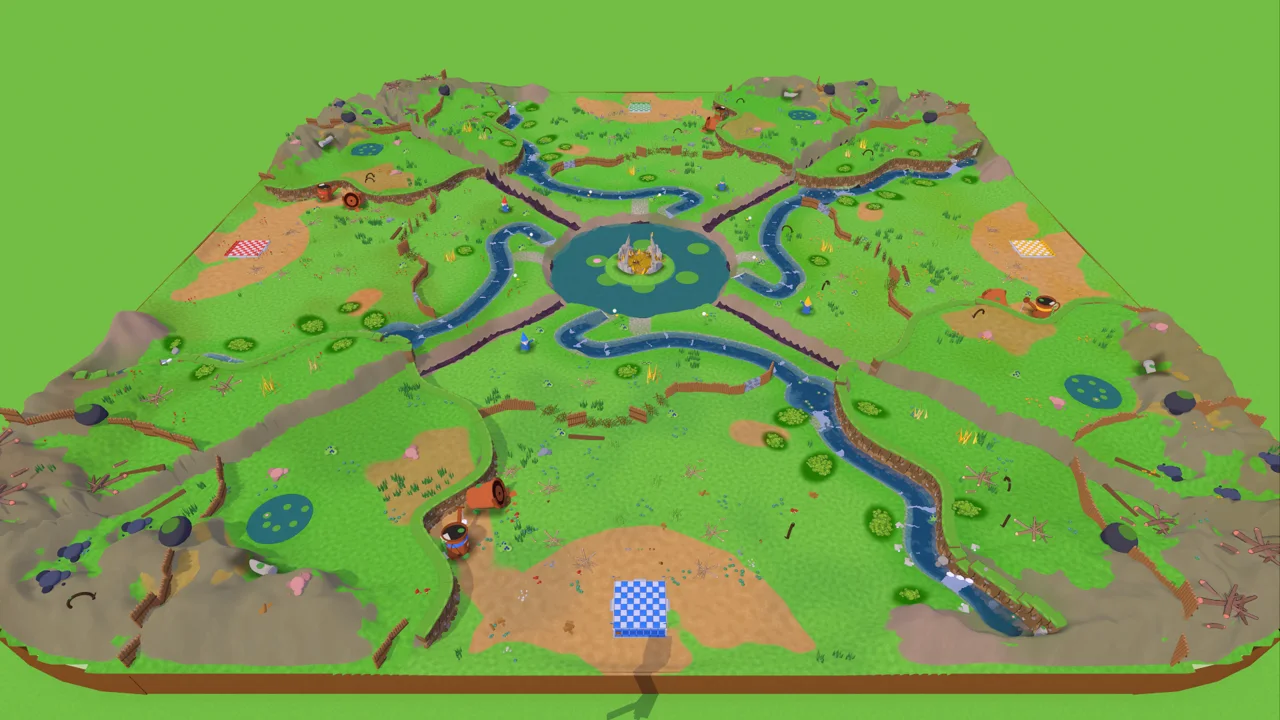
- The map: the familiar nature is back, with new spots to explore. Mountains ring the edge, and each river rises up there and runs down into the lake in the middle, spilling in over a waterfall. The best zones are sealed off: a hedge needs an axe, a rock wall a pickaxe, and the corners with the best stone and wood sit behind boulders that only a bomb clears.
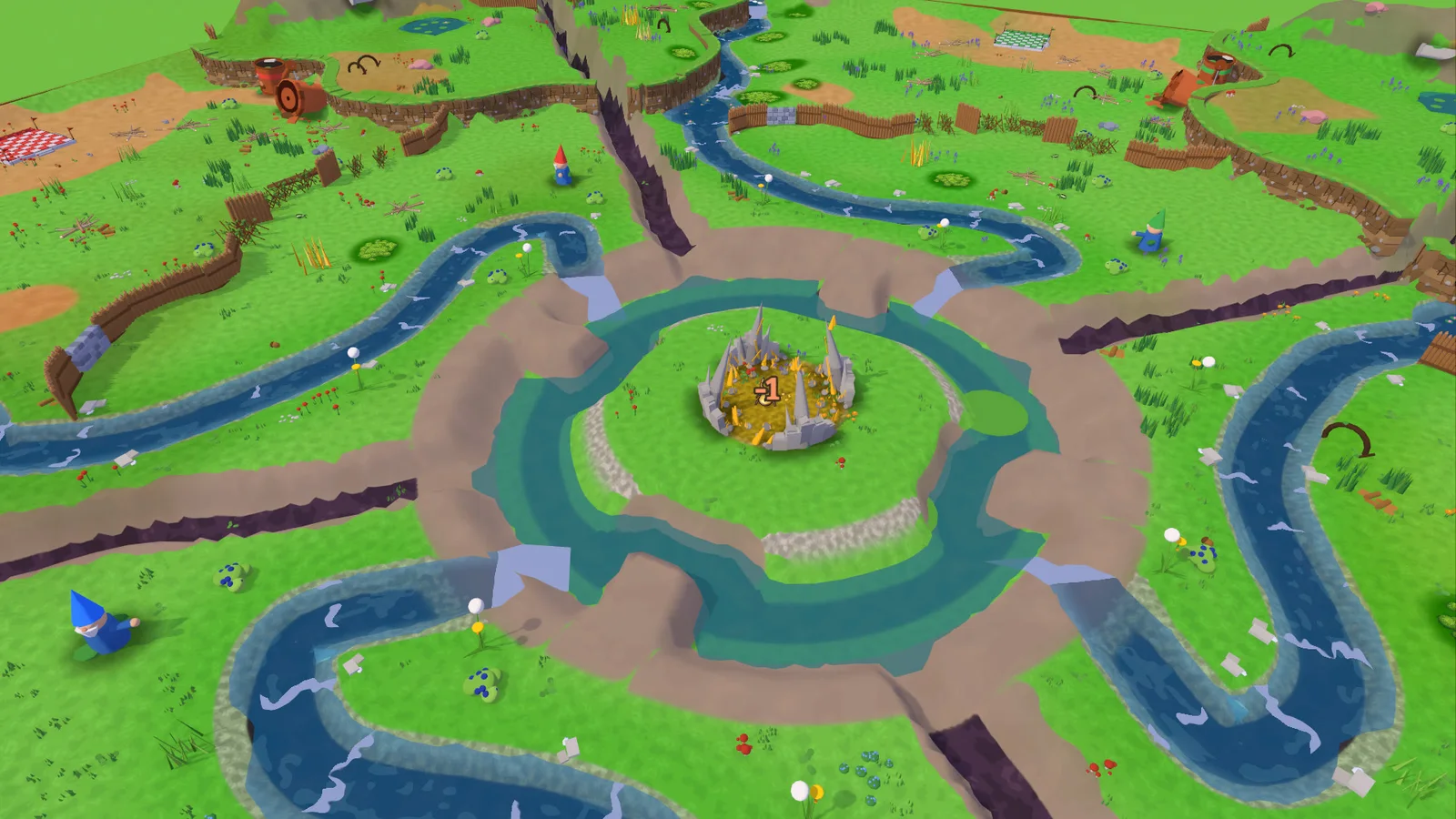
- The crater lake: the gold sits on a flat island in a crater lake. Rocky headlands reach out towards it from every side and make your bridge heads: a single long block just falls in, but two glued together span the gap. Falling into the water or a gorge never kills you.
- Swimming: whatever a mini carries drops when it swims and drifts downstream.
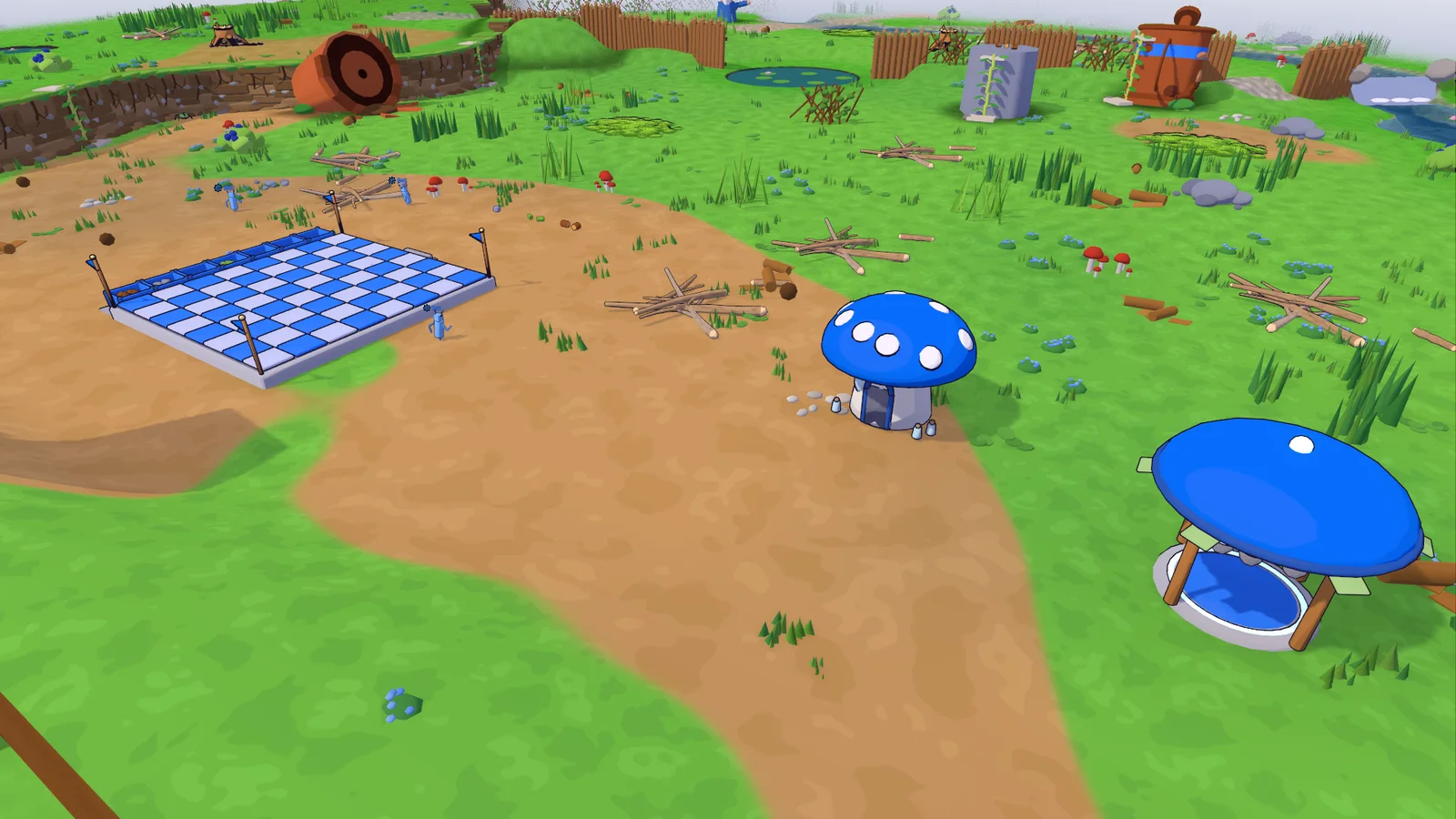
- Team platform: your foundation is now a platform with crates that show your team's stock. It always takes deliveries, heals you and is where you respawn. Build a respawn outpost or a healing house further out to get back into the action sooner. The barn now unlocks at tier 2, and team upgrades sit in the same list as Speed, Stamina and Jump.
- Stealing: enemy minis can steal from your barn and your platform.
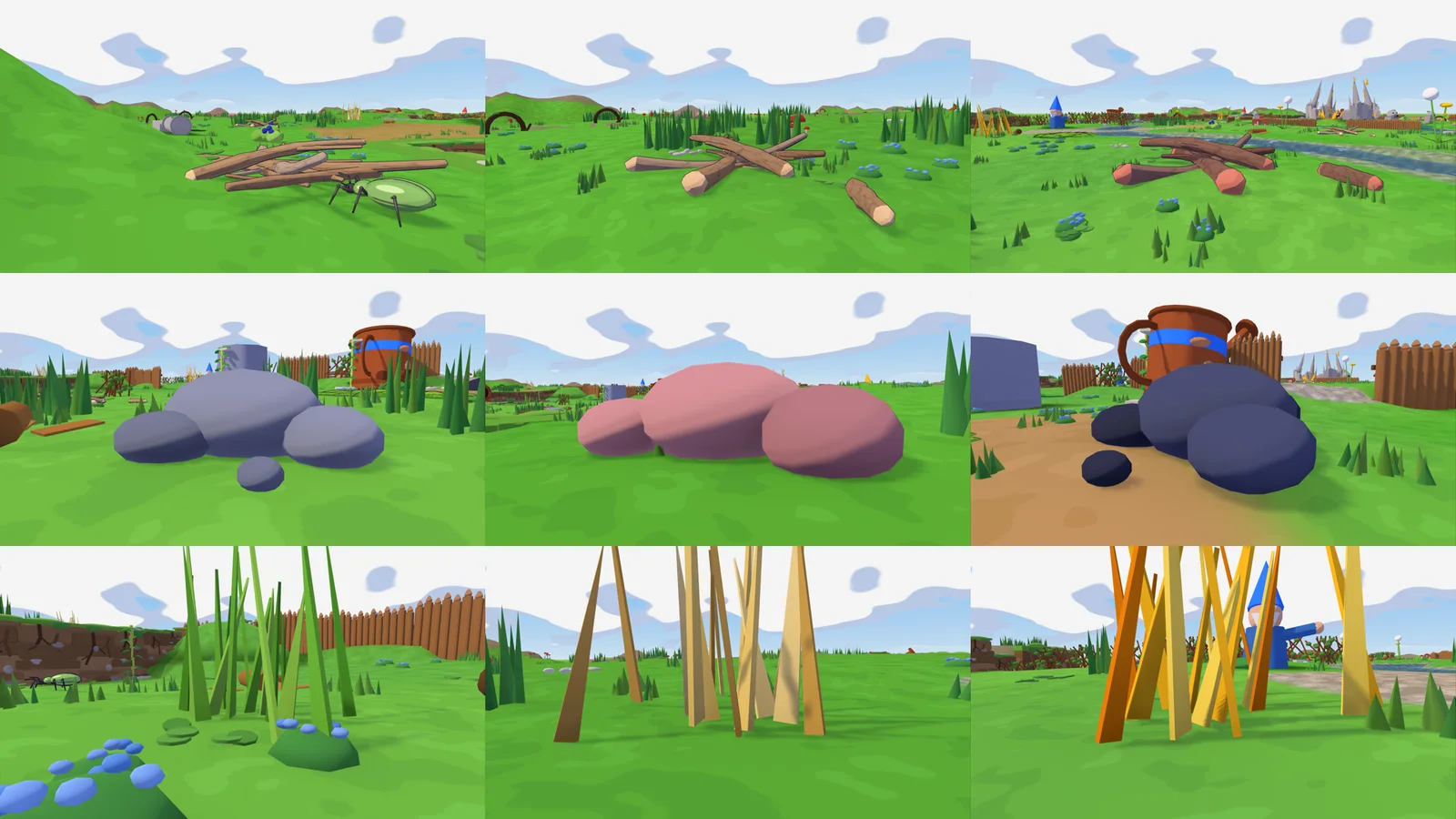
- Better sources: wood, stone and reed now come in three sizes. Pieces from a medium source (oak, granite, straw) are worth 3, from a large one (heartwood, basalt, golden reed) 5, and each looks different. Every hit shows the piece it knocks off, and sources regrow after 6 minutes, 8 at home.
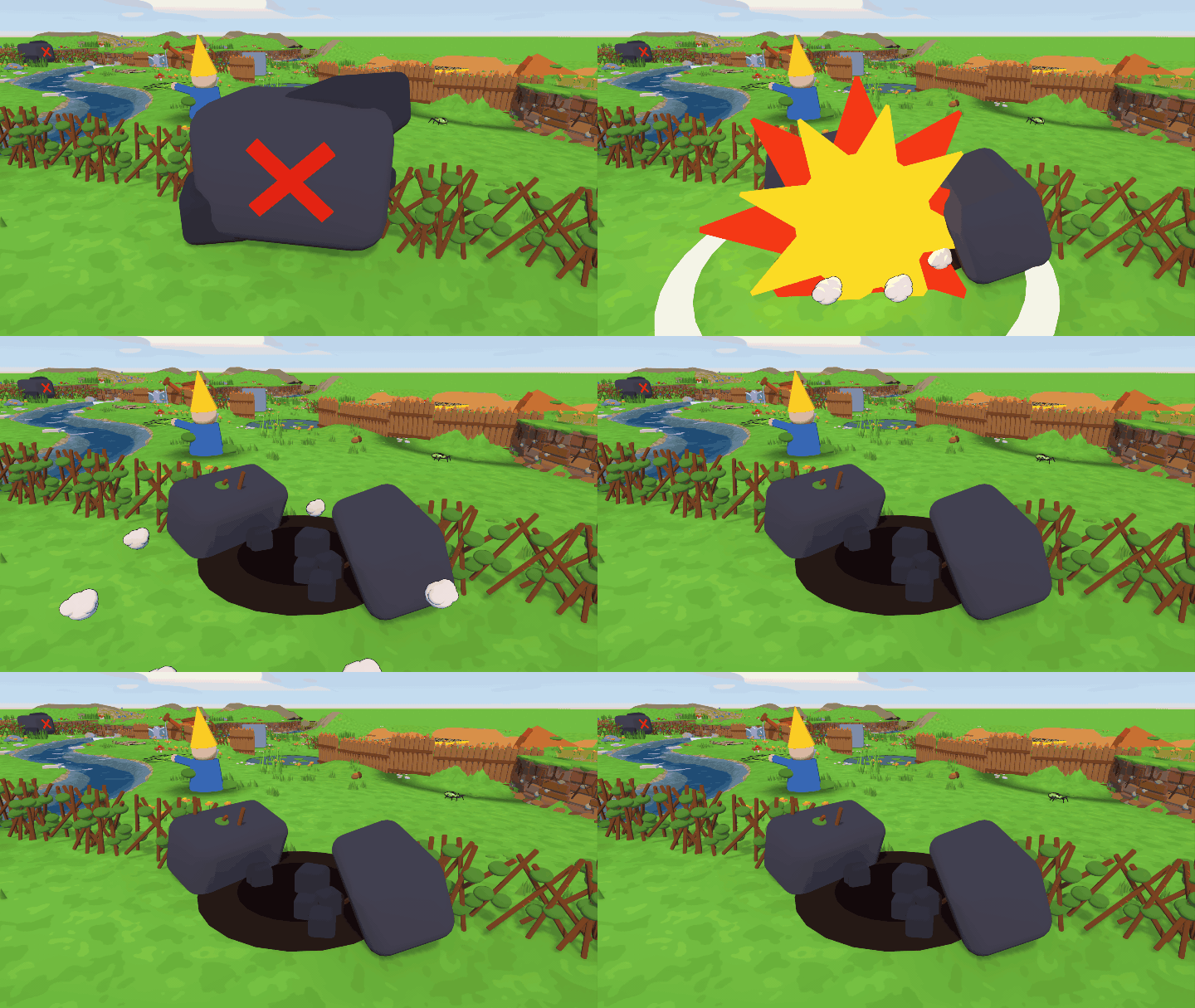
- Obstacles: hedges only give way to the axe, rock walls to the pickaxe and boulders to a bomb. Hit one with the wrong tool and it thuds, puffs and shows you the right one. A cut hedge leaves stumps.
- Combat feedback: hit creatures blink, show hit numbers and an hp bar for everyone, and beetles wind up before they strike. Ants and beetles are easier to hit, ants come later (after 4 minutes) and in smaller groups. Bots wear a badge with their order.
- Peaceful mode: a lobby option without nests or ants; beetles and the stag beetle never attack. Players can still fight each other.
- Cannon: jump fires, interact leaves, and the camera follows the shot's arc to where it lands, so aiming steeply up or down shows enough.
- Round time: 30 minutes by default, up to 999.
- Cart stations: the rename pencil sits by the name, and "Connect" lays rails from one station to the next one you click.
- Cheats: with "Cheats" on in the lobby, the host can open a dev console with F1.
- Placing buildings: dry sources and cleared obstacles no longer block a spot, and the refusal says why.
0.29.5 Bots swing, cart camera 2026-11-12
- Bots hold their tools with both hands and swing them when they hit, at mobs and at resource sources, just like players. In a cart they stand still instead of running on the spot.
- Cart seat camera: it no longer slides through blocks and figures behind you.
- Distant walls on the Tower Map draw with less detail, so they cost less.
0.29.4 Tower Map starts again 2026-11-12
- No more "Lost the connection to the host" at the start of a Tower Map round: the host built the map in one long freeze of about 20 seconds, long enough for joining players to be dropped. It now takes about 3.
- Loading screen: it stays until the world runs smoothly and no longer lets you in early.
- From the test batch: bots give up gear they cannot reach, their own team's shove shots no longer stun them, and a bot thrown out of a cart lands instead of hanging in the air.
0.29.3 Connection diagnostics 2026-11-12
- Dropped connections are reported: when a player loses the host or drops out of a running round, the game now records what had loaded and arrived, so the cause can be found.
0.29.2 Connection hotfix 2026-11-12
- No more "Lost connection to the host" at the start: a client could be dropped while everyone loaded the map. Both the host and the joining player need this version.
0.29.1 Mouse capture hotfix 2026-11-12
- Mouse look: the game no longer starts a round without capturing the mouse; before, looking around only worked after switching windows once.
0.29.0 Tower Map: the fixed map 2026-11-12
A big Tower Map update: a hand-built map, fog of war, bots you can give orders, buildings you can upgrade, move and tear down, and a stag beetle guarding the gold. Older builds can't play with this one.
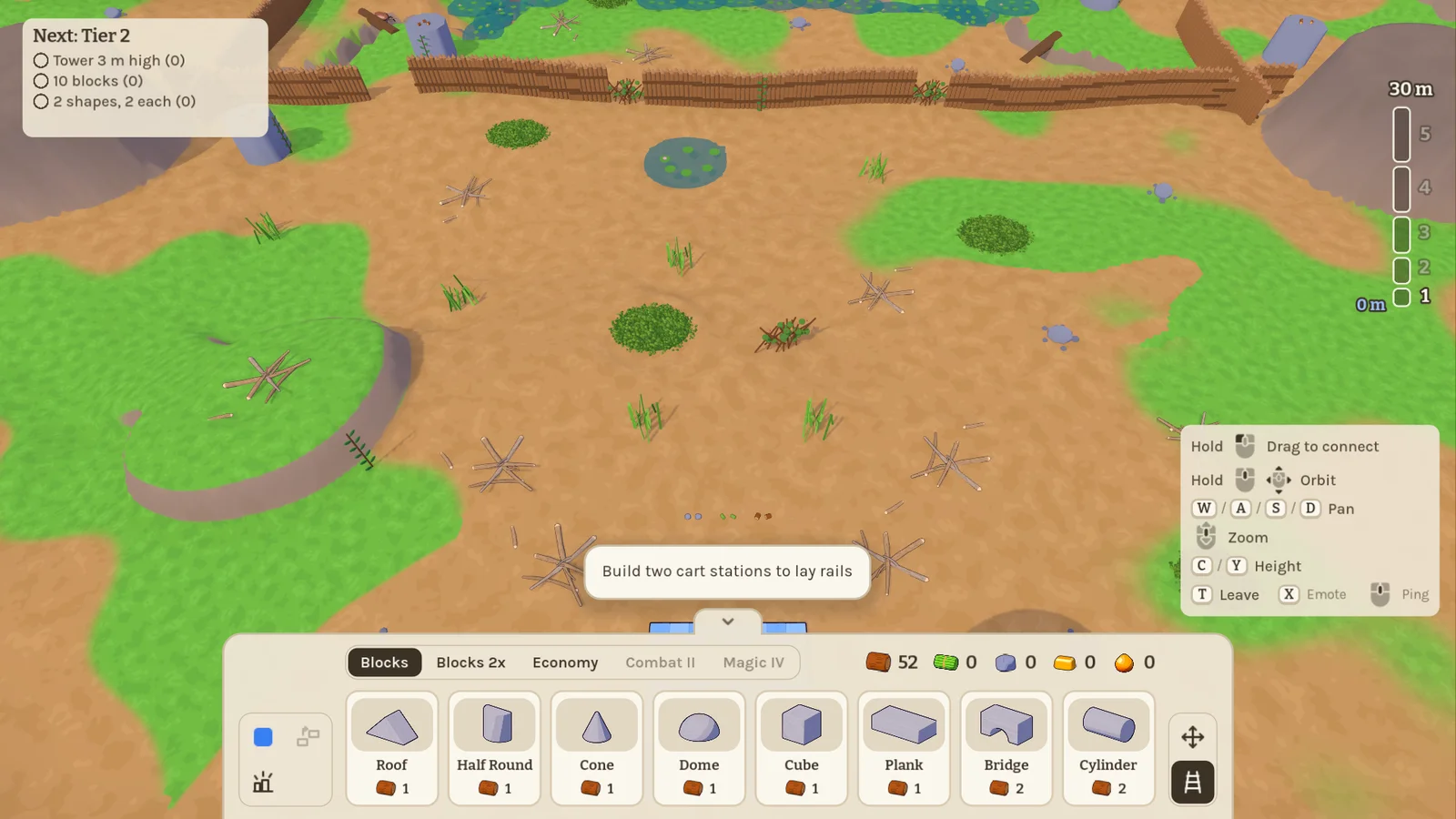
- A hand-built map: the Tower Map is no longer random. Four mirrored quarters sit around a brook with a current, fords, bays and natural bridges, cliffs with vines and ruined walls, hedges, moss, ponds, berry bushes and landmarks. The host can make it 75 to 125 % as big.
- Water: minis wade slower the deeper it gets and swim with a dog paddle, against the current if they must.
- Build menu: one-click tabs, the tools (brush, refine, demolish, move, rails) in a column beside the cards, and a tag that says why something can't be built. Blocks spawn in the brush's colour, and giants grab loose resources like any block.
- Tiers: each tier has its own goals (height, block count, shapes), shown top left with a tracker on the right. Hold the target height for 20 seconds to win. Players can join a running round.
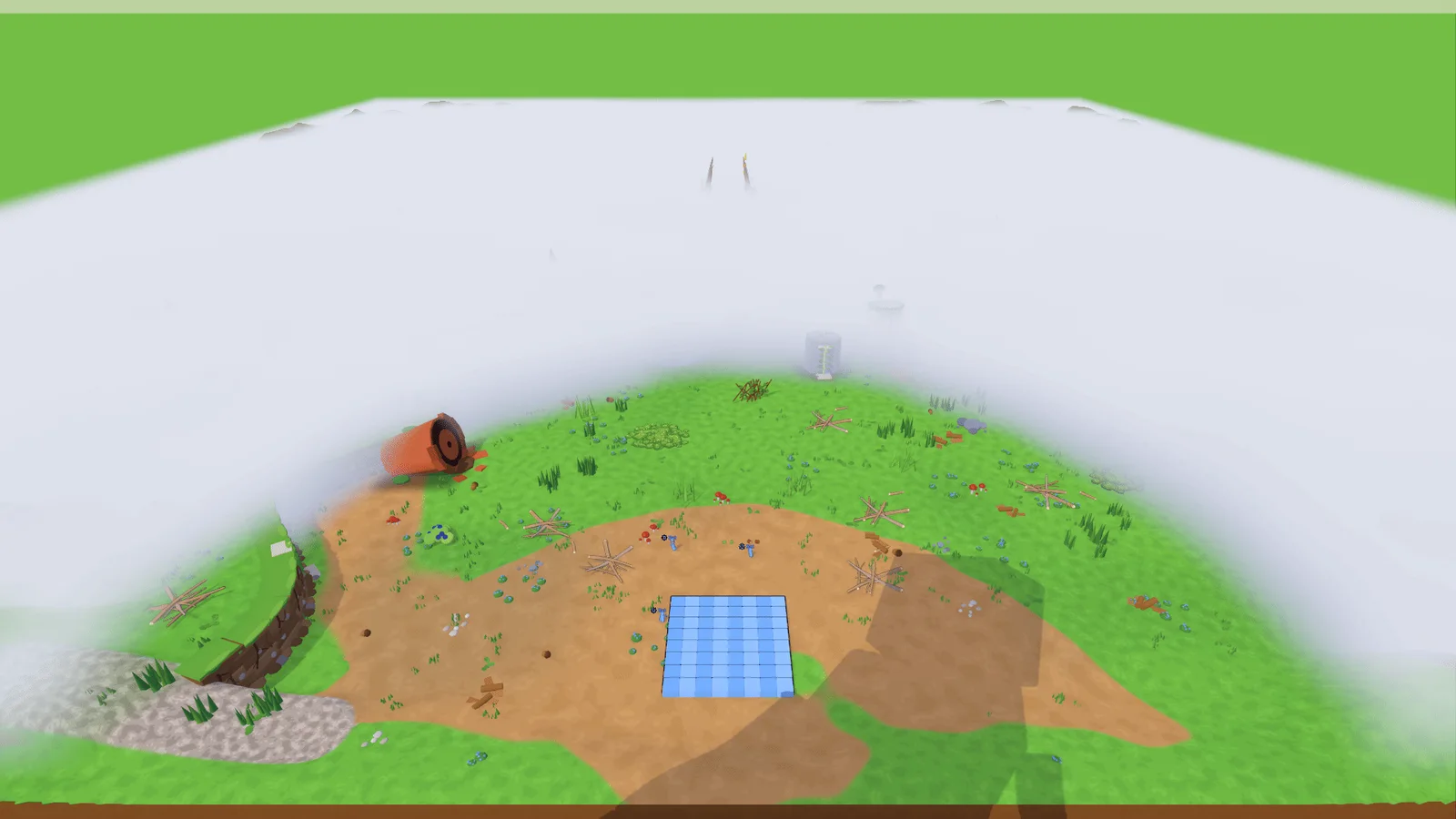
- Fog of war: each team sees only what its players are near, and a giant's reach and blocks end at the team's clear ring. It is a lobby option.
- Buildings: bought in one step and built from a kit of parts delivered to the site. Upgrades are built too: the hologram grows and a kit of the new parts drops. Finished buildings can be demolished for a refund or moved by rebuilding them, the barn included. Team upgrades live in the Wizard Tower.
- Mobs: blocks have hit points, ants gnaw at them, and nests grow with your tier and respawn. Blocks squash bugs flat. The stag beetle guards the gold island and chases whoever takes its gold, swimming after them if needed.
- Bots: give each bot an order on its card: gather, defend, raid nests or attack a team. Bots pick up and use slings, clubs and other gear, ride the cart stations and get stuck far less. "Fill teams with bots" is a lobby option and fills every team up to three minis.
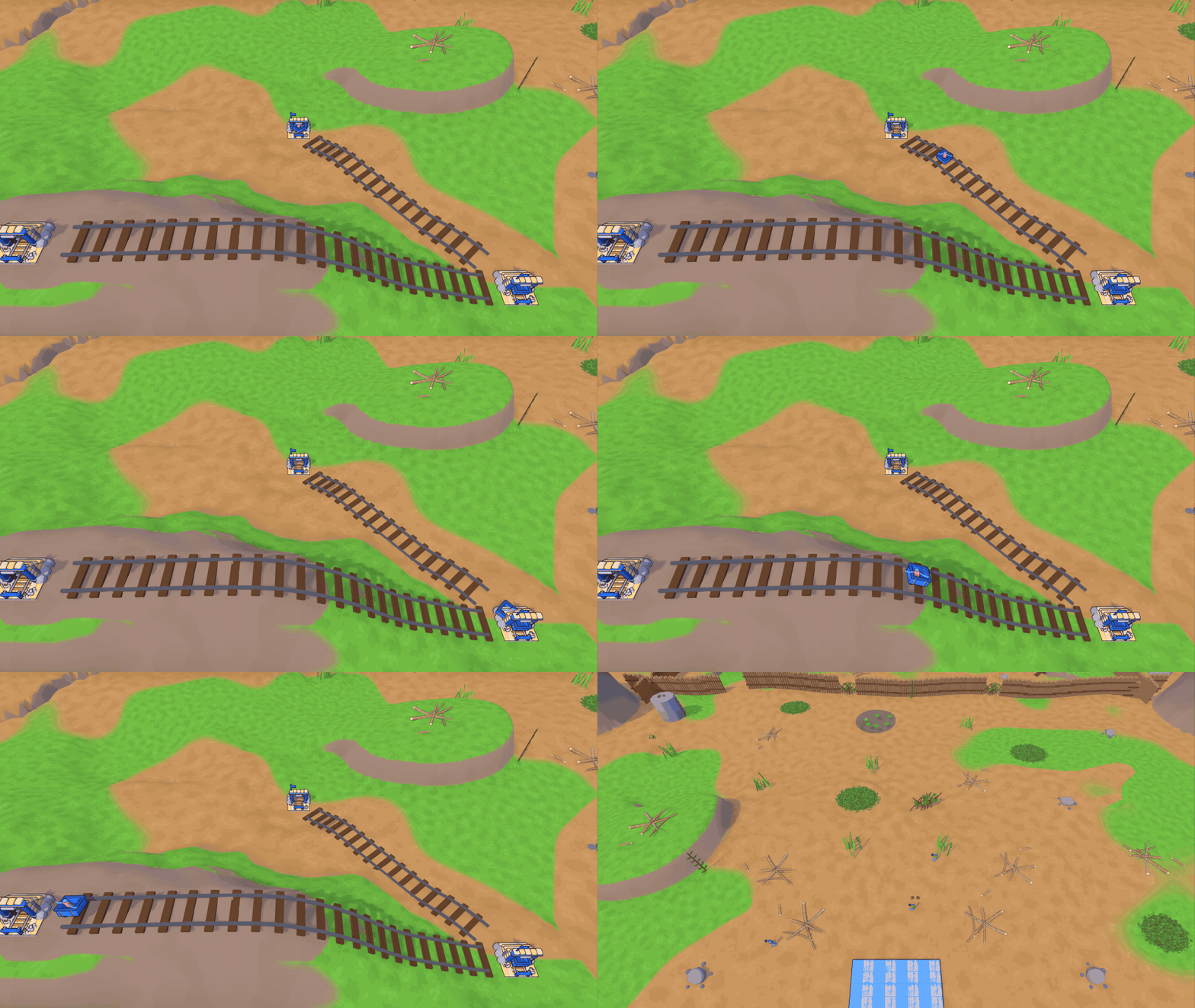
- Cart network: giants connect cart stations with rails that follow the ground in a smooth curve; carts ride through stations in between. Stations get names from what lies near and can be renamed.
- Minis: the sling holds its ammo in a drum you can see, with new knockback ammo and glue bombs. Minis use their hands, interact with E, charge throws, climb while loaded, have stamina, a club, potions and healing. Unarmed, they shove with both hands. Every landing brakes, so no more bunny hops off a cannon launch, and the cannon's gunner view sits above the barrel.
- Looks: new beetle, stag beetle and nest models, bevelled props, buildings and plants all over the map, and five new eye sets in the figure editor.
- Smoother rounds: buying a barn, streaming ants and first drawing new shaders no longer stall the host or clients.
0.28.1 Tower Map fixes 2026-11-09
Fixes from a code review of the whole Tower Map mode. Plays together with 0.28.0.
- Smoother hosting: gatherer bots and ants no longer freeze the host for a moment whenever they path to a building, tall towers are measured much faster, and a mini fired from the cannon no longer costs the host frames.
- Bots: gatherers walk around foundations instead of running into them and giving up. A bot's info card closes when its bot is gone.
- Minis: a mini that dies while riding the cart is no longer invisible after respawning. Dying with a backpack no longer leaves a ghost backpack you can't pick up, and a dead mini can't pick anything up.
- Cannon: a cannon that is destroyed spills its loaded ammo instead of losing it, and a bomb going off in the barrel explodes once, not twice.
- Buildings: an order running in a workshop is refunded when the workshop is upgraded. A piece delivered just before the barn bursts no longer stays behind as an invisible block.
- Unstuck: using Unstuck as a joined player no longer levels the ground of every building site a second time.
0.28.0 Tower Map playtest round 2026-11-09
A big round of fixes and polish from the first full Tower Map playtests. Older builds can't play with this one.
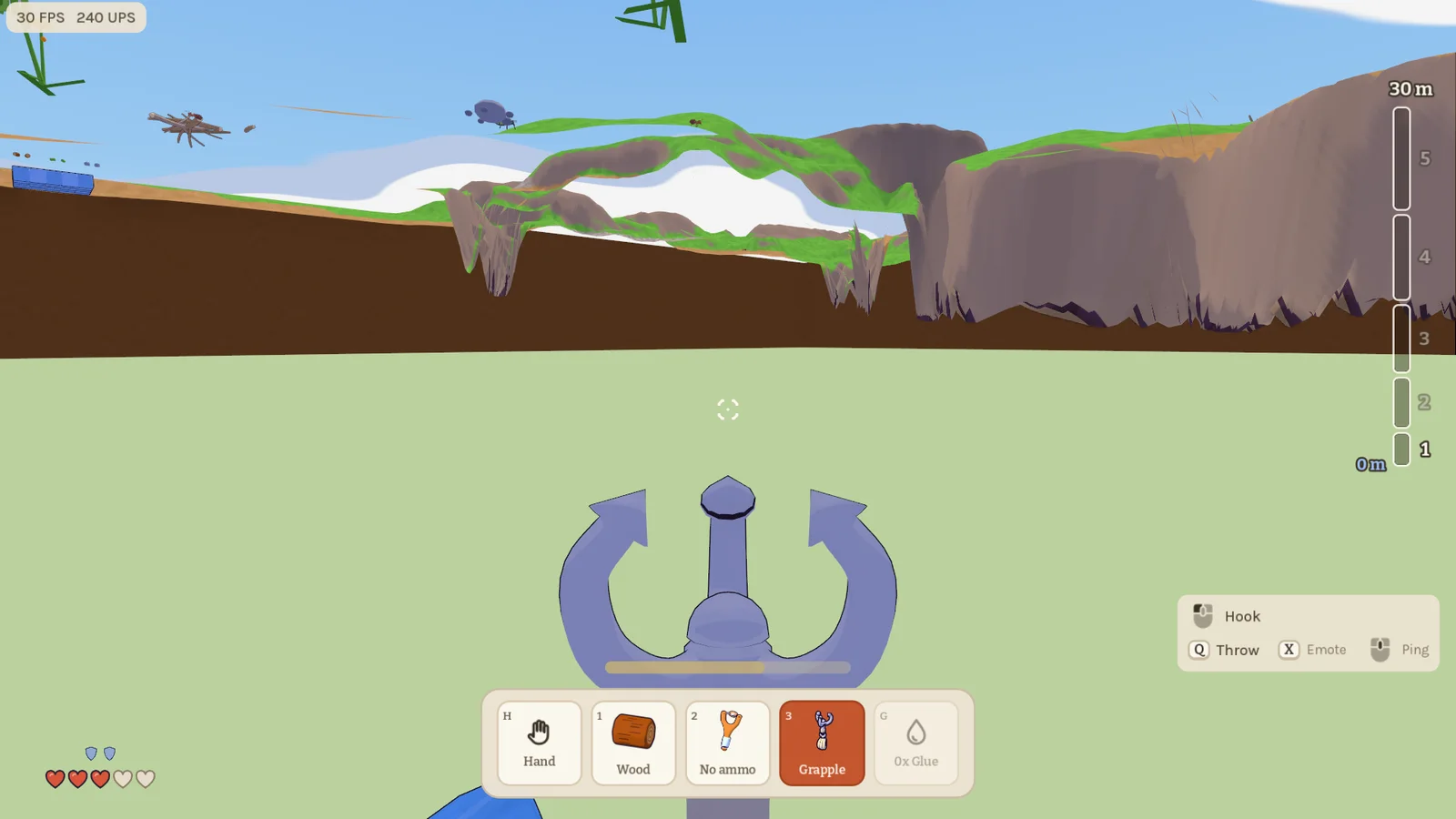
- Everything on the left button: minis now mine, swing, shoot and use every tool with the left mouse button. Hold it to keep chopping or mining. The grappling hook fires reliably again, and its hook now flies out on a thin rope from your hands instead of a stretched wedge.
- Cleaner mini HUD: hearts and armour pips moved to the bottom left corner; the hotbar holds only your tools and resources.
- Calmer beetles: ground beetles leave you alone unless you hit them, chase only the mini that did, and calm down after a while.
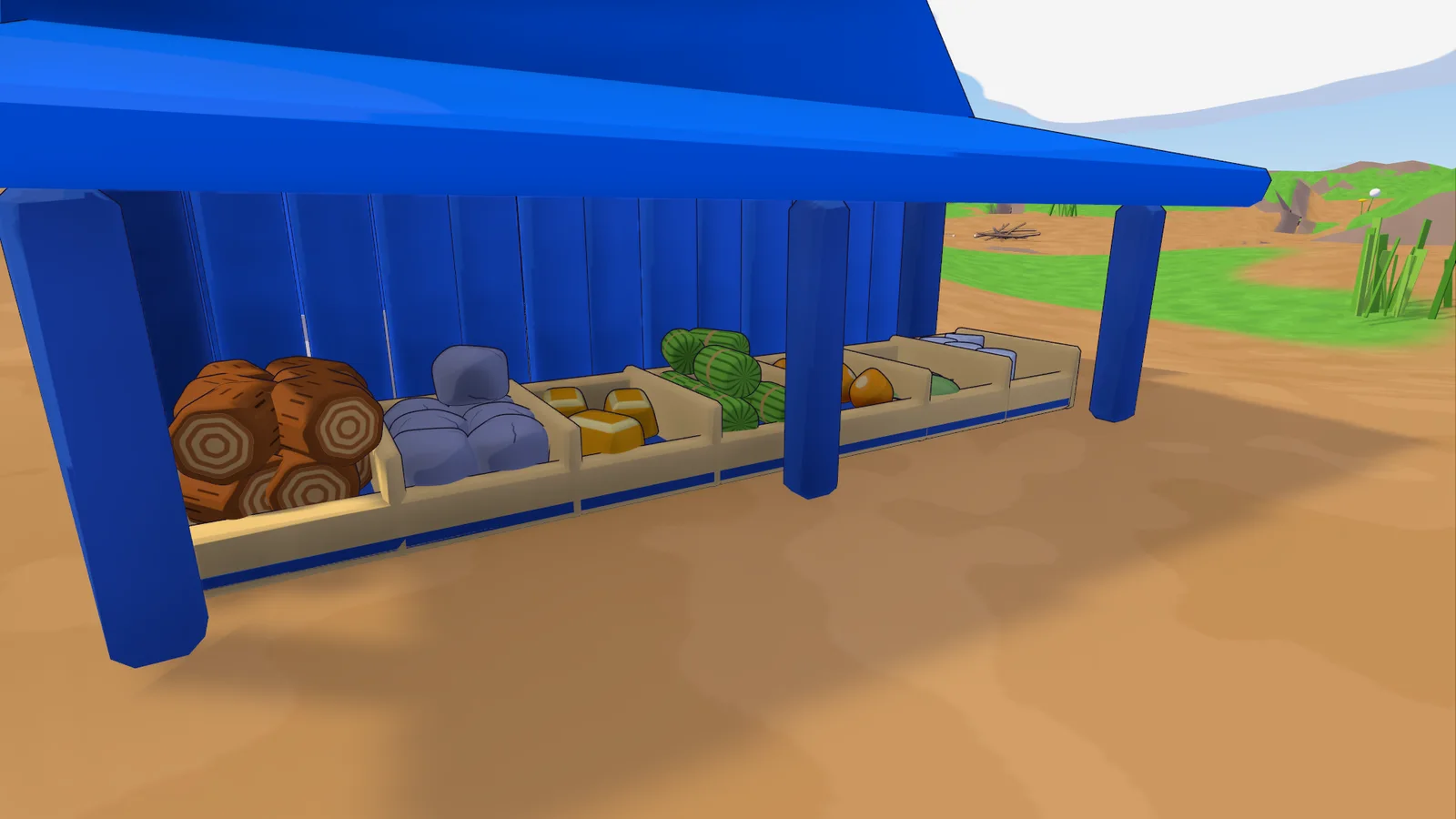
- Barn: seven small bins with a heap for every resource, so you see at a glance what your team has.
- Crafting: craft and convert jobs can be cancelled for a full refund. The ring over a busy building shrinks with distance and no longer covers half the screen from afar.
- Upgrades: an upgraded workshop's outline grows with it, so you can click all of it.
- Bots: click a gatherer bot to see what it's up to. Bots get stuck less and find their way back after a jam.
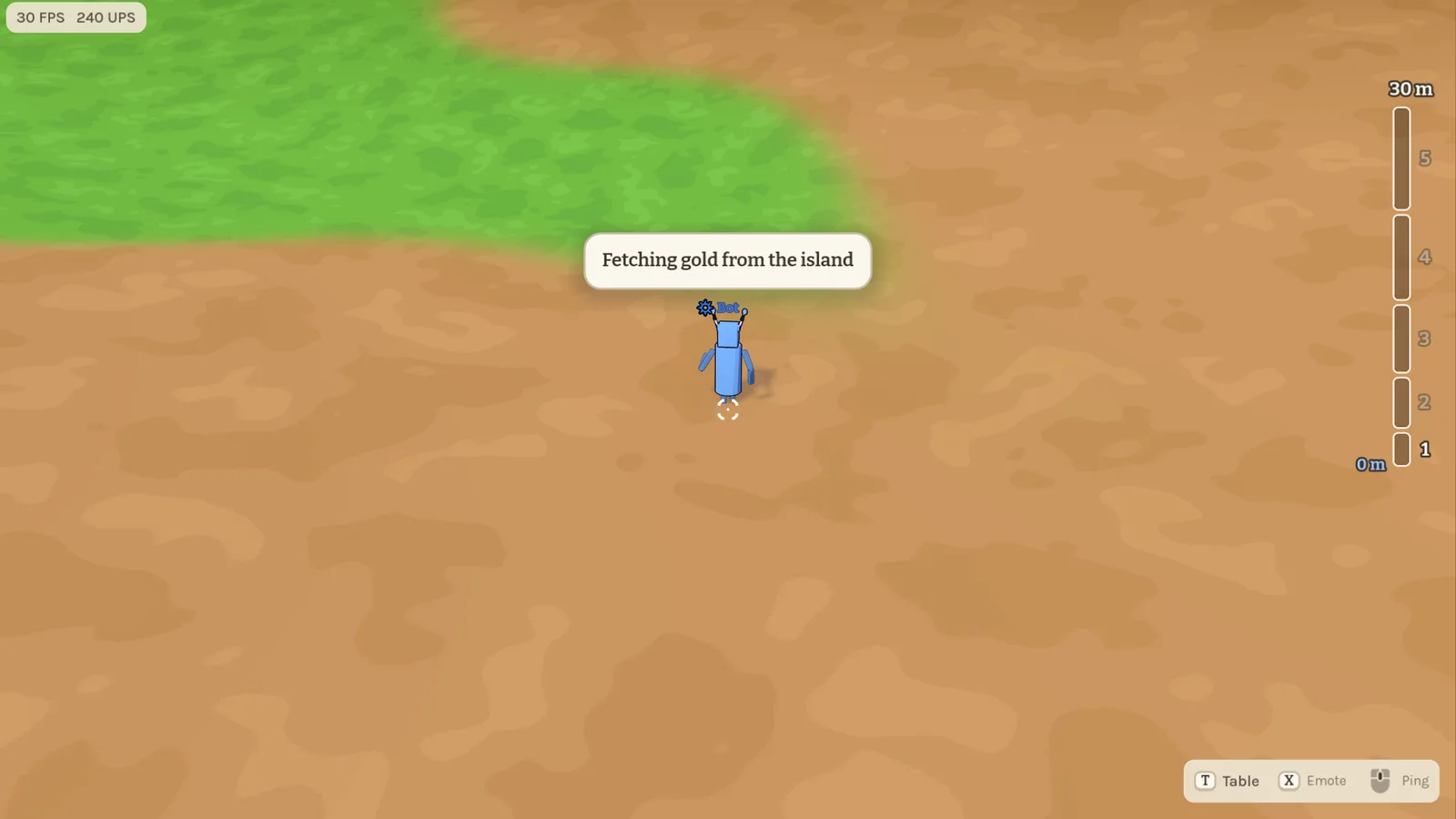
- Table and blocks: the table camera rises with your tower (C and Z move it by hand), held blocks no longer stick at the screen edge or a table's front edge, and a wedge rests on a slope instead of jittering.
- Build menu: a compact menu with a category dropdown, material and stock in one header row; buildings may stand closer together. Buy All heaps land in your own quarter.
- Looks: the glider and other small models keep their outline and detail far away instead of turning black.
- Smoother online play: after a loading hitch, other players and moving blocks no longer stutter for seconds.
- Smaller fixes: cart riders watch the line from above, the cannon has its own view with a power meter, ants take two hits, and a click on a panel never reaches the game behind it.
0.27.0 The Tower Map, complete 2026-11-09
The Tower Map is now a whole match: four teams race to build the highest tower within 20 minutes, while their minis gather, craft, fight and steal. Older builds can't play with this one.
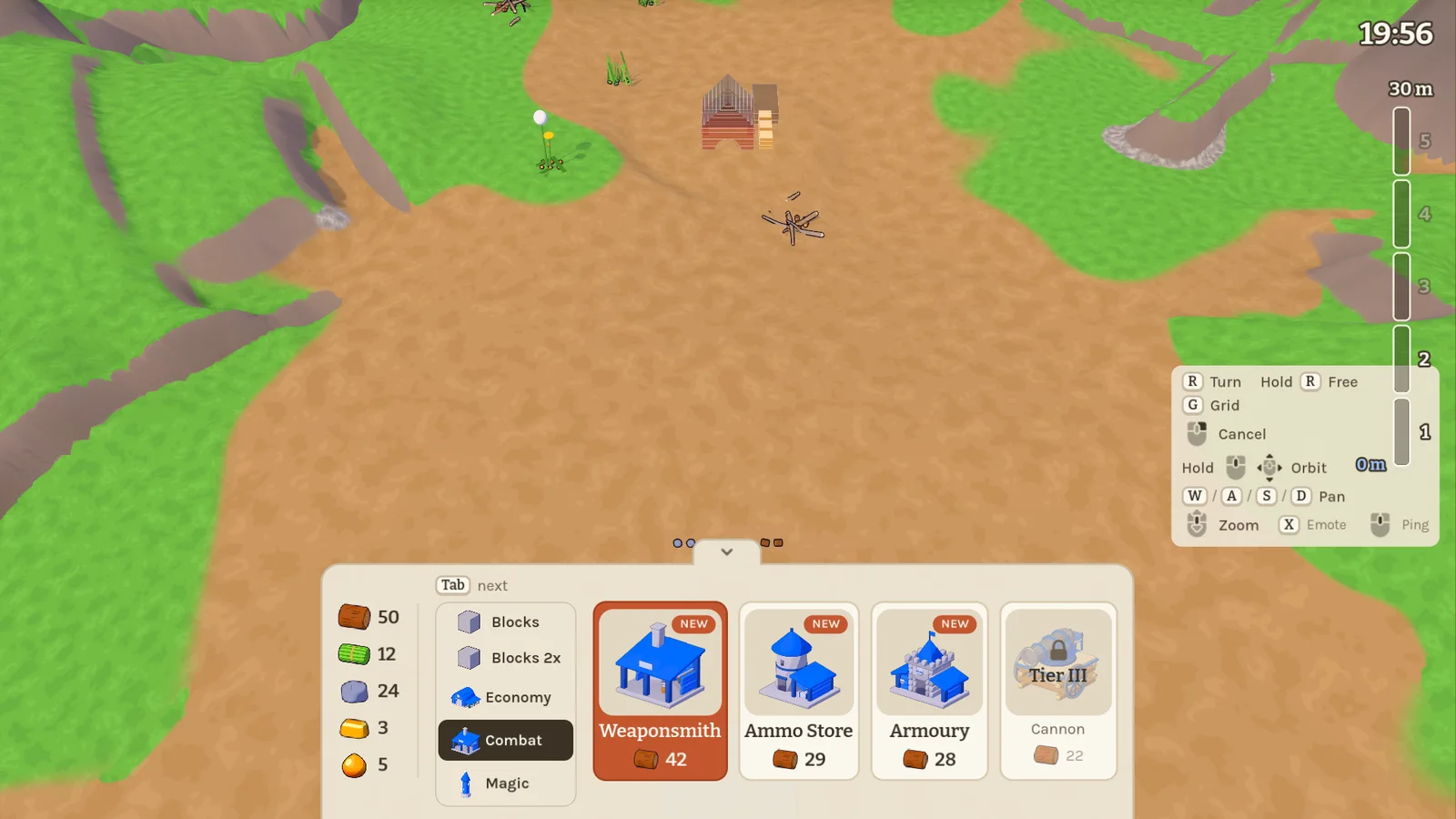
- Rounds and tiers: a round has a clock and a target height. Your tower's height unlocks five tiers of buildings, tools and blocks; the first team to reach the target wins, otherwise the tallest tower when time runs out.
- Build menu: giants pick from five tabs, Blocks, Blocks 2x, Economy, Combat and Magic, and flip through them with Tab. Buildings go down freely on levelled ground and are built block by block into their hologram.
- Gather and craft: minis collect twigs, grass, pebbles and dandelions from spots all over the map, carry them home and craft tools, ammo and gear at the workshop. Each mini has a small hotbar and an armour slot; the backpack makes it bigger.
- Stone and magic: the stonemason turns pebbles into stone blocks and refines buildings. The alchemy tower brews resin into glue, bombs and smoke bombs.
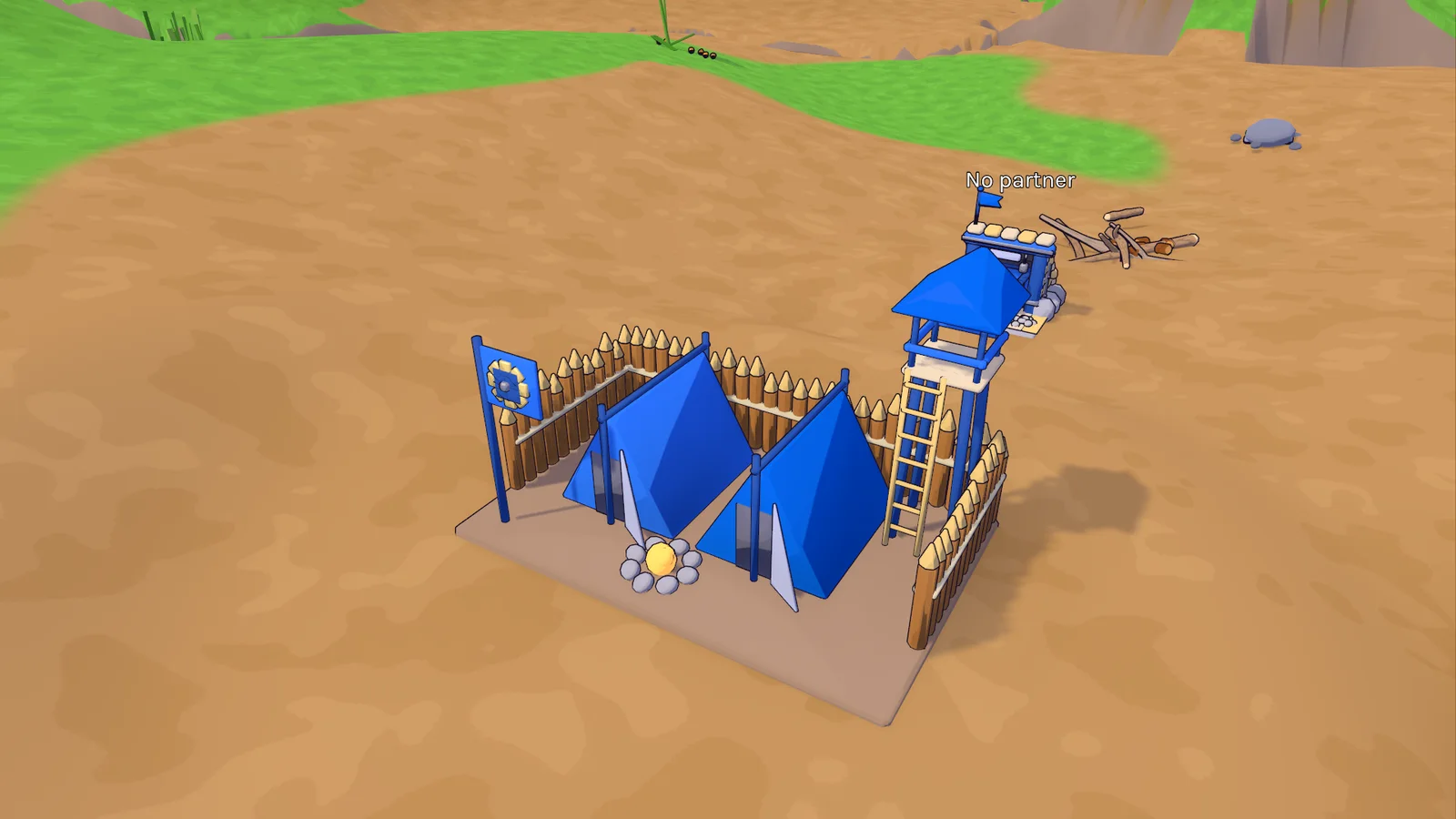
- Fight: minis have hearts now. Slings, stone ammo, armour, a cannon, a grappling hook and a repair hammer join the game. Buildings take damage, burst and can be upgraded; blocks hit hard enough break into resources.
- Steal: sneak into another team's barn and carry its resources home, or wreck the barn altogether.
- Critters: ants wander the map and ground beetles guard their patches. On the gold island in the middle a stag beetle waits.
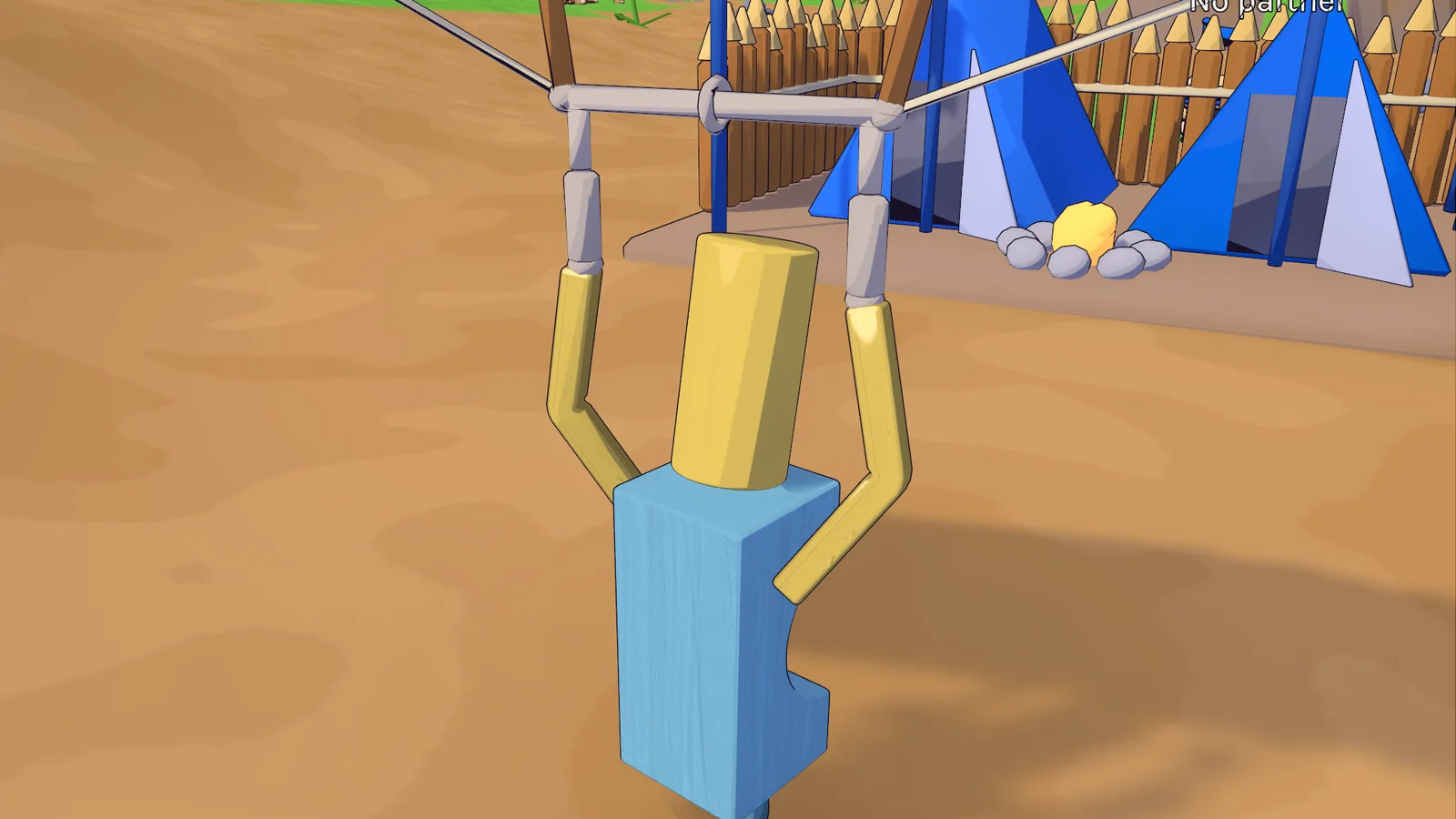
- Gold: the island in the middle is reached over causeways. Its gold buys the barracks, whose bots gather for your team and fill empty seats, cart stations that whisk minis across the map underground, the glider, and the plus versions of sling, armour and backpack.
- Balance: blocks are cheaper (cube and board 1 wood, arch and cylinder 2), teams start with more spare wood, and gather bots walk almost twice as fast.
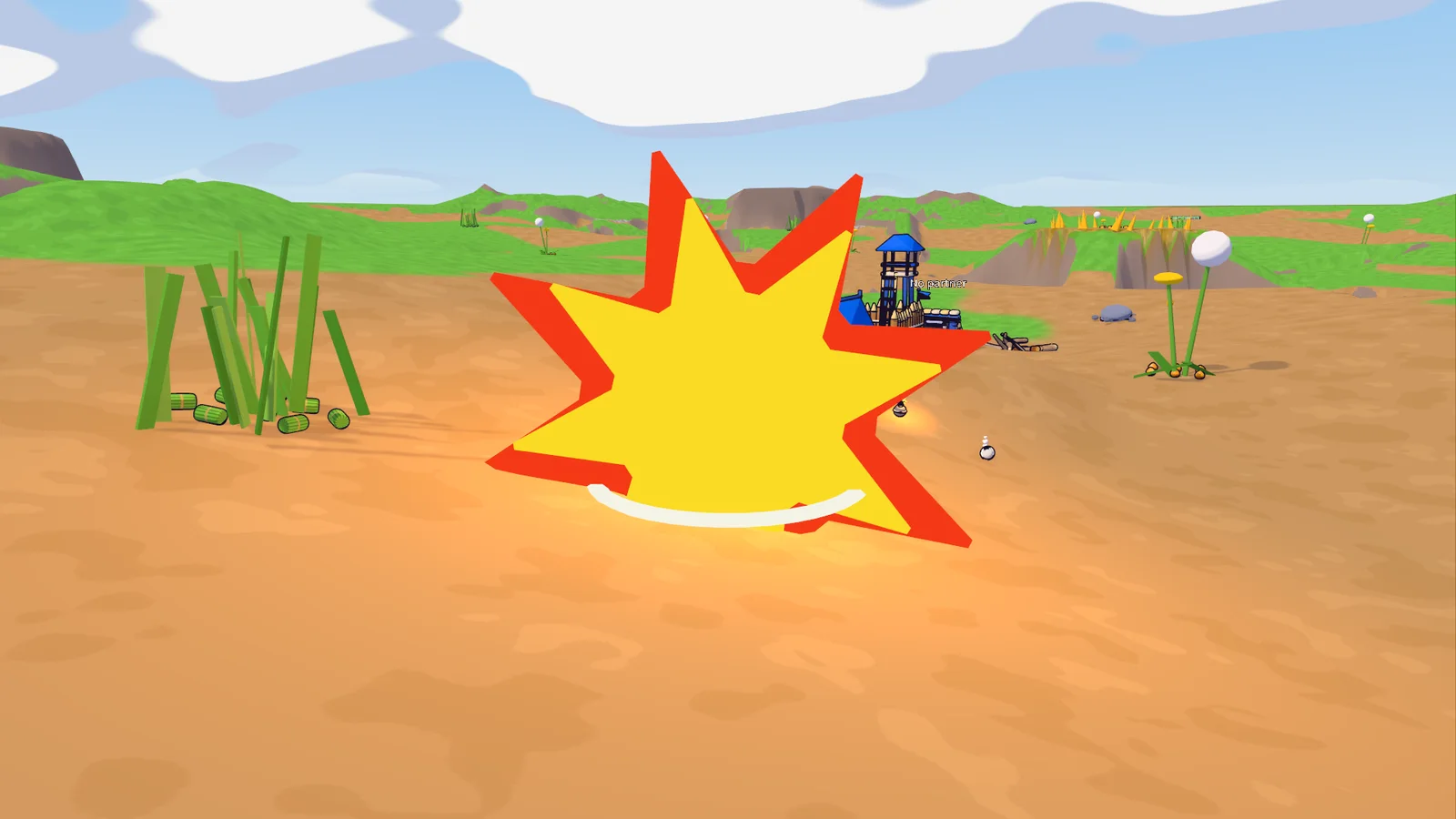
- Smoother rounds: a full round with four teams, sixteen bots and dozens of buildings costs the host noticeably less time.
0.26.5 Workshop and alchemy tower 2026-11-08
Every team on the Tower Map now has two building sites waiting next to its foundation.
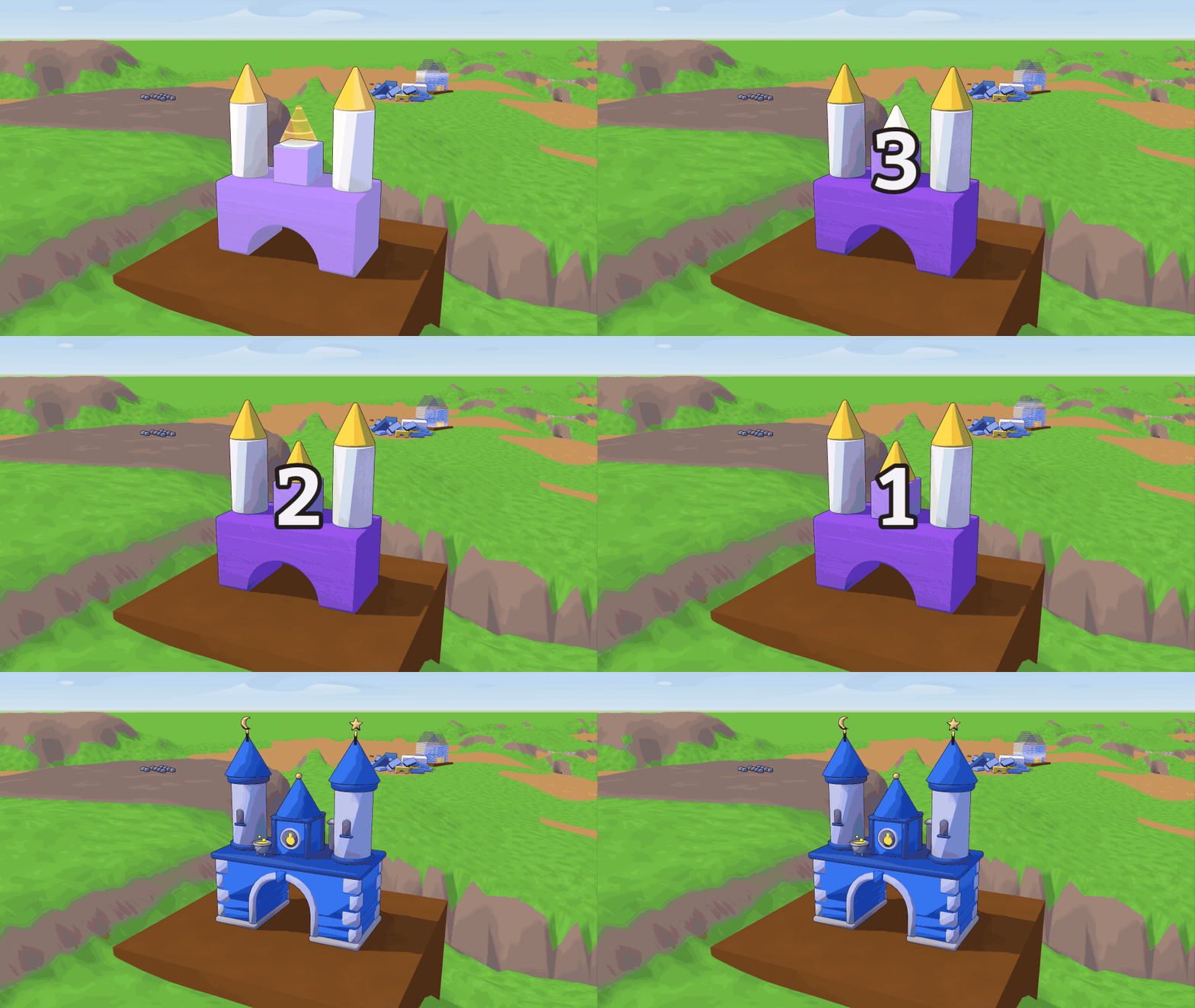
- Building sites: each team gets a workshop and an alchemy tower as glowing holograms on level pads, placed a little differently every round. Buy blocks from the build menu and stack them into the hologram by hand; once every block sits in place, the rough build turns into the finished building, which minis can walk into.
- Site info: click a site (as a mini, point at it and use the glue button) to see the finished building turning slowly and the blocks still missing, updated live.
- Bigger blocks: the build menu now also sells every shape in its large size, for a higher price.
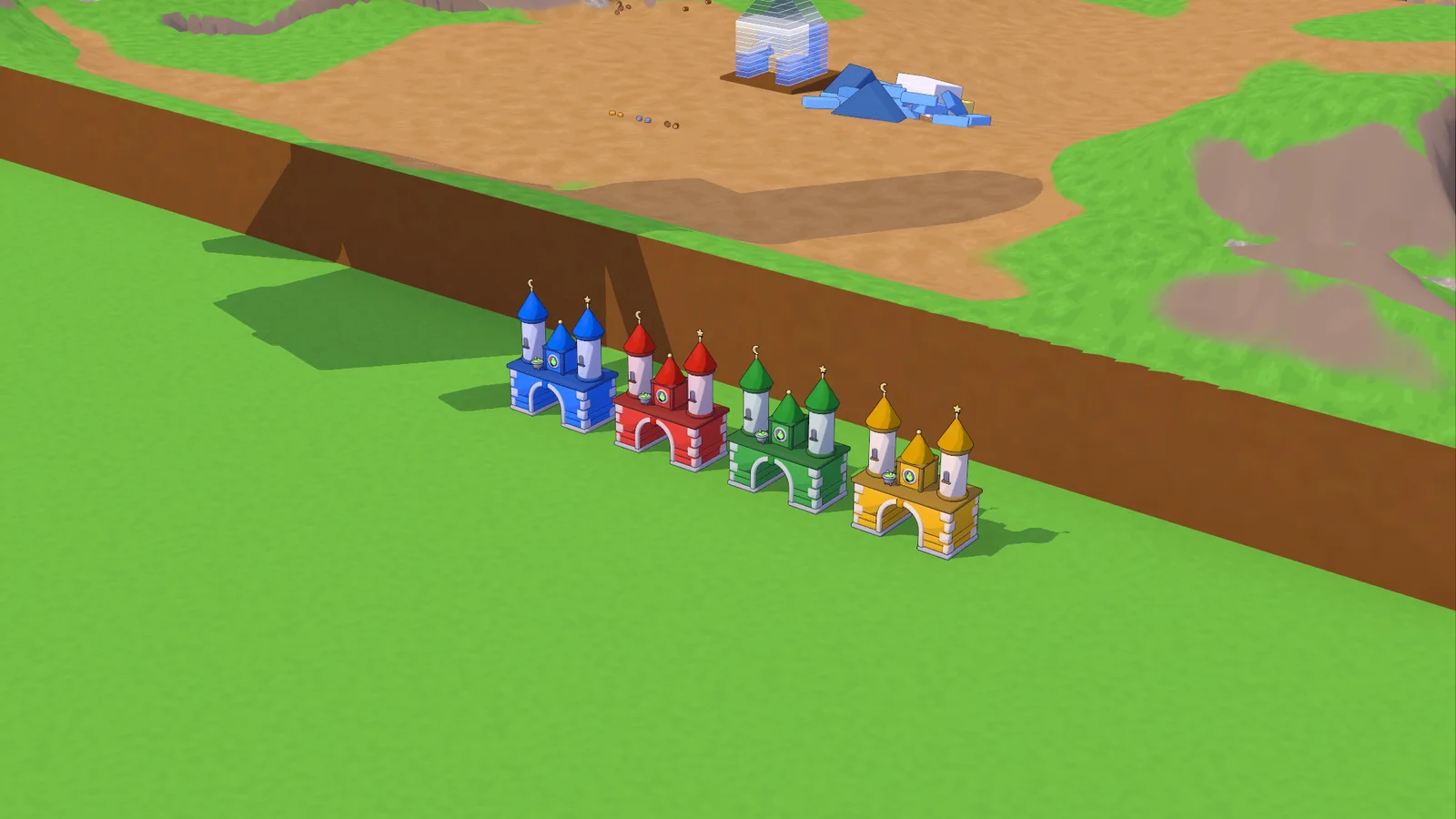
- Smoother lines: buildings far away keep their fine details instead of drowning in thick outlines.
- Dev mode: every team starts with 999 of each resource instead of getting everything for free.
- Minis fall slower: minis and the resources they carry always fall at their own, gentler gravity; the lobby setting for it is gone.
- Fixes: a glued block turned into the table while held no longer drags its partners through the tabletop, and the foundation now also takes resources that land on its edge.
0.26.4 A steadier Rainbow Stack 2026-11-07
- Rainbow Stack: pulling a brick out of the tower no longer drags the bricks above it along, so the whole tower doesn't collapse and the game stays smooth instead of slowing to a crawl.
0.26.3 Team colours and quicker hands 2026-11-07
A few fixes for the Tower Map.
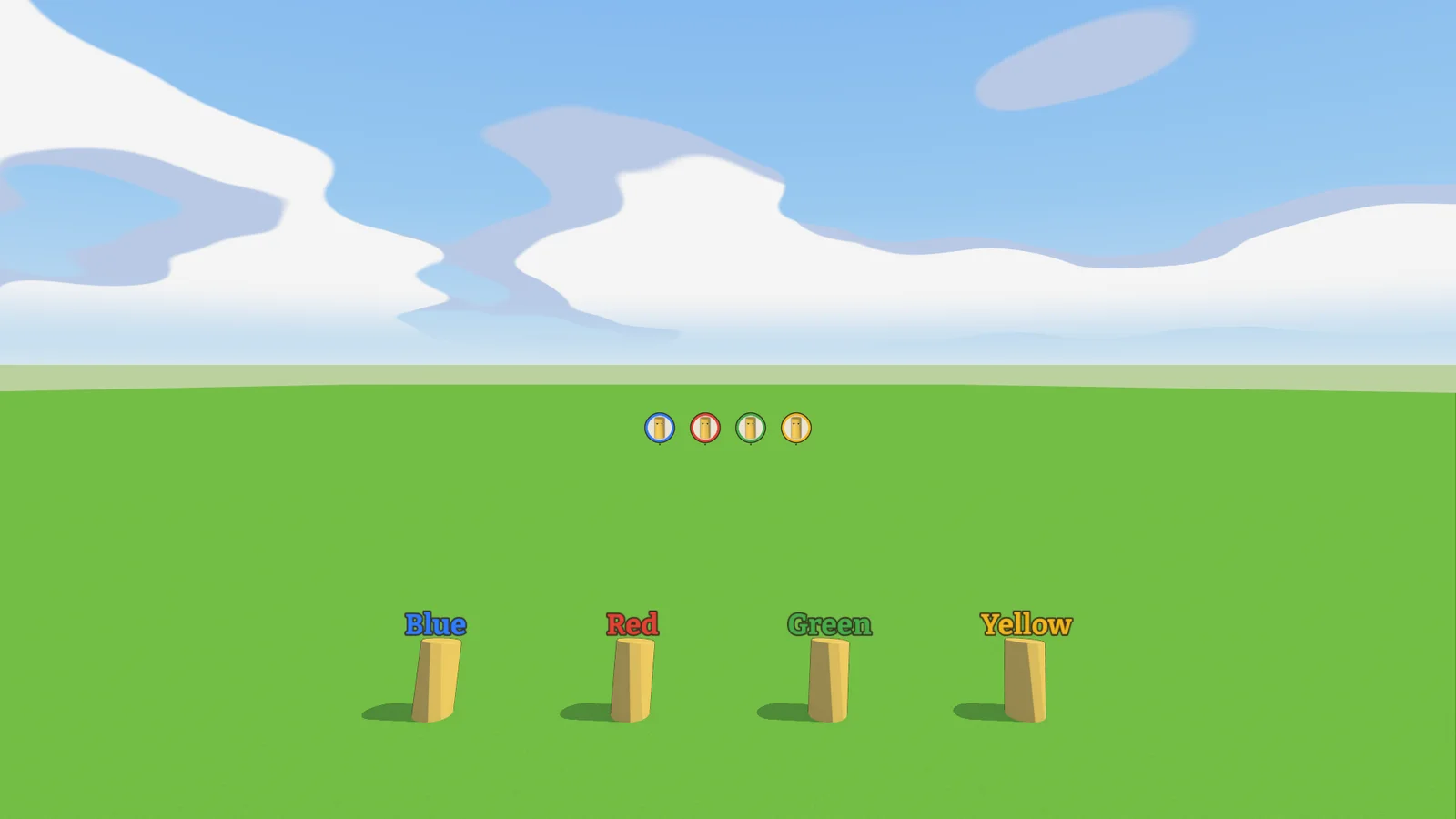
- Team colours: while teams play, name tags and the round badges of far-away minis show the team's colour instead of each player's own, so you can tell at a glance who belongs to whom. The mini badges are also half again as large.
- Quicker pickup: a mini with something in hand can now pick up more right away. The new resource goes into the next free slot and becomes the one in hand; no more switching slots first.
- No more catapult: throwing or dropping a block while running and jumping could launch the mini into the air on the host. A freshly thrown block no longer knocks its own mini.
0.26.2 Dev mode for the Tower Map 2026-11-07
A new Dev mode switch in the lobby's Tower Map settings, for trying things out without a full round. While the host has it on, every building costs nothing, and everyone can switch between giant and mini with M. Minis can build from the build menu once they've grown into a giant.
0.26.1 A lighter download 2026-11-07
The game folder is about 130 MB smaller. The video recorder behind F9 used to bring a full copy of ffmpeg; it now ships a small one with only the parts it needs. Clips look exactly the same as before.
0.26.0 Build your base 2026-11-07
Players on older versions can't join this one; everyone needs to update.
The Tower Map becomes a little city builder. Up to four teams each get a corner of the board, a barn to rebuild and a stock to fill, and the giants turn that stock into buildings.
- Pick a team: in the lobby, players sit down with Blue, Red, Green or Yellow, as the team's one giant or as one of its minis. Everyone else watches. Giants start at their table, minis next to their barn.
- Rebuild the barn: every team starts with a barn hologram and a heap of blocks beside it. Put the blocks into the hologram and the barn stands.
- Fill the stock: minis carry wood, stone and gold to their barn and toss it into the trough. Used-up resource spots slowly grow back. Hold ^ for the scoreboard: each team's players, stock and tallest structure.
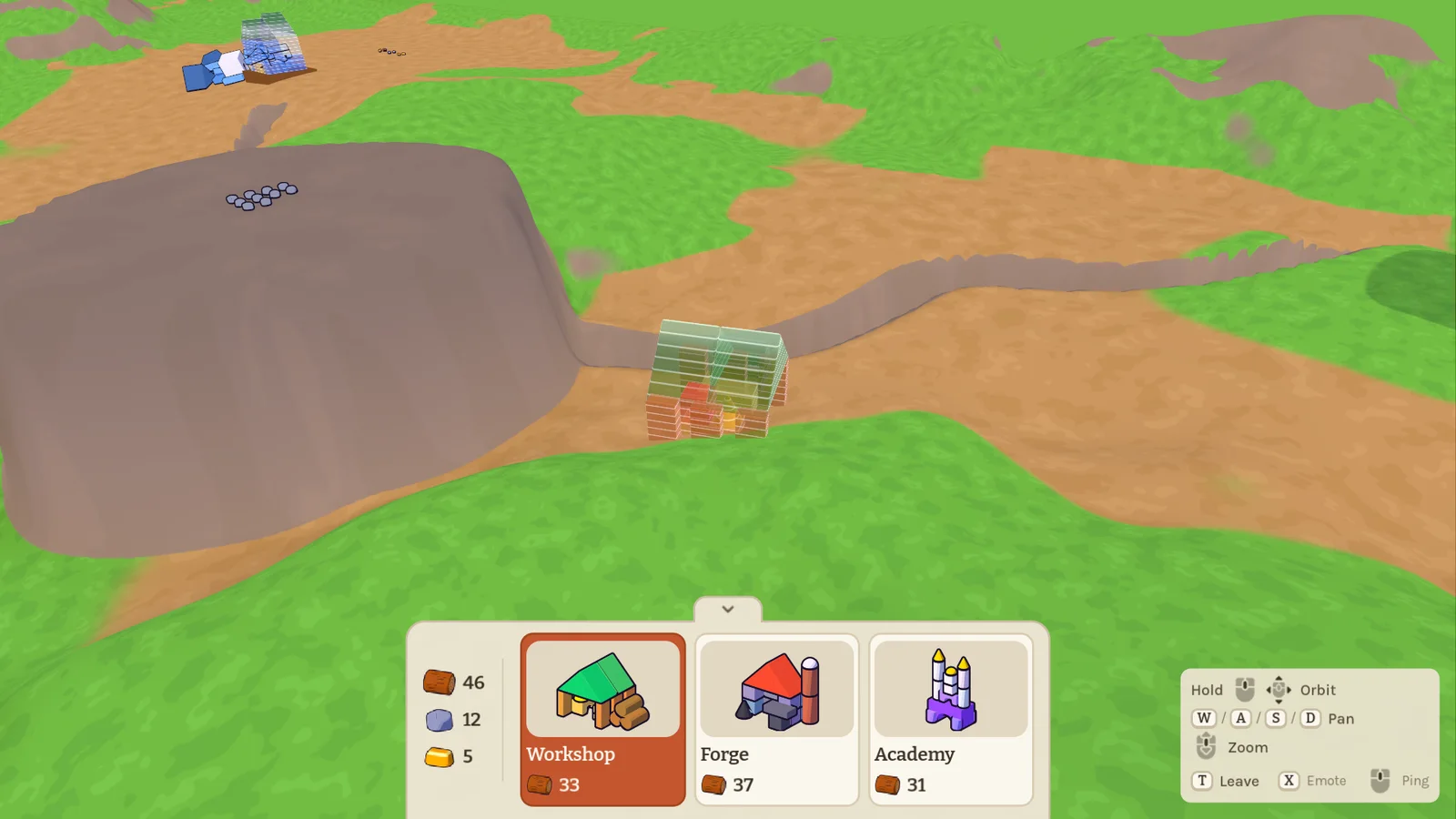
- Build menu: at the table, giants now have a strip of buildings at the bottom of the screen: a workshop, a forge and an academy. Each costs wood, and the strip also shows how much wood, stone and gold your team has. Pick one and a hologram follows your cursor. It turns red where you can't build, and you can only build in your own team's quarter. R turns it (hold to spin it), a click places it, Shift+click keeps placing more. A placed building gets its own heap of blocks, which you then build it from.
- Change your mind: click one of your team's buildings to move it somewhere else. Delete cancels a building that isn't finished yet and gives you its wood back.
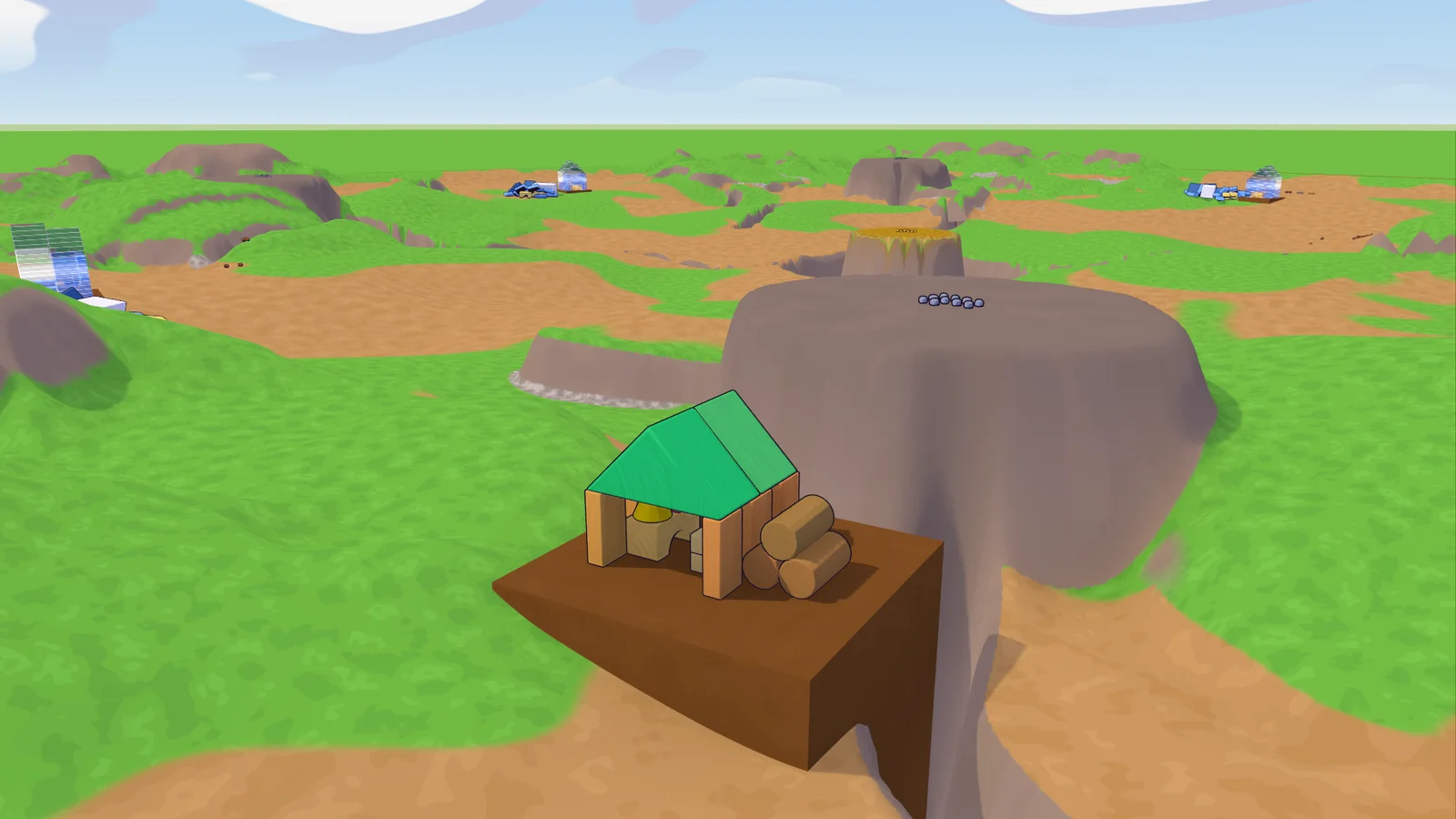
- Foundations: buildings stand level on a block of earth filled in under them, so hills and slopes are fine building ground now. Blocks rest on it and minis walk on it.
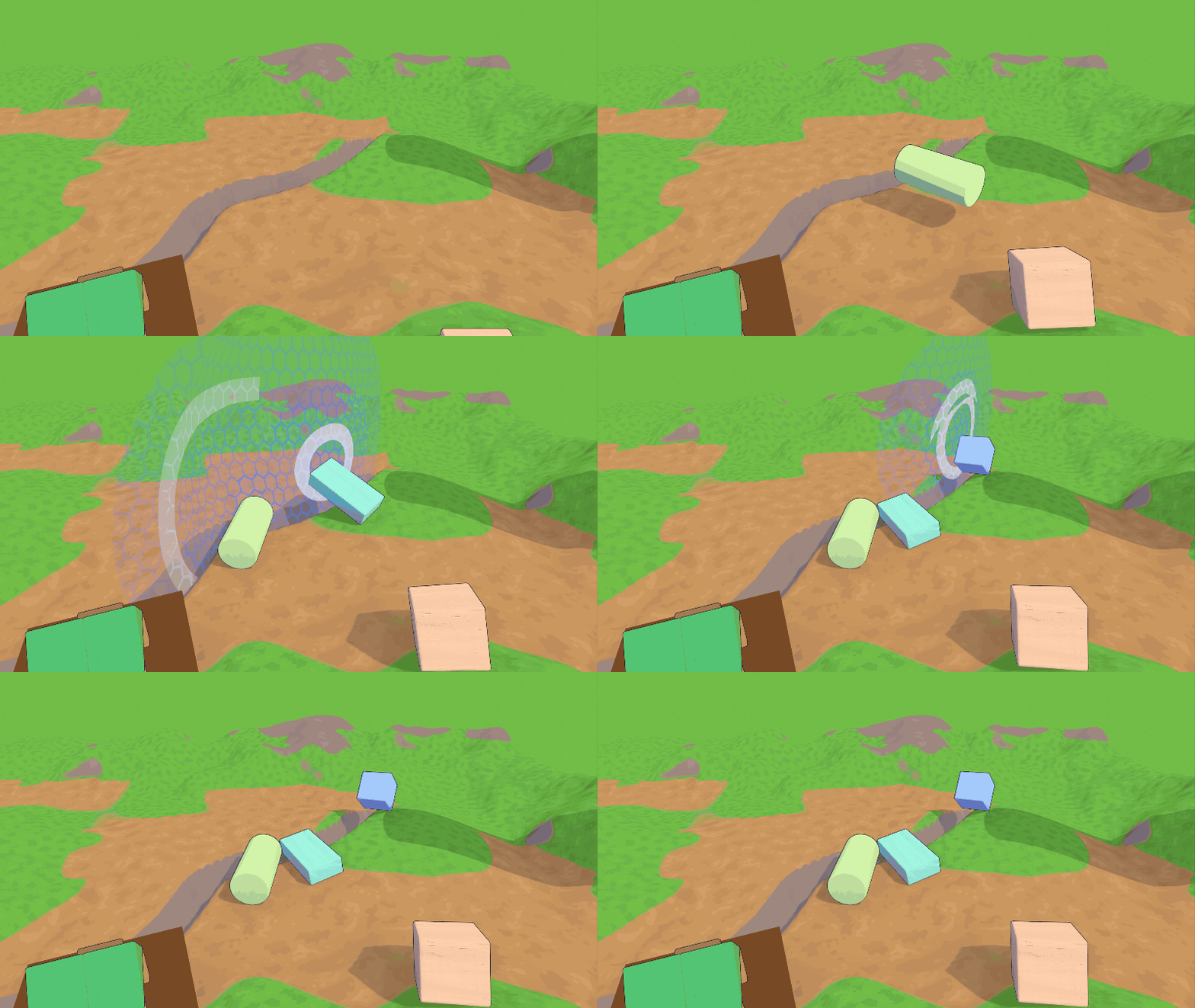
- Team walls: an invisible wall closes each team's quarter, the board's edge included. Your team's blocks can't leave it: they bounce off, and the wall lights up in your team's colour where they hit. You can only grab your own team's blocks. Resources fly over the walls but stay on the board, and minis see a glowing border when they come near the edge.
- New resource look: wood, stone and gold are now a faceted log, a planed rock and a bevelled ingot in flat toon colours, with matching new icons.
- Fixes: dragging a block into a team wall at the table now stops it at the wall instead of letting it run off behind, and the gold pile now fits on small maps.
0.25.0 Your board, your shape 2026-11-05
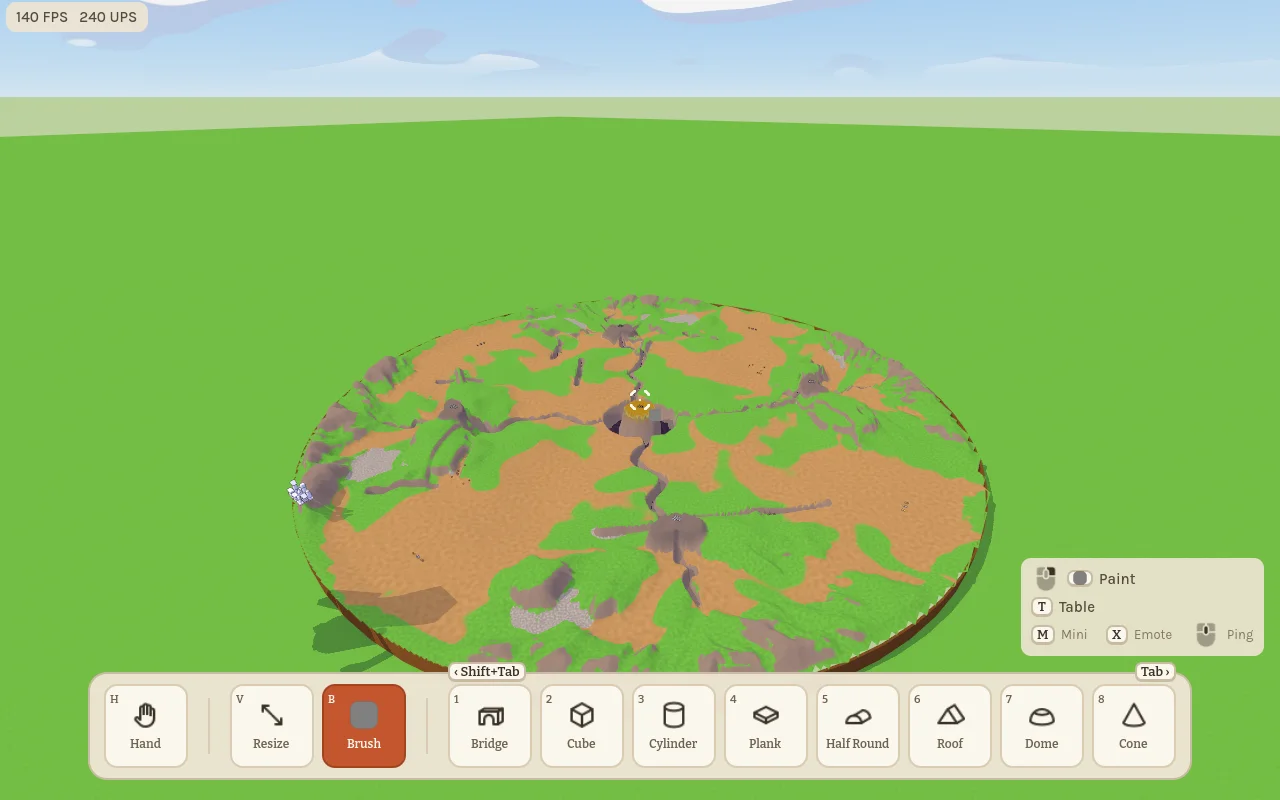
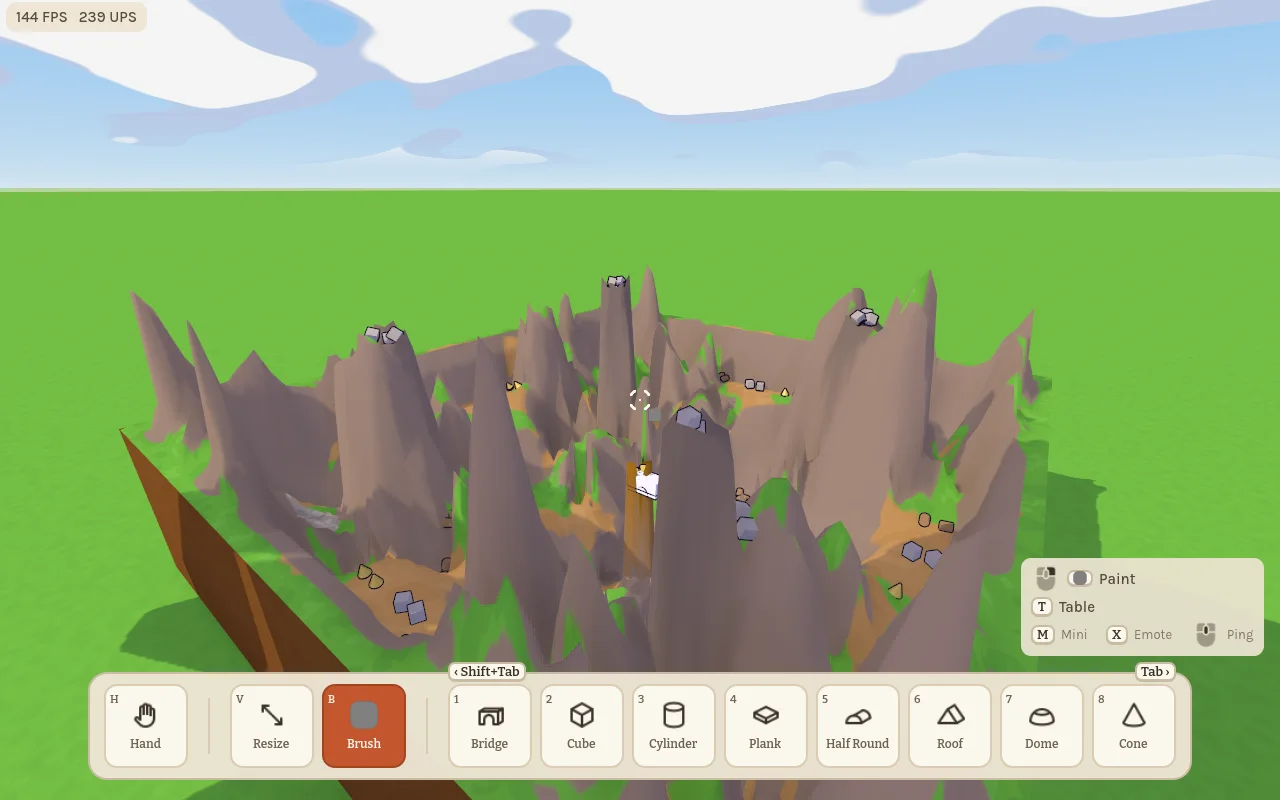
- Map size: the host can now shrink or grow the Tower Map from 10 % to 200 % in the lobby. The hills keep their height and there are just as many resources, so small boards get crowded and spiky, big ones wide and open.
- Map rounding: a second slider rounds off the corners, all the way to a round board at 50 %.
- Update everyone: older versions can't join this one anymore.
0.24.2 Find the minis 2026-11-05
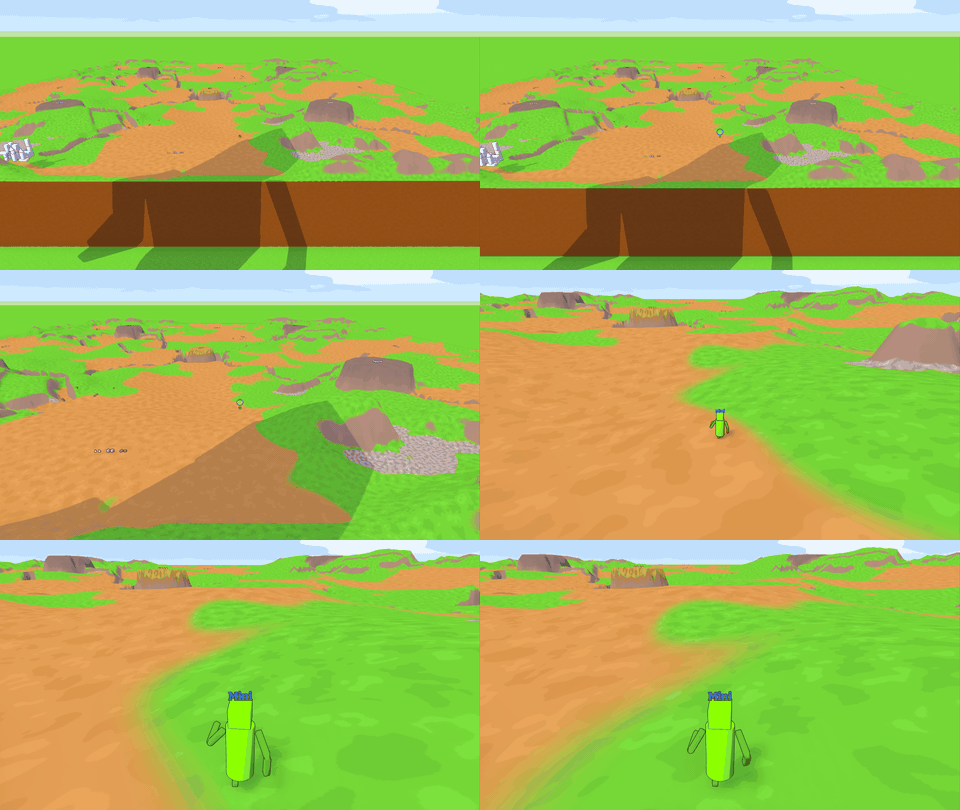
- Head badges: as a giant you now see far-away minis as a round badge with their own head, ringed in their colour. Zoom in or walk closer and their name tag takes over. Behind a hill the badge stays visible, just dimmed. Minis don't see badges, and giants never get one.
- Up the hill: on Tower Map, minis no longer get stuck just below the top of steep hills. Really steep slopes still have to be climbed.
0.24.1 A giant-sized Tower Map 2026-11-05
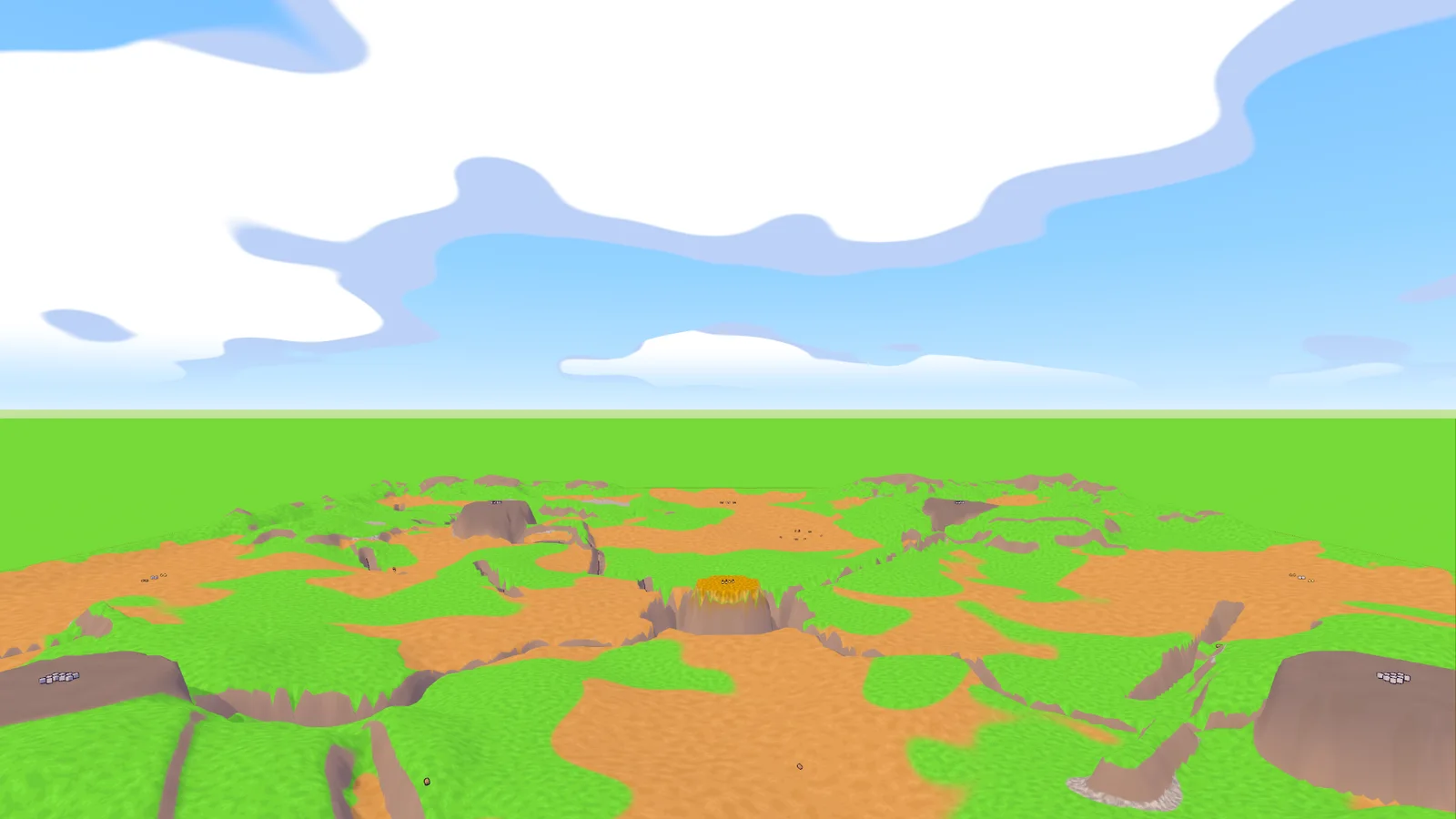
- New Tower Map defaults: giants now start at 250 % and the table at 100 %, the sizes that played best. Both sliders are still in the lobby.
- Empty board: the pile of blocks at the start of Tower Map is gone.
- Reach limit: at a table, raising a held block with Shift+wheel now stops at your grab reach, just like scrolling it away on foot.
0.24.0 Minis carry resources 2026-11-05
Players on older versions can't join this one; everyone needs to update.
Tower Map now has wood, stone and gold lying around in piles, and only minis can carry it.
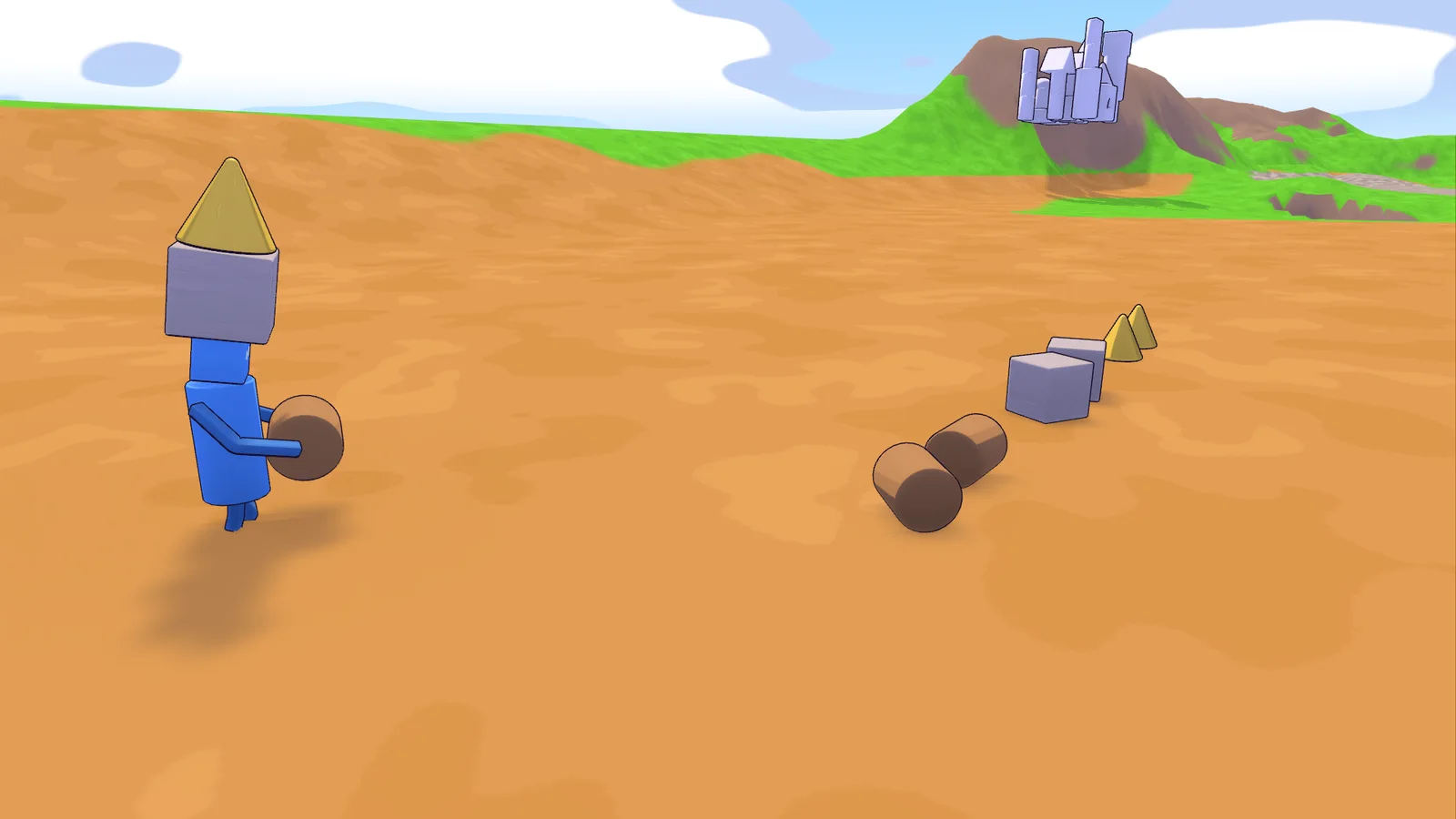
- Pick it up: as a mini, walk up to a resource. Once it's outlined, left-click it. It flies into your hands.
- Three slots: keys 1–3 put a resource in your hands, and the others sit stacked on your head. Pressing the same key again, H, or picking the glue empties your hands. Tab cycles through them.
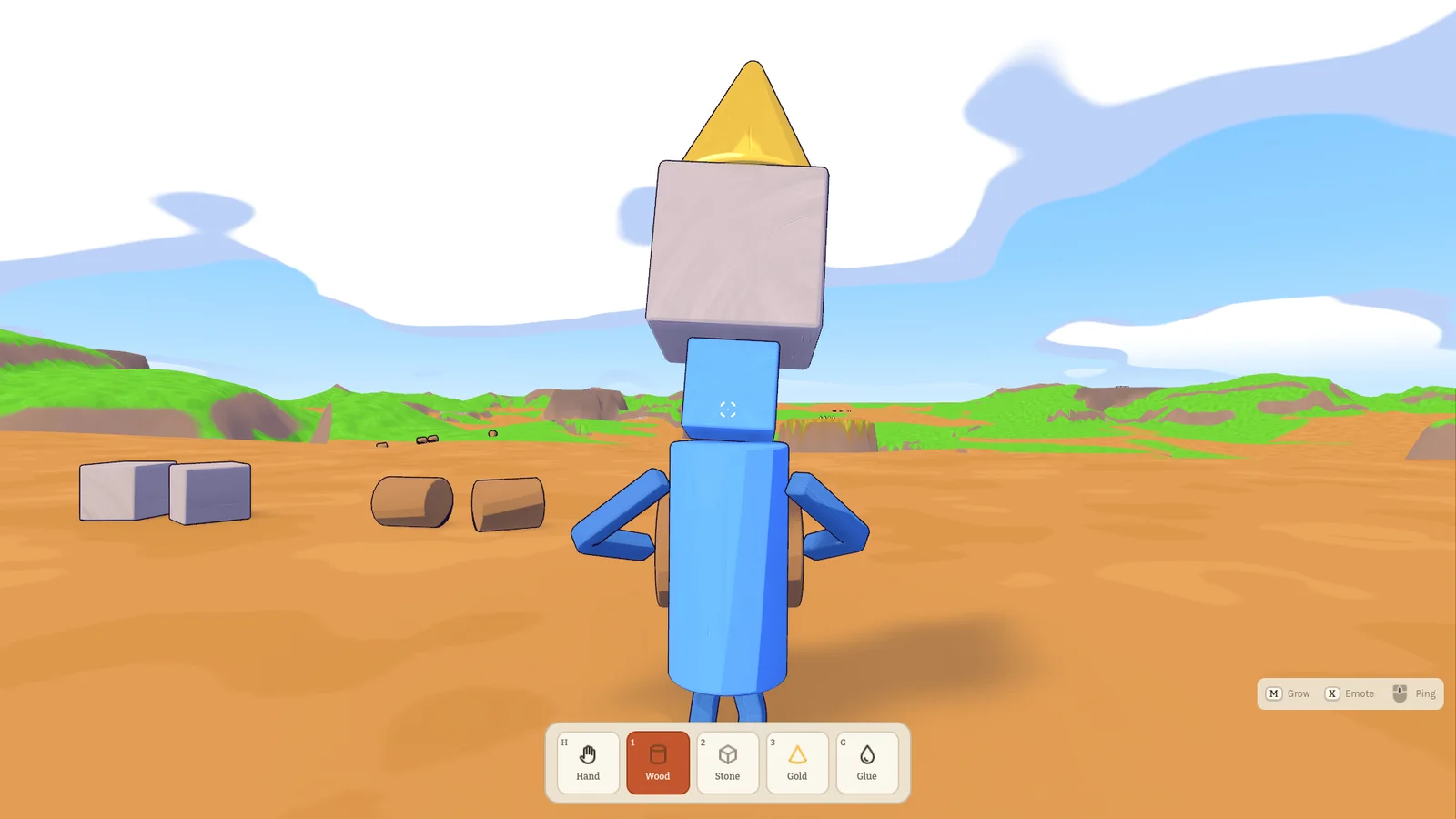
- A wobbly tower: the stack on your head sways as you walk and ducks with you, but it never falls.
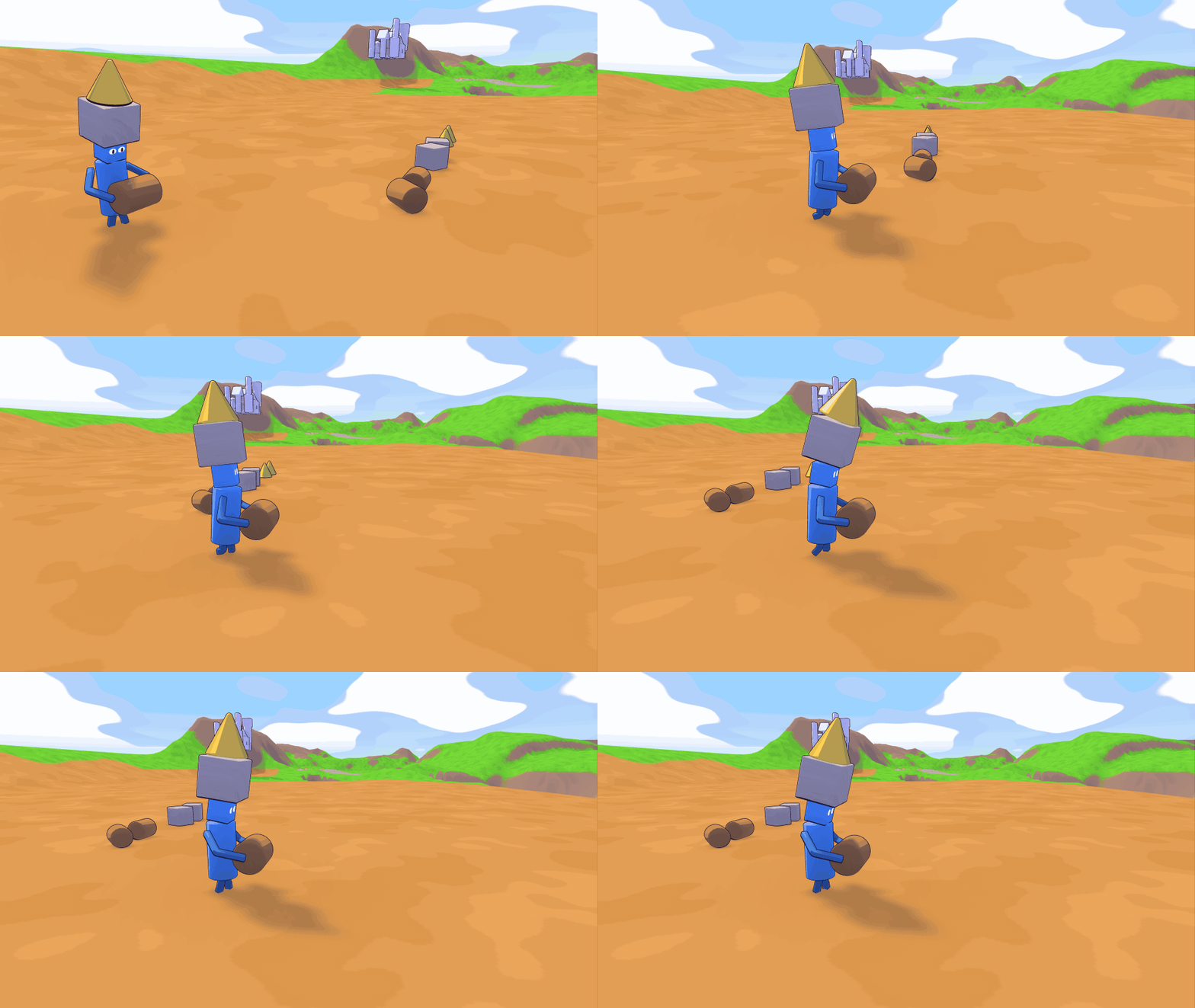
- Throw it: Q throws the resource in your hands where you're looking.
- Hands full: with a resource in your hands you can't climb. Growing big drops everything in front of you.
- Giants keep off: giants can't grab or paint resources.
0.23.2 Hands in front 2026-11-03
- Holding in third person: your block now stays in front of your giant instead of swinging behind his back, and walking backwards turns him sideways so he keeps it in view.
- Stretchy arms everywhere: in third person too, the arm now reaches a block that's far away, and the giant looks and leans toward it.
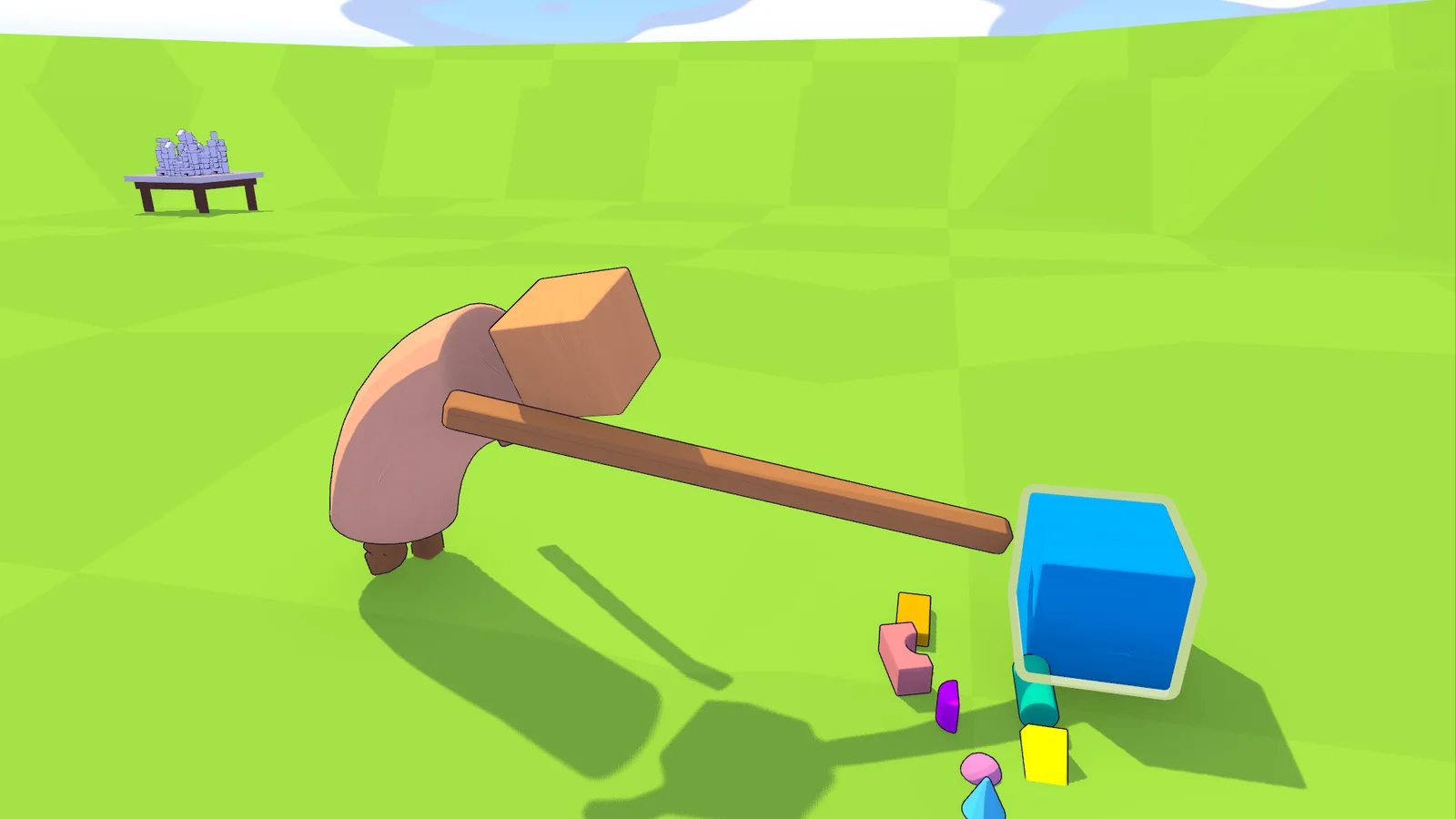
- Zoom without dragging: zooming the third-person camera no longer pulls your held block along. Shift+wheel still moves it nearer or farther.
- Table cursor stays put: at the table the mouse no longer slips out of the window while you move a block. Esc or Alt-Tab frees it.
0.23.1 Long arms 2026-11-03
- Body language on foot: giants now also look at, lean toward and reach for the block they hold or aim at while walking around, not just at a table. Your camera stays steady.
- Stretchy arms: when a held block is out of reach, the giant's arm simply stretches to it.
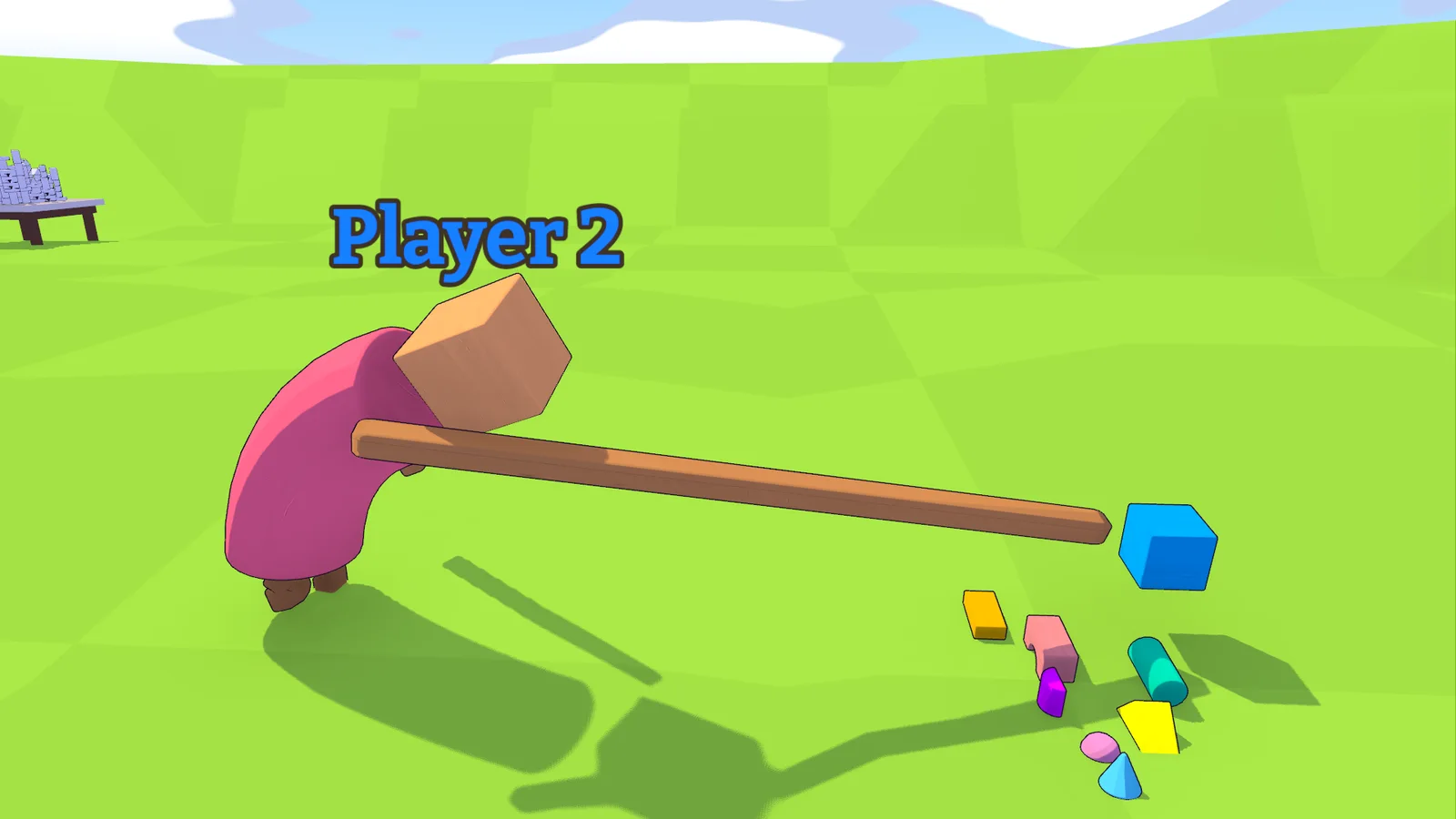
- Your arm stays out of the way: while you build, your own arm turns see-through when it covers other blocks or the spot under your block, and disappears only when it hides the block you're holding.
- Table zoom: the table camera no longer zooms out farther than your first-person view; it starts there.
- Scrolling on foot: the mouse wheel now zooms and Shift+wheel moves a held block nearer or farther. Zooming also works while holding a block. Saved controls are updated.
- Fixes: a giant no longer walks into the Tower Map board when you place a block behind him, and a mini riding a giant's head no longer slips off when he leans in.
0.23.0 Giants at work 2026-11-03
Players on older versions can't join this one; everyone needs to update.
Giants at the table now look like they're really building, for everyone watching.
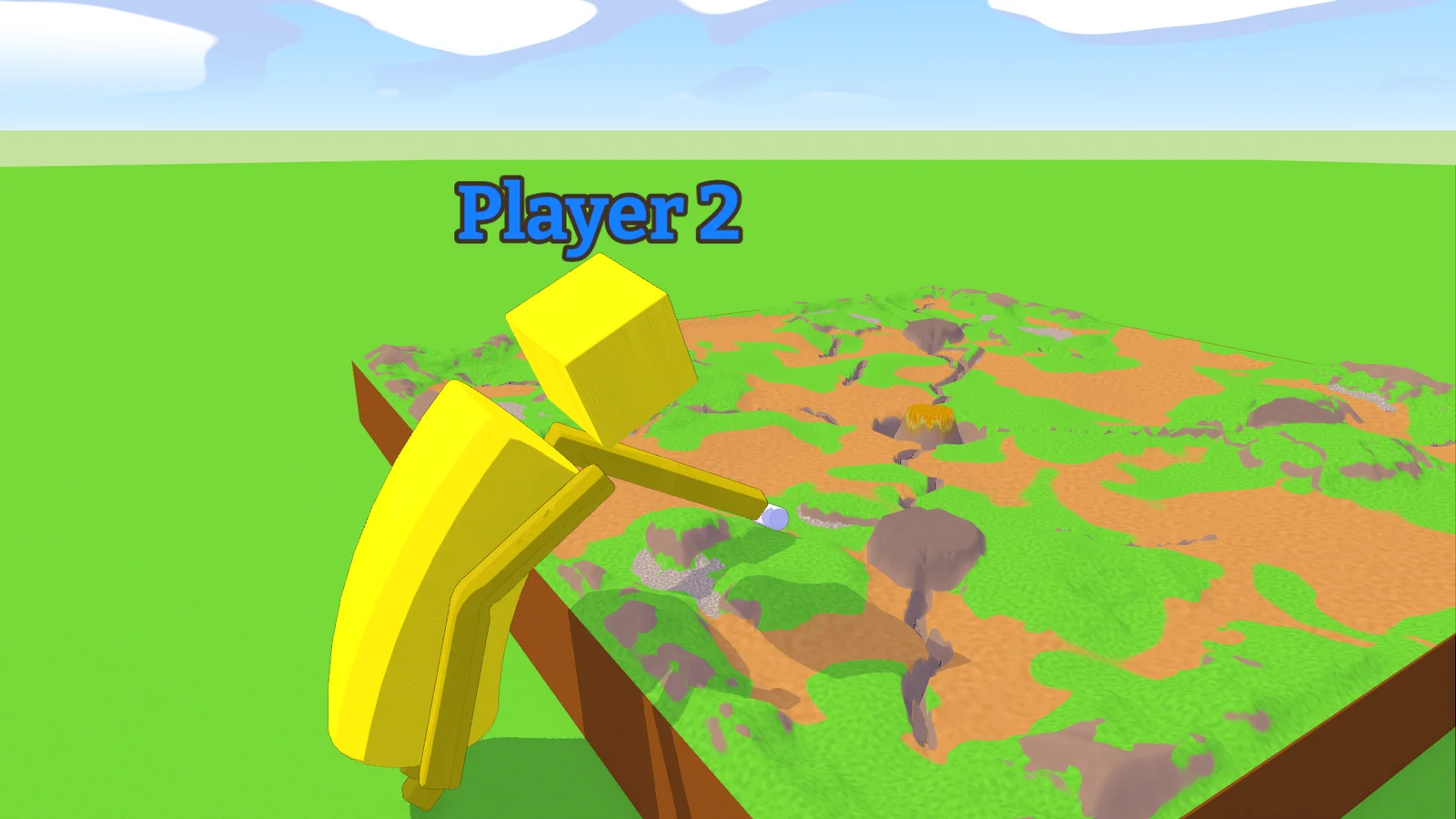
- Body language: a working giant looks at what he's doing, steps along the edge instead of sliding, bends forward over the board and reaches for his block with the arm on its side. Far away, he leans as far as he can and points at it.
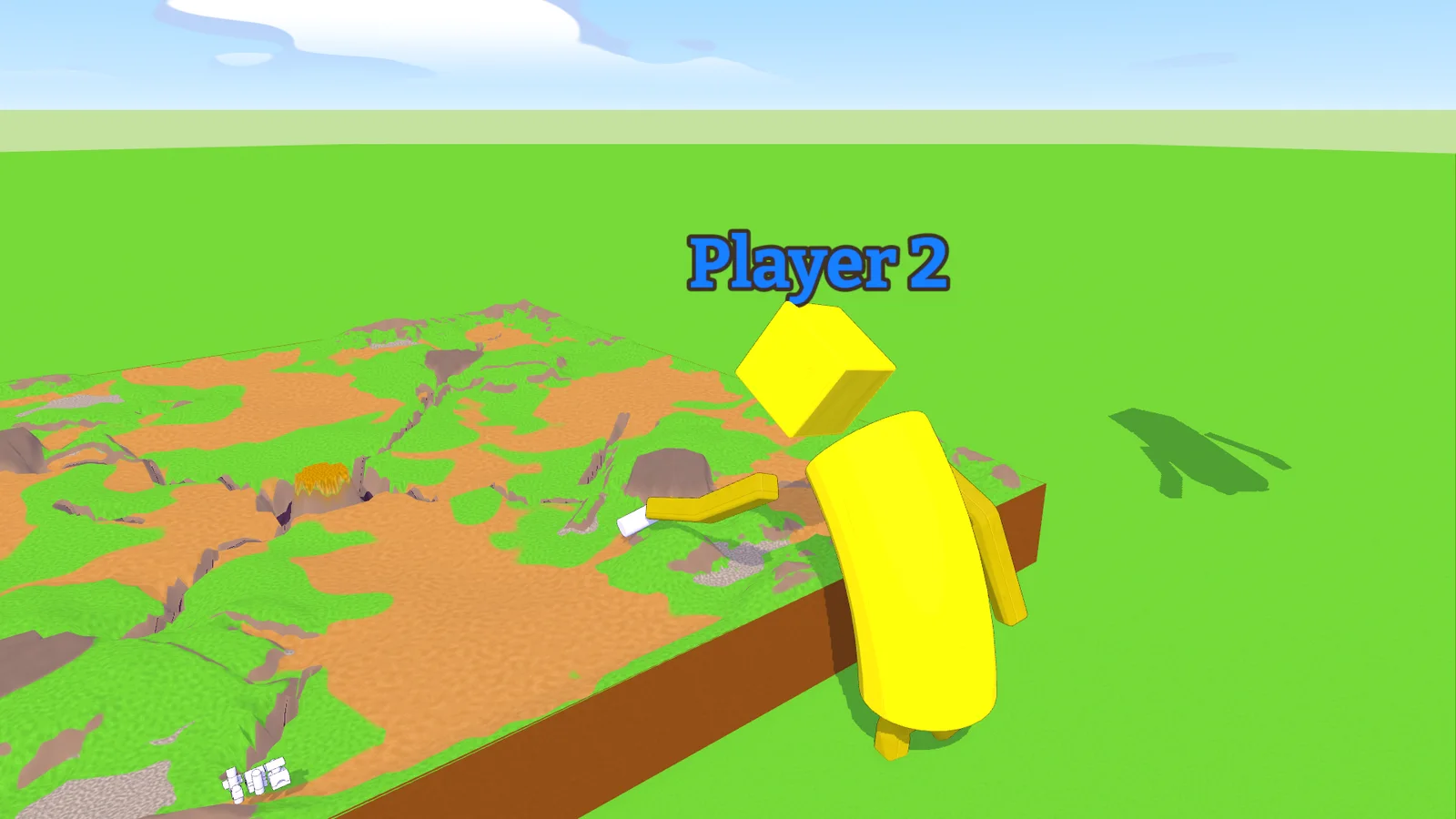
- See your work: your own giant fades out when he gets between the camera and what you're building. Other players still see him.
- Faster pan: hold Shift while panning with WASD.
- Fixes: the giant's arms no longer sweep blocks off the table while he moves along it, his elbow no longer twists, blocks lying on the ground keep their outline at the bottom, and a held block lowered into a slope can be raised again.
- Known issue: a mini riding a giant's head can slip off when he leans in quickly.
0.22.1 Cleaner exits 2026-11-02
- Fixes: leaving a round while a client still holds a block no longer causes network errors on the host, and two players leaving at the same moment no longer trip up the lobby list.
0.22.0 Build like a city planner 2026-11-02
Players on older versions can't join this one; everyone needs to update.
- New table control: at a table you now steer a free camera like in a city builder. Move the mouse to place the held block, hold the middle mouse button to orbit, and on Tower Map pan with WASD.
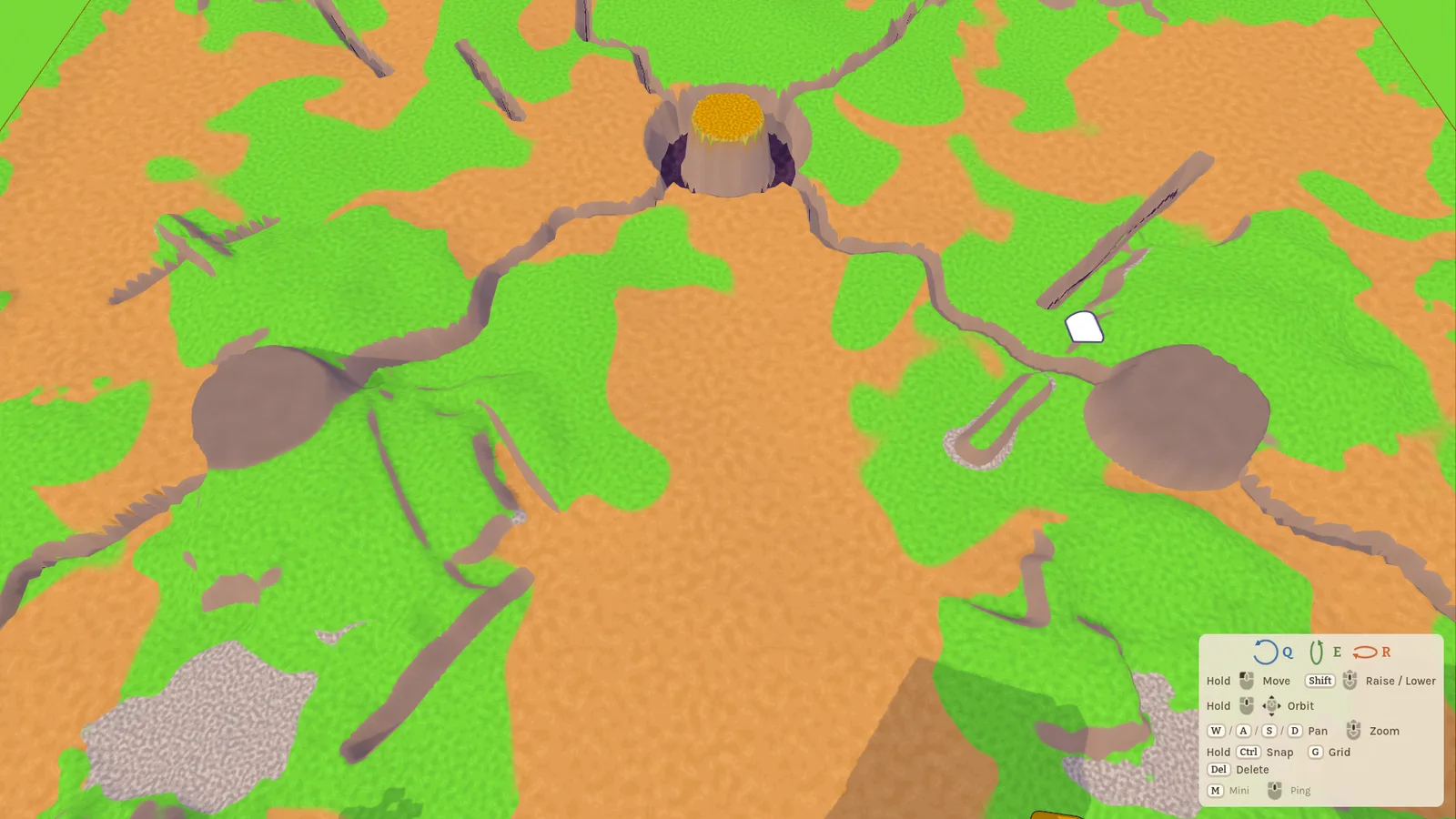
- Tower Map now starts at 500 % size and lets you move the view freely along your edge.
- Kick players: the host can remove a player from the lobby.
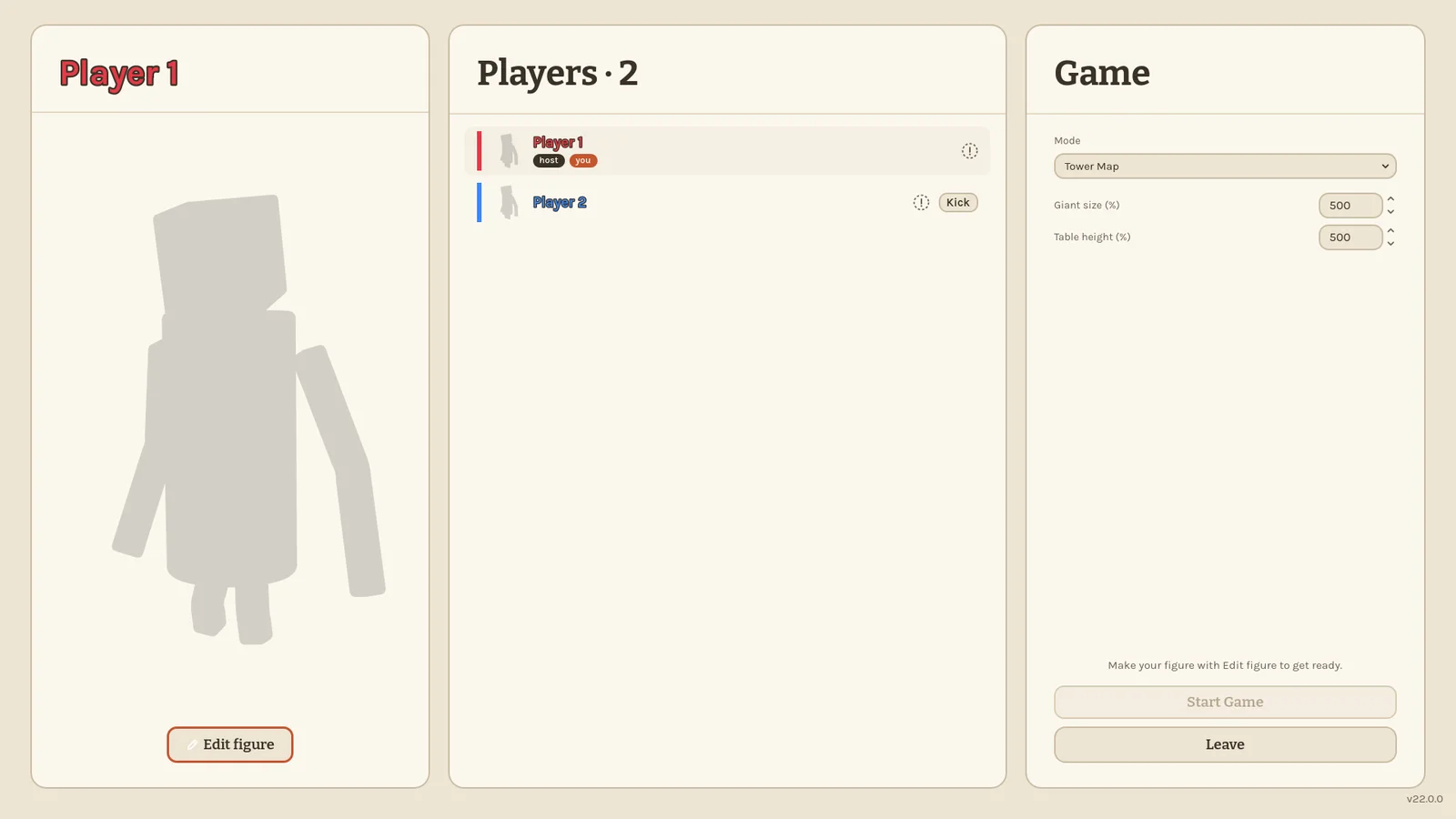
- Bigger lobbies: up to 32 players can join, every mode has room for them, and Make'n'Break's arena grows with the group.
- Freebuild's memes are gone. Three of the pictures now hang in the Zimmer.
- Fixes: the Eloy controls can orbit the table again (Alt + mouse), rotating a block with the mouse no longer drags it along, a middle click is no longer lost after pausing mid-orbit, and a held block no longer follows your cursor while you're in another window.
- The address notes in the lobby and on the host card are gone.
0.21.2 The big cleanup 2026-11-02
We went through the whole game looking for bugs. This update fixes a lot of small and not so small things.
- Hosting and joining are clearer: you can type
ip:port, wrong ports and unknown addresses show a real error, and the host sees a note on how to play online. - If your game takes too long to load a level, you now get a message instead of hanging on the loading screen. A ninth player is told the game is full.
- Blocks can no longer be grabbed through walls, terrain or the table top, and a big held block no longer gets pushed through walls.
- Resized furniture no longer shrinks when you let go of it.
- Falling far below the world brings you back automatically, and giants growing back under a roof stay on the floor.
- Opening the pause menu now drops the block you're holding.
- Rainbow Stack runs smoother: scattered bricks rest until someone comes near or hits them.
- Settings: Load preset asks first, UI Scale can no longer push Close off the screen, and the unused Music Volume slider is gone.
Older and newer versions can still play together, but everyone should update.
0.21.1 Giants with real muscle 2026-11-02
Big giants in Tower Map now feel as big as they look, and walking around as one no longer brings the game to its knees.
- Fixed the heavy lag when a big giant walked across the table.
- Gravity now grows with a giant's size: big giants fall and jump snappier, small ones float a little longer. A jump takes the same time at every size.
- Strength grows with size too: big giants pull and throw blocks much faster, and heavy blocks feel lighter to them. Small giants are weaker. Minis stay as they were.
Everyone should update, so that held blocks move the same for all players.
0.21.0 Tiny giants, tall tables 2026-11-01
Tower Map has two new sliders for the host in the lobby: Giant size and Table height, each from 50 % to 1000 %. Set them wildly and see what happens.
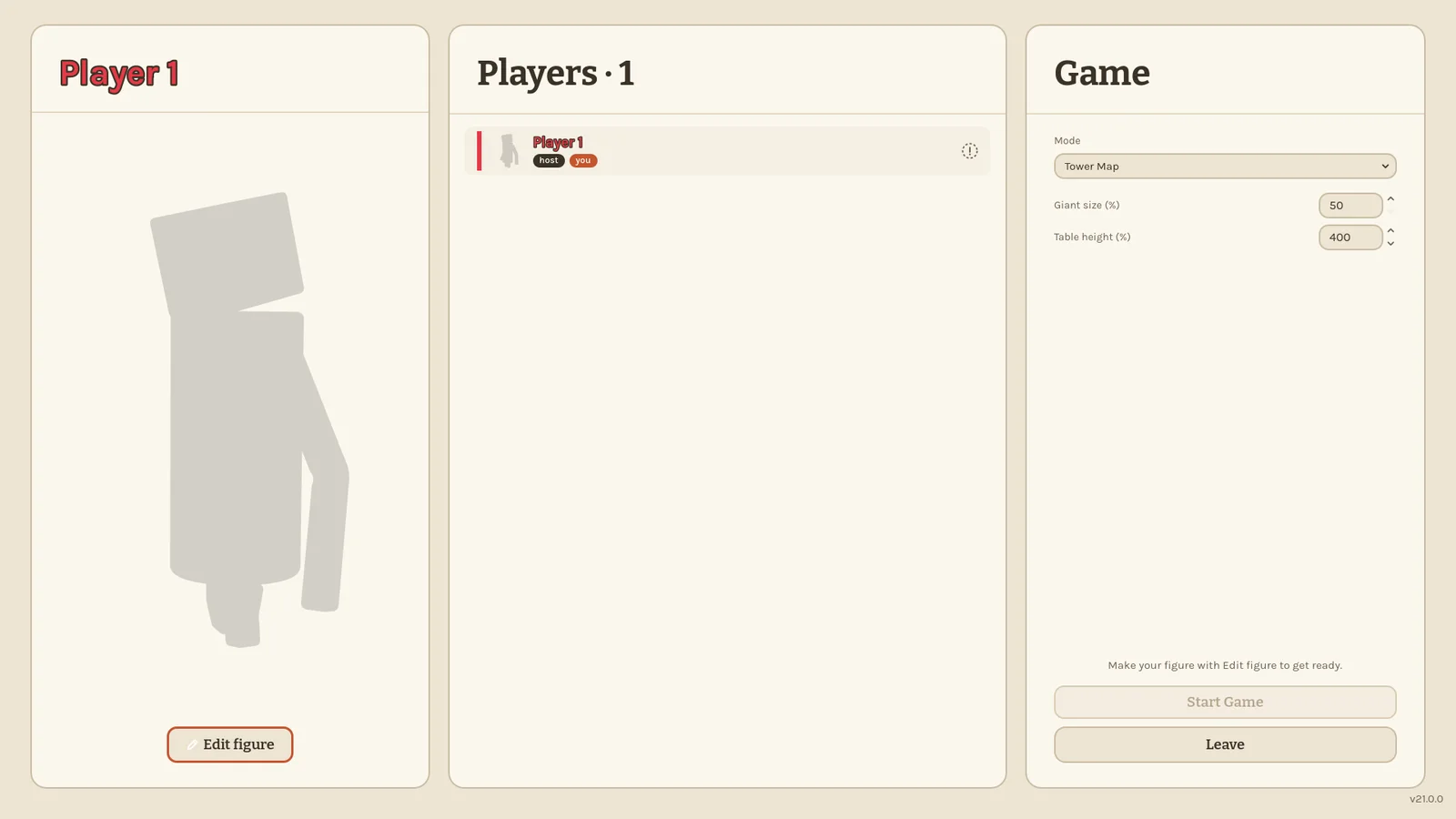
- Giant size scales the whole giant: body, eye height, speed, jump and reach. Minis stay the same size.
- Table height raises or lowers the board against the ground. If the table is too high for a giant, they stand on an earth ledge around it.
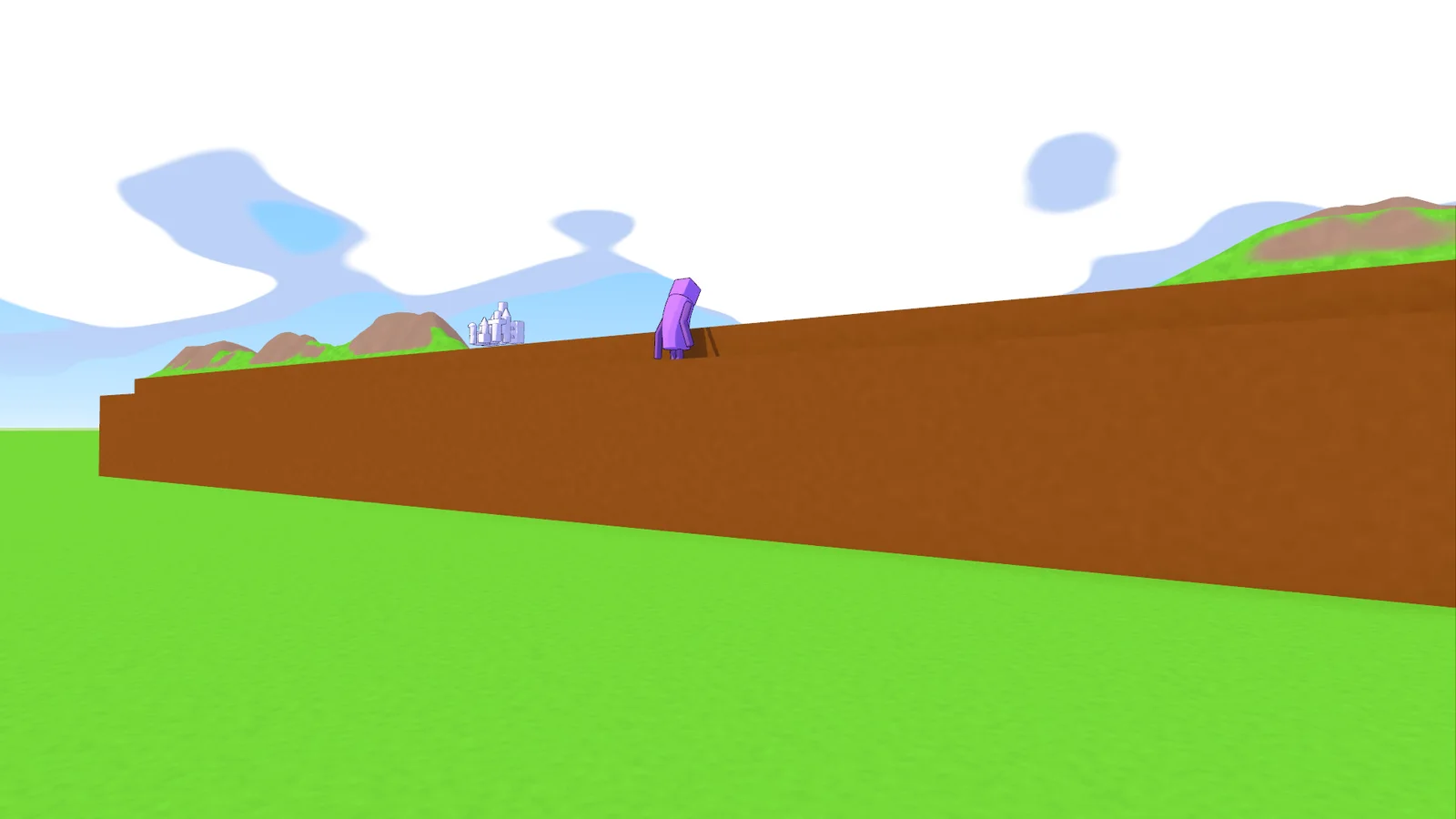
- At 100 % everything plays as before. The extremes aren't balanced: very small giants can't reach the middle of the board from the edge, and very big ones stay in the air for a long time.
This version can't play together with older ones, so everyone needs to update.
0.20.3 Runs on a potato 2026-11-01
Whoops My Tower should now run better on weaker PCs, and you can see exactly how well it runs.
- Graphics presets from Very Low to Very High, at the top of the graphics settings. Pick one and it applies right away; you can still change every setting yourself, and the preset then shows Custom. Your current settings stay as they are until you pick a preset.
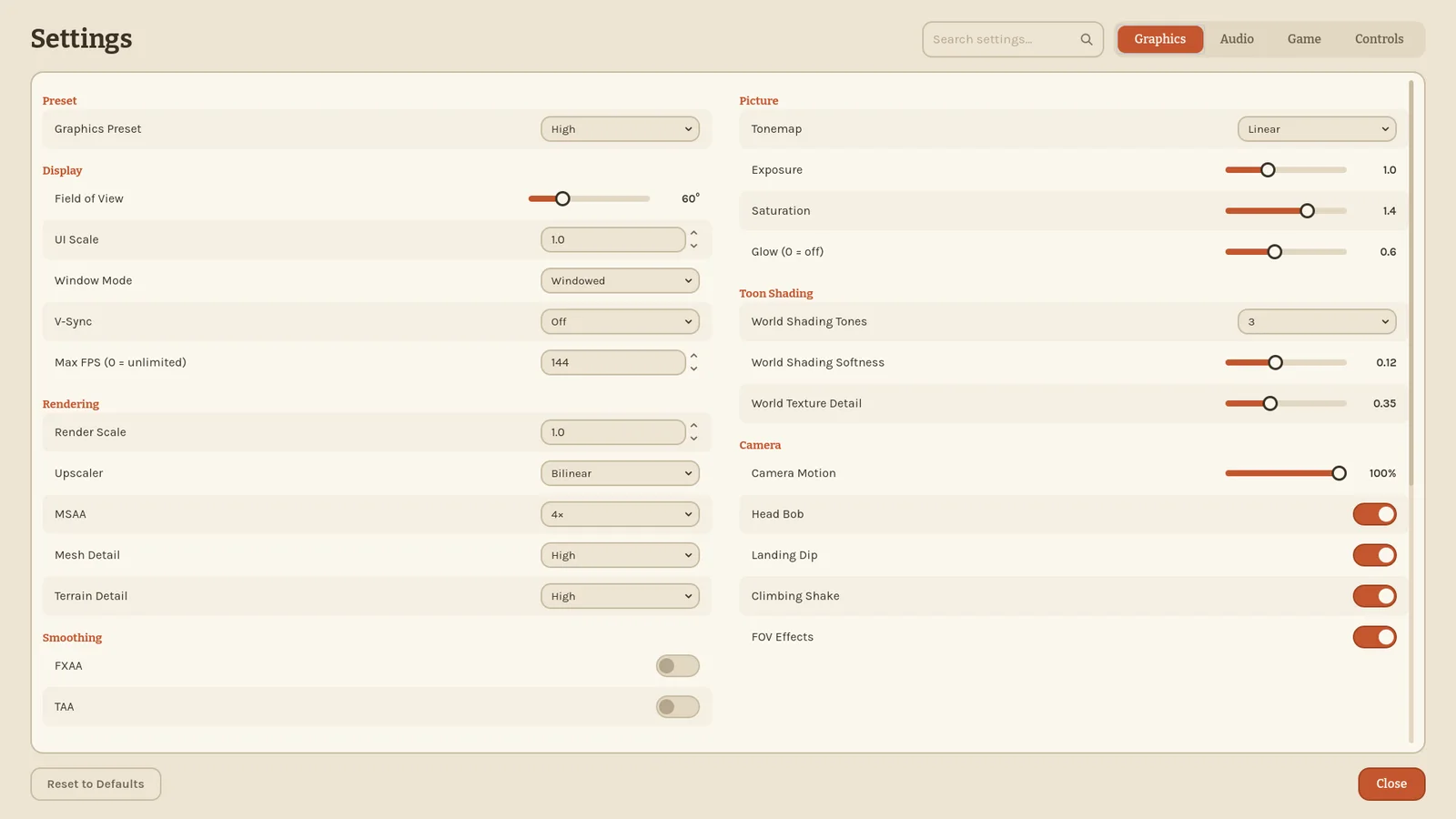
- Very Low trades a lot of looks for speed: a lower resolution and no sun shadows, among other things.
- New individual settings: Lamp Shadows, Mesh Detail, Terrain Detail, and Off for shadow distance.
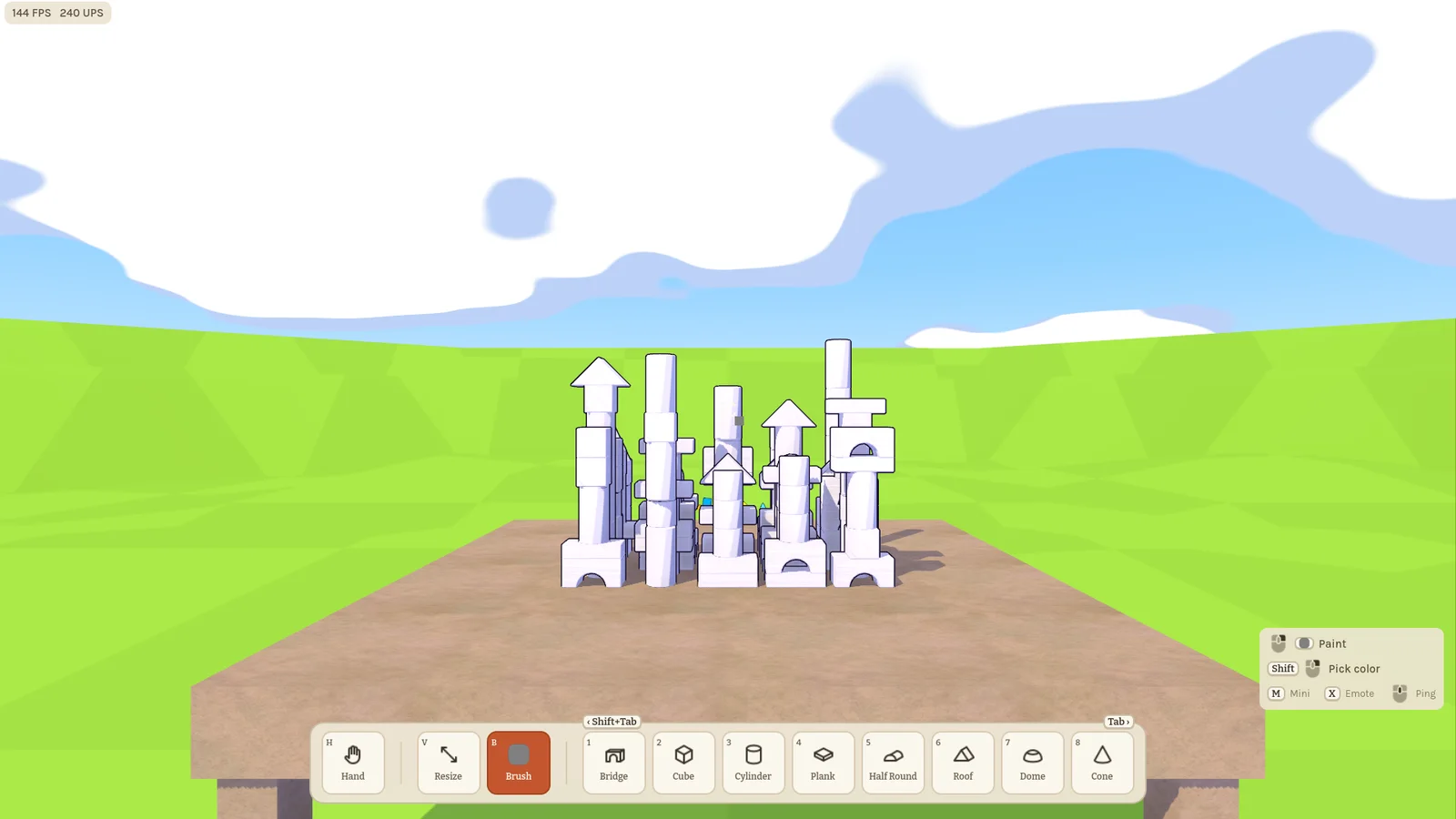
- FPS / UPS Counter, under Game → Interface: shows your frames and physics ticks per second in the top-left corner. Off by default.
0.20.2 Toon world 2026-11-01
The world now matches the figures: every mode gets the toon look, with a painted sky and big clouds, brighter colours and soft shadows.
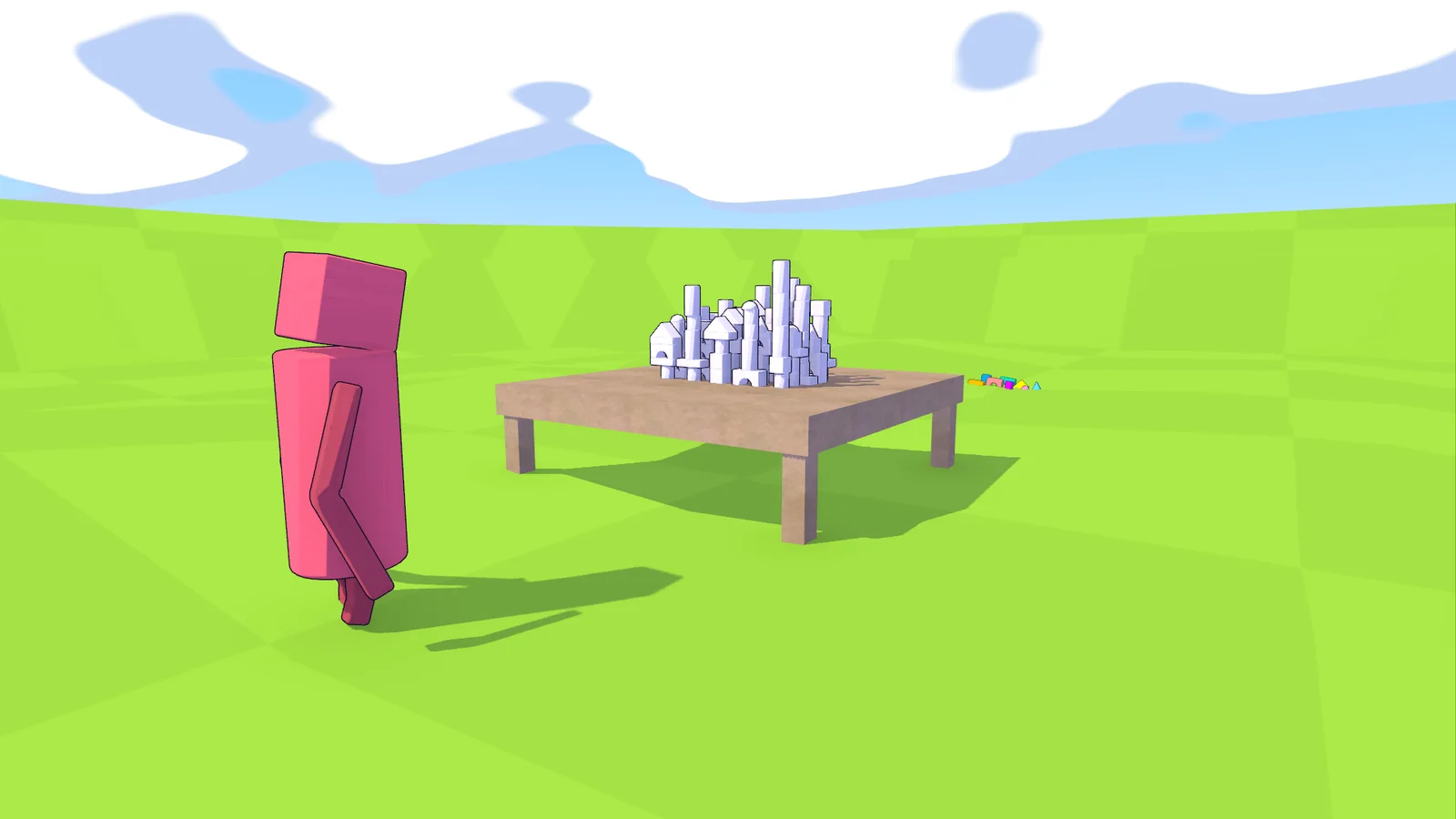
New look
- Sky, sun, ground and props share one toon style across all modes.
- New graphics settings: shadow opacity, glow, ambient occlusion, tonemap, exposure, saturation and the toon shading itself.
- Ambient occlusion starts at Medium for everyone after this update, so check the setting if you had it off.
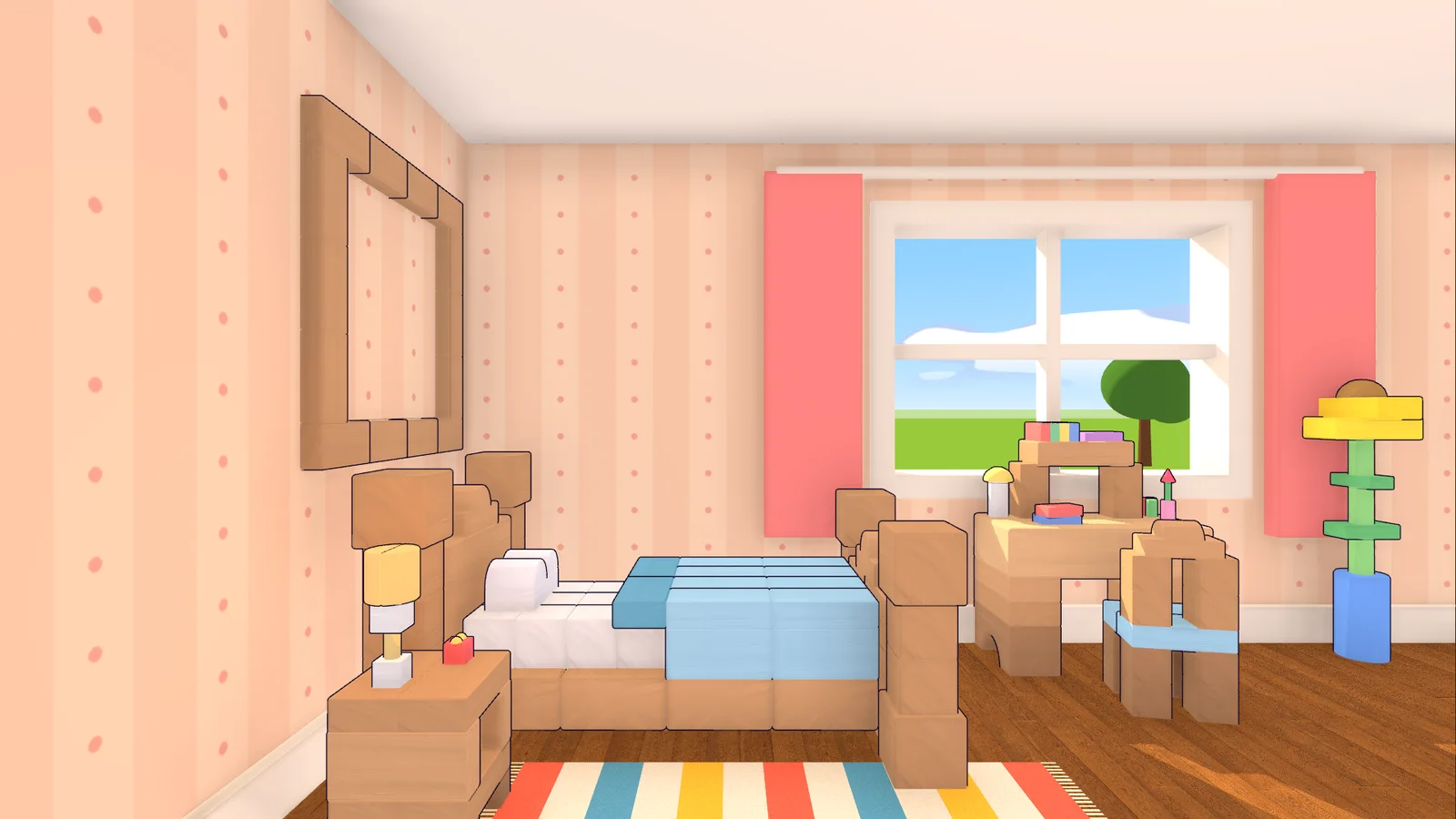
Tables
- Every table now plays the same way: walk along the edge with A and D, tilt your view with W and S, and hold the middle mouse button to orbit.
- On small tables you can walk all the way around, past rounded corners. The Tower Map board still stops at its corners.
- The old lean and free look at tables are gone.
0.20.1 Dead centre 2026-11-01
- Tower Map: you now start in the middle of the edge, right in front of the building site. Friends line up to your right and left.
0.20.0 A fresh coat of paint 2026-11-01
The whole game has a new look: blocks and figures are now drawn in a soft toon style with an ink outline, and the Freebuild ground got a faint checker.
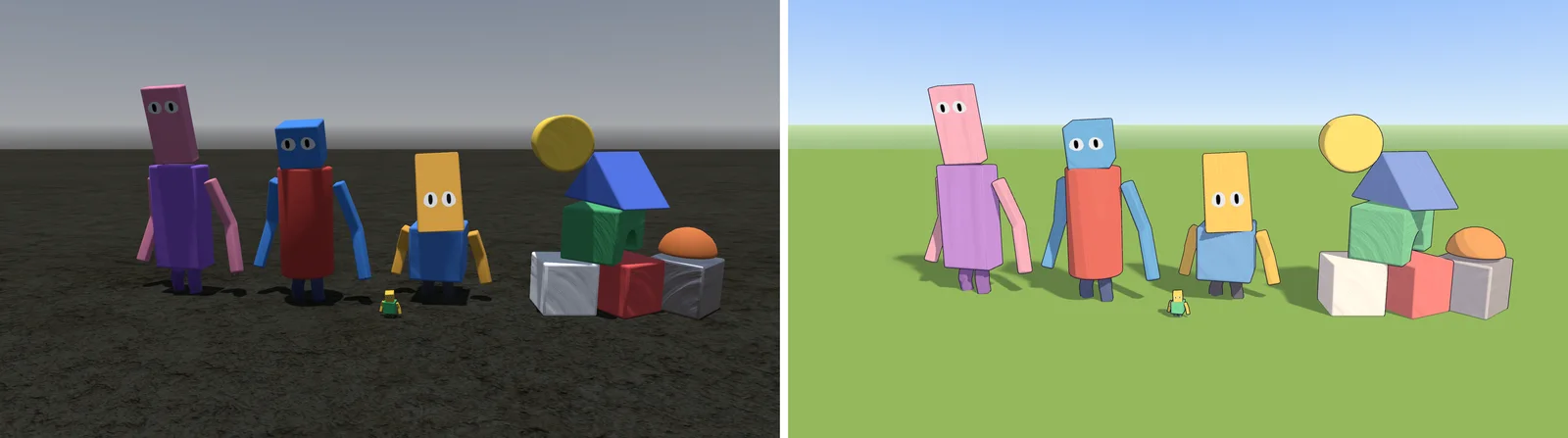
New to play
- Tower Map, a new mode: giants stand on the ground and lean over a game board on a raised slab, in a valley with a low mountain range along its rim.
- Rainbow Stack: bricks can be pulled out of a loaded tower, and a woken tower runs much smoother.
- You can now slide, as a big player or as a mini.
- Press F9 to save a video clip that fits on Discord. This makes the download about 50 MB bigger.
Your figure
- New eye sets to choose from, and the eyes follow what you look at.
- In first person you see your own arm when you ping.
- The figure holds still while you edit it in the lobby.
Controls and camera
- The mouse wheel zooms when your hands are empty, with more stages and a smooth ease. While holding a block it still moves the block.
- F5 switches between first and third person.
- Quick rotation taps are no longer lost.
Fixes and feel
- Held blocks travel straight to their goal, and large blocks are a bit lighter.
- Minis stay on fast-moving blocks instead of being knocked off.
- Going mini works further away from you.
- Rotating with E and R together, and tilted cylinders, no longer cause lag.
- Holograms are a bit more transparent and easier to tell from real blocks.
This version can't play together with older ones, so everyone needs to update.
0.19.1 Tricky Gravity touch-up 2026-10-25
The Make'n'Break building "Tricky Gravity" got a small touch-up.
0.19.0 Back on track 2026-10-25
Big players move through blocks the way they did before again.
This version can't play together with older ones, so everyone needs to update.
0.18.3 Pick a color 2026-10-25
The brush now uses the same color picker as your figure: color wheel, hex field, metallic and roughness sliders, and one shared list of recent colors. It opens right above the brush slot. Esc puts the old paint back, a click anywhere else keeps the new one.
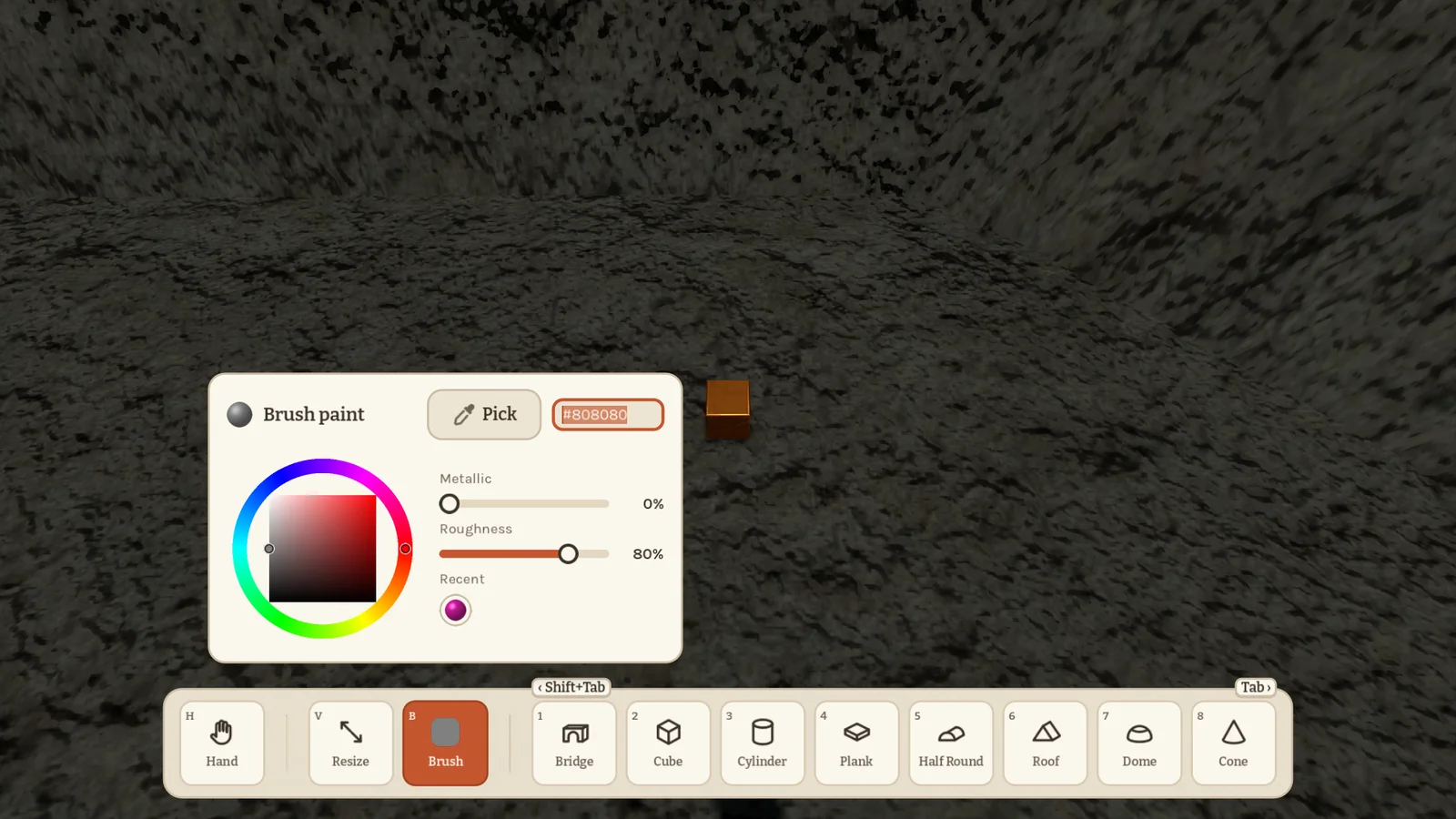
Both pickers got a Pick button. In game it takes the paint from any block you click. In the lobby it takes it from a figure: click a friend in the player list, then click their figure to copy their colors.
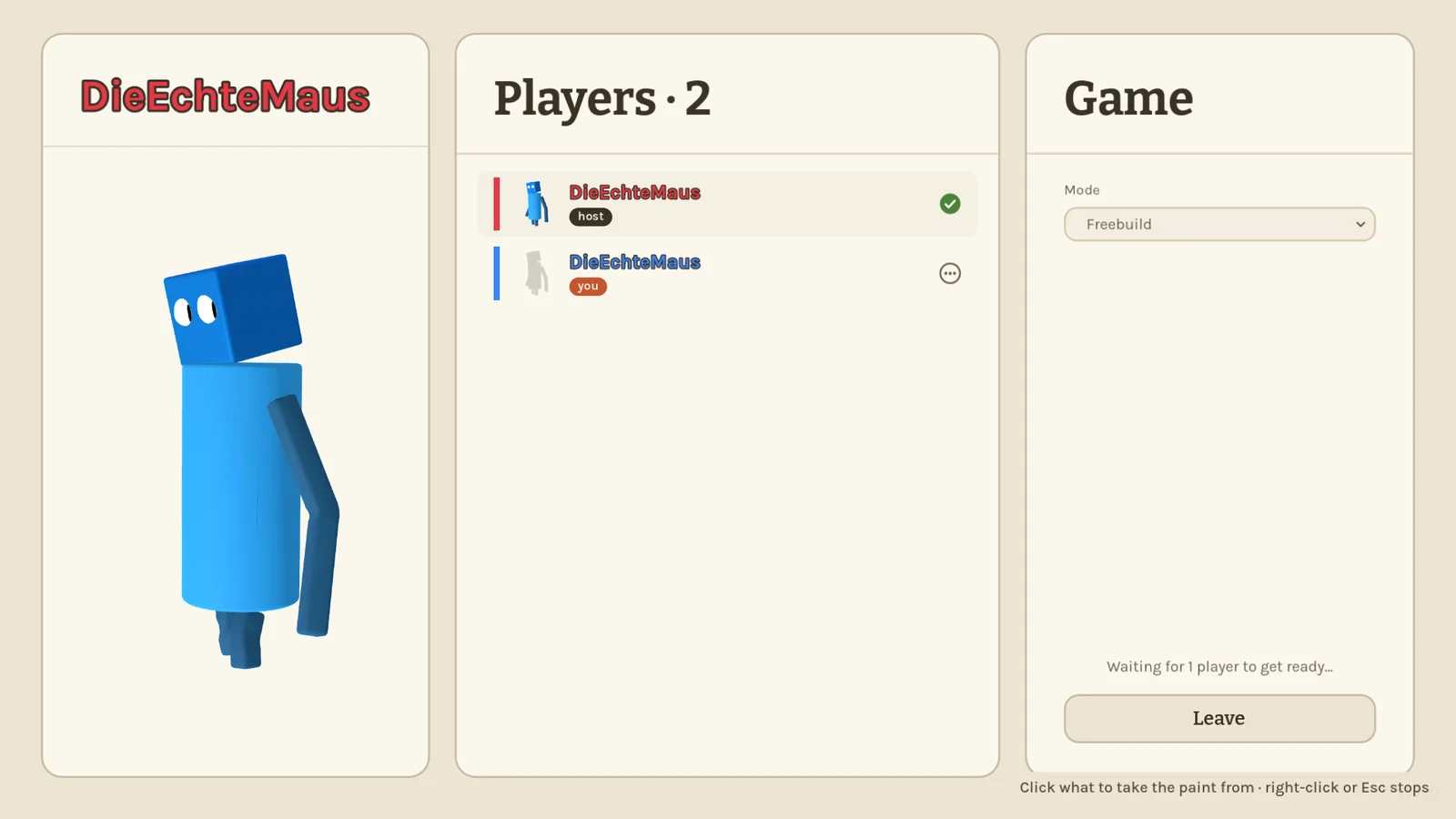
0.18.2 Lobby polish 2026-10-25
The lobby got a round of polish. You now really join without a figure: the big figure on the left stays grey until you make one with the new Edit figure button below it. The figure editor opens in the middle, so the game settings stay where they are on the right. Icons are crisp at any size.
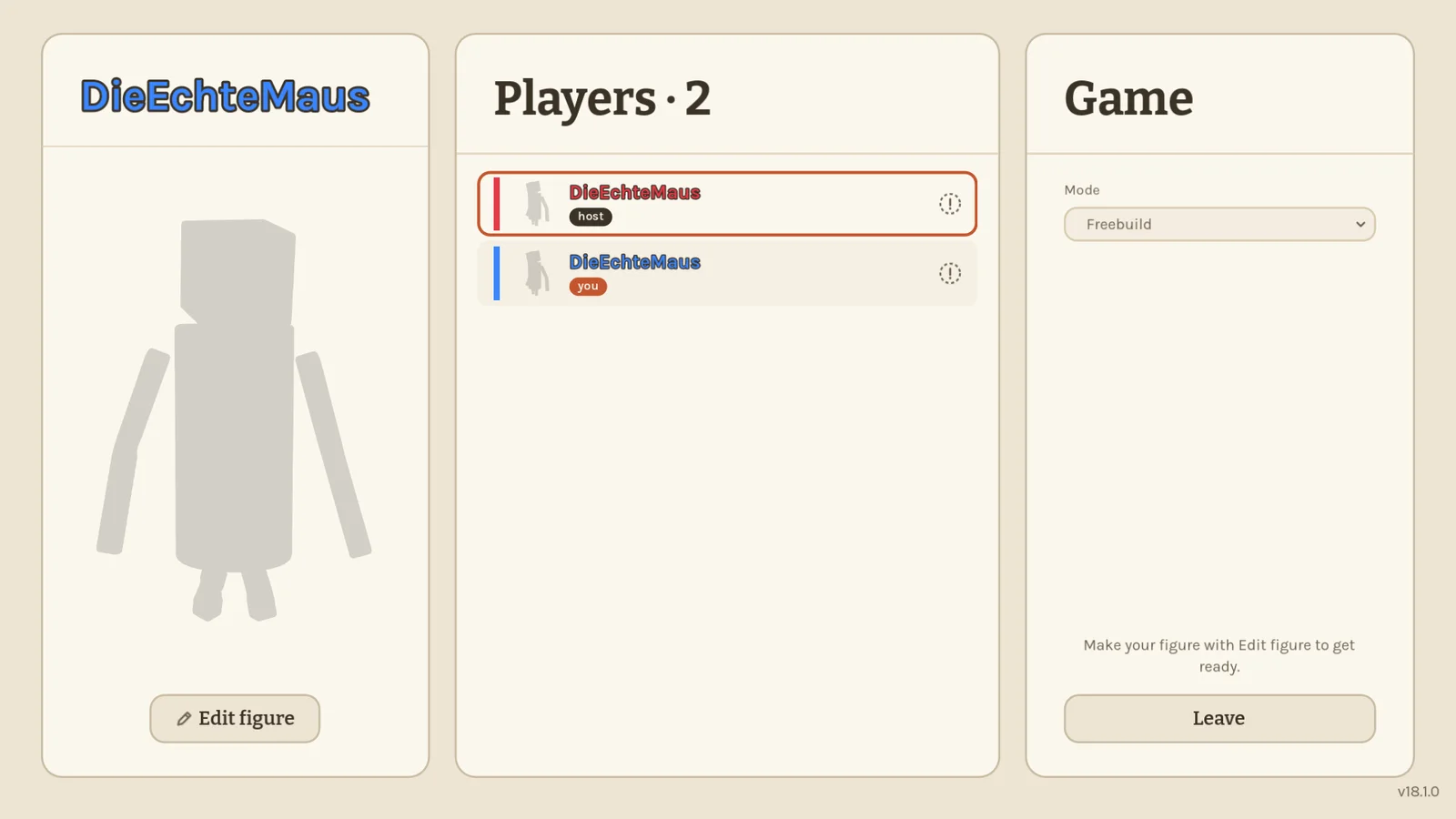
Hosting looks like joining now: your name, the address with a small copy button inside the field, and the port right there. Feedback from the main menu no longer offers screenshots, since there is no game to capture yet.
0.18.1 A fresh coat 2026-10-25
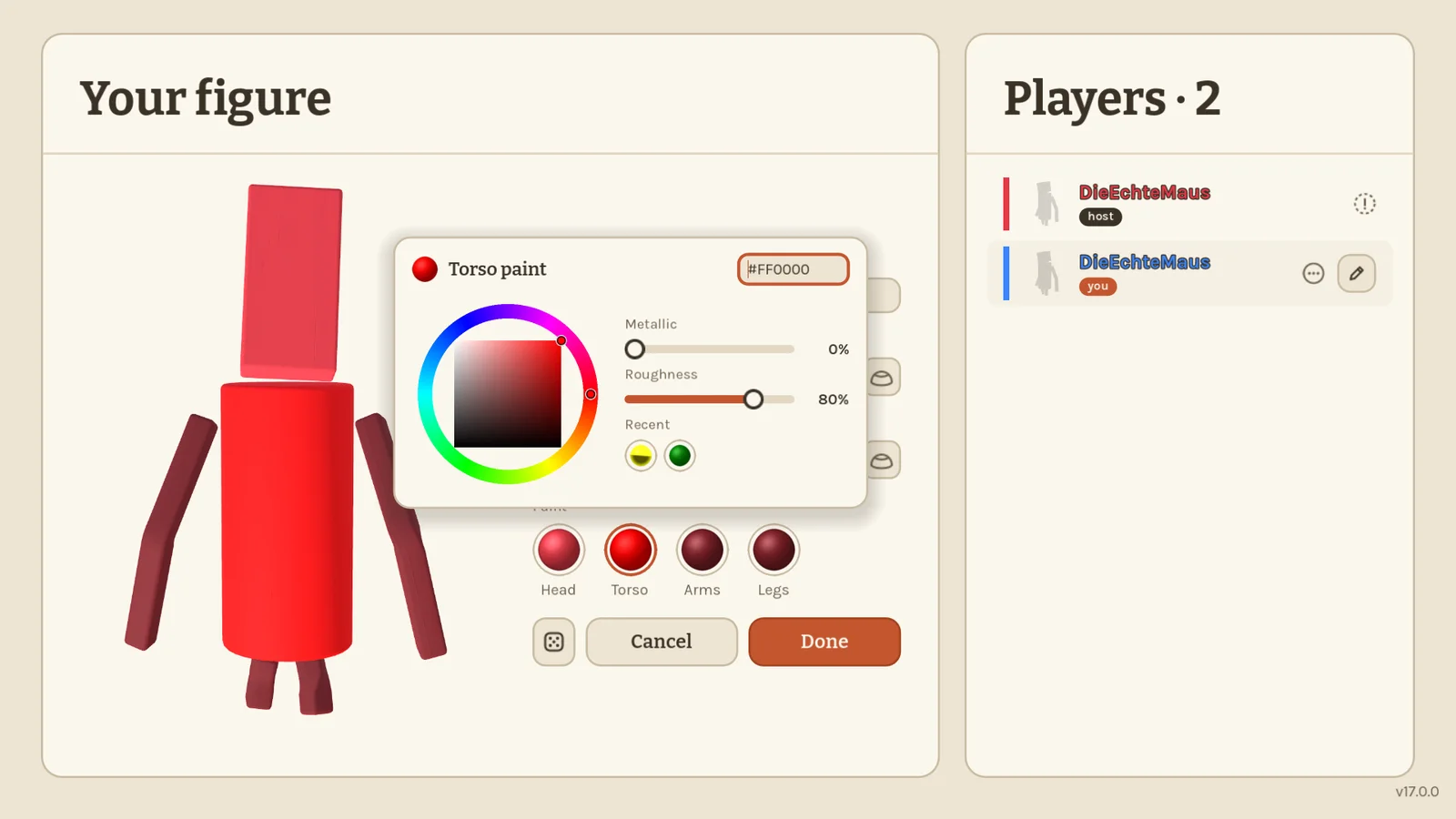
Painting your figure got a proper color picker. Click one of the paint balls and a small panel opens right there: a color wheel, a hex field, sliders for how metallic and how rough the part looks, and your recently used colors. Your figure changes as you drag; Esc puts it back.
Hosting now shows your real network address instead of a virtual adapter's, so friends can actually join with it.
0.18.0 Ready when you are 2026-10-25
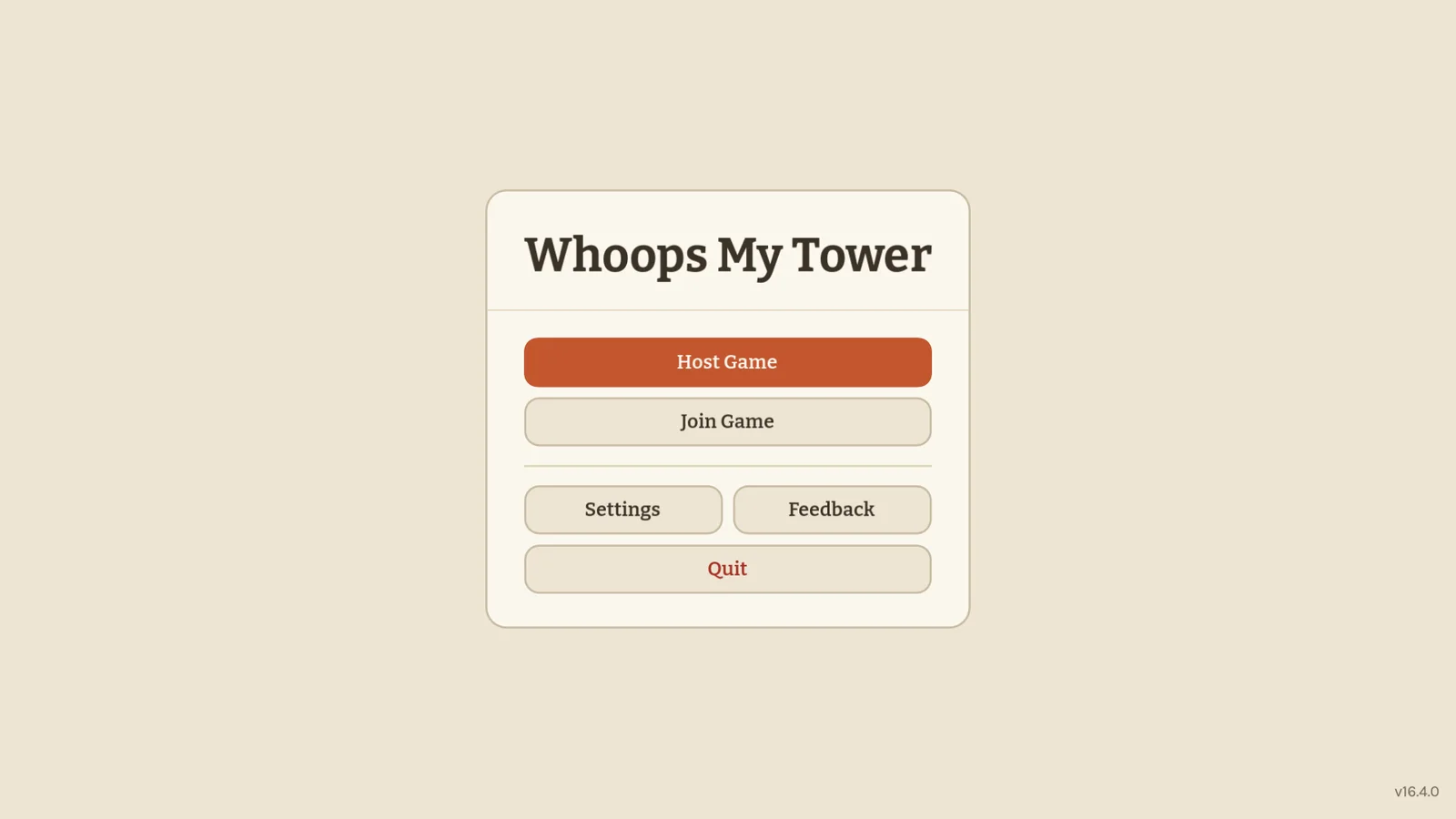
The main menu got tidied up: Host Game, Join Game, Settings, Feedback and a Quit button. Hosting asks only for your name and shows the address your friends need, with a Copy button. Joining asks for your name and the host's address. One click and you're in the lobby.
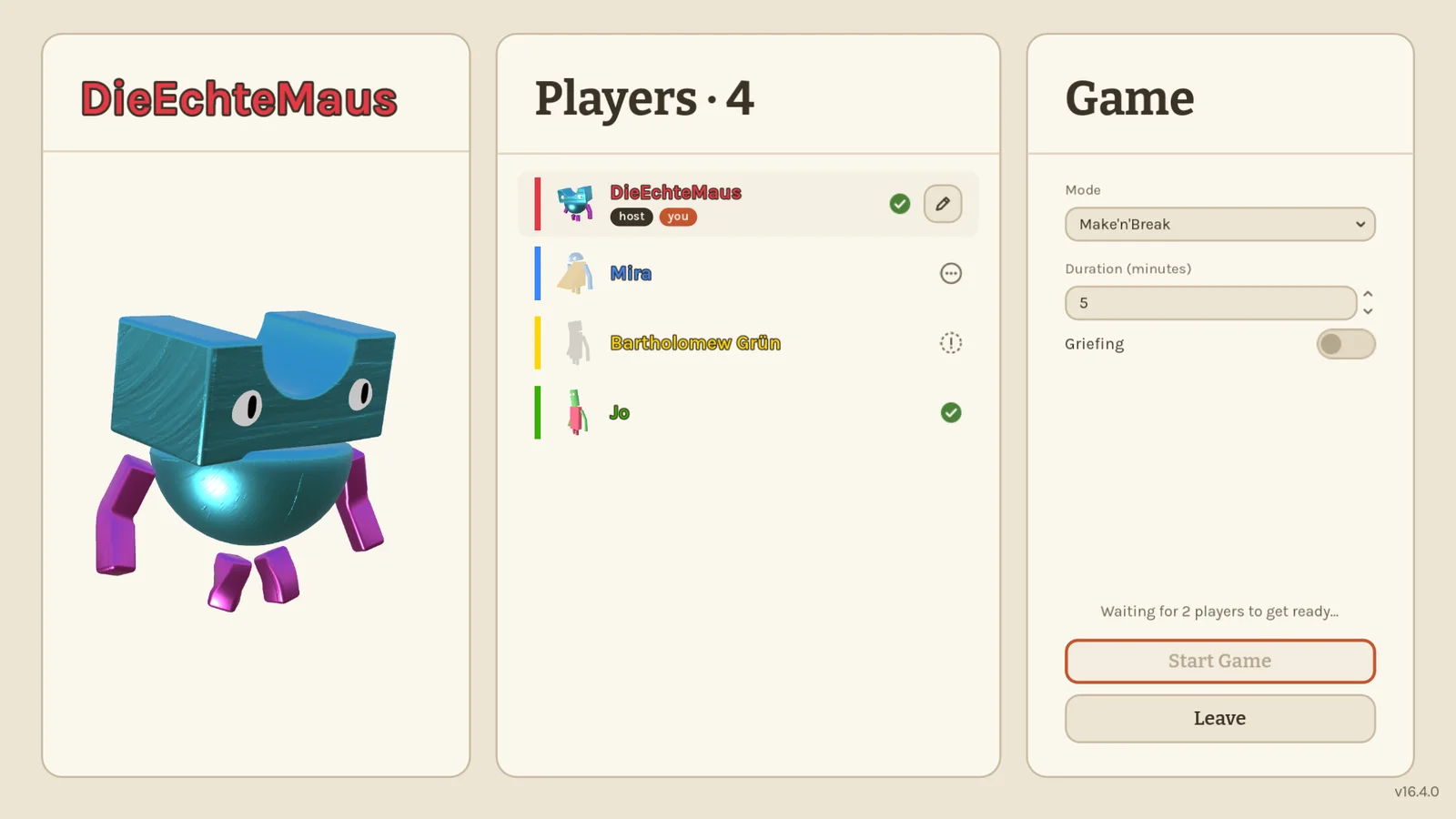
The lobby is new too. Everyone starts without a figure and picks one first; a check mark shows who is ready, three dots who is still working on their look. The host can start once everyone is ready. Click a player to see their figure big on the left and drag to spin it around. Long names are no longer cut off.
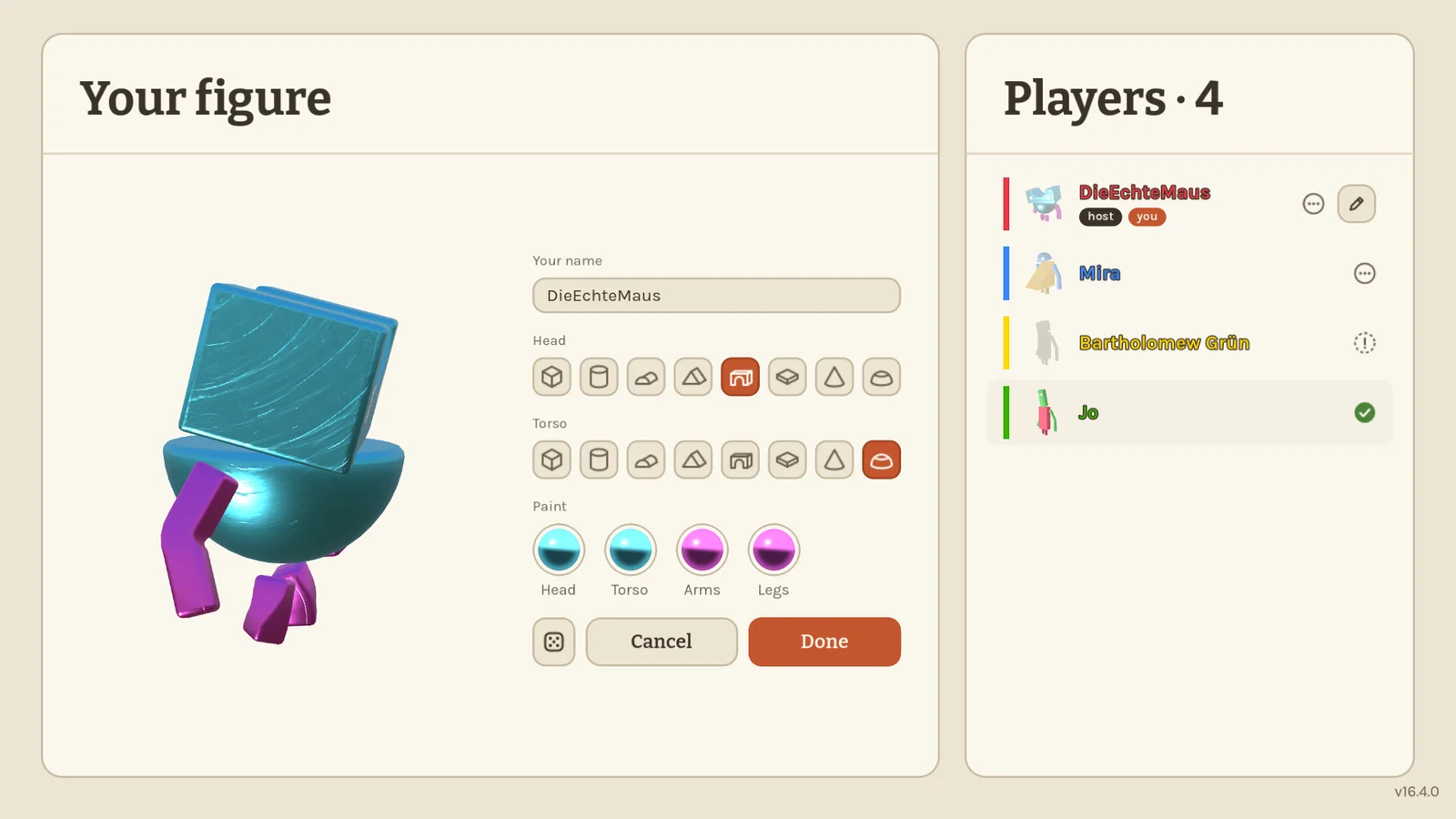
Change your name and figure at any time with the pencil next to your name. Pick head and torso shapes with one click, paint each part, or roll the dice for a surprise. Your friends see the new look once you hit Done.
Joined while a round is already running? You now wait in the lobby and play along from the next round.
This version can't play together with older ones, so everyone needs to update.
0.16.6 Tell me more 2026-10-25
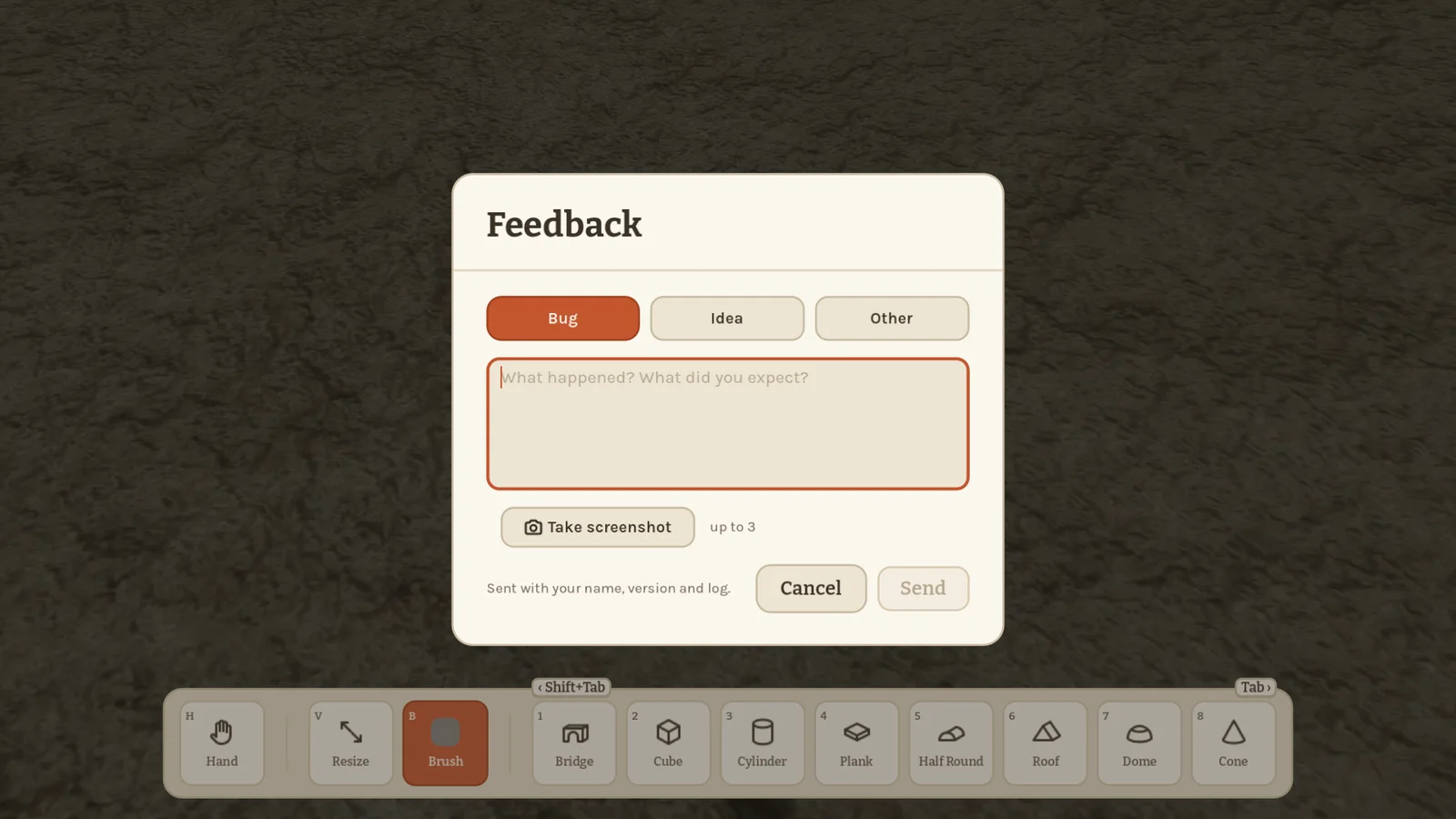
Found a bug or have an idea? The pause menu now has a Feedback button. Pick Bug, Idea or Other, write a few lines and hit Send. It reaches me right away, together with your name and the game version, so I know exactly where to look.
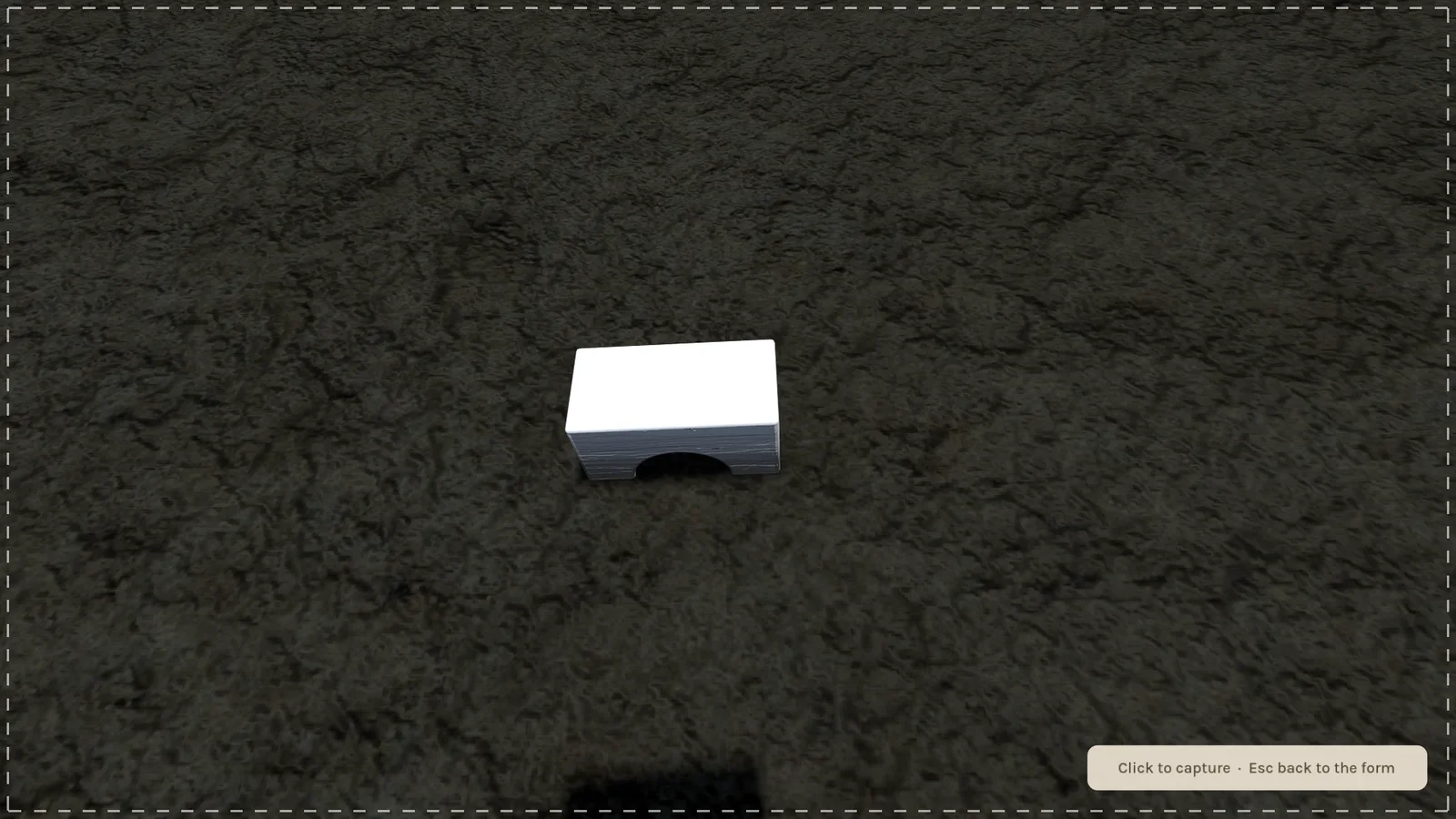
Show me what you mean: Take screenshot hides the form and the toolbar, and a dashed frame marks the screen. Walk to the spot and click. Up to three screenshots go along with your message.
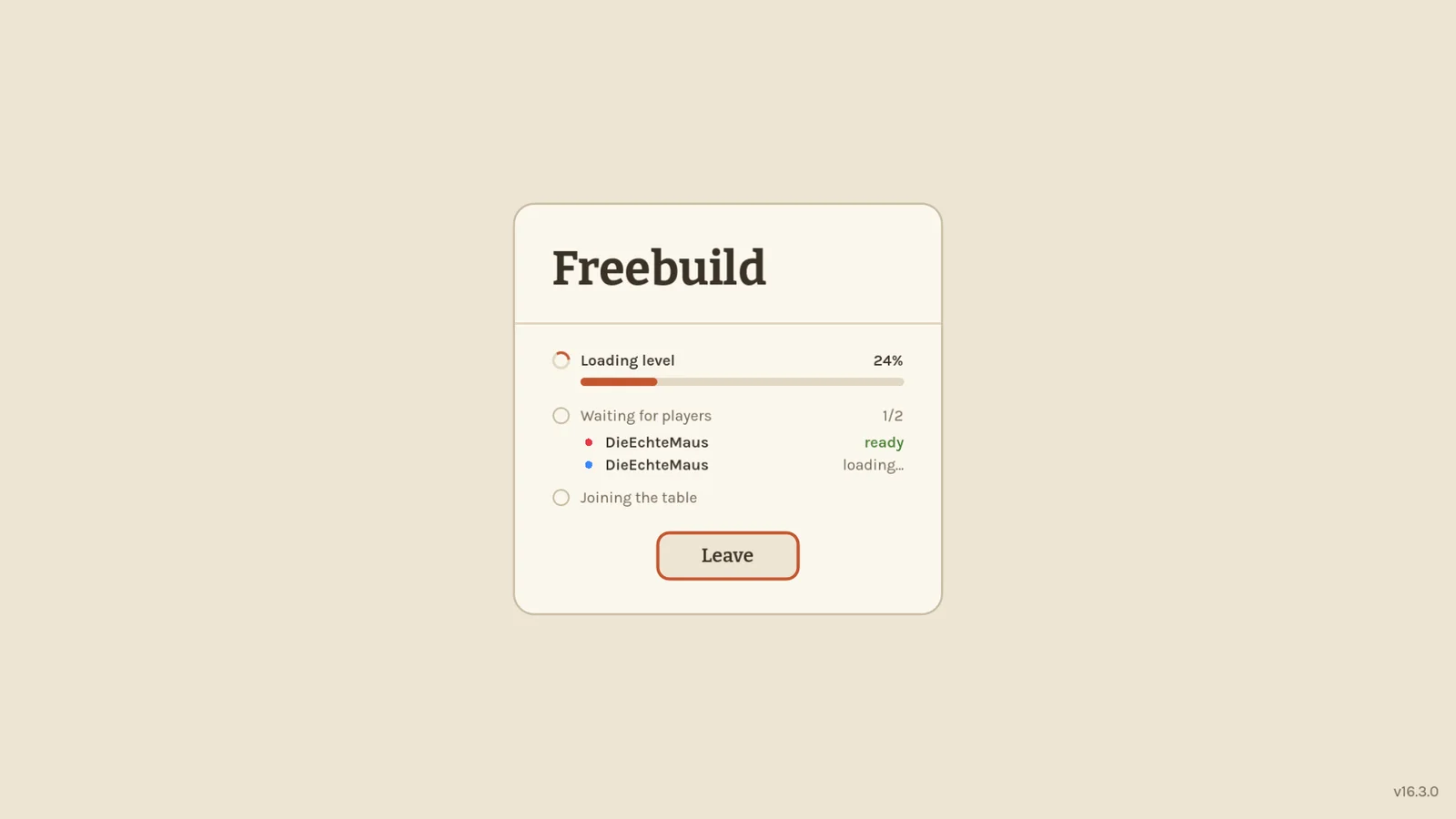
The loading screen got calmer: the tower is gone, and it now looks just like the main menu.
The game also tells me how smoothly it runs, how many blocks are moving and how long loading takes, so I can find out where it gets slow on your PCs.
0.16.5 Hold on, stacking 2026-10-25
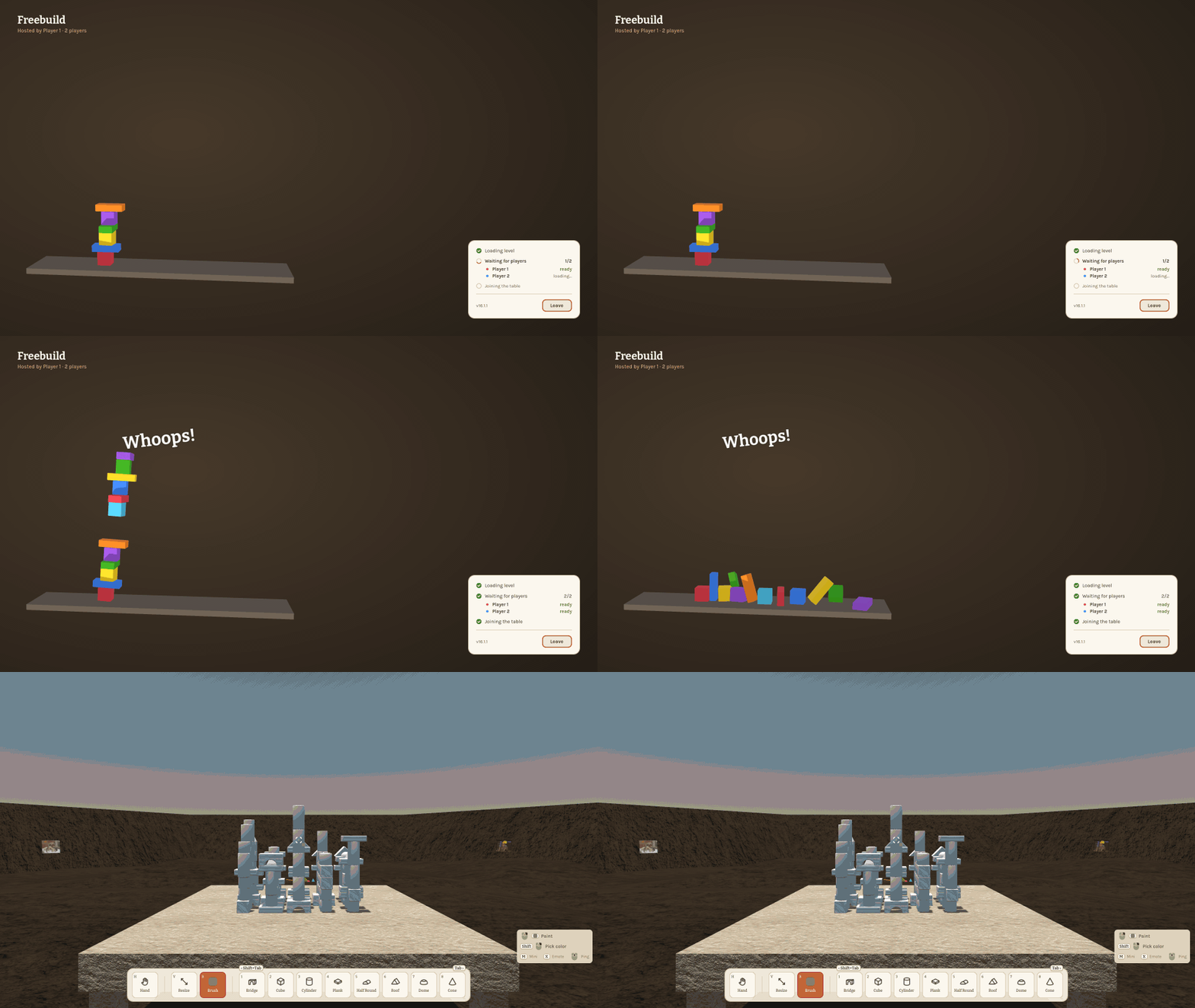
No more frozen screen when a round starts or you join a game. A loading screen now shows what is happening: the level loading with a real progress bar, then who is still loading and who is ready, so everyone knows who they are waiting for. Leave takes you back at any time.
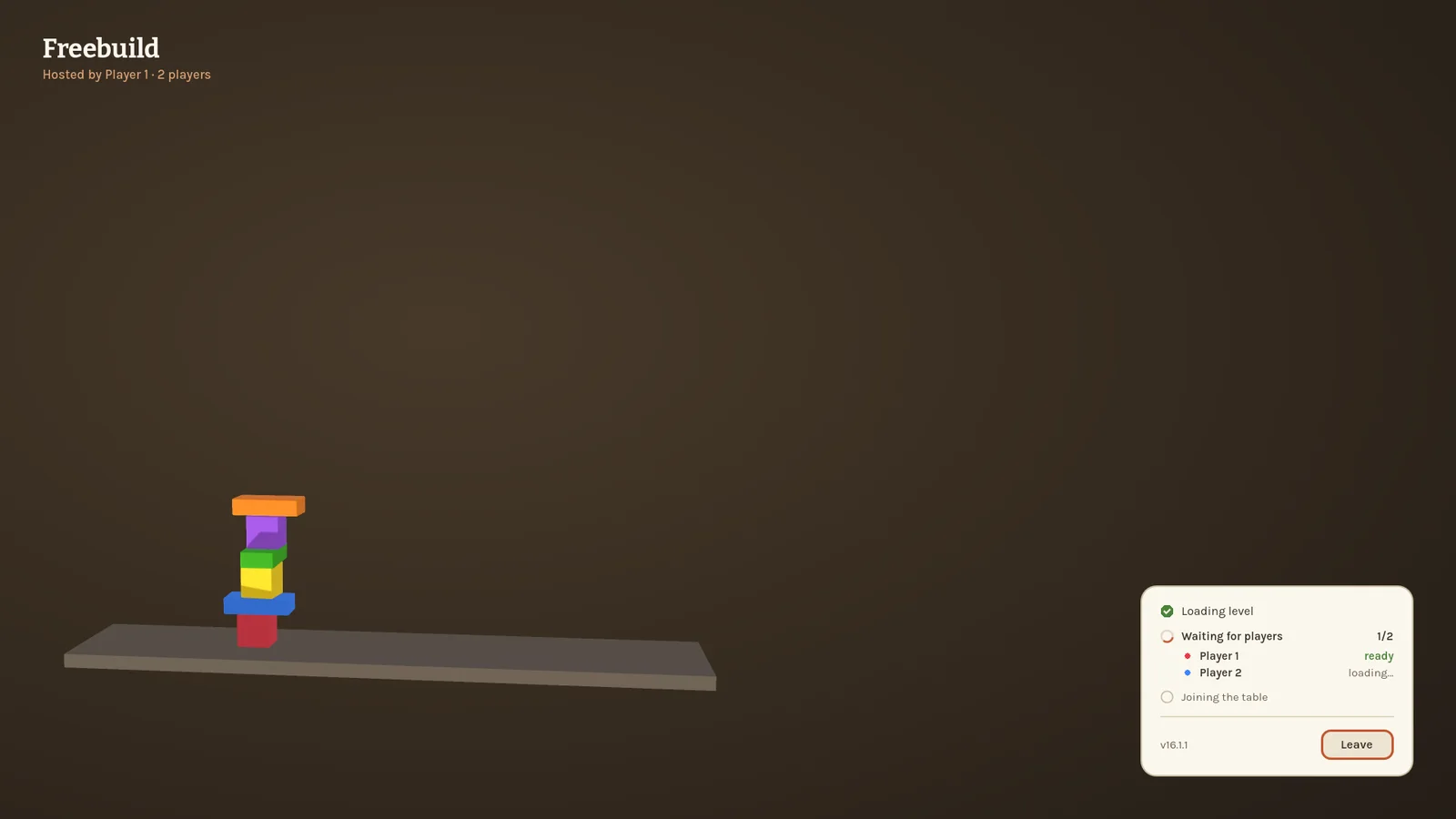
While you wait, a little tower stacks itself up block by block. When everything is ready, it topples over. Whoops!
Crash and error reports from 0.16.3 are back on; 0.16.4 accidentally shipped without them.
0.16.4 Fits in the frame 2026-10-25
Wide figures, like the dome torso, were cut off at the sides in the lobby and menu preview. The camera now steps back just as far as your figure needs, so every combination of parts fits, whichever way it turns.
0.16.3 Tell me what happened 2026-10-25
When the game crashes or something goes wrong, it now sends a short report to me automatically, with the game version, the log and what you were doing (mode, player count, big or mini). So a crash no longer vanishes without a trace, and I can fix it even if you never mention it. Every log now starts with the game version too.
0.16.2 Nobody left behind 2026-10-25
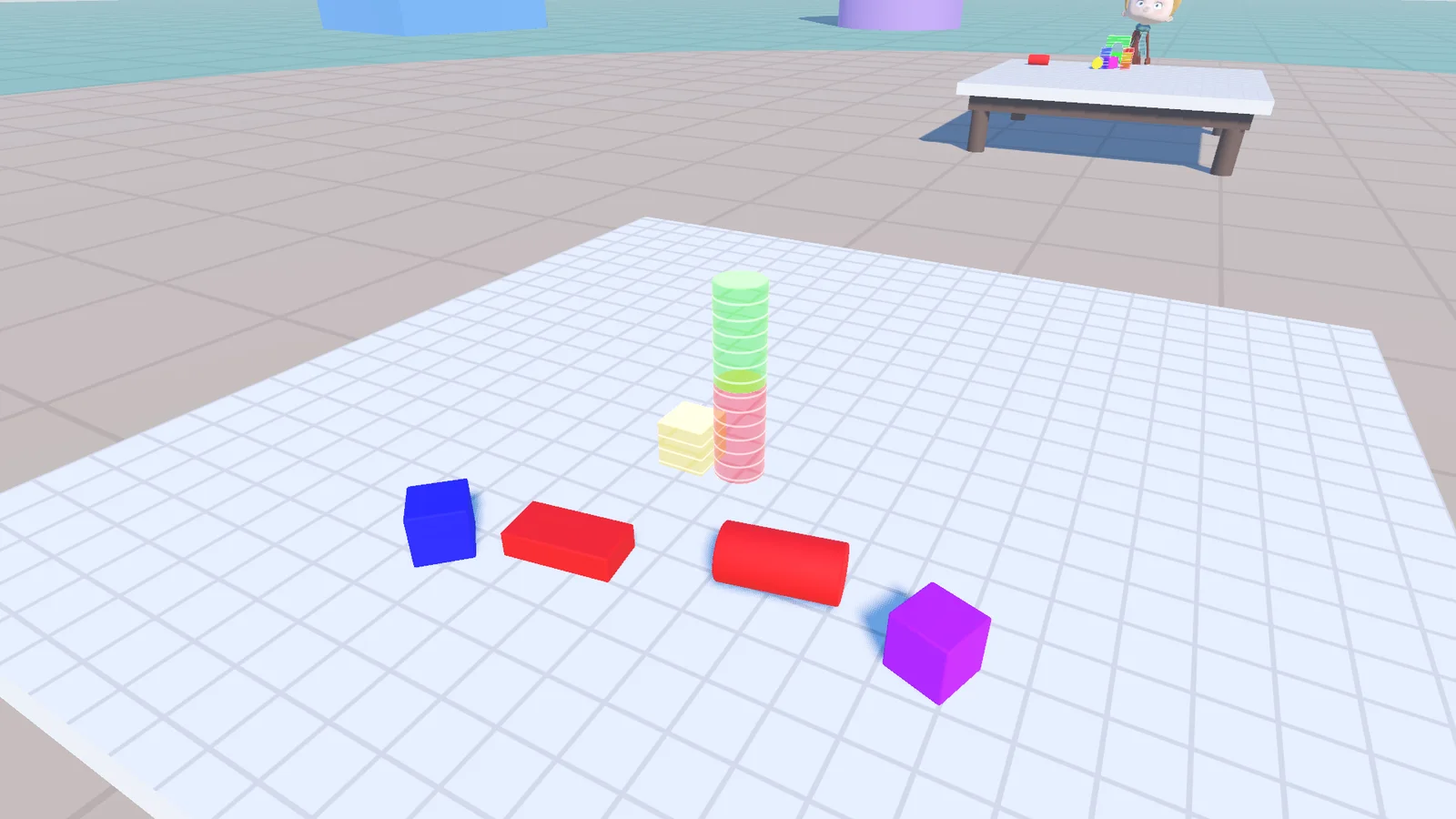
A fix for slower PCs. When a round started, the host jumped into the level straight away, and anyone still loading missed the host's figure and blocks for the whole round. Now the host waits until everyone has the level up (at most ten seconds) before the round begins, so every player starts with the same table.
0.16.1 Eyes on you 2026-10-24
0.16.0 players can still join a 0.16.1 game, but update together so blocks land on everyone the same way.
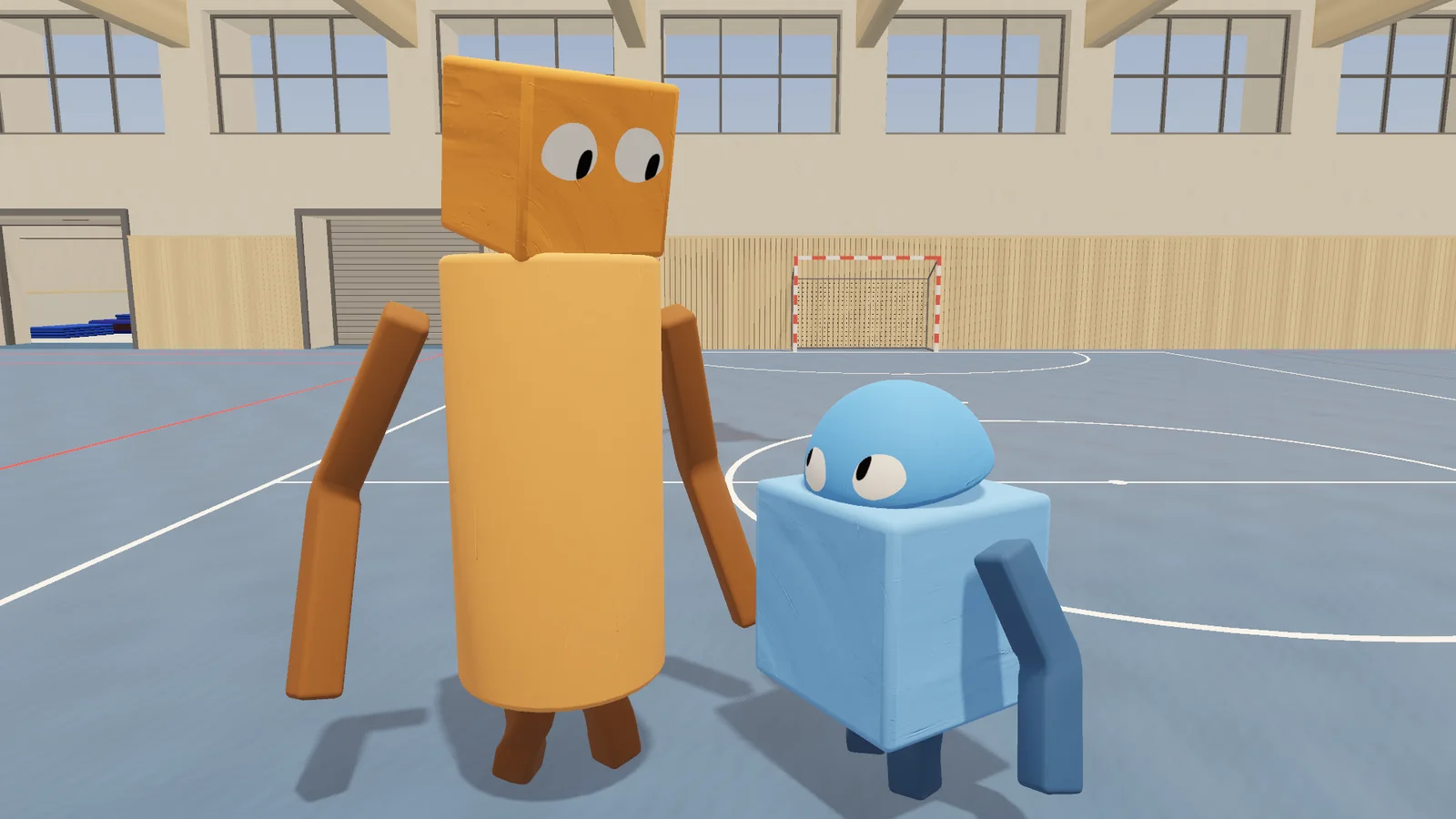
Every figure has eyes now. They blink now and then and glance around, and when another player stands in front of a figure, it looks them right in the eyes. Minis too.
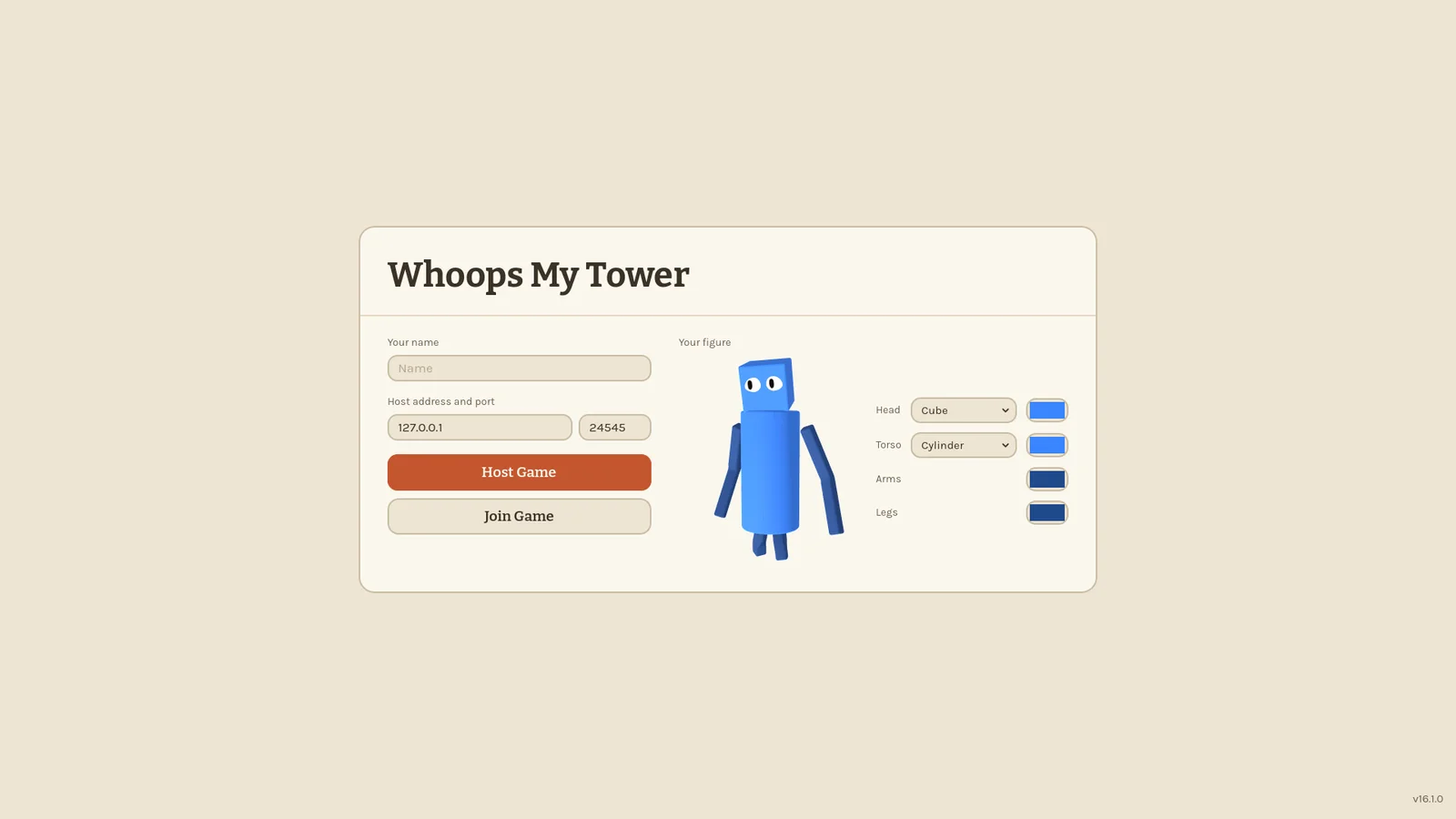
In the menu and the lobby, your figure follows the mouse with its eyes.
Blocks now hit your actual body instead of an invisible capsule. Stack a tower on a friend's head, balance a block on your own shoulders or lay one across an outstretched arm. Small blocks fit on a mini's head. Walk carefully and you carry them along; stop short and they tumble off. Blocks in your way get pushed by your body.
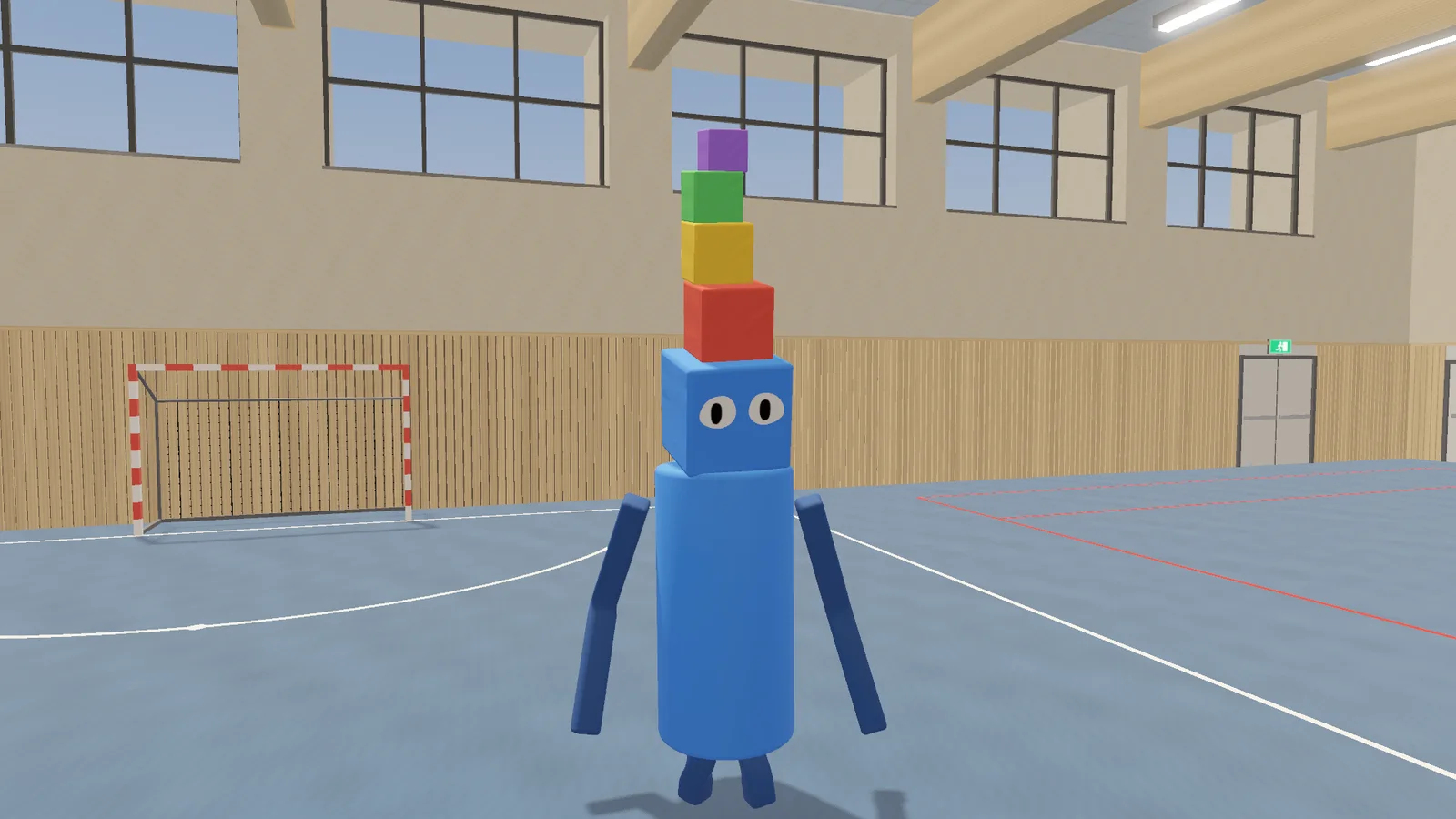
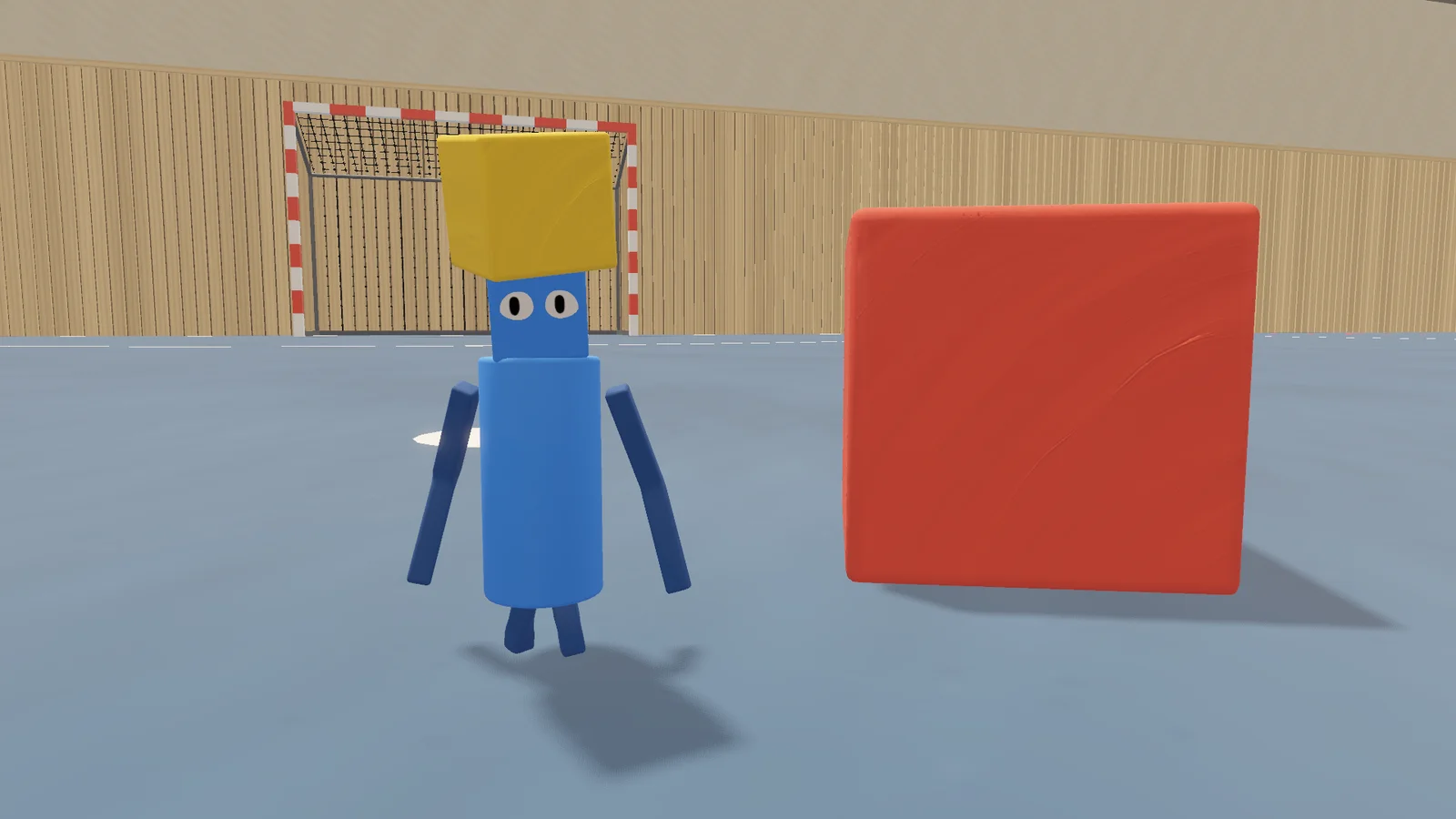
F11 switches between windowed and borderless fullscreen.
0.16.0 Welcome to the gym 2026-10-24
First things first: everyone in your group needs 0.16.0. Older versions can no longer host or join a 0.16.0 game, so update together before your next session.
There is a new mode: the Gym. A big sports hall with a football pitch and goals, two basketball hoops, a volleyball net and a dodgeball court. There are no rules. Play whatever you like, or build a tower out of vaulting boxes and mats.
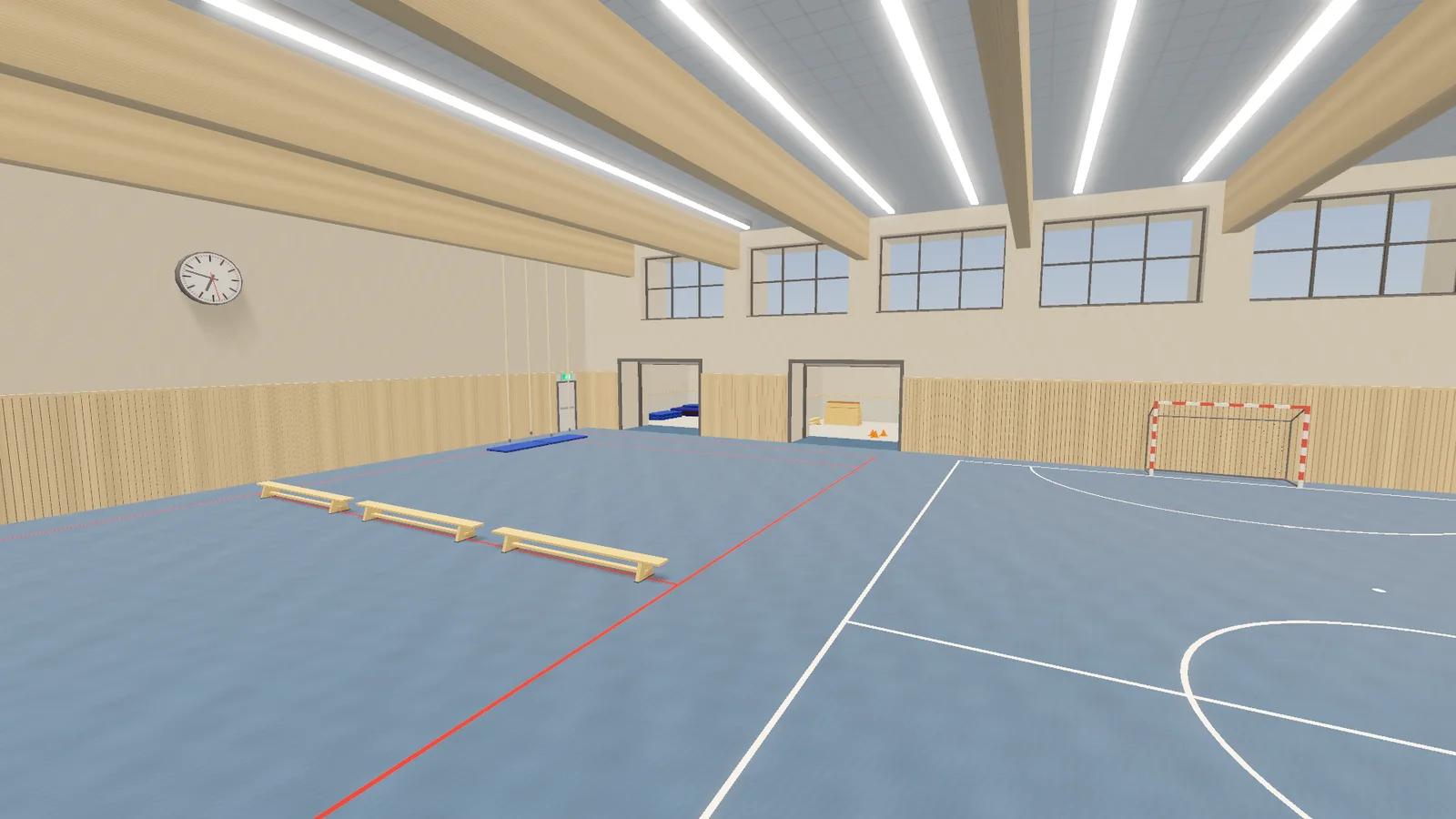
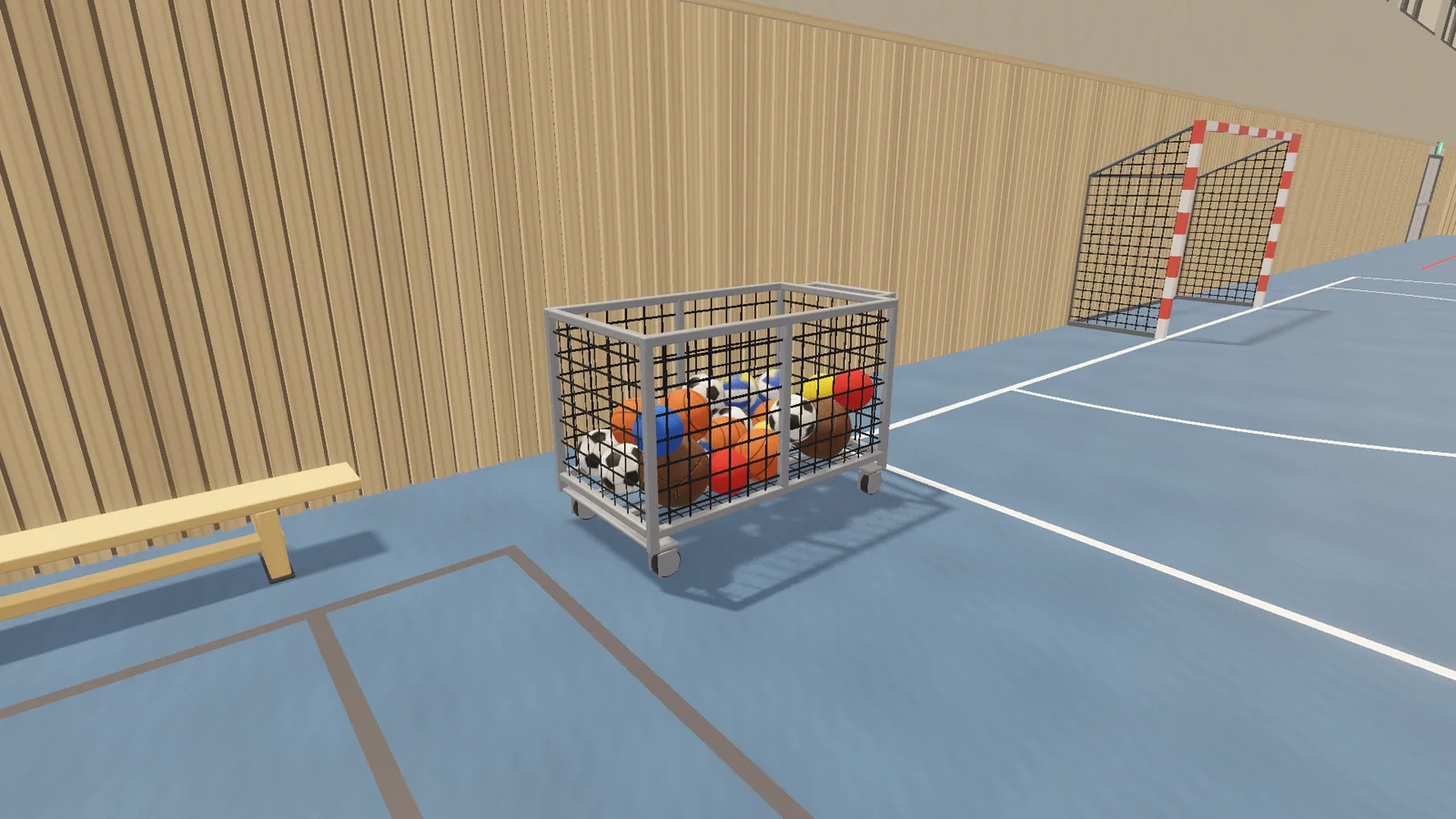
All the balls start in the ball cart: basketballs, footballs, volleyballs, dodgeballs and heavy medicine balls. Each one bounces, rolls and sounds like the real thing. The cart has real swivel wheels: walk into it or grab its handle and push it wherever you need it. It is far too heavy to lift, and the balls ride along in the basket. Sink a basket and the net swishes.
Two storage rooms sit behind roll-up doors. Hold on to a door to roll it up or down, just like the door in the bedroom.
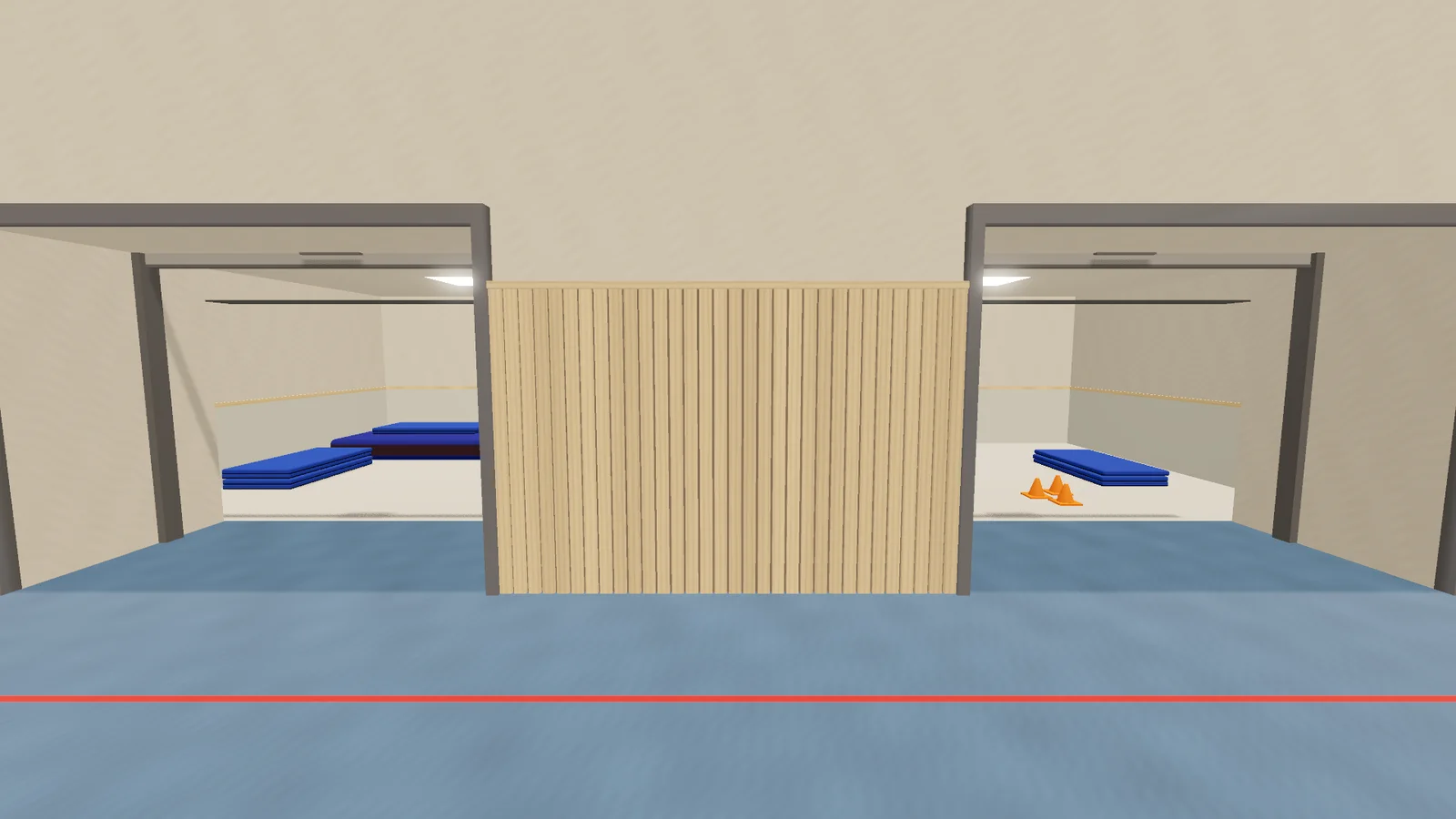
Inside you'll find vaulting boxes, crash mats, thin floor mats, marker cones, benches and a mat cart stacked with mats. Benches, wall bars and climbing ropes are out in the hall too, and minis can climb the bars.
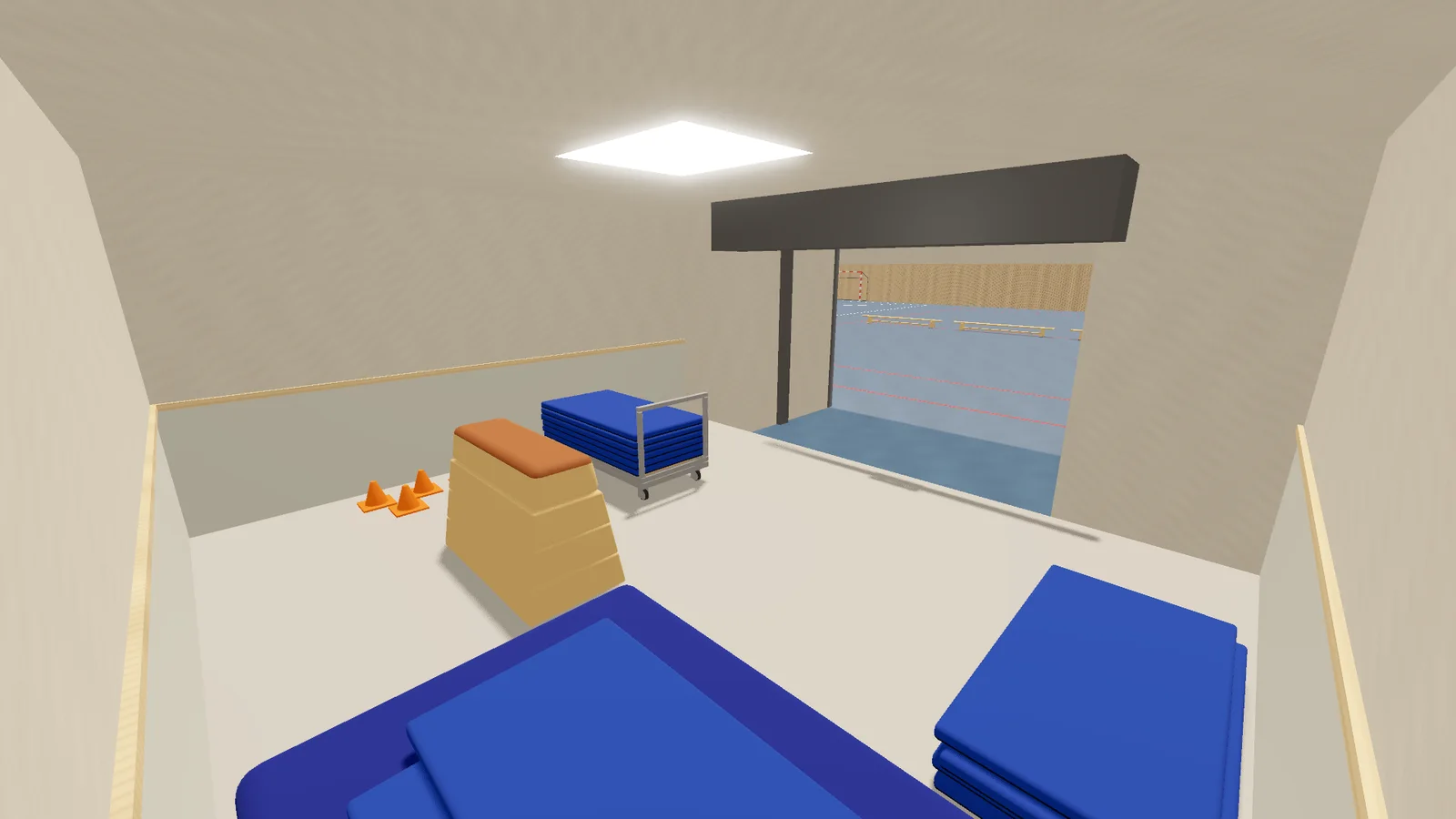
Things have weight now, everywhere, not just in the gym. Small blocks and balls still follow your hand as precisely as before. A medicine ball, a bench or a crash mat lags behind and sags a little when you swing it. Heavy things are harder to throw fast, but they hit much harder: a medicine ball knocks blocks and players flying where a volleyball just bumps them.
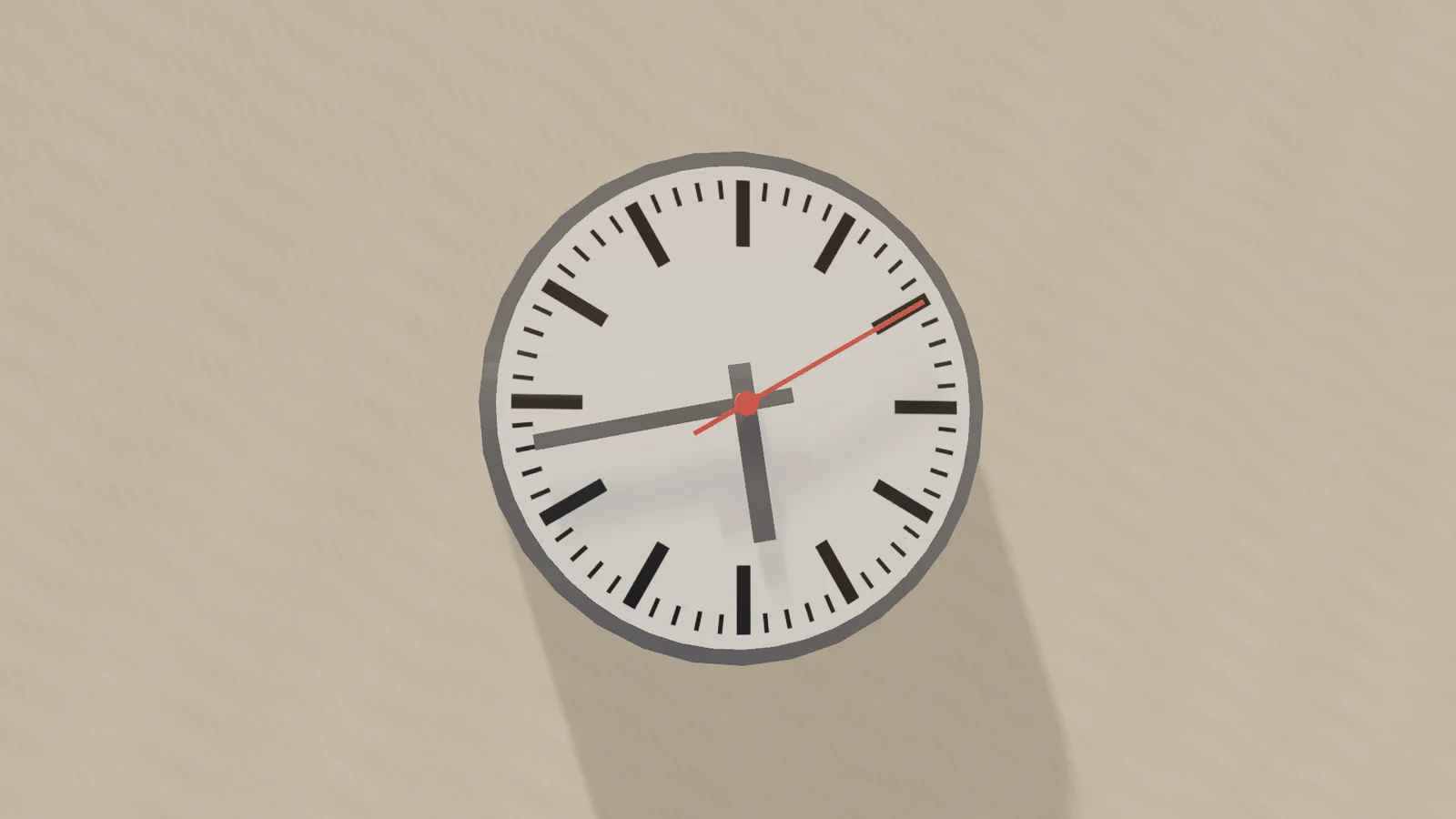
The clocks on the hall walls show your real local time.
One fix: getting hit by a thrown block now gives you a clear knock, with a sound, for everyone who sees it.
Make'n'Break has six new buildings to copy, among them a rocket, a pig and a face.
This update also brings the settings search from 0.15.1 below, which never shipped on its own.
0.15.1 Find any setting 2026-10-24
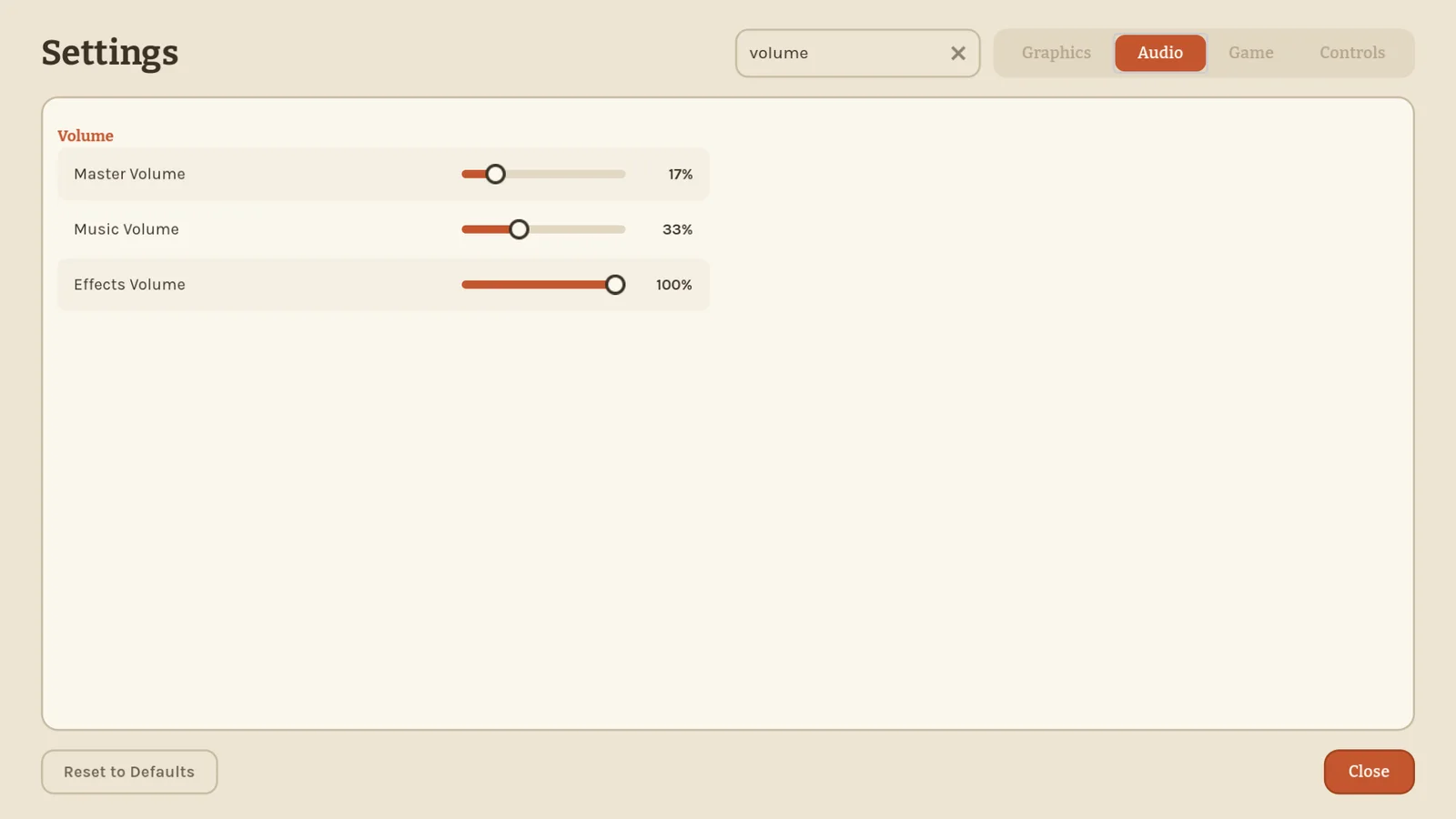
The settings menu has a search field now. Start typing and every tab filters at once: only the settings that match stay, and the menu jumps straight to the tab that has them. Type "fov" and you land on Field of View, wherever it lives.
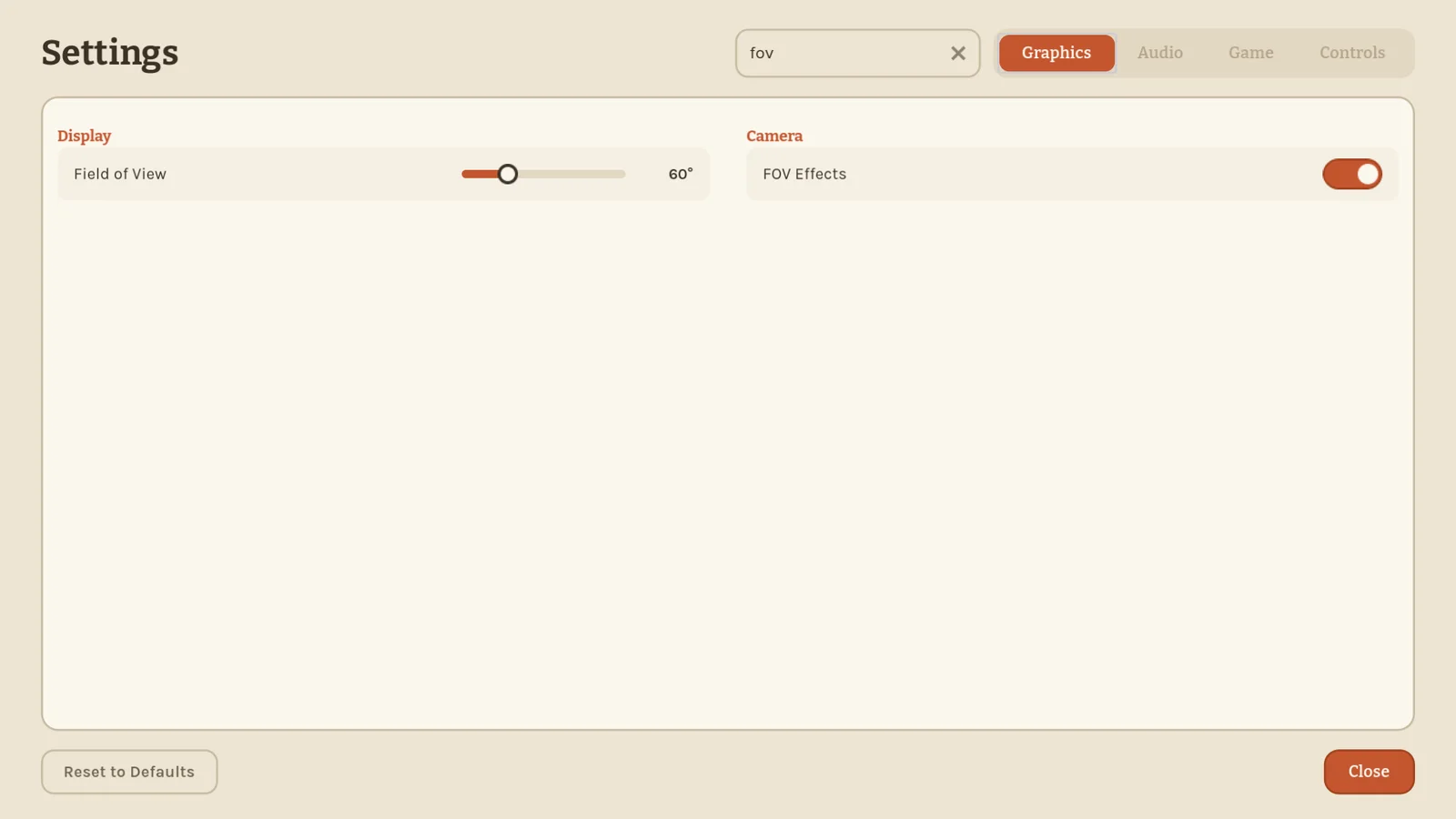
It matches the names of settings, groups and tabs, so "volume" brings up every volume slider and "audio" shows the whole Audio tab. Several words narrow it down, in any order.
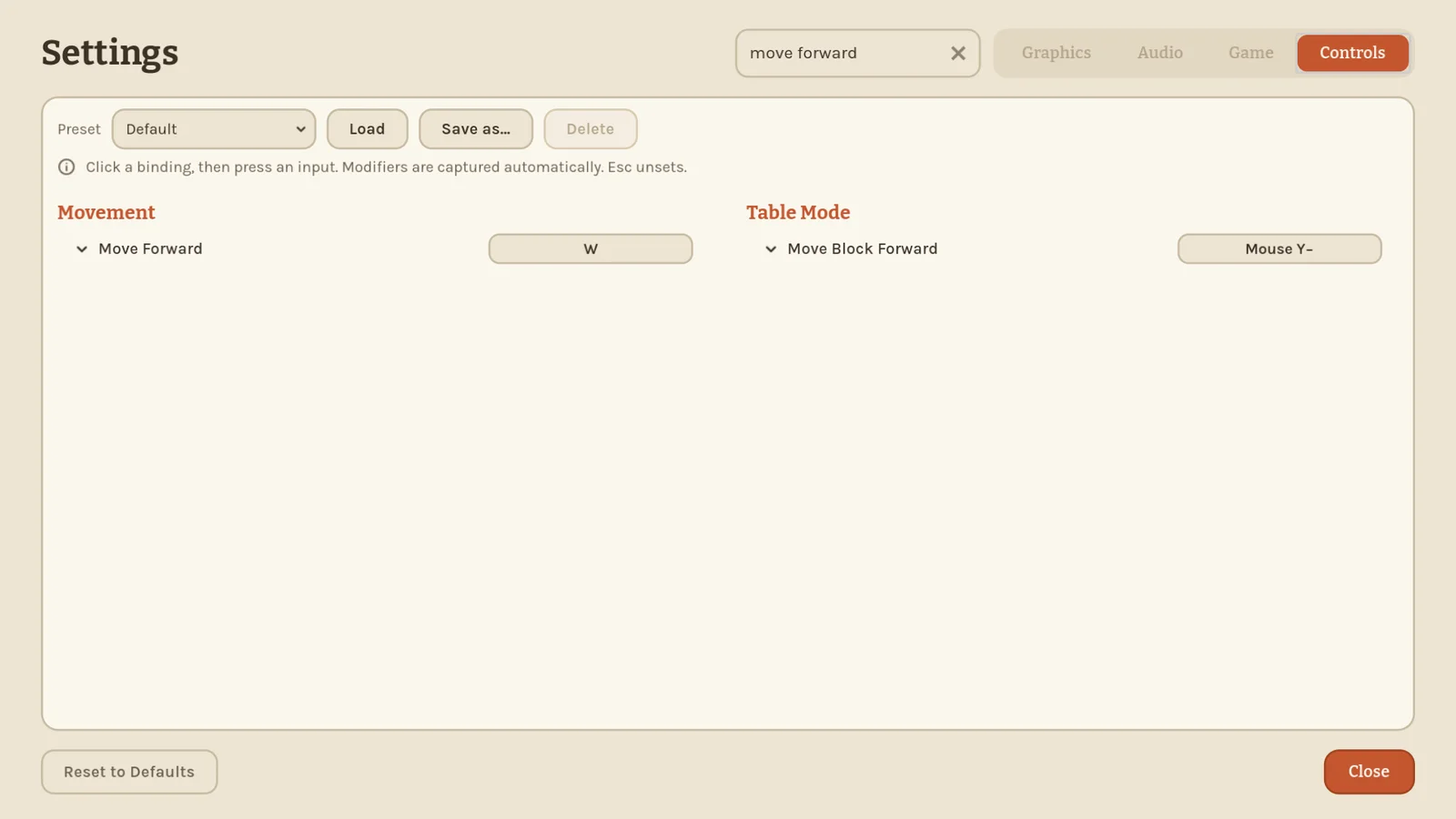
Key bindings are included. Looking for what moves you forward? Type it and the Controls tab shows just those rows, ready to rebind.
Press Ctrl+F to jump into the search, Escape to clear it (a second Escape closes the menu as before), and the down arrow to get to the first result.
0.15.0 Same size on every screen 2026-10-21
First things first: everyone in your group needs 0.15.0. The way games talk to each other changed, so older versions can no longer host or join a 0.15.0 game, and 0.15.0 can't join theirs. Update together before your next session.
Resizing a held block now looks the same for everyone. When a friend grows or shrinks the block in their hand, you see it change around the same spot they hold it by, just like they do. No more jolt when the new size arrives, and the block no longer flicks back to its old size for a moment.
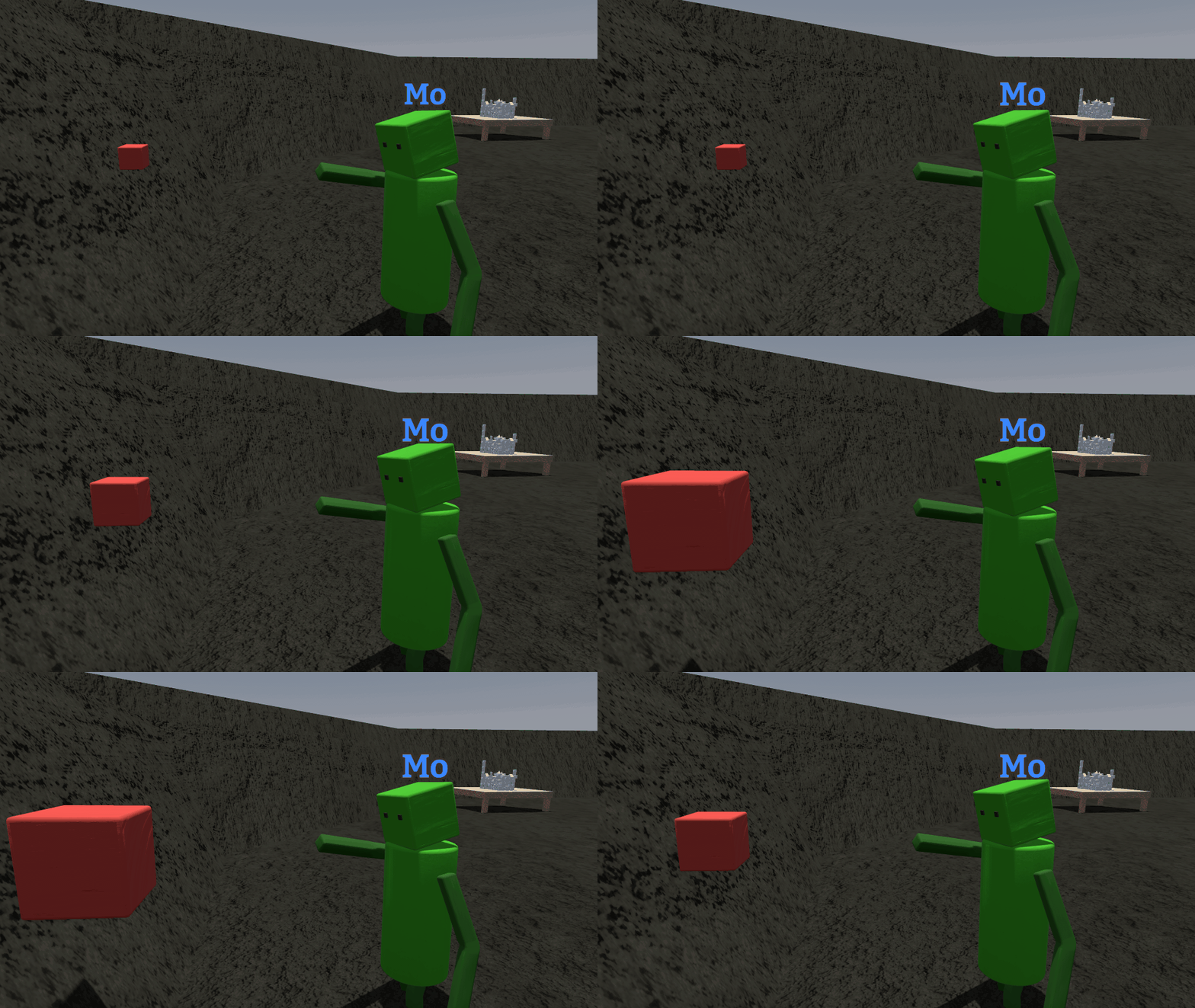
What they see is what you see.
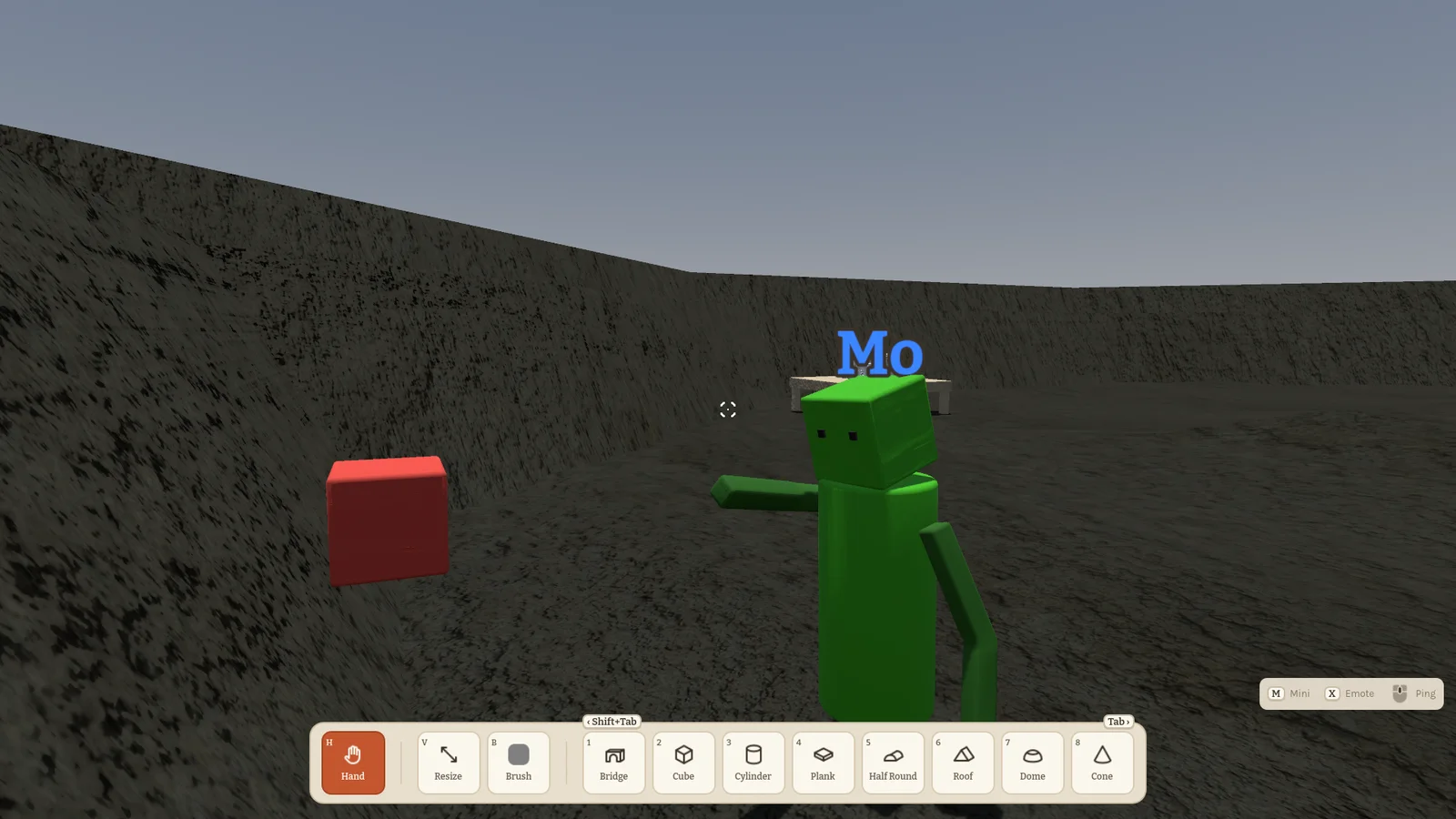
A block that ends up inside something while you resize it now finds the right way out. Before, an arch or a glued group with one leg deep in a big block and the other just touching the floor could get lifted off the floor and stay stuck in the block. Now it leaves the way it is stuck deepest, so it slides sideways out of the block.
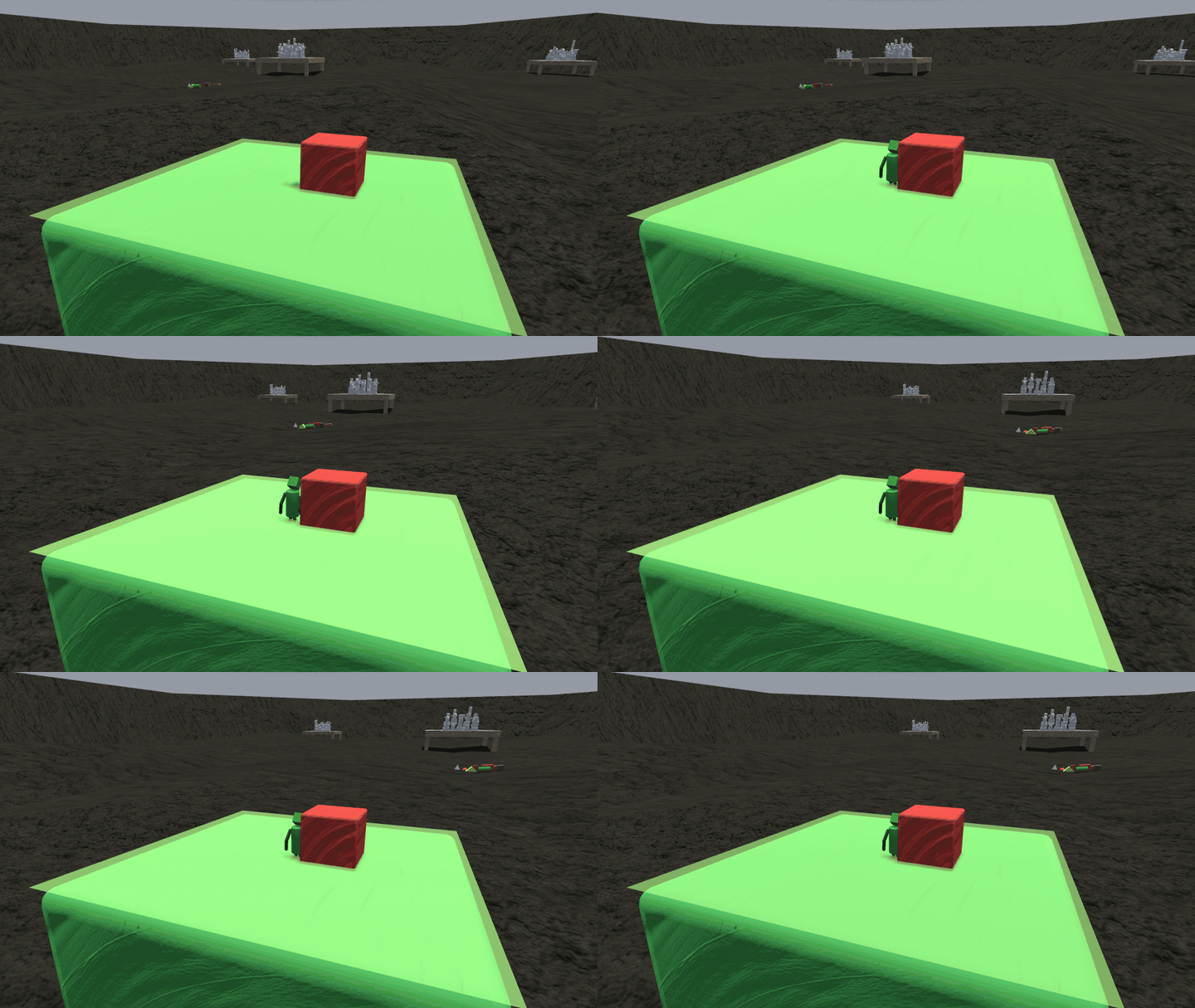
Minis riding a block are safer too. Another block riding along on the same carrier no longer knocks them off just because everything is moving fast. A block that actually flies into a mini still does.
Two more fixes. A block deleted at the very moment it gets glued no longer stays invisible: it shows up again. And a knock no longer stops a climbing mini from grabbing hold again right away.
0.14.1 Tidier hints, snappier sizes 2026-10-20
The control hints from 0.14.0 moved out of your way. There is no more text under the crosshair: no grab or throw prompts. Everything lives in the small legend in the bottom-right corner, and while you hold a block its top row shows the R, E and Q turns as coloured arrows. Hold Shift and they flip, just like the turns do. The middle setting is now called Essentials.
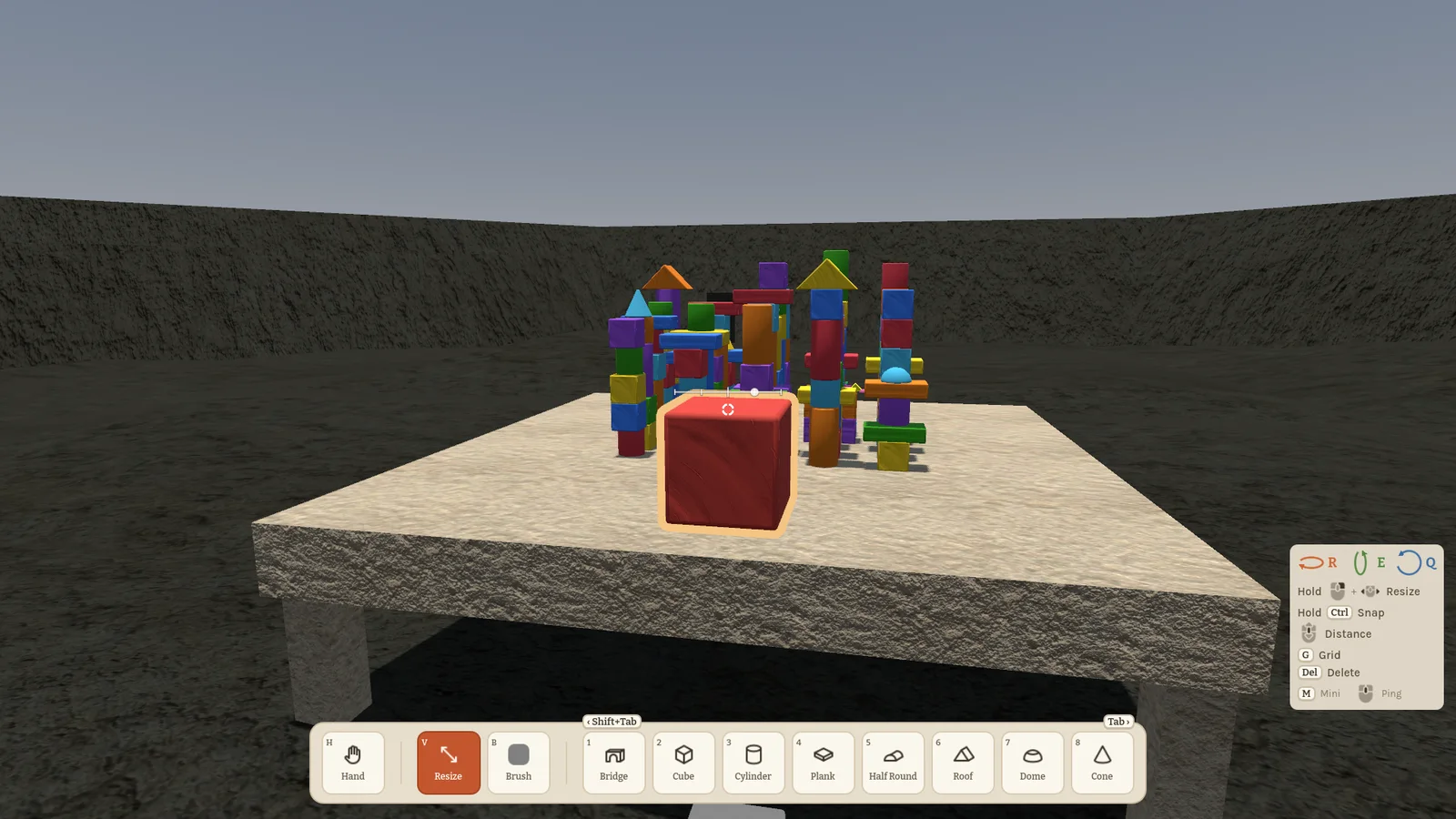
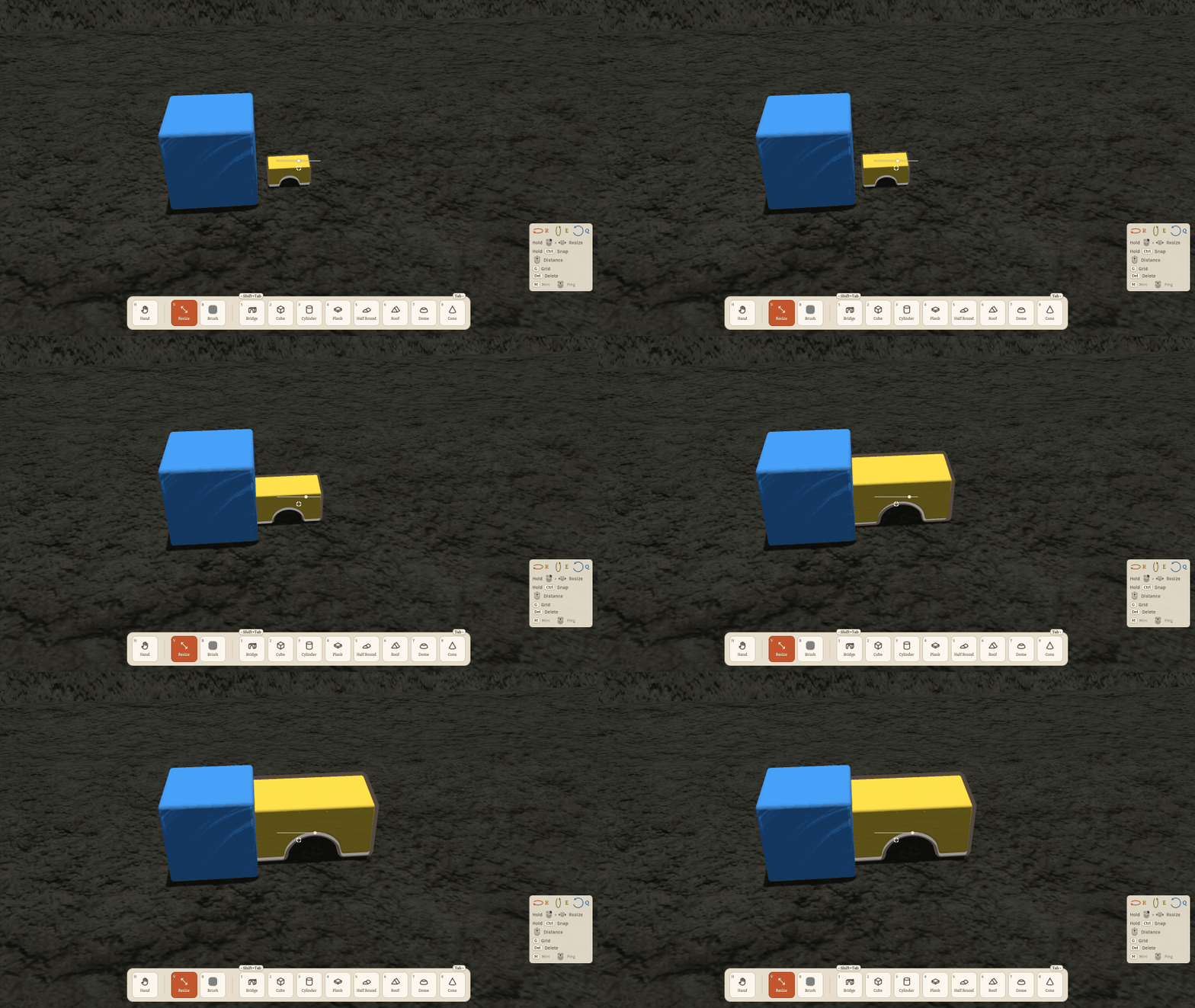
Resizing got a lot nicer. The block grows and shrinks right where you hold it, at once, so the spot you grabbed stays under your crosshair. A thin size gauge sits just above the crosshair, and with Ctrl the sizes snap to clean doublings: a quarter, half, normal, double and four times, evenly spaced on the gauge.
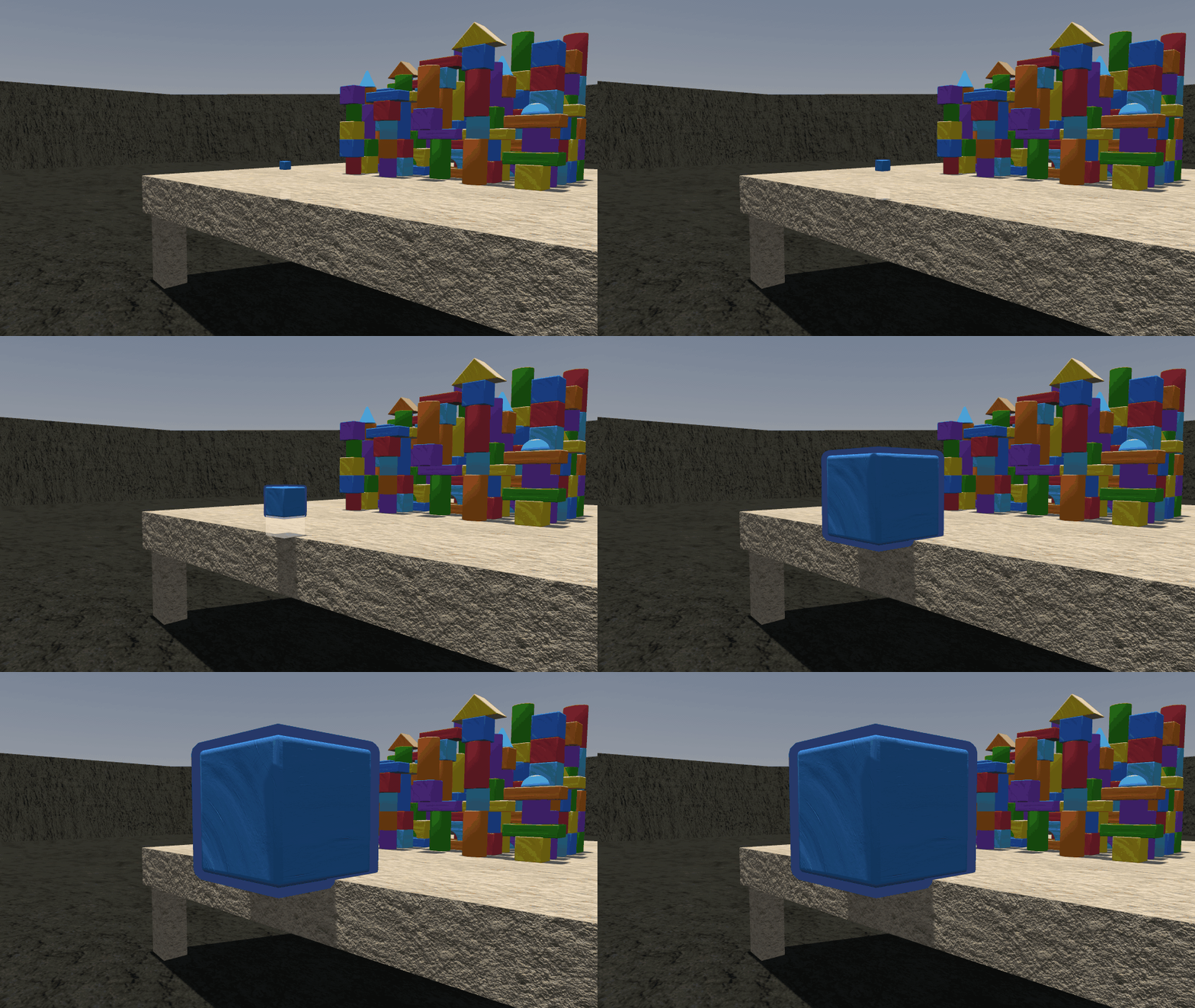
A block that grows against something no longer sinks into it. Grow it on the table's edge and it rises out of the top; wedge it into a corner and it gets pushed out of both sides. If there's no room at all, it simply stops growing.
The brush shows its colour as a small square next to the crosshair, so you always know what you're about to paint. The toolbar wears its Shift+Tab and Tab keys as little tabs on its top edge, and when you switch to the empty hand and the toolbar tucks away, the tabs slide off screen with it.
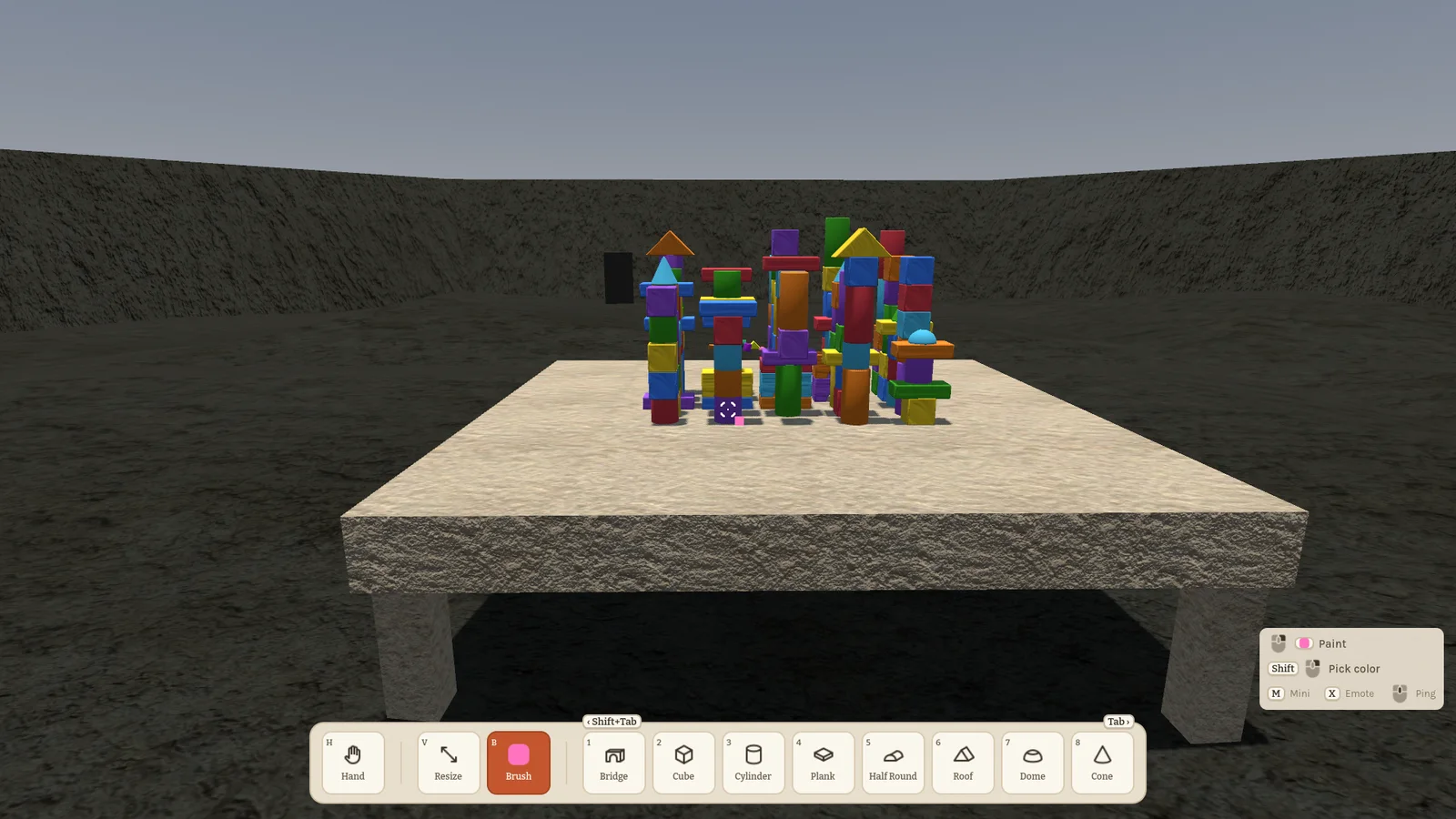
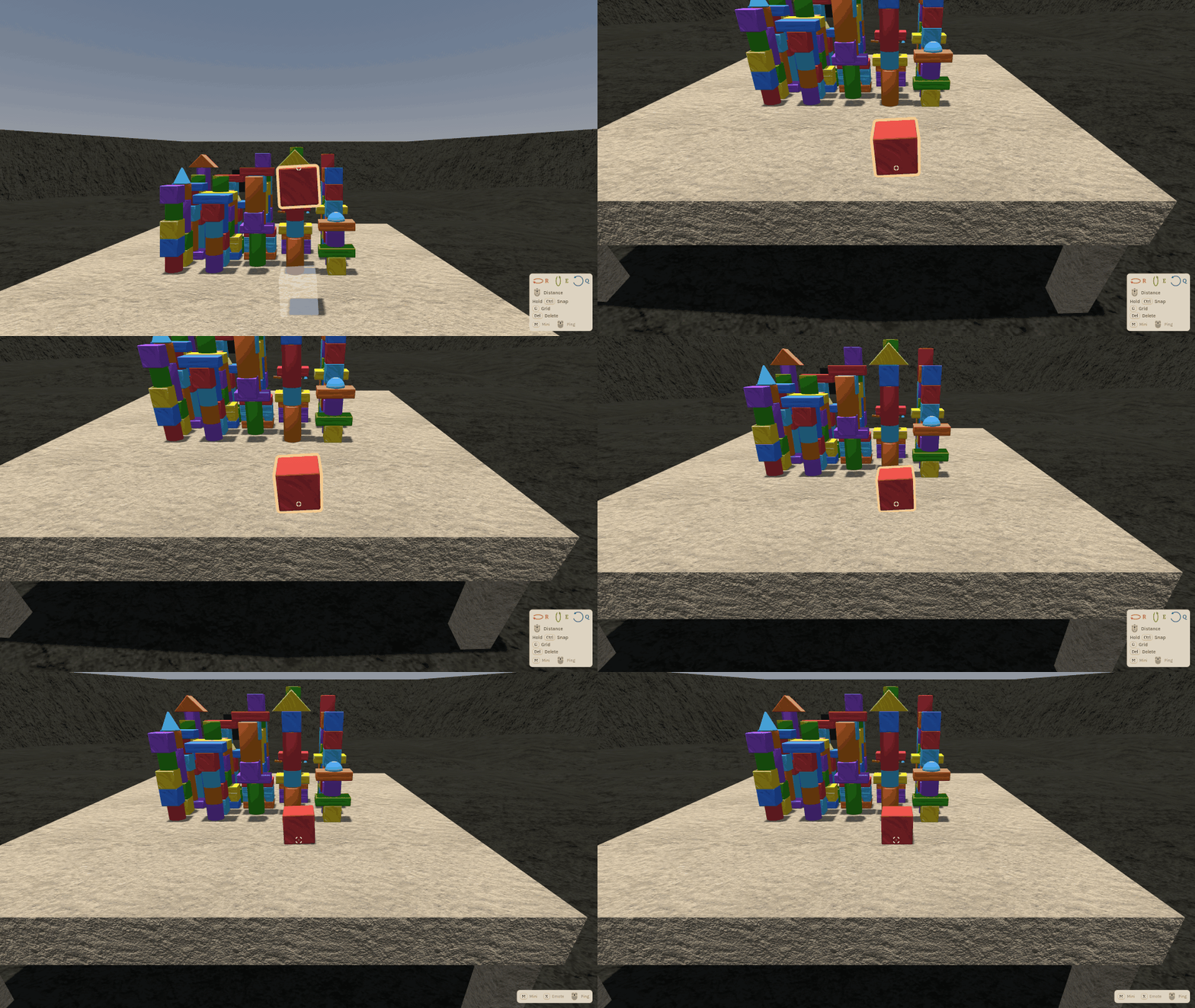
Putting blocks on the table without sitting down got easier too. Aim at the tabletop, scroll the block farther and it lands on the top instead of getting stuck at the front edge or hovering above it.
A few fixes: the brass knobs on the Zimmer door can't be painted over any more, a ping disappears together with the block it was on, the pipette in the figure editor now picks the arms where you see them, and Tab in the menu's paint picker for your figure stays inside the picker. Every older version now has its own pictures in this changelog too.
0.14.0 Ping! 2026-10-19
No more "no, the other one". Tap the middle mouse button and you ping whatever you're looking at: a block or a spot on the floor. Everyone sees the marker with your name, and your figure points at it.
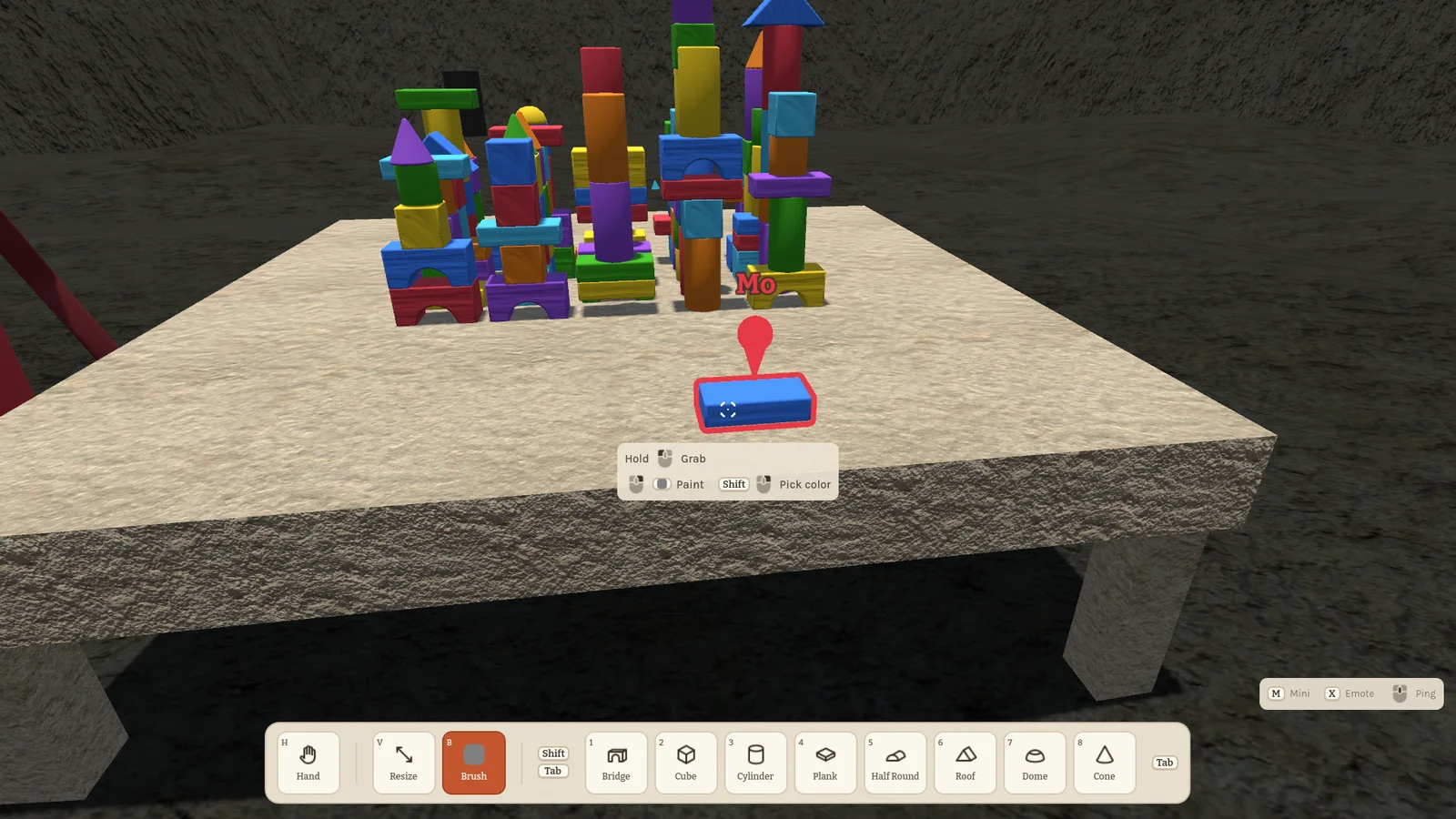
A pinged block glows in your colour, and the marker rides along when the block moves, so "that one" stays "that one" even when it falls off the table.
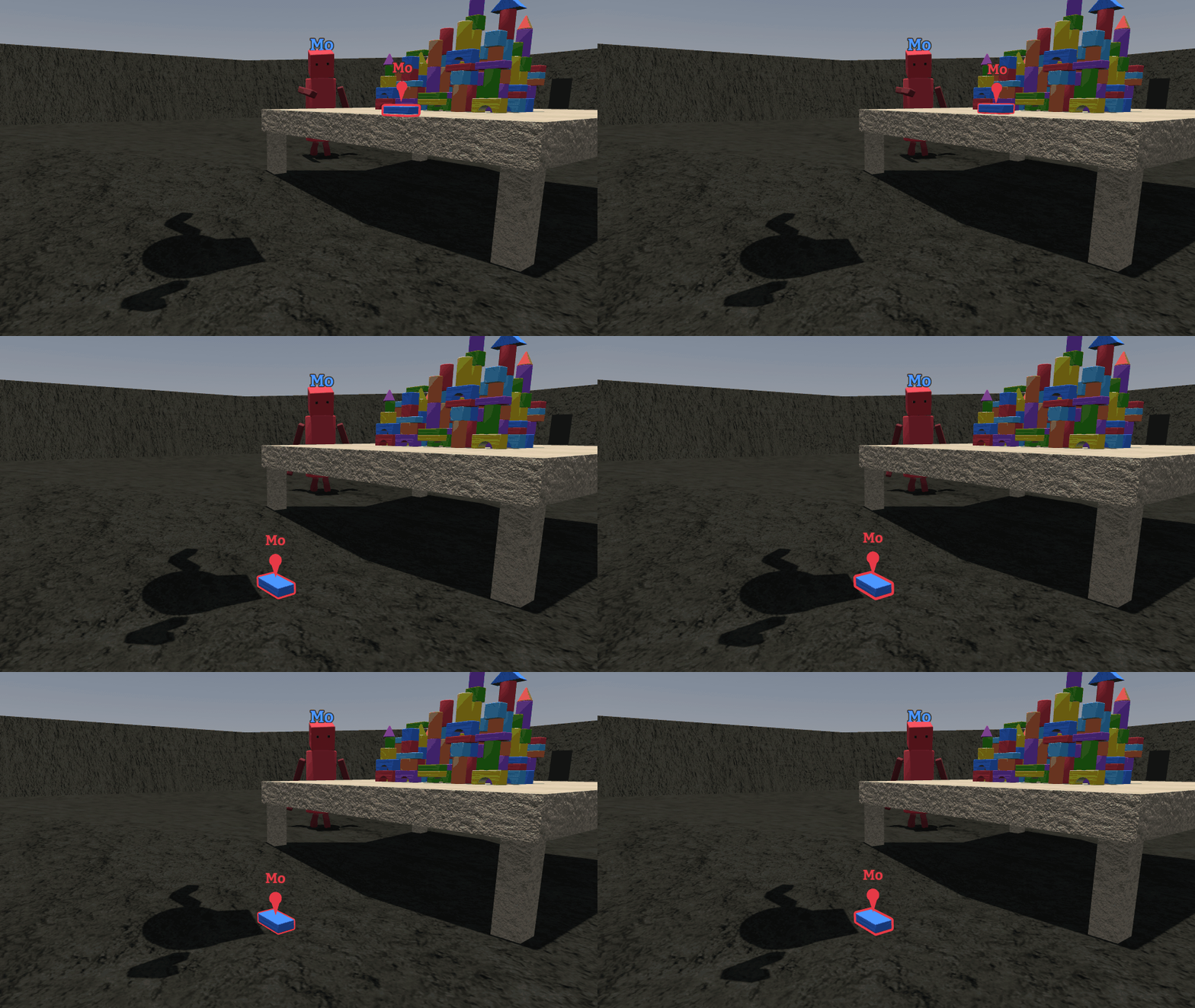
When the ping is off screen, an arrow at the edge shows who pinged and how far away it is. Pings need everyone on this version.
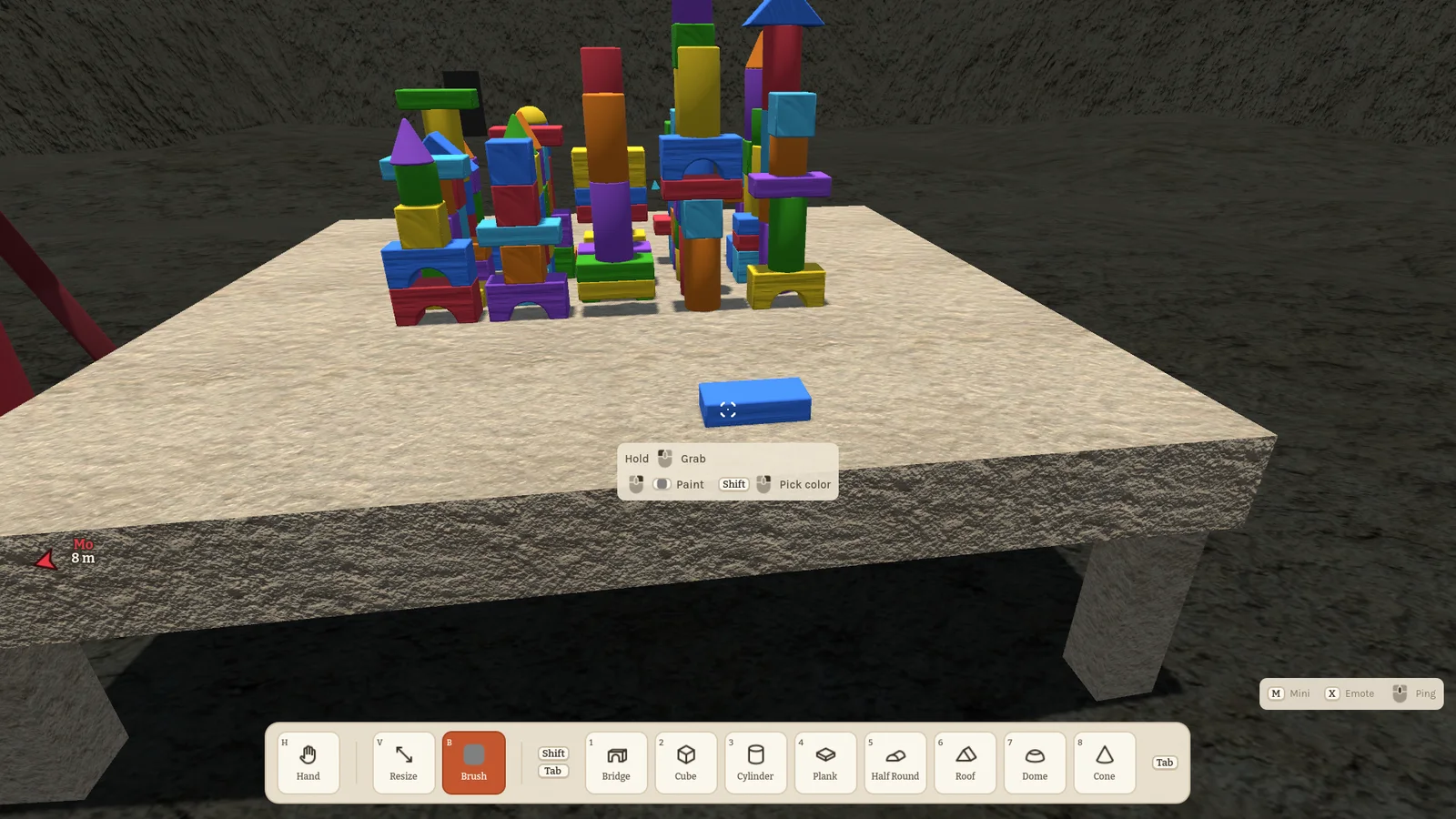
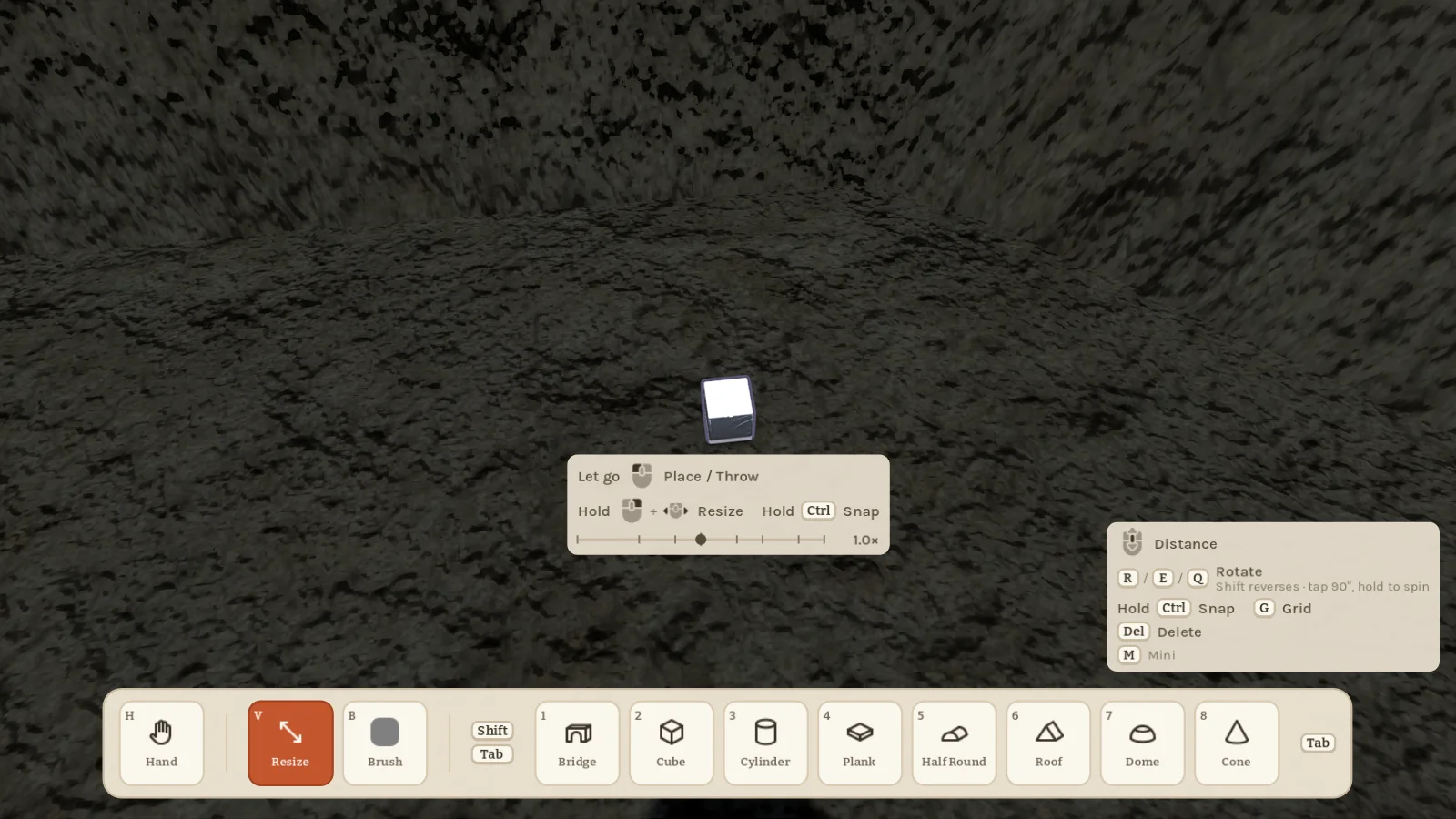
New players kept asking which key does what, so the game now tells you. The keys that work right now show under the crosshair, and a small legend in the corner lists the rest. Too chatty? The Game settings turn it down to the crosshair only, or off.
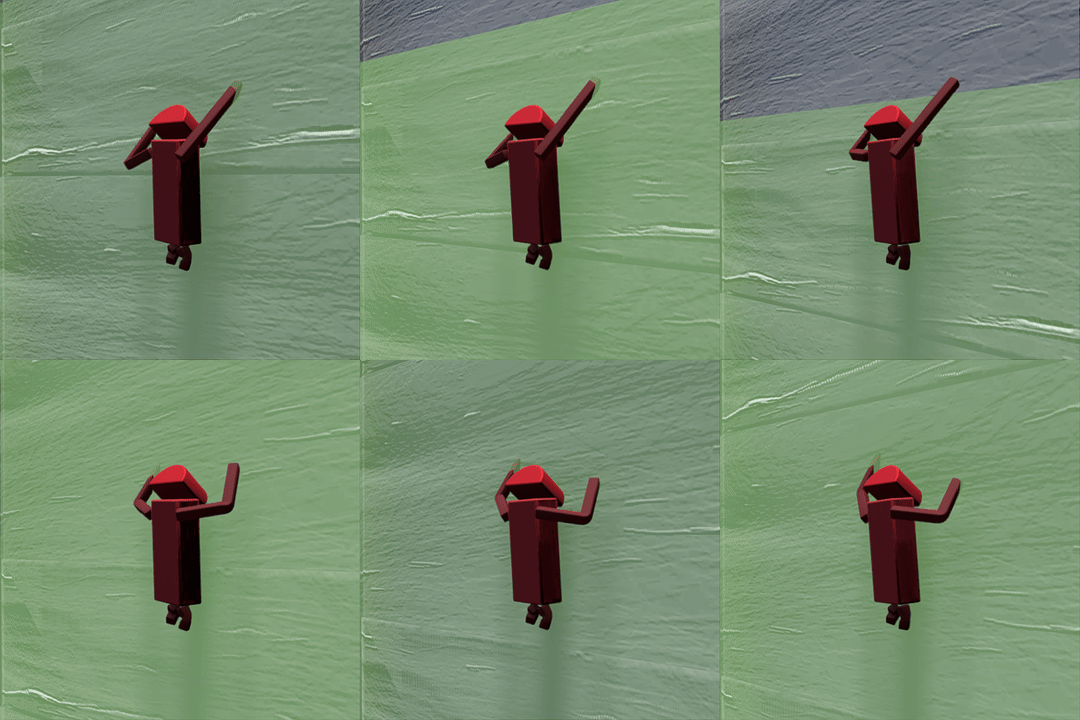
The figures moved better too. Walk, jog and dash blend into each other with the feet planted instead of sliding, climbers go up hand over hand on real holds, idle figures breathe, and everyone leans into turns.
First person got a fix as well: press your face against a wall, a block or another figure and the camera stays on your side of it.
The menu now shows the version in its corner, and from here on every build gets a number and a changelog.
0.13.0 Chibi figures, shiny paint and a door 2026-10-18
Your figure got a makeover: chibi proportions, arms and legs that bend, and new cone and dome shapes for head and body. Crouching squashes the whole figure, and short legs take longer strides instead of scurrying.
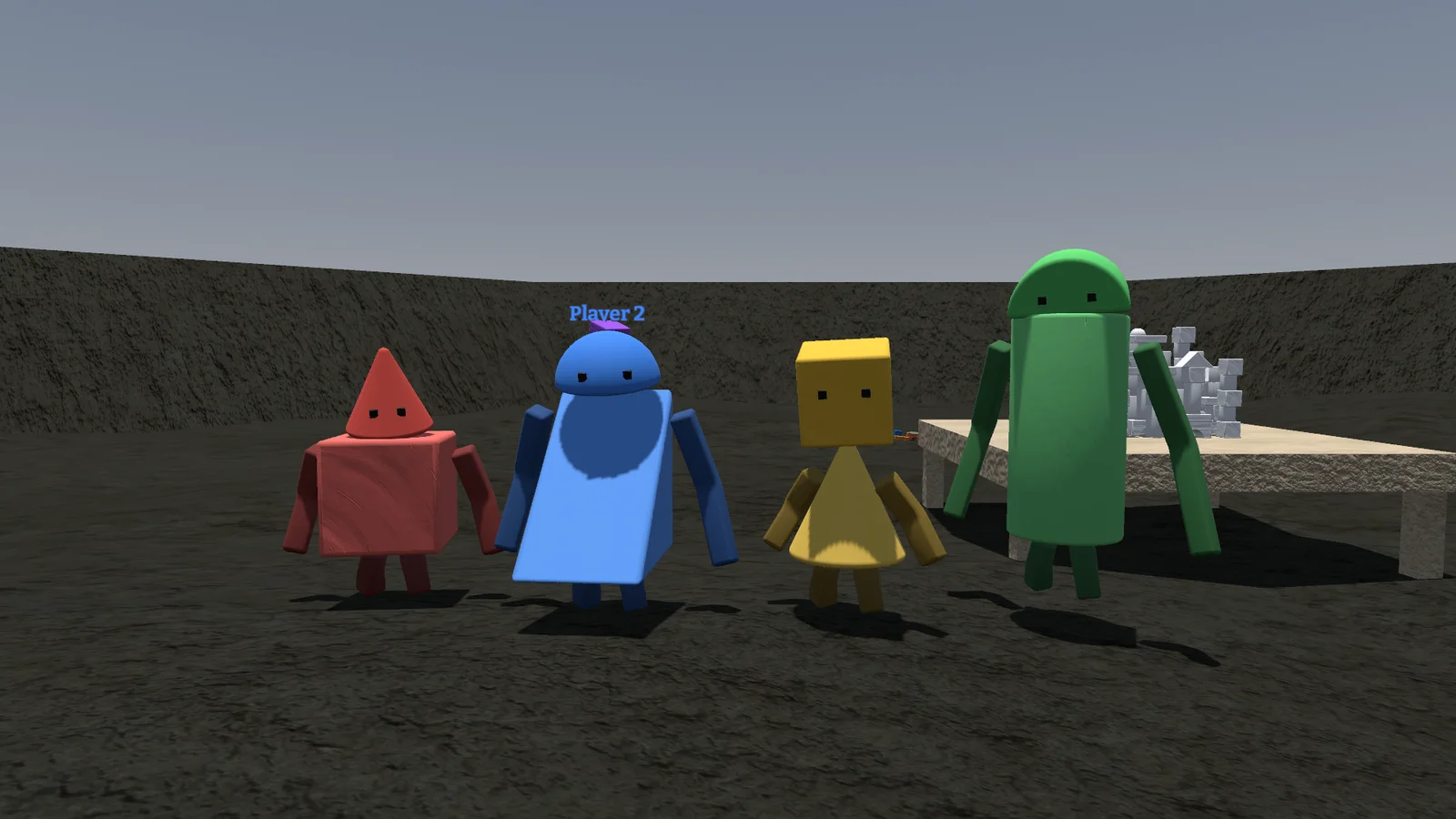
Paint has finishes now. Make a block shiny metal or soft matte, the same for your figure, and copy any colour with the pipette.
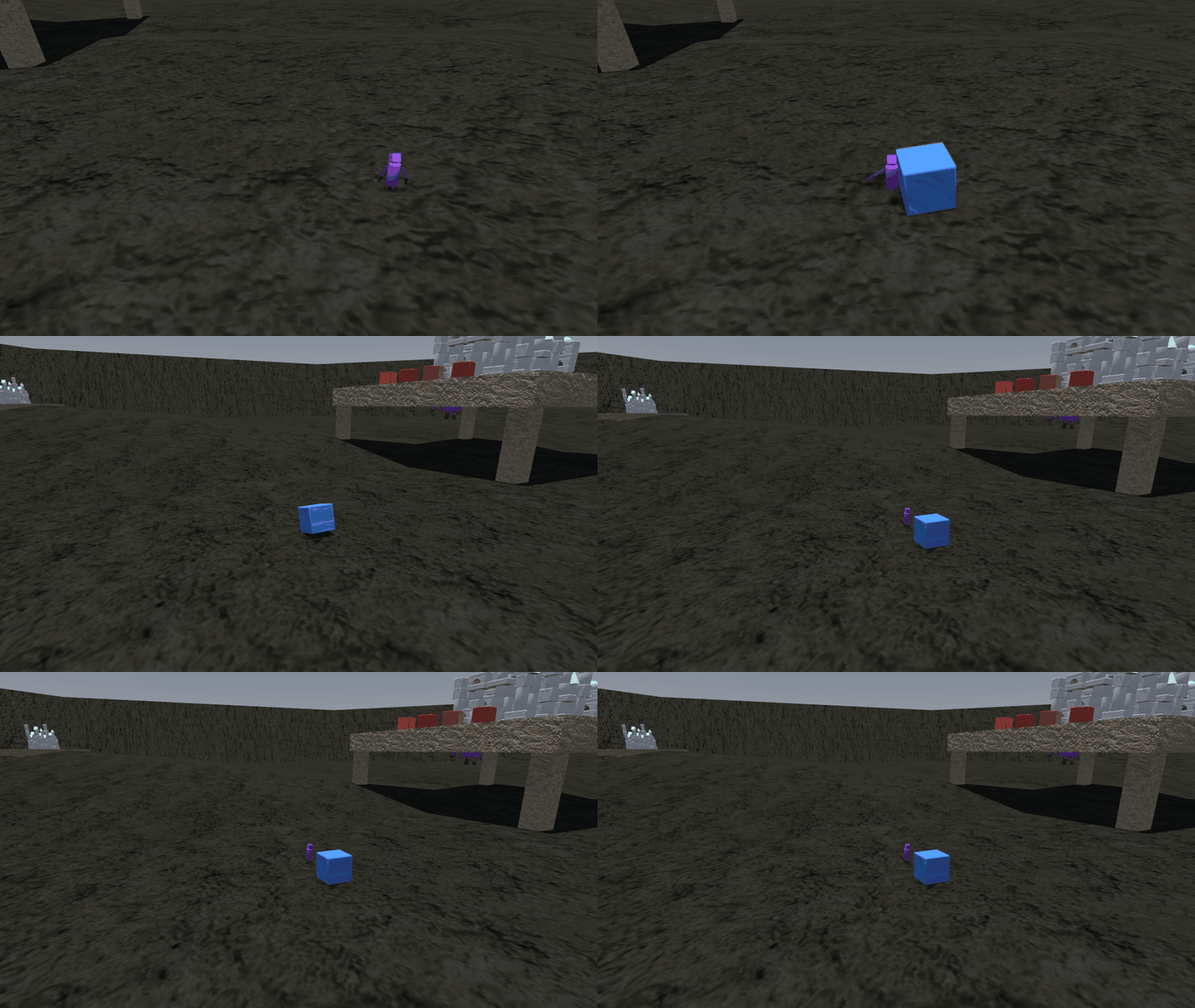
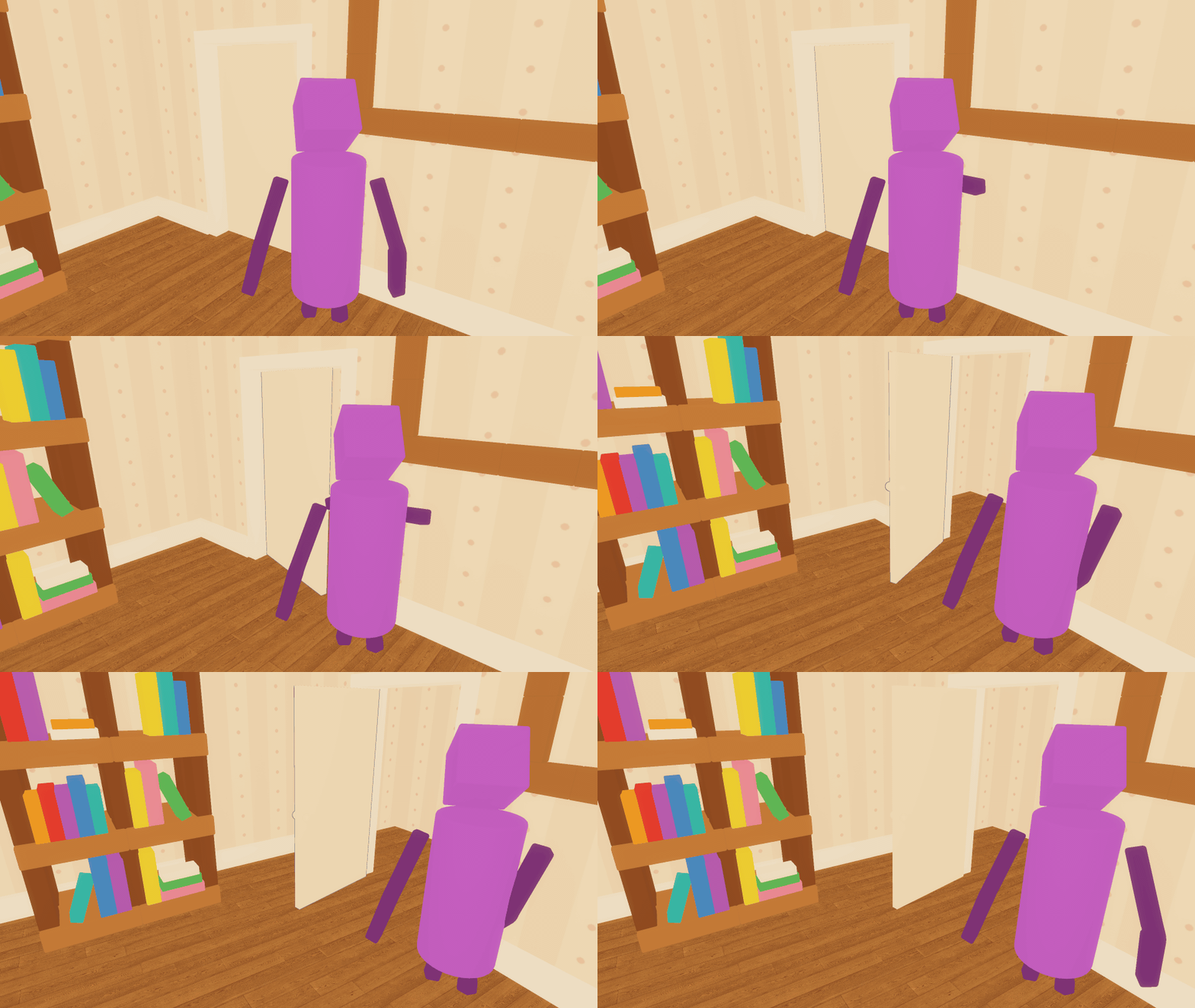
Flying blocks hit back: a thrown block knocks players over, and minis go flying. Glue works while you're holding a block, and a glued group resizes in one go. The Zimmer got a real door you can grab and swing, and climbing in first person no longer shows you the inside of the wall. This version can't play with older ones.
0.12.1 Settings and steadier rides 2026-10-13
A small update with a new Game tab in the settings: pick how often your figure is sent to the others, 20, 30 or 60 times a second. Lower helps weak connections, higher looks smoother. There are new shadow quality and distance settings too.
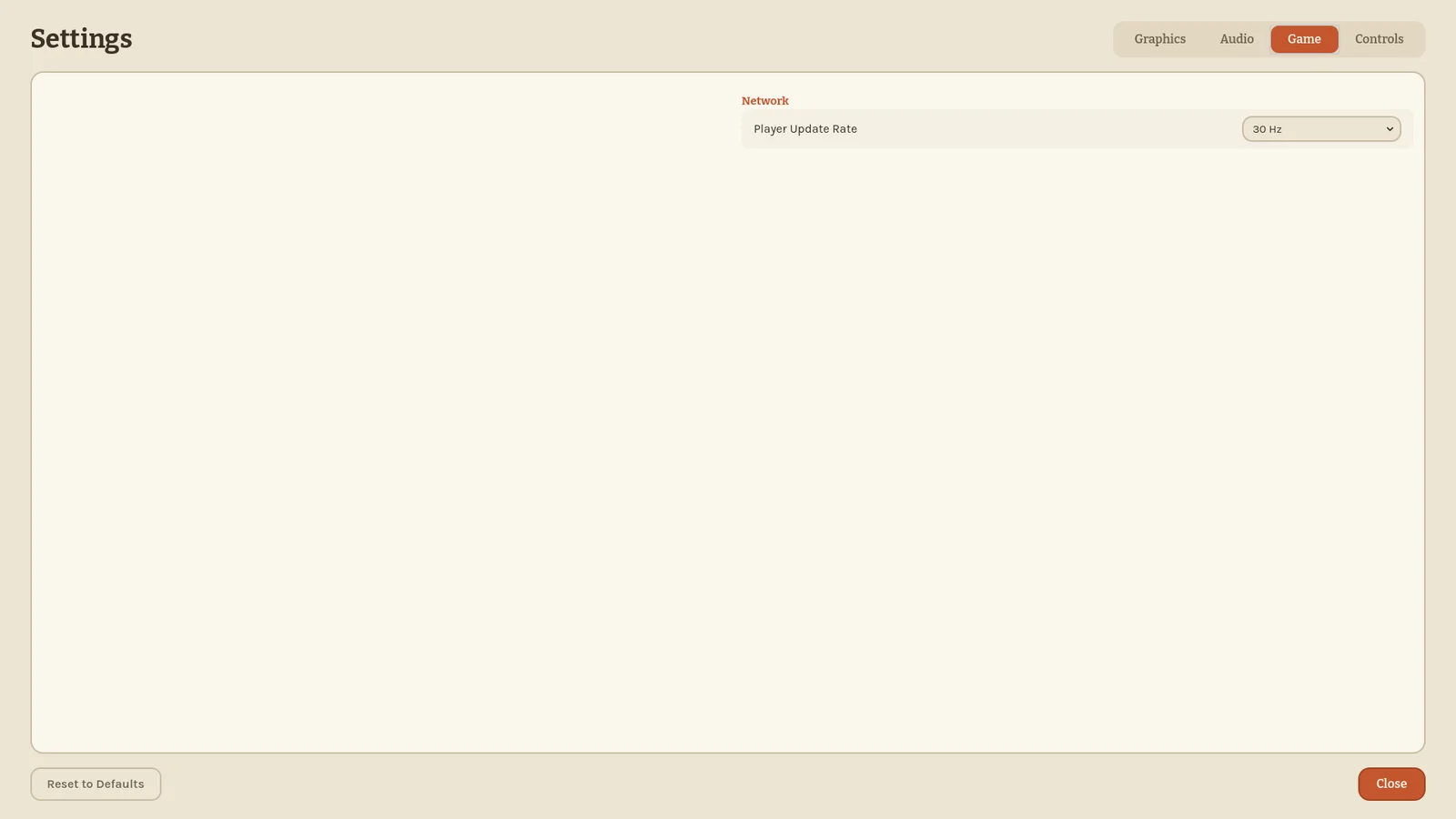
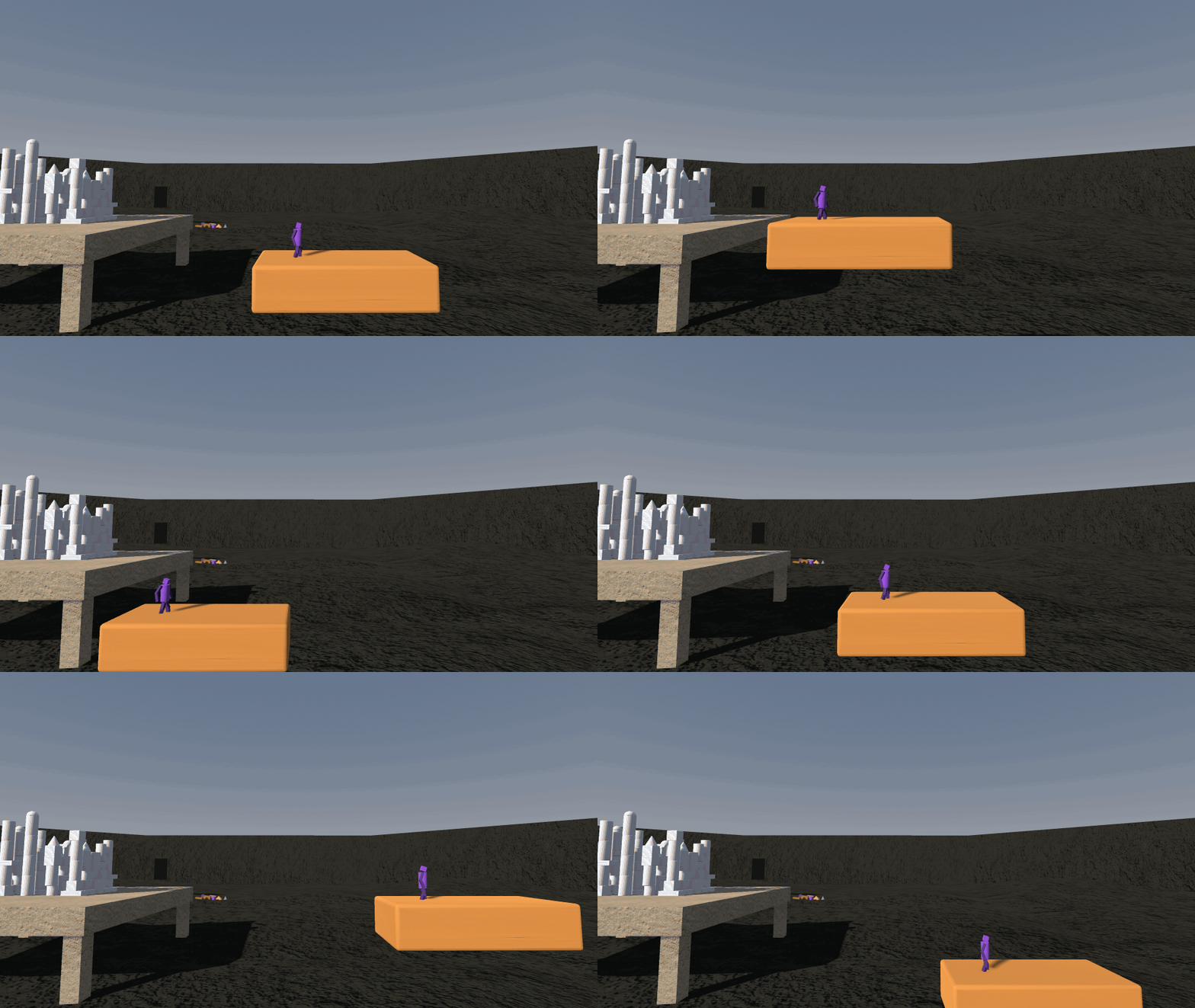
Minis keep riding a block even when the host hiccups, and they no longer cling to the underside of blocks like spiders. Figures that are off screen take a break, which makes rounds with many players run smoother.
0.12.0 Smoother, sturdier, versioned 2026-10-12
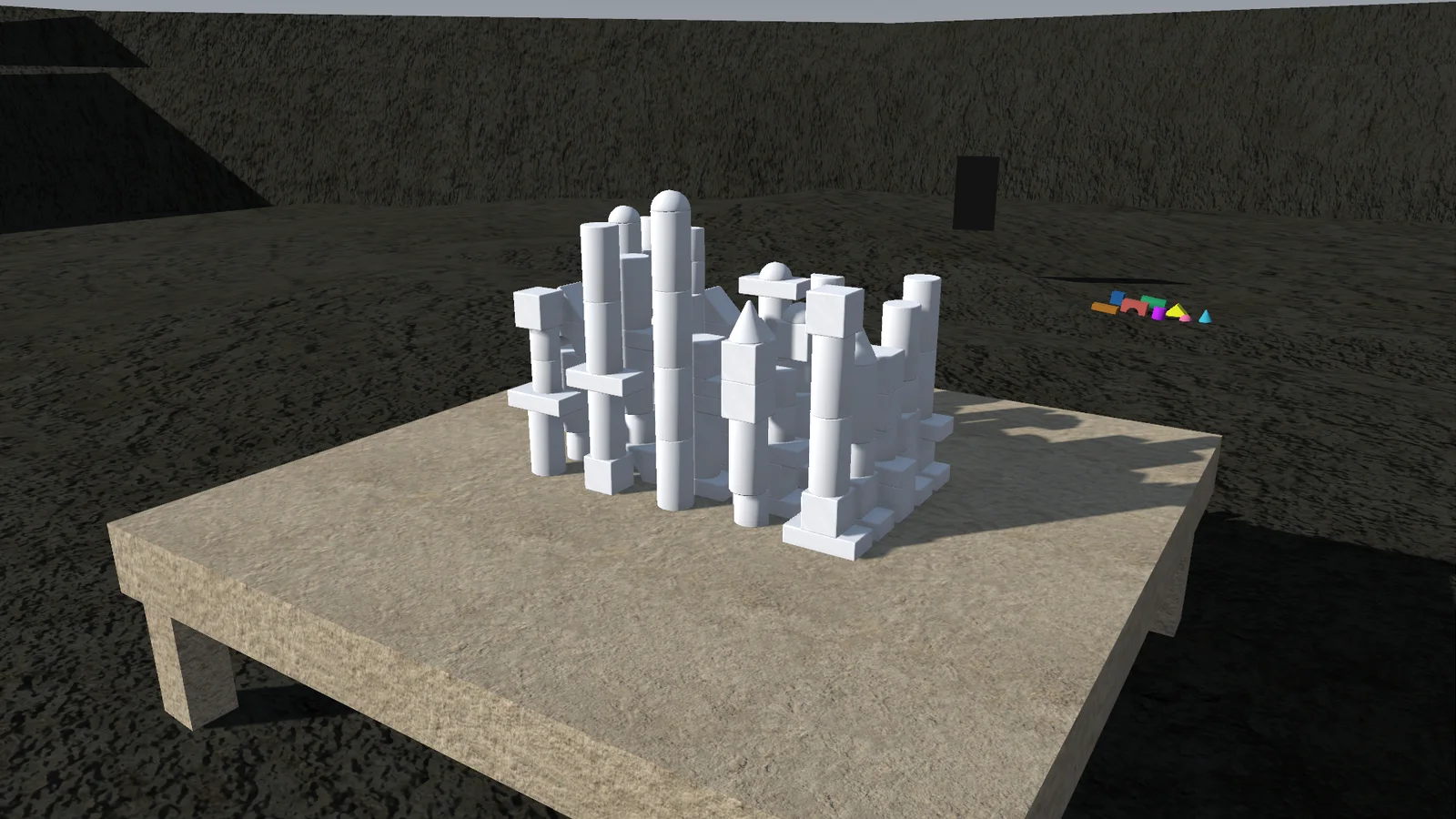
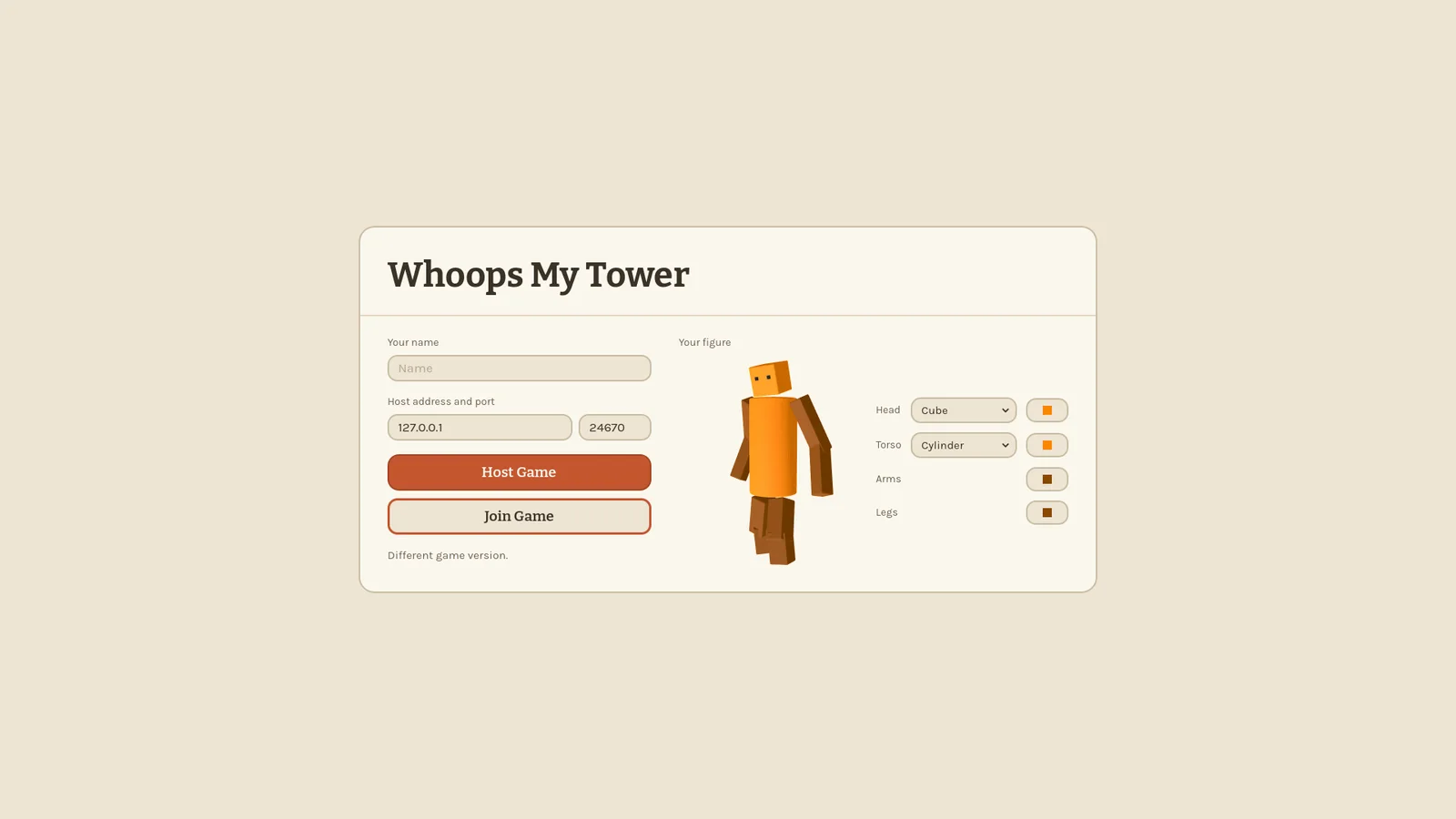
A day spent under the hood. If you join a game running a different version, you now get a clear "Different game version" message instead of strange bugs.
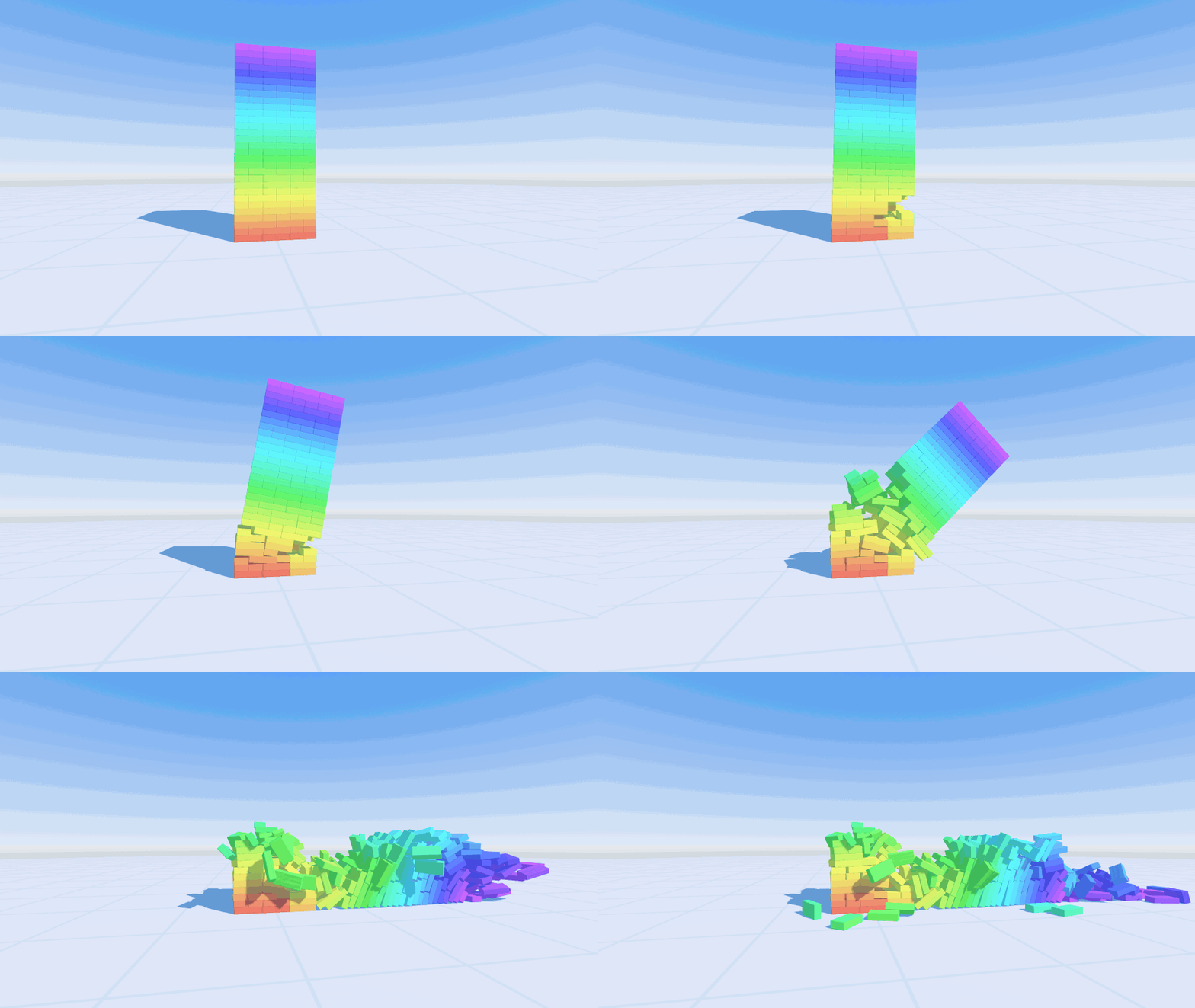
Big collapses and long domino runs cost much less on the host, going back to the lobby together is reliable, and lots of small things got fixed: respawning in the Zimmer, its ceiling, menus showing over the mode HUDs, and UI colours that match the rest.
0.11.0 The Zimmer 2026-10-11
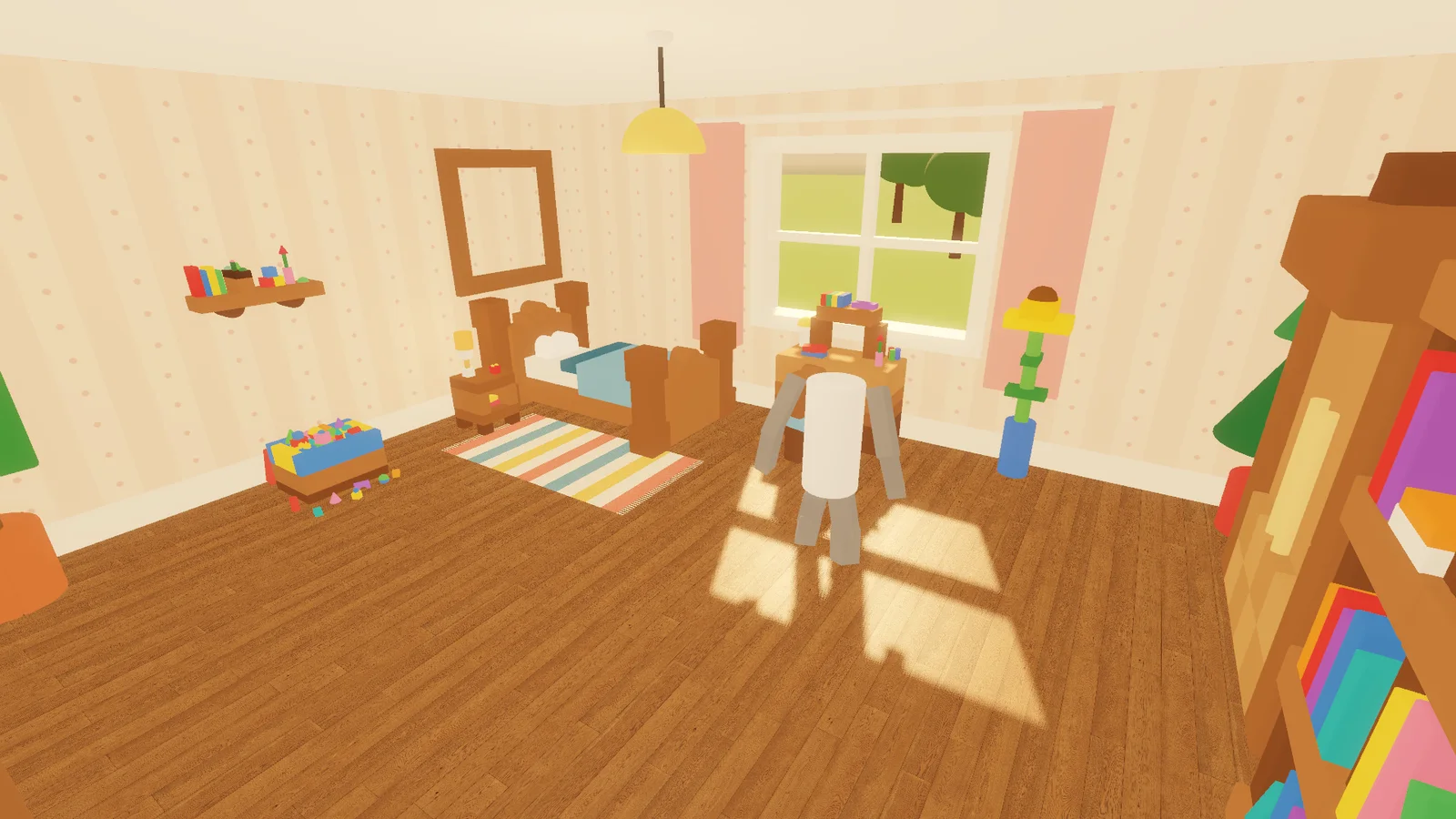
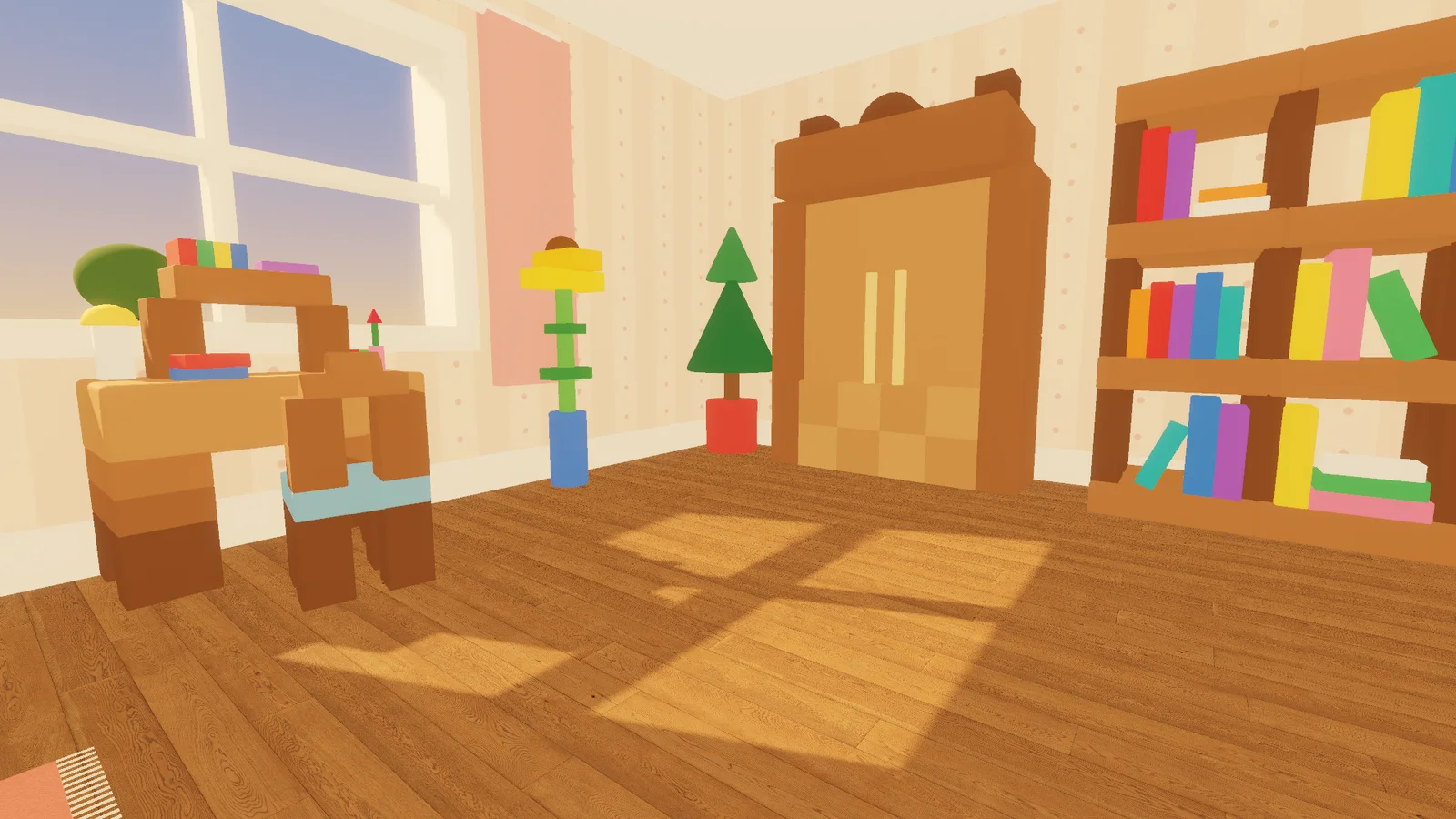
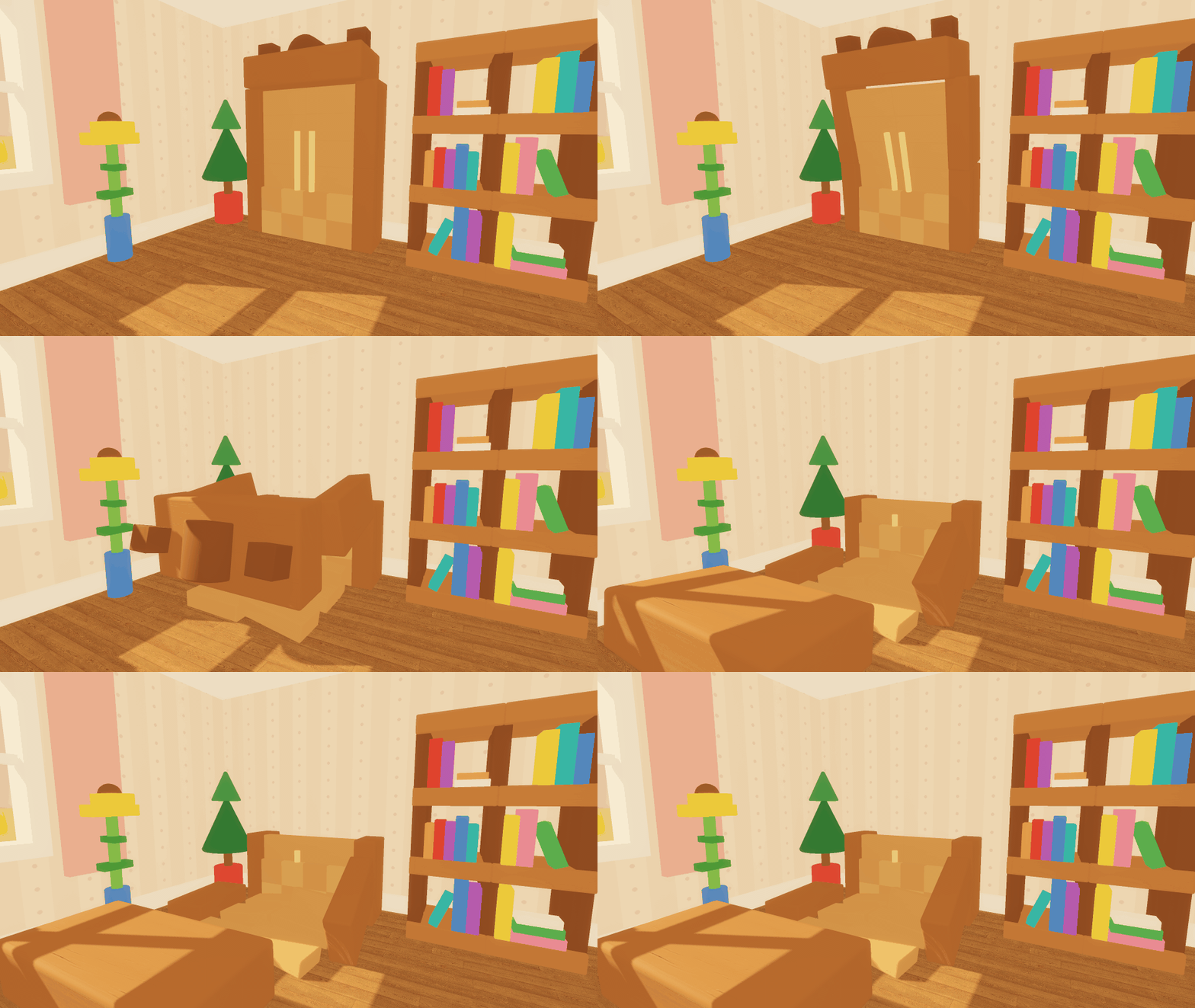
A whole new place to play: the Zimmer, a giant kid's room. There's a desk and chair, a bookshelf, a wardrobe, a toy box full of toys, plants, lamps, tall windows and a door. And all of it is built from real blocks, so if you can climb it, you can also take it apart.
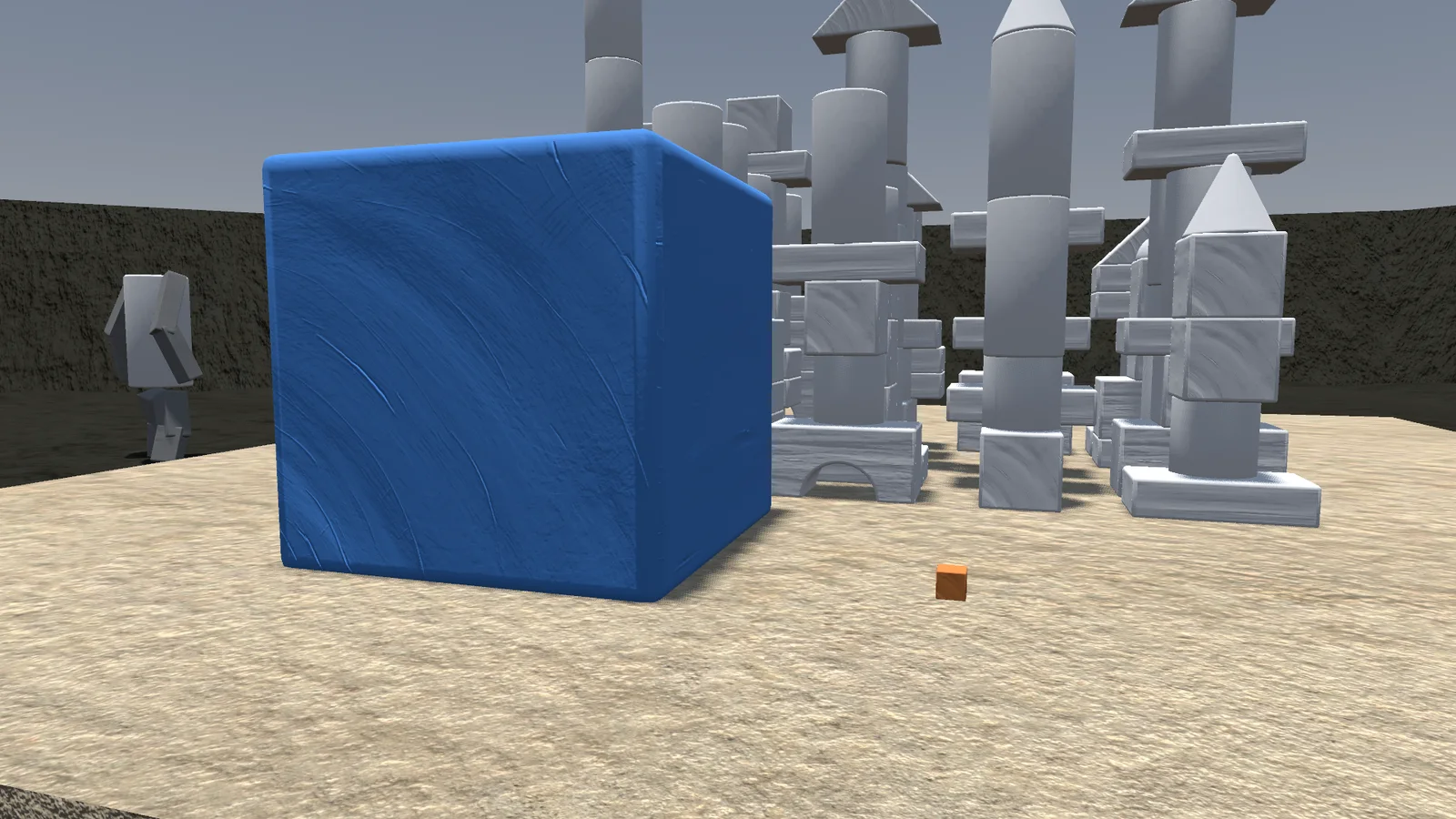
Two new blocks joined the set: the Dome and the Cone. And resizing now goes from a quarter to four times the size, in smooth steps, so you can build tiny details or huge pillars.
0.10.0 Whoops My Tower 2026-10-09
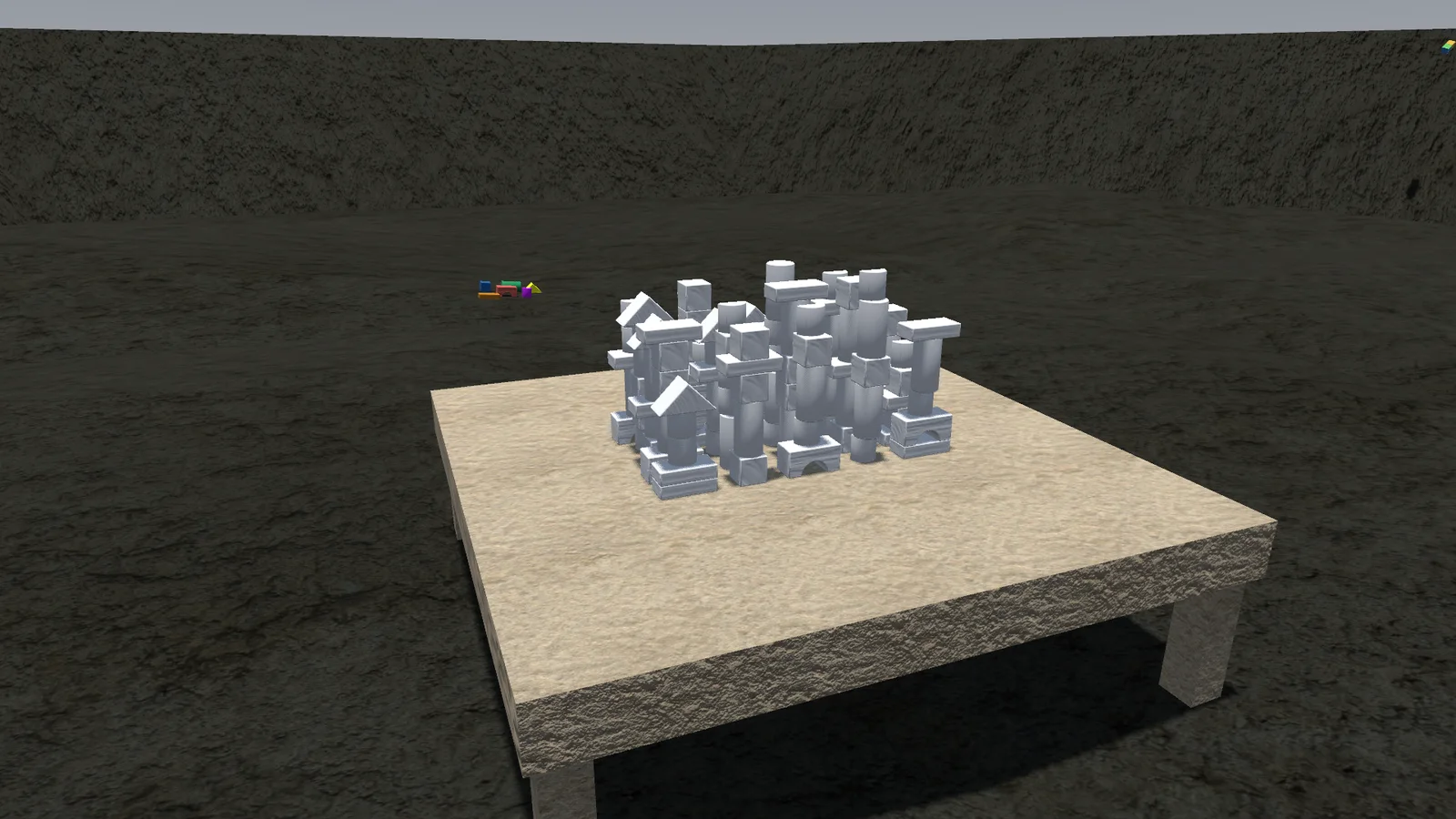
The game has a name: Whoops My Tower. Your settings and your figure come along from the old version, and there's a proper icon at last.
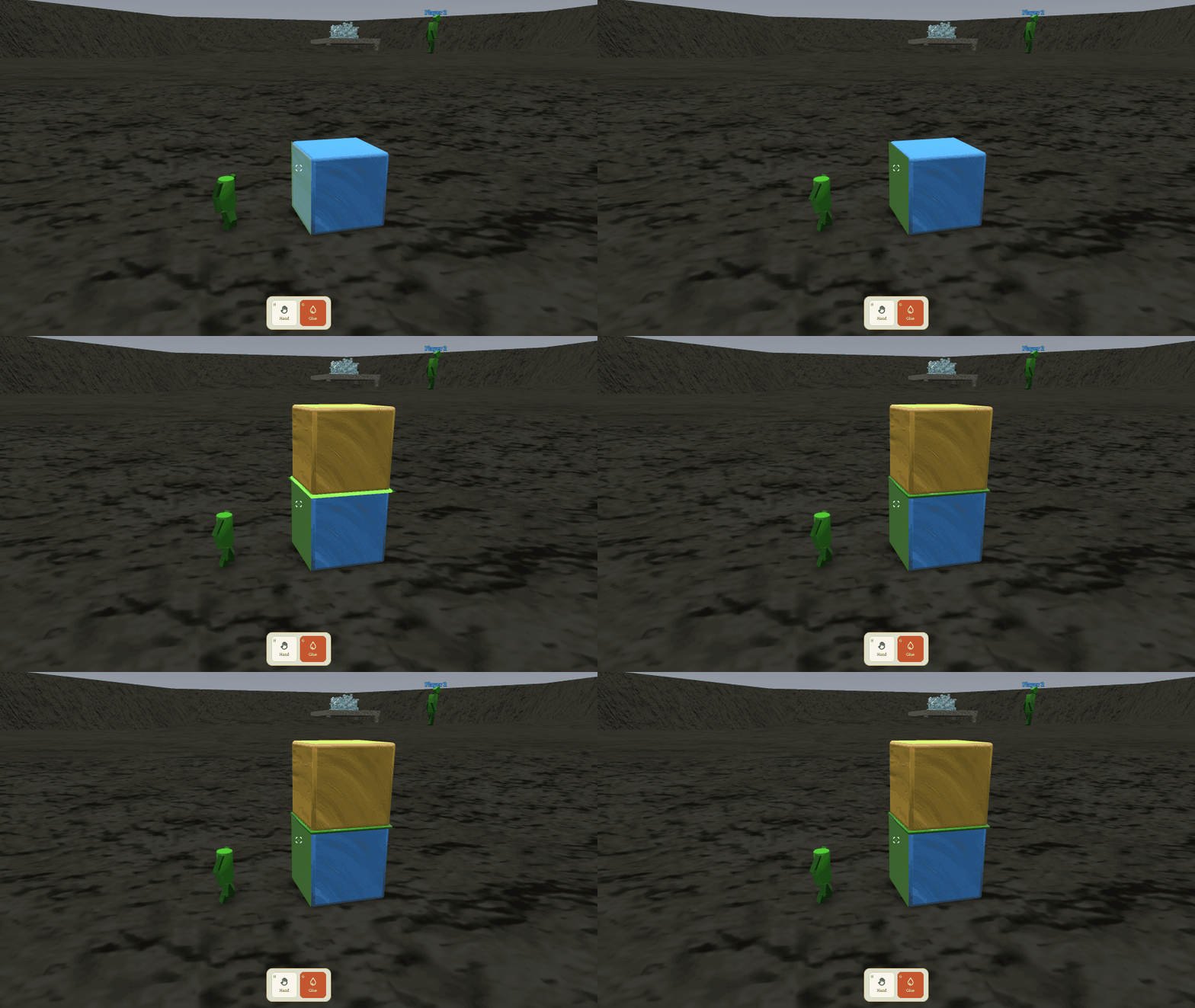
Minis got glue. Coat a face, press two blocks together and they bond; a glued group is carried and thrown as one piece. It's how you build things that are meant to survive the next throw.
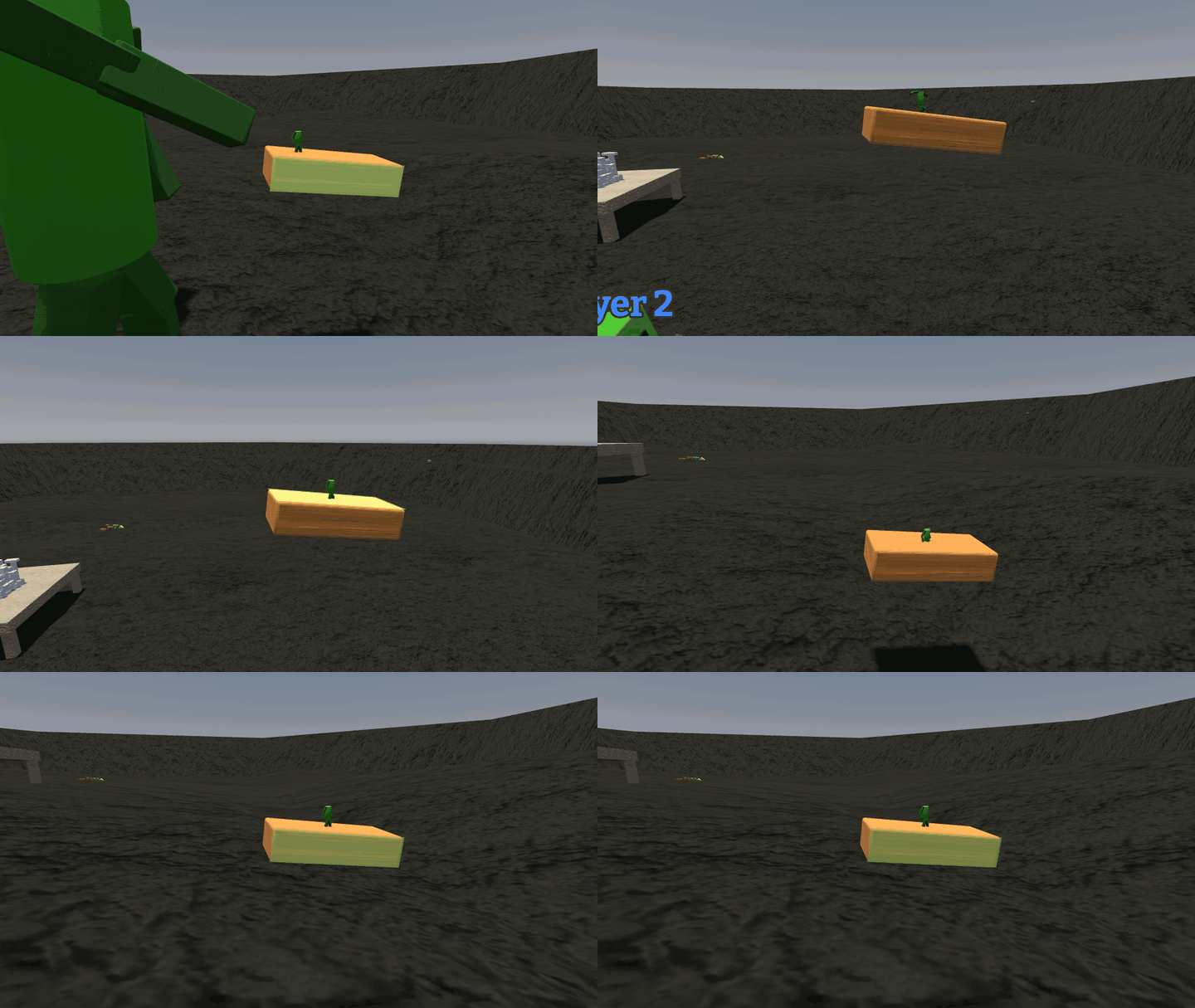
The ghost now shows exactly where a block will land, even when you press it into the table. Minis ride a thrown block all the way through its flight. In Freebuild you can delete the block you're holding. And huge collapses cost a lot less, so the big moments don't stutter. This version doesn't play with older ones.
0.9.0 A better look at everyone 2026-10-08
Third person got a proper camera: it circles your figure, and your figure turns to face where it walks, the way you'd expect from any third-person game.
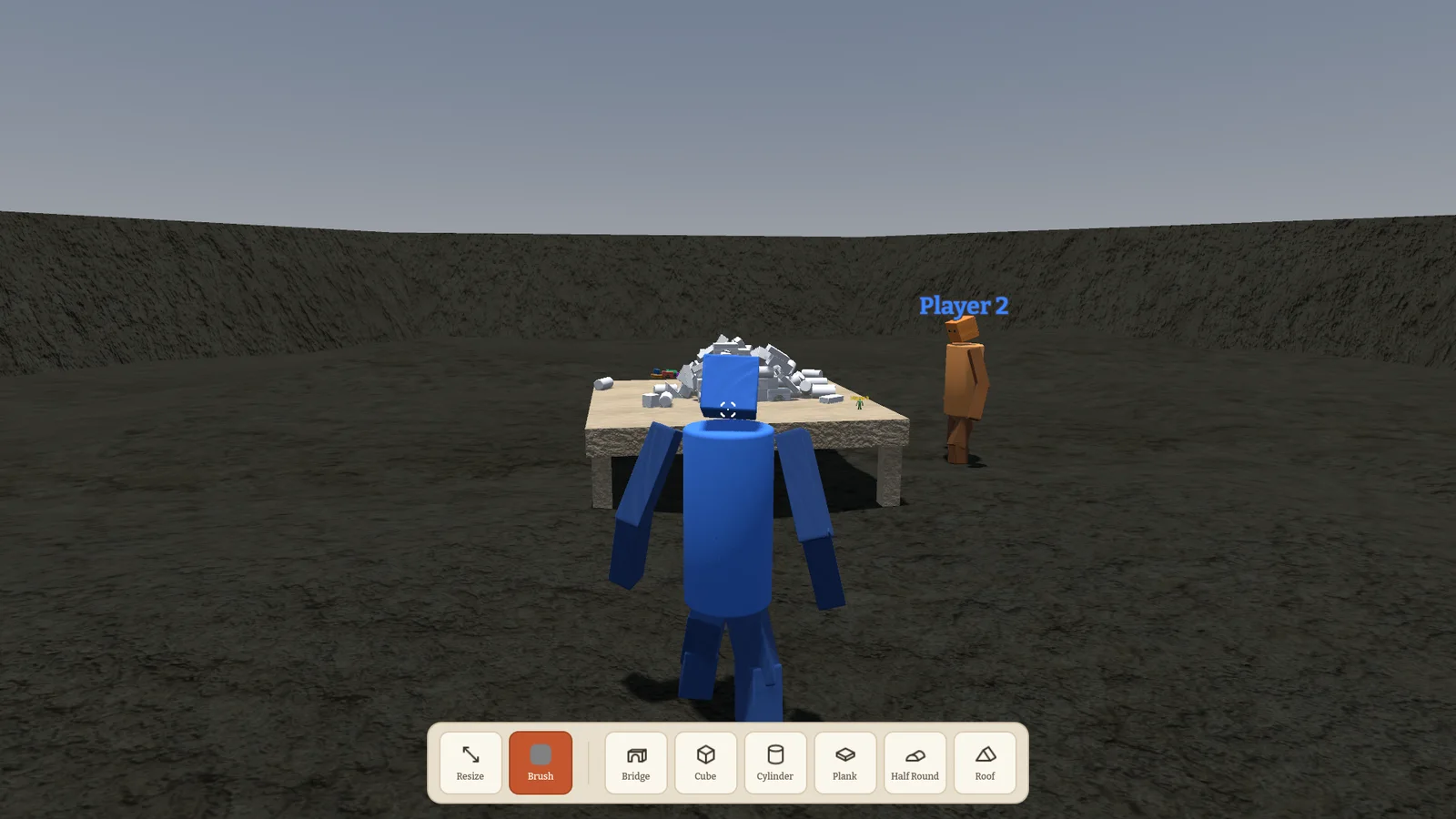
Name tags now scale with distance and figure size and fade when you're right next to someone, so they help instead of covering everything. Emotes in first person move the camera with your head, which makes a dance look like a dance.
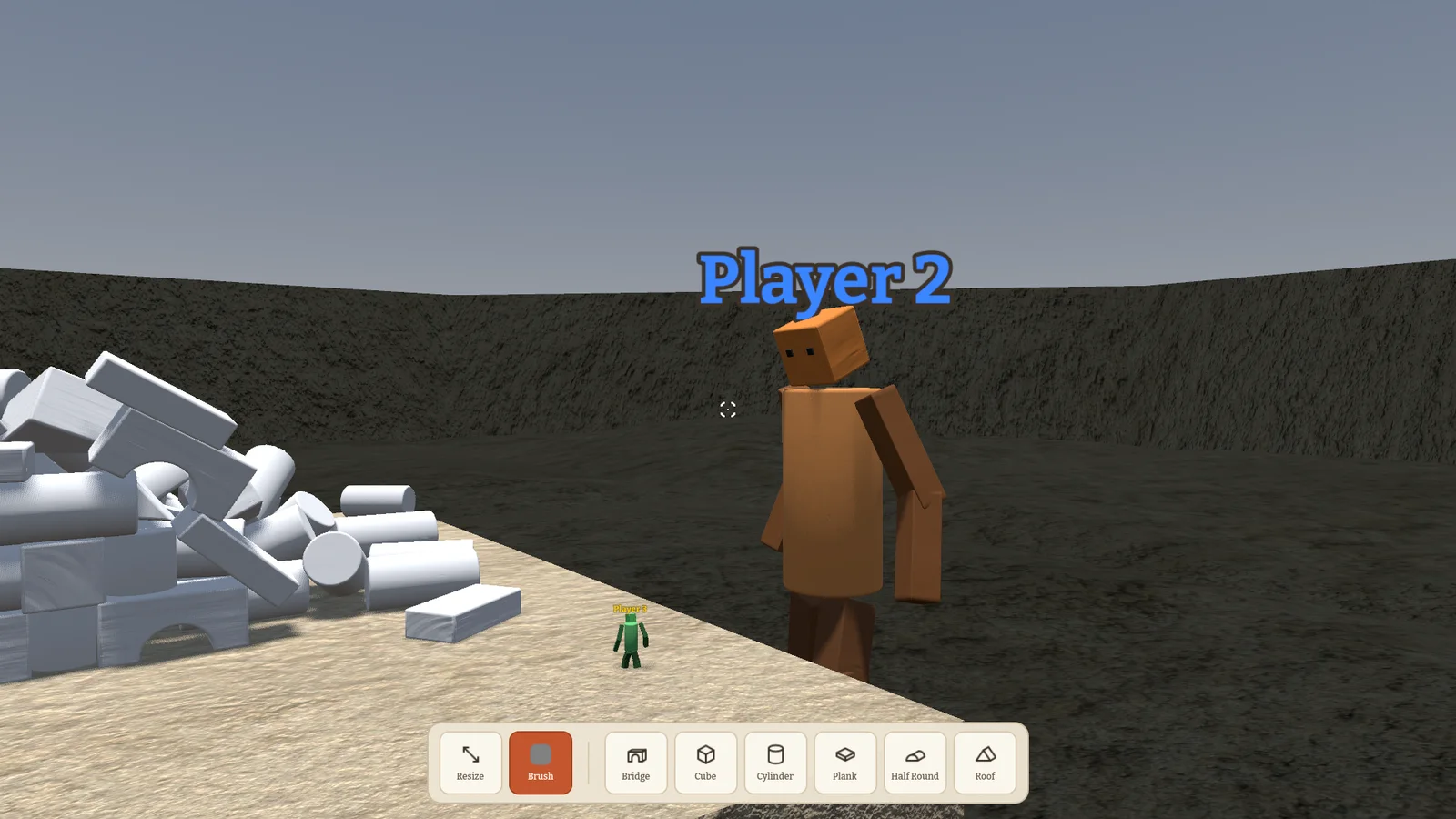
Big players step up low ledges on their own. In Make'n'Break any block of the right kind fills a part, and blocks you borrowed from someone else are paid back. Blocks snapped to the grid no longer catch on their neighbours. And the menu has a port field now, for hosts who need another port. Older versions can't join.
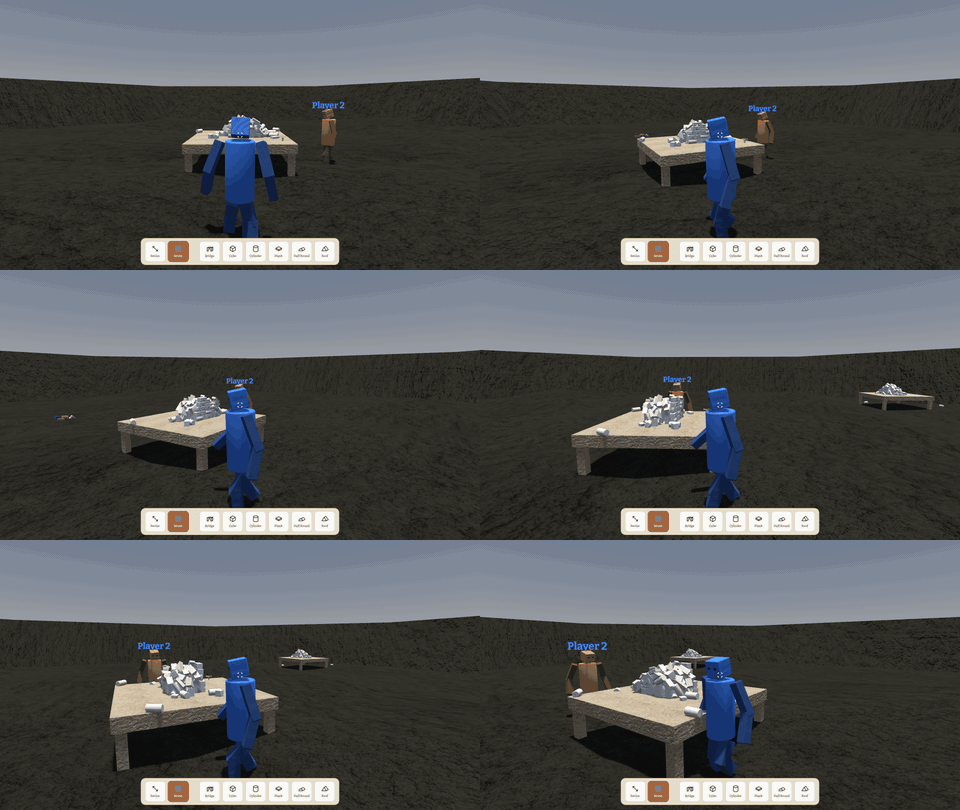
0.8.0 Giants, piggybacks and emotes 2026-10-06
Big players are now part of the playground. Minis can climb up a big player's figure and ride on their head, and they can hop onto a block someone is carrying and ride along. It's as silly as it sounds.
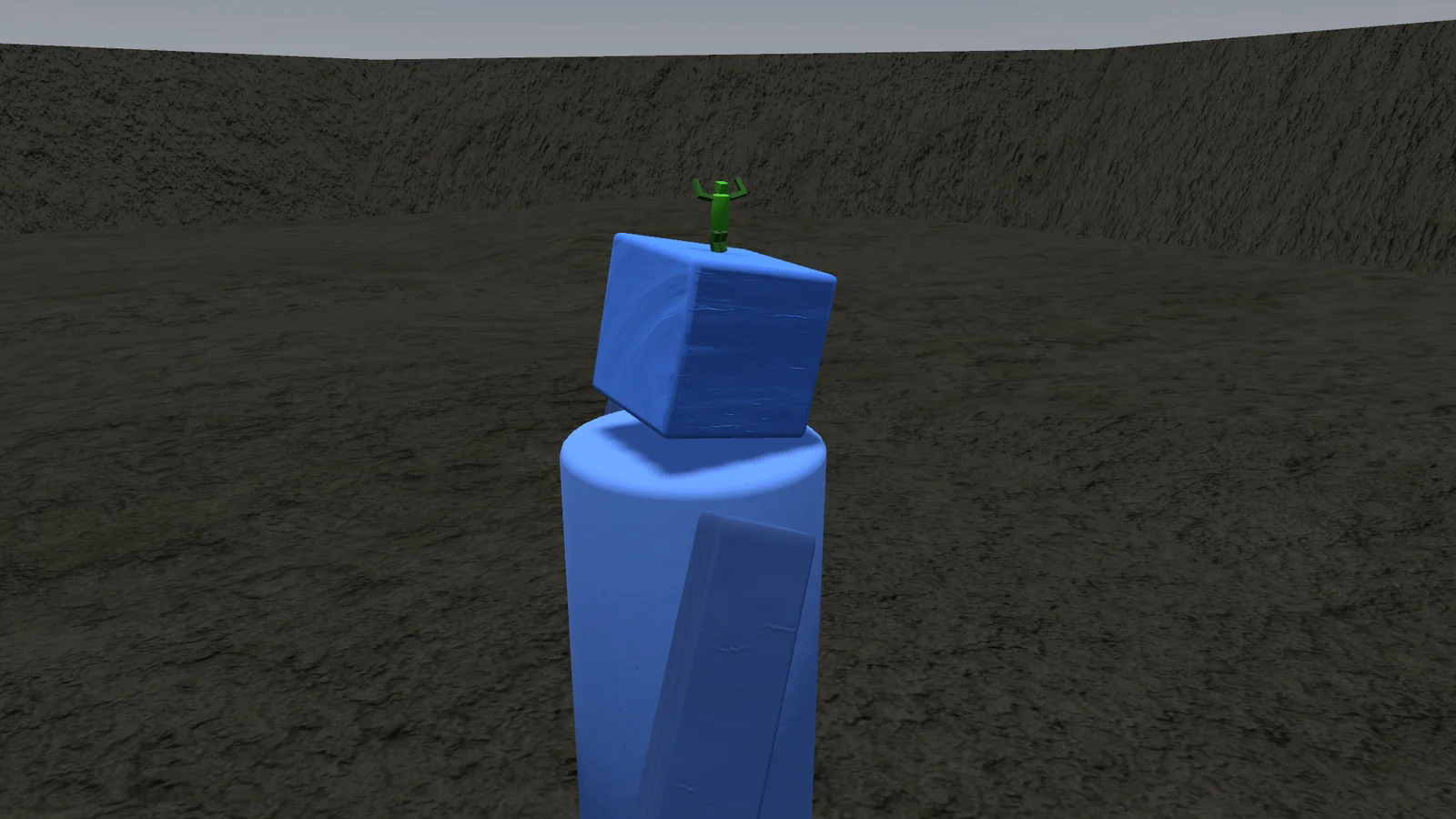
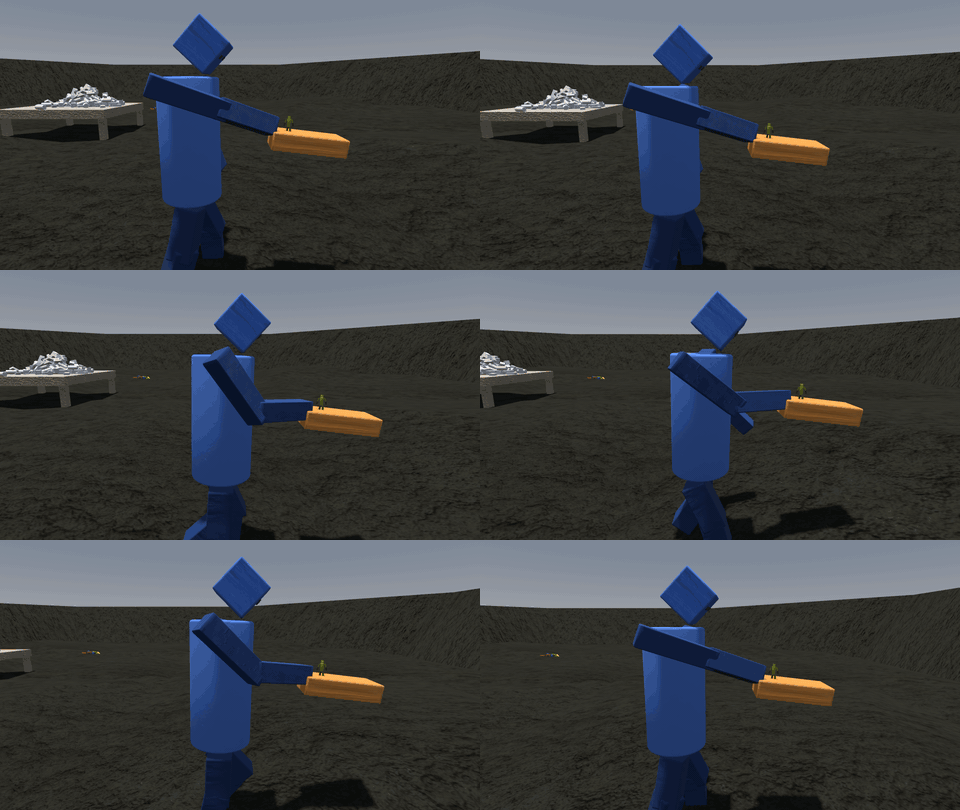
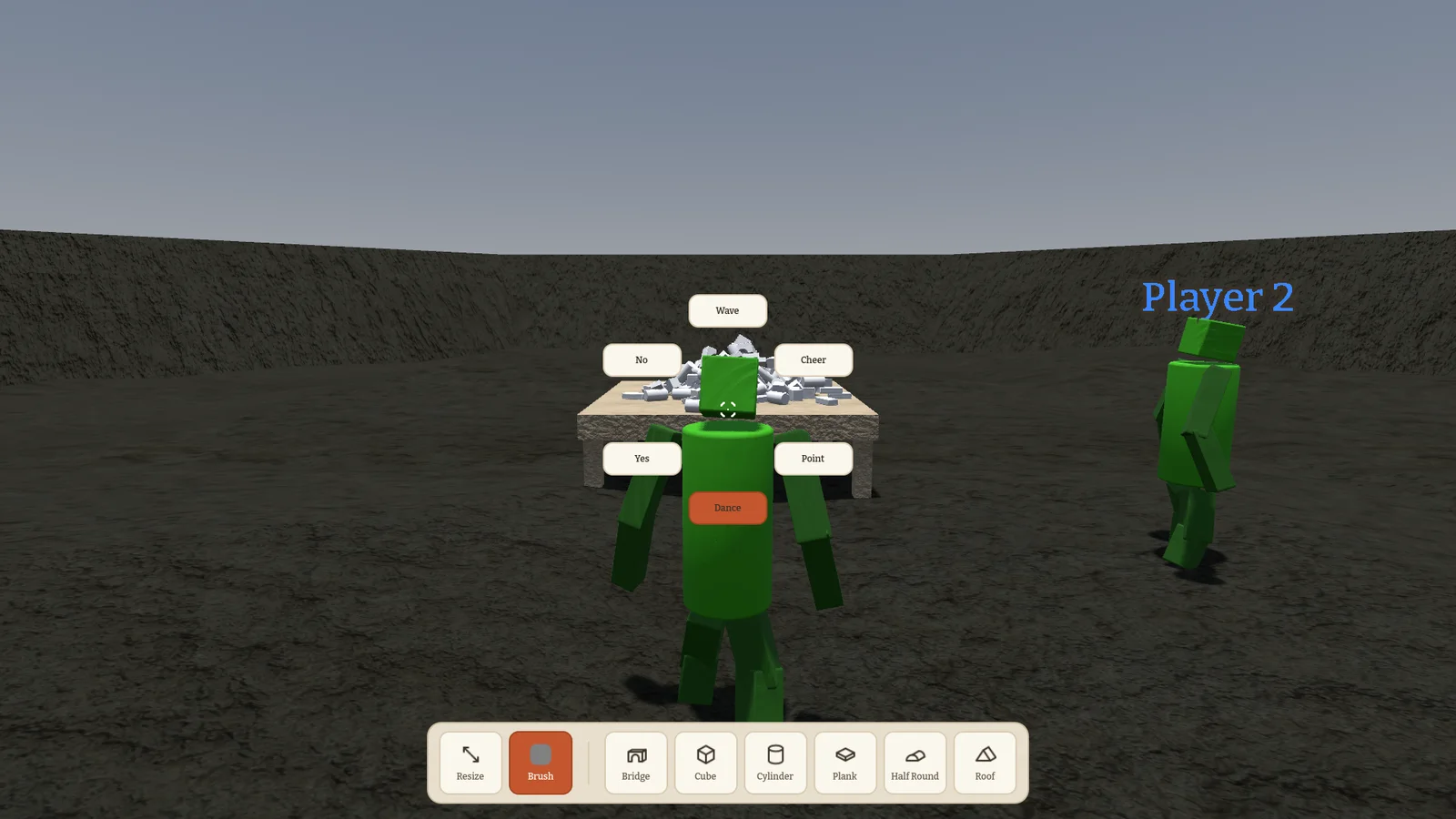
Hold X for the emote wheel: wave, cheer, point or dance. Figures also turn and side-step properly now, and their arms really hold the block they carry.
In table mode you can lean over the table with W and S. Make'n'Break got a griefing switch: with it on, you may steal blocks from the others' piles. And F3 shows a network overlay if you ever wonder why your friend is lagging.
0.7.0 Meet your block figure 2026-10-05
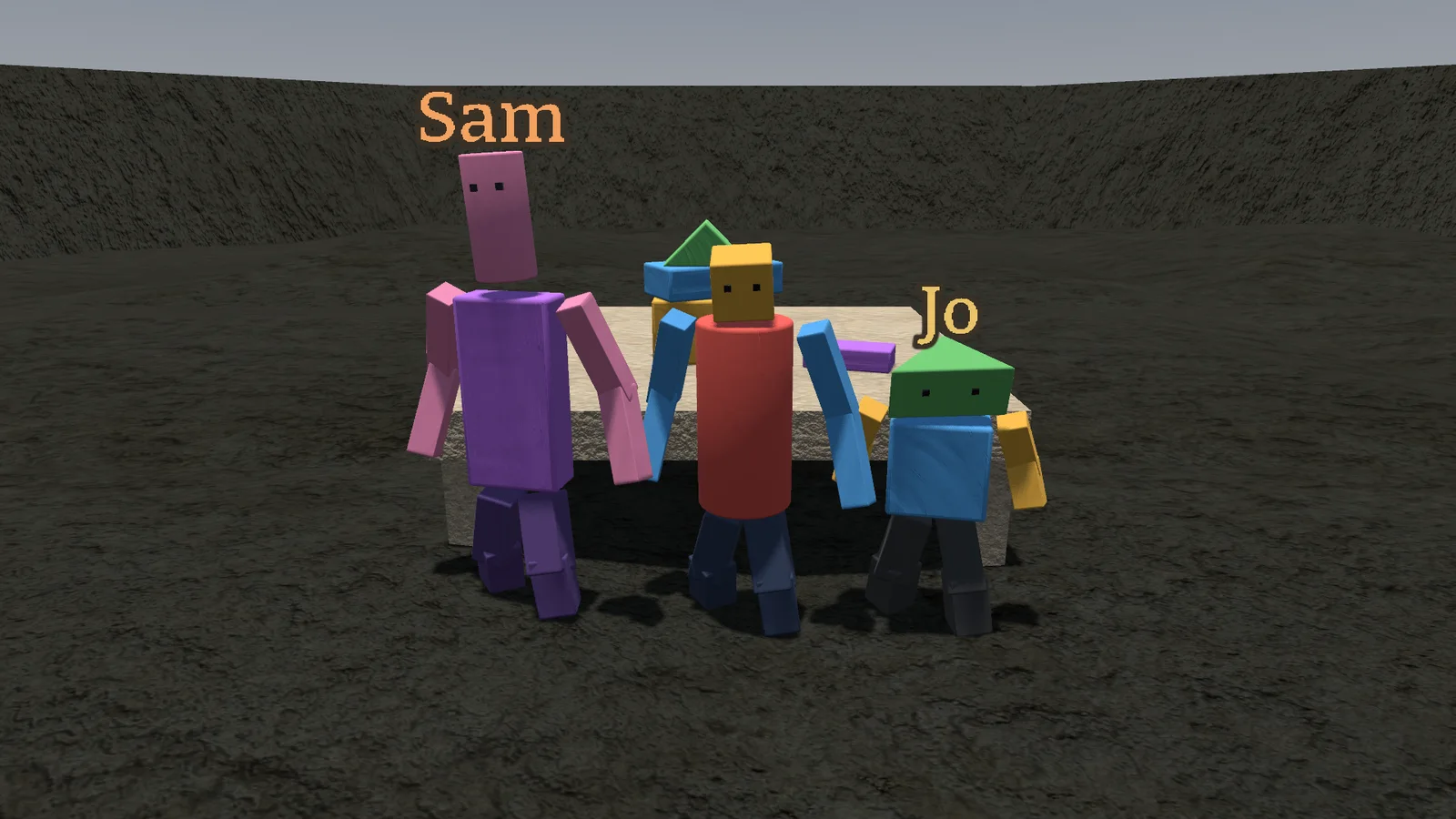
Everyone used to look the same. Now every player is a little figure made of blocks, and the new character creator lets you pick its head and body shape and four colours. Your friends see your figure exactly the way you built it.
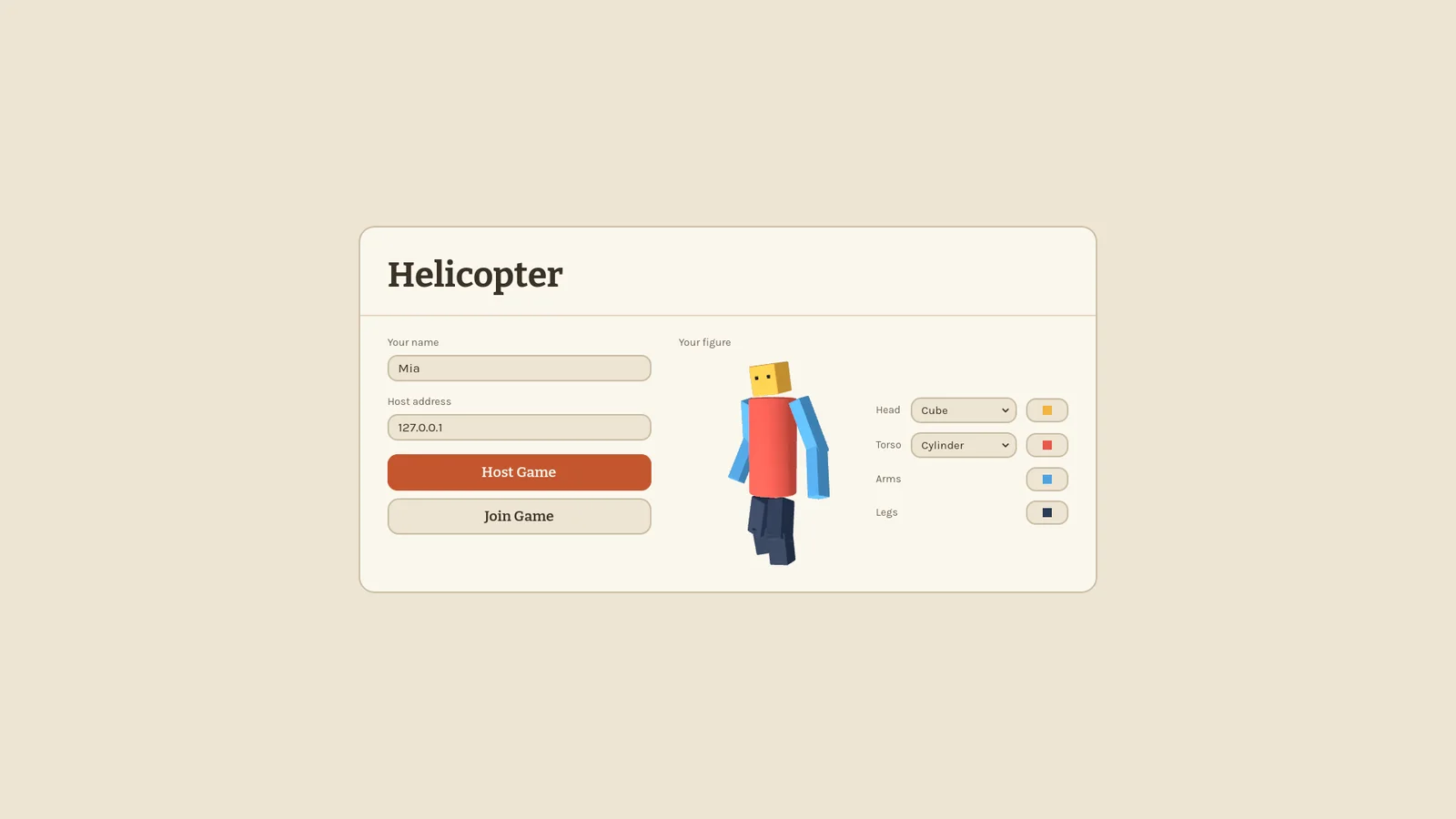
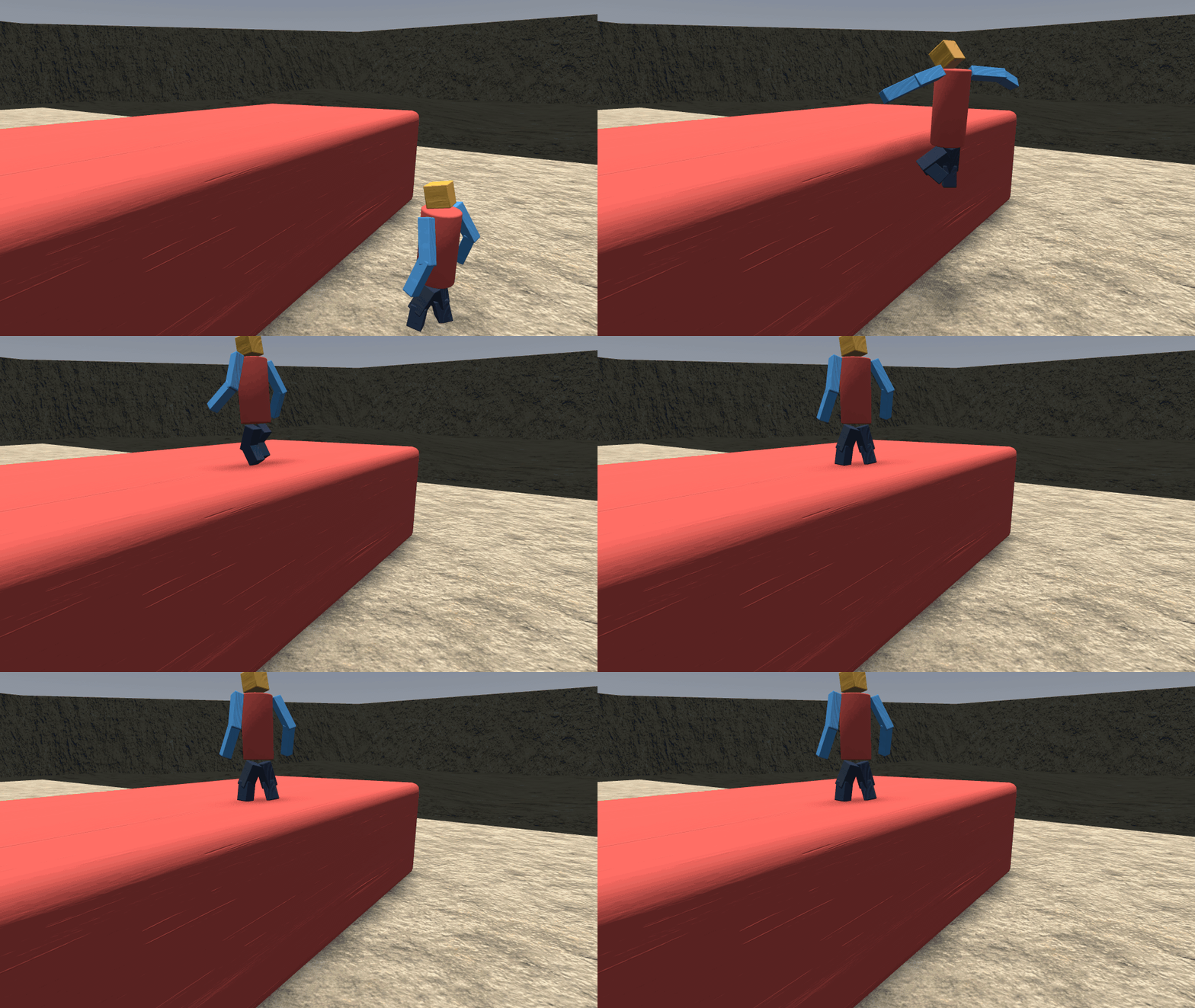
Moving around got a lot juicier. Jumps forgive a late press, you can steer in the air, crouch, and the camera kicks a little when you land. Minis climb with one hand, pull themselves over edges and walk up slopes, with a stamina bar that tells you when to let go.
In first person you can look down and see your own body. Heads nod when players look up or down, so you can tell where your friends are looking. Snapping now follows the table even when it's turned, and an Unstuck button in the pause menu gets you out of any tight spot. This version doesn't play with older ones.
0.6.0 Tiny mode 2026-10-03
Press M and you shrink. As a mini you are a tiny figure on the tabletop, and the blocks you used to carry are now walls, stairs and mountains.
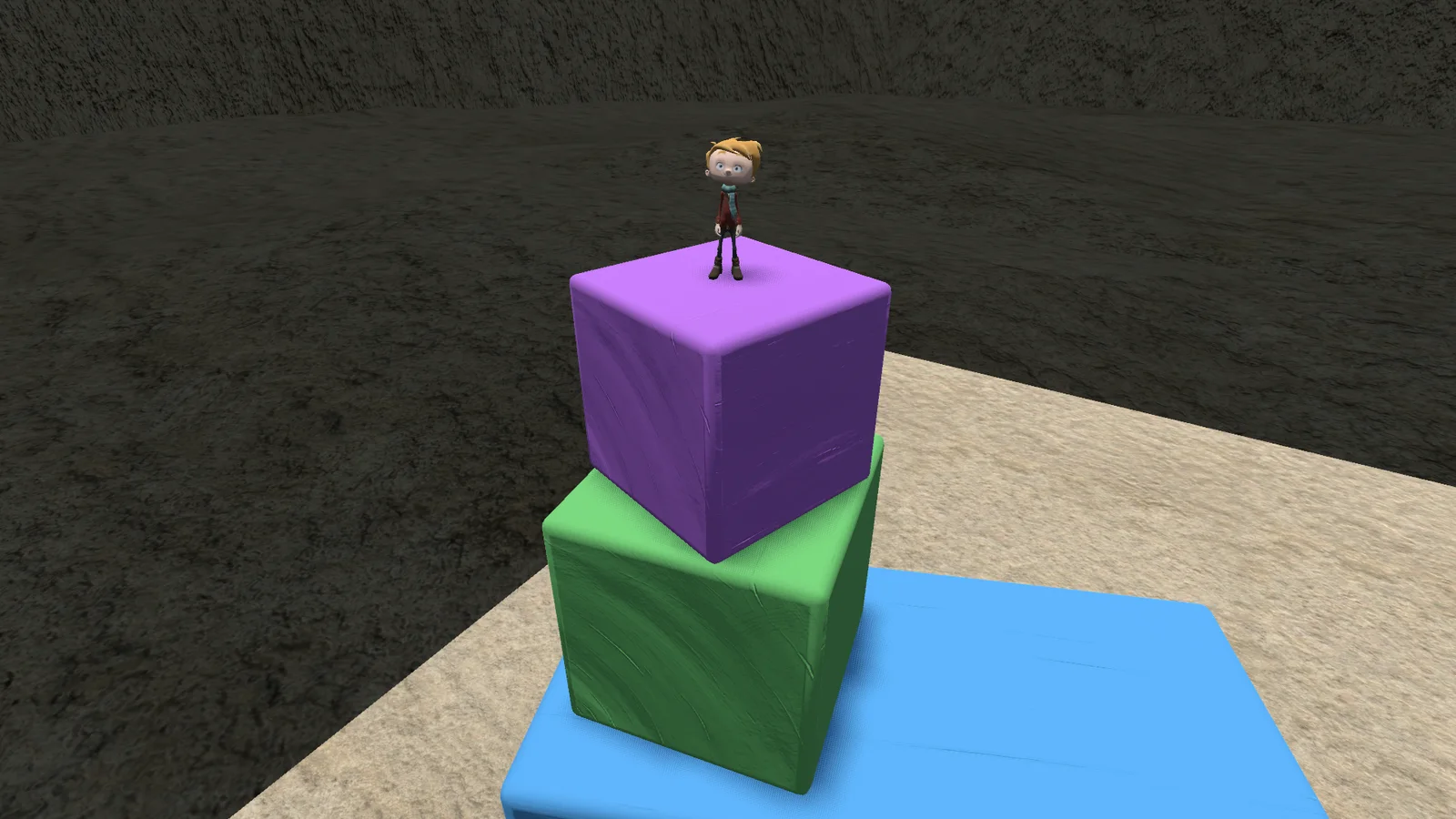
Minis ride the blocks they stand on. If a friend moves a block slowly, you go along for the ride; yank it too hard and you slip off or fly. Walls can be climbed with both hands for as long as your stamina lasts.
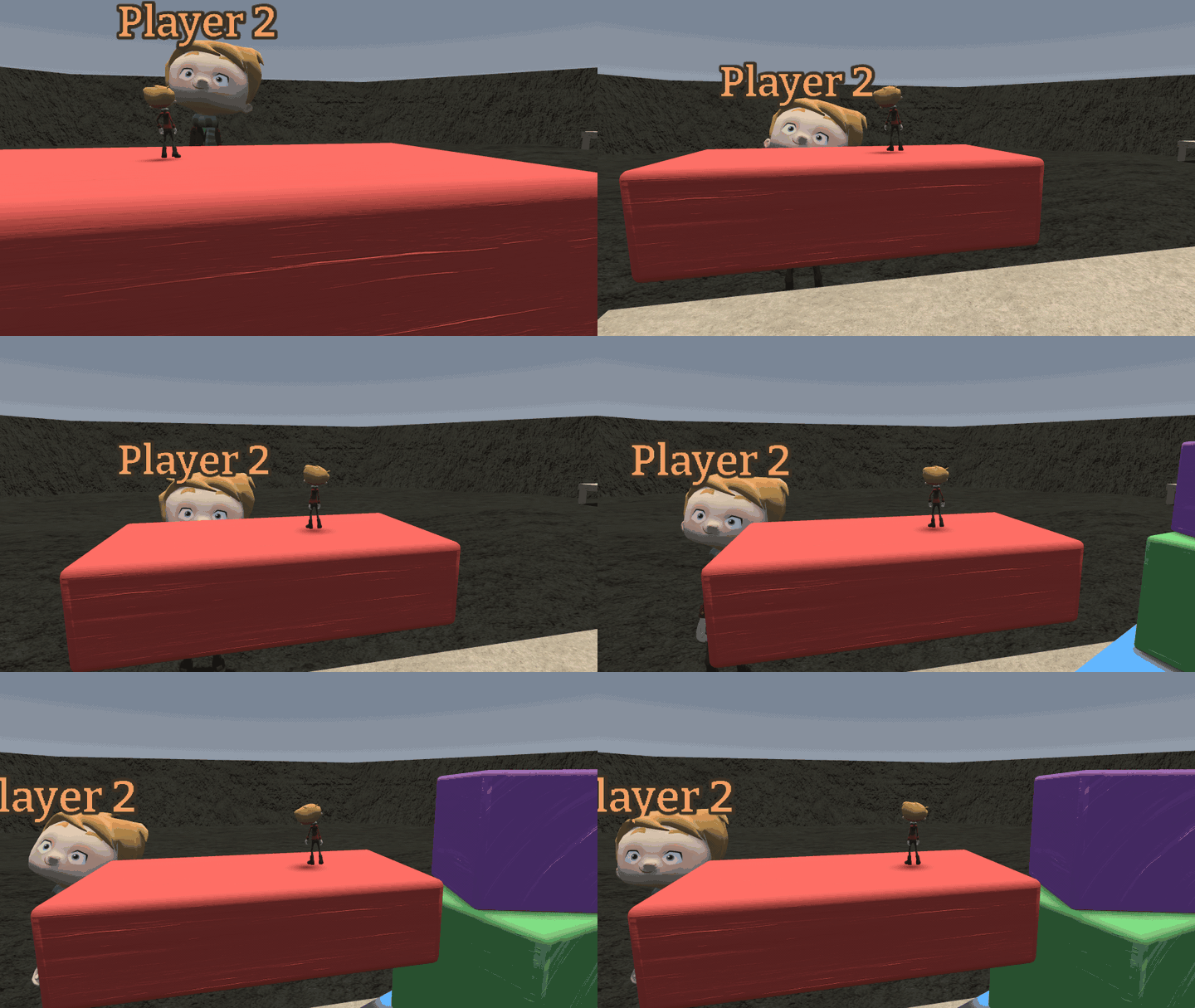
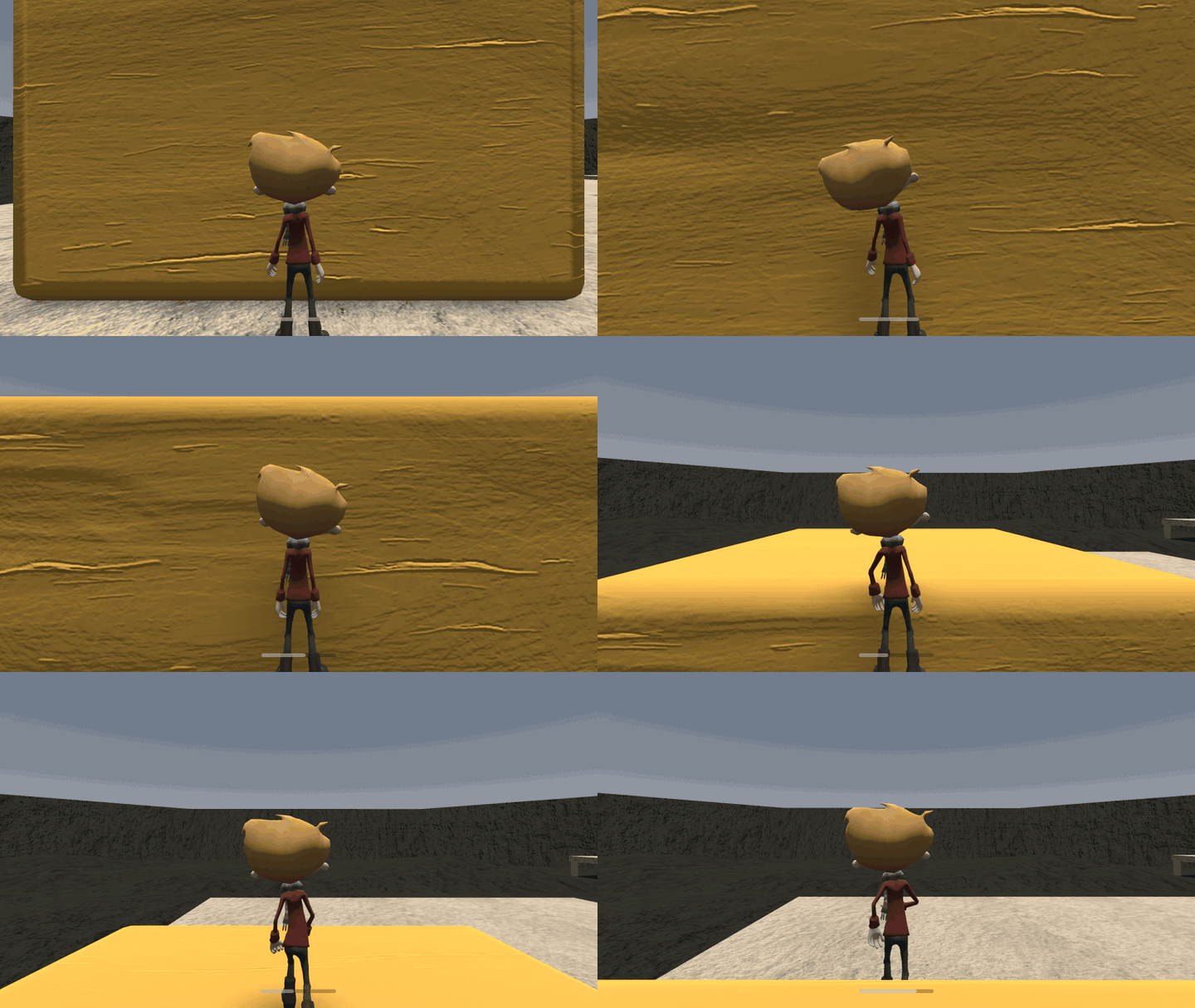
The blocks sound like the real thing now, recorded from a real Jenga set, with a soft slide when they rub and a rumble under a big collapse. Domino stones can be grabbed and pushed. Make'n'Break lays your pile out beside the hologram, shows the countdown in the building and sparkles when you finish. And joining a game can be cancelled, with a clear message when the host is gone.
0.5.0 Rainbow towers and domino runs 2026-10-02
Two new modes for pure satisfaction. Rainbow Stack builds a huge tower out of hundreds of colourful bricks for you to knock over, and Domino lays out a long run of stones waiting for the first push. The host sets the size of both in the lobby.
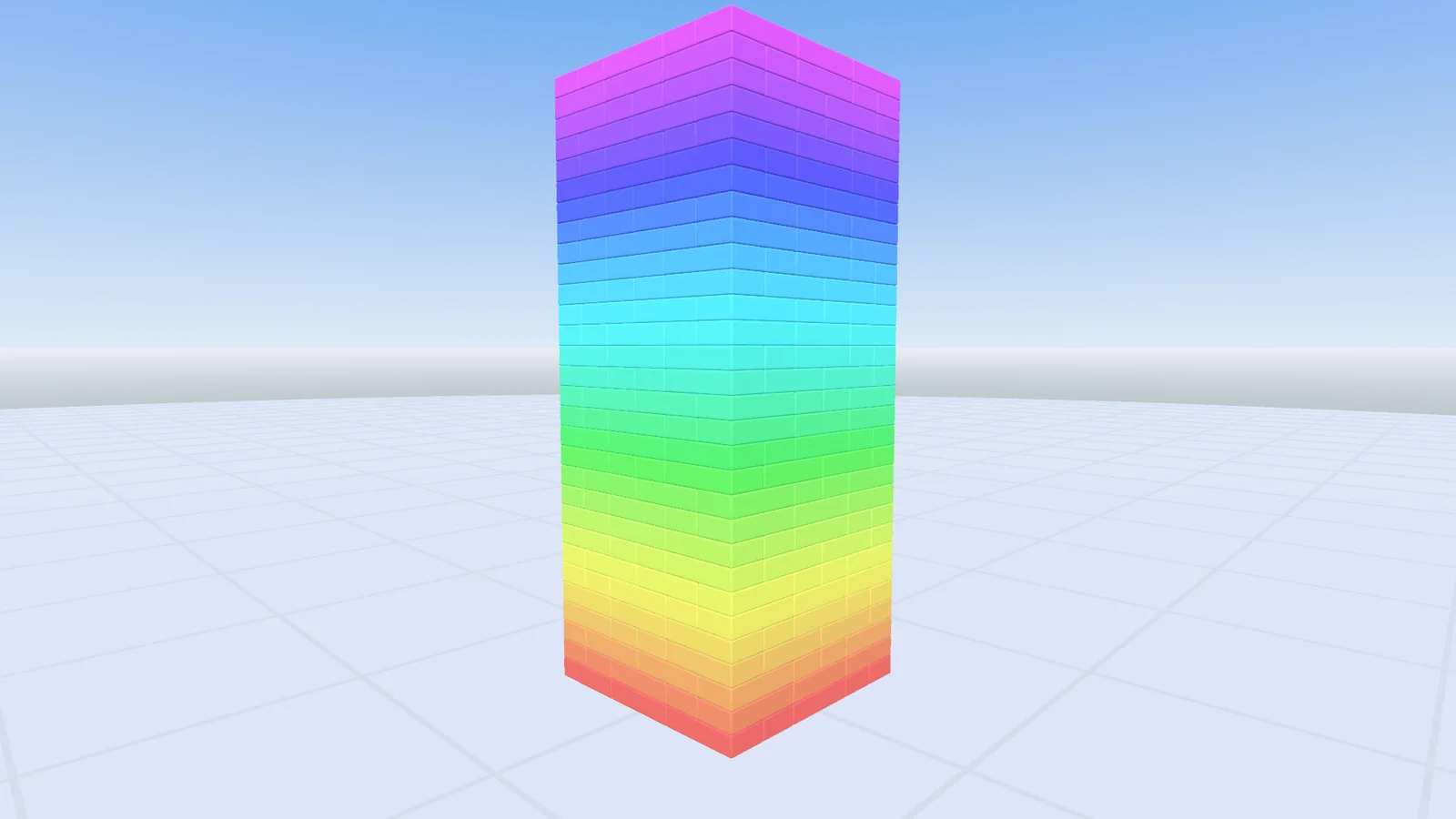
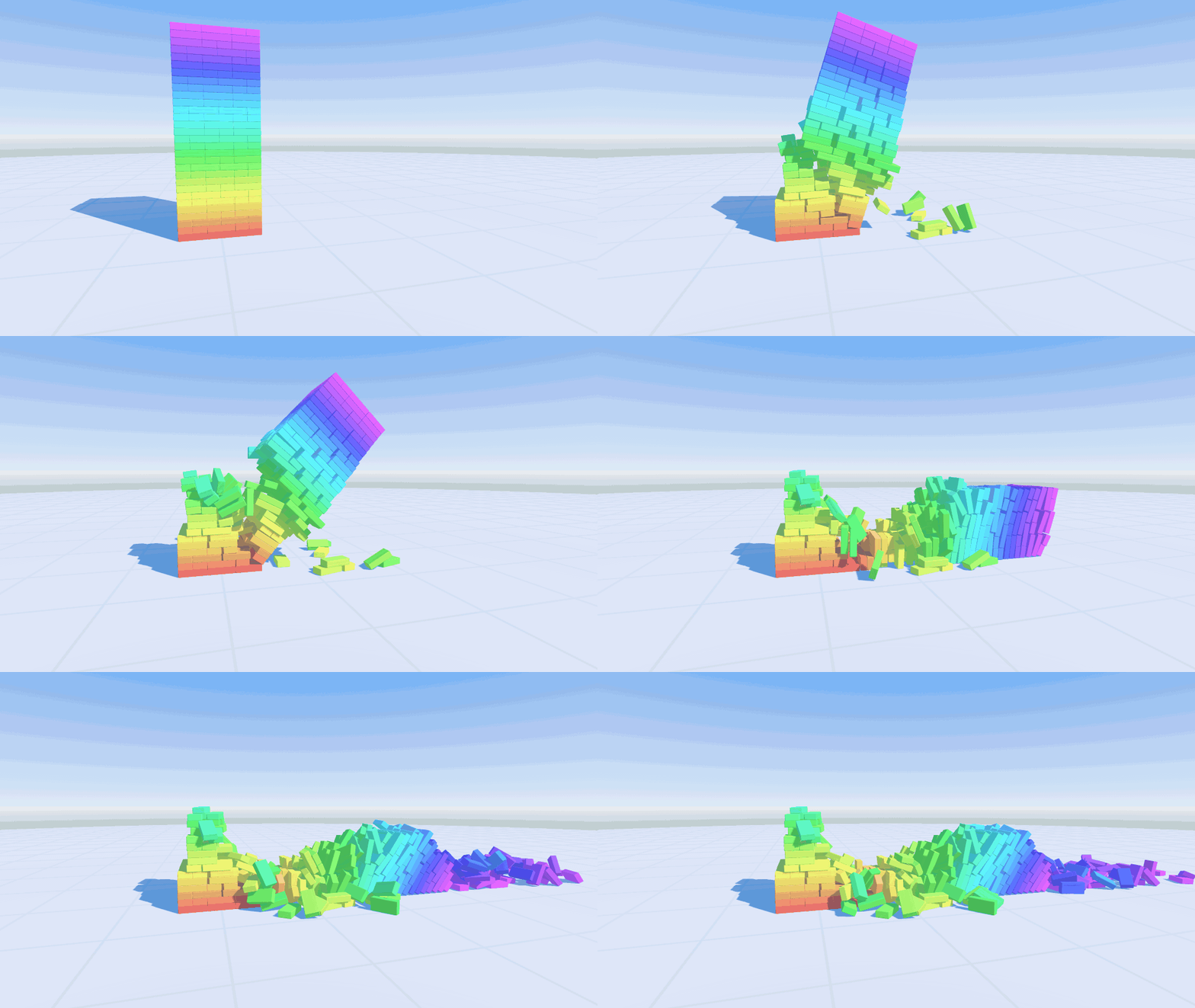
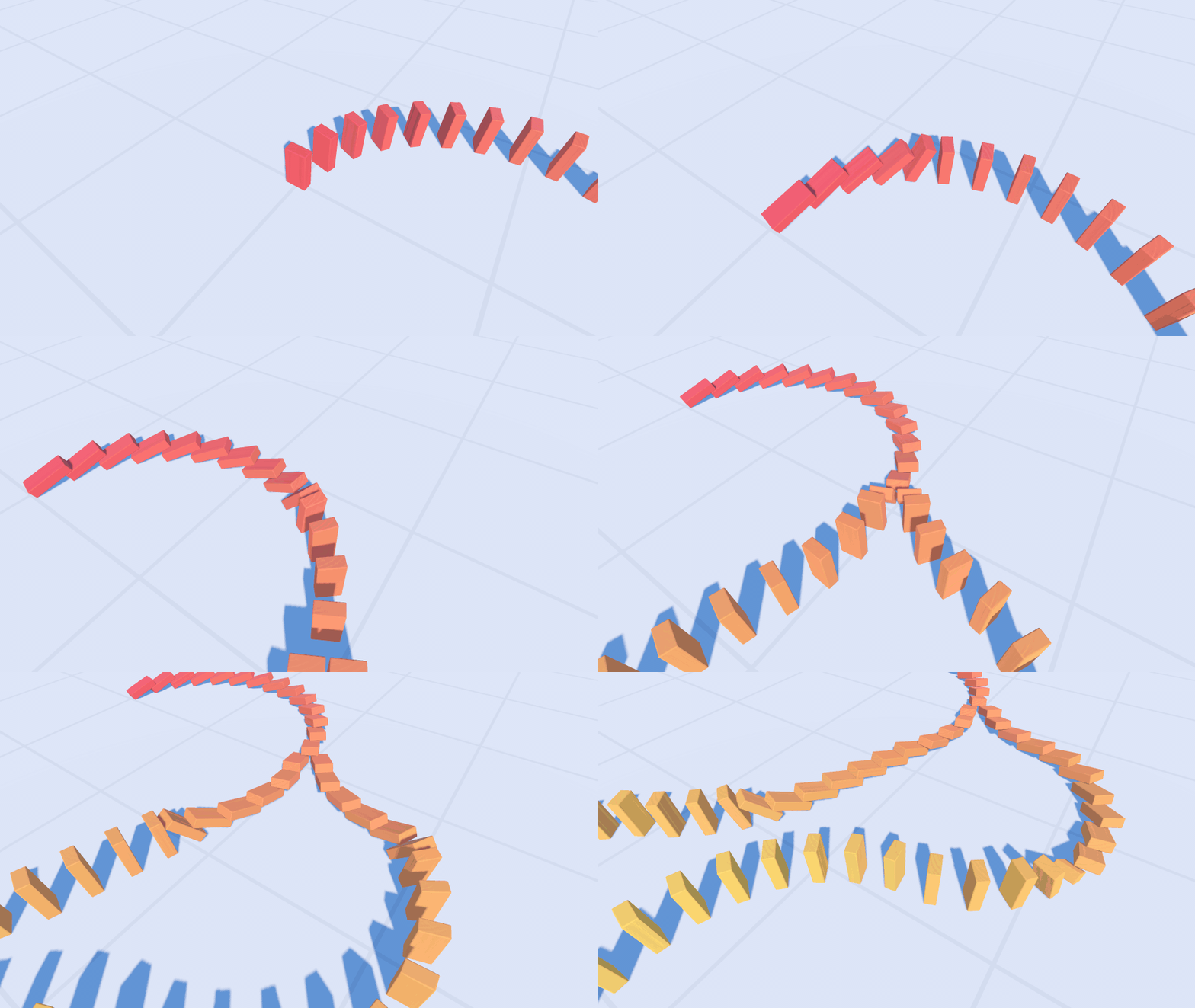
Under the hood, multiplayer was rebuilt from scratch. The host simulates every block, and everyone else replays the motion on a steady clock, so even a collapse of hundreds of blocks looks smooth for all players, and the crash sounds play exactly in time.
Make'n'Break got twelve buildings in three tiers, and a rising tone that climbs with every part you place. The menus got soft wooden click sounds, and the pause menu has a way back to the lobby. Old versions can't join this one.
0.4.0 Make'n'Break 2026-09-19
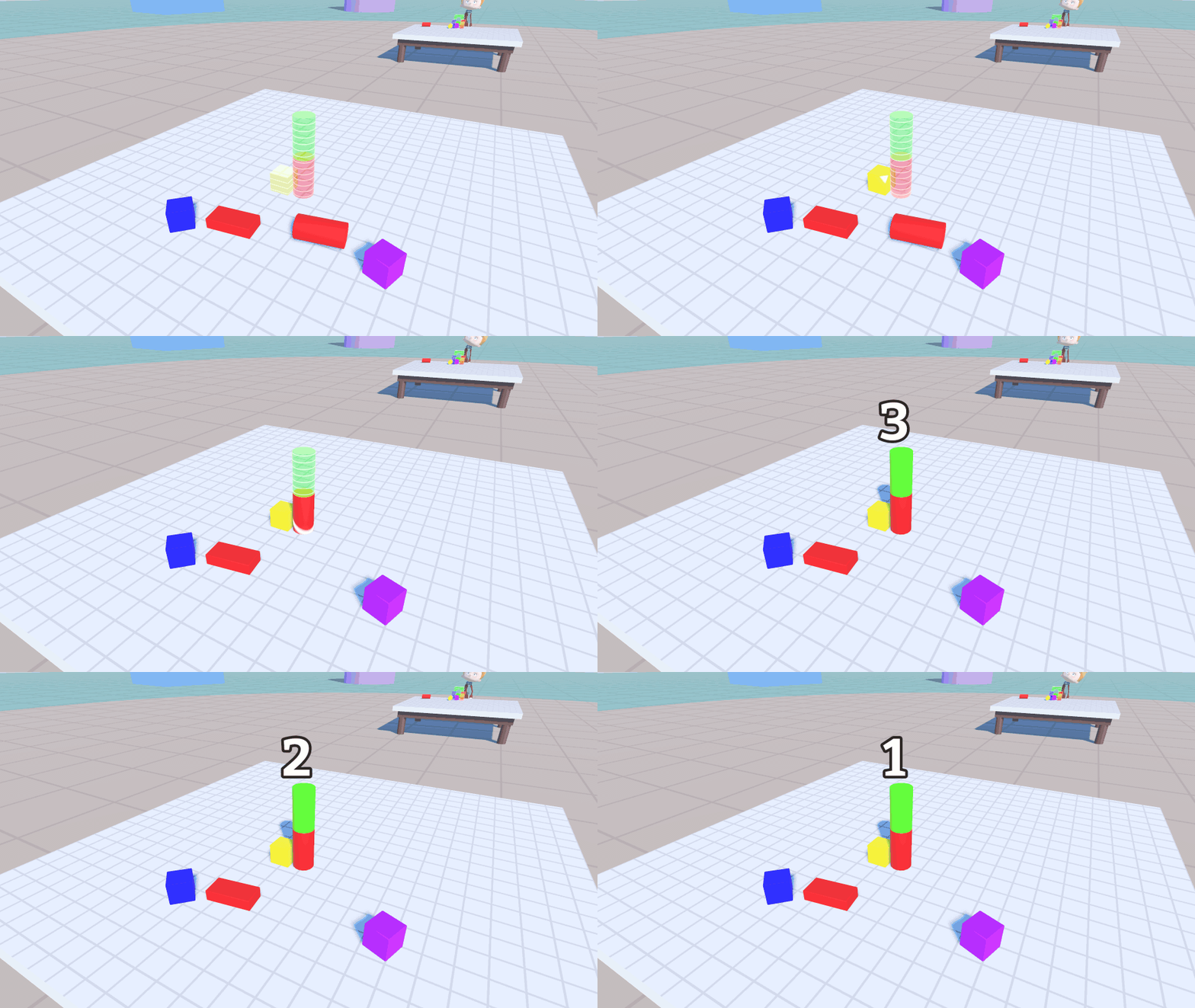
The first real game mode is here. In Make'n'Break everybody gets a hologram building and a pile of blocks. Rebuild the hologram from your pile, part by part, faster than your friends. Every right part lights up, and when the building is complete, a scan sweeps over it.
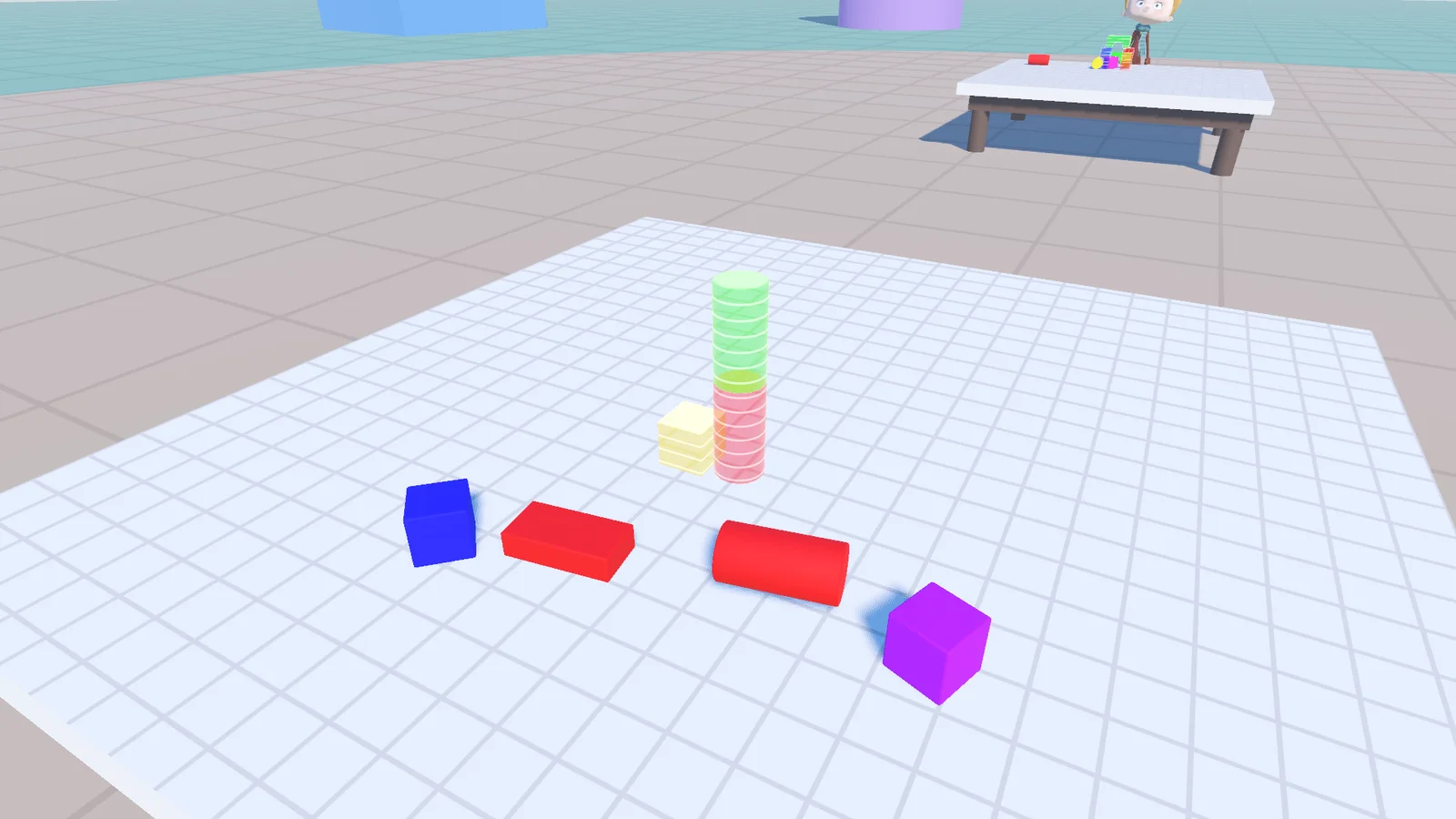
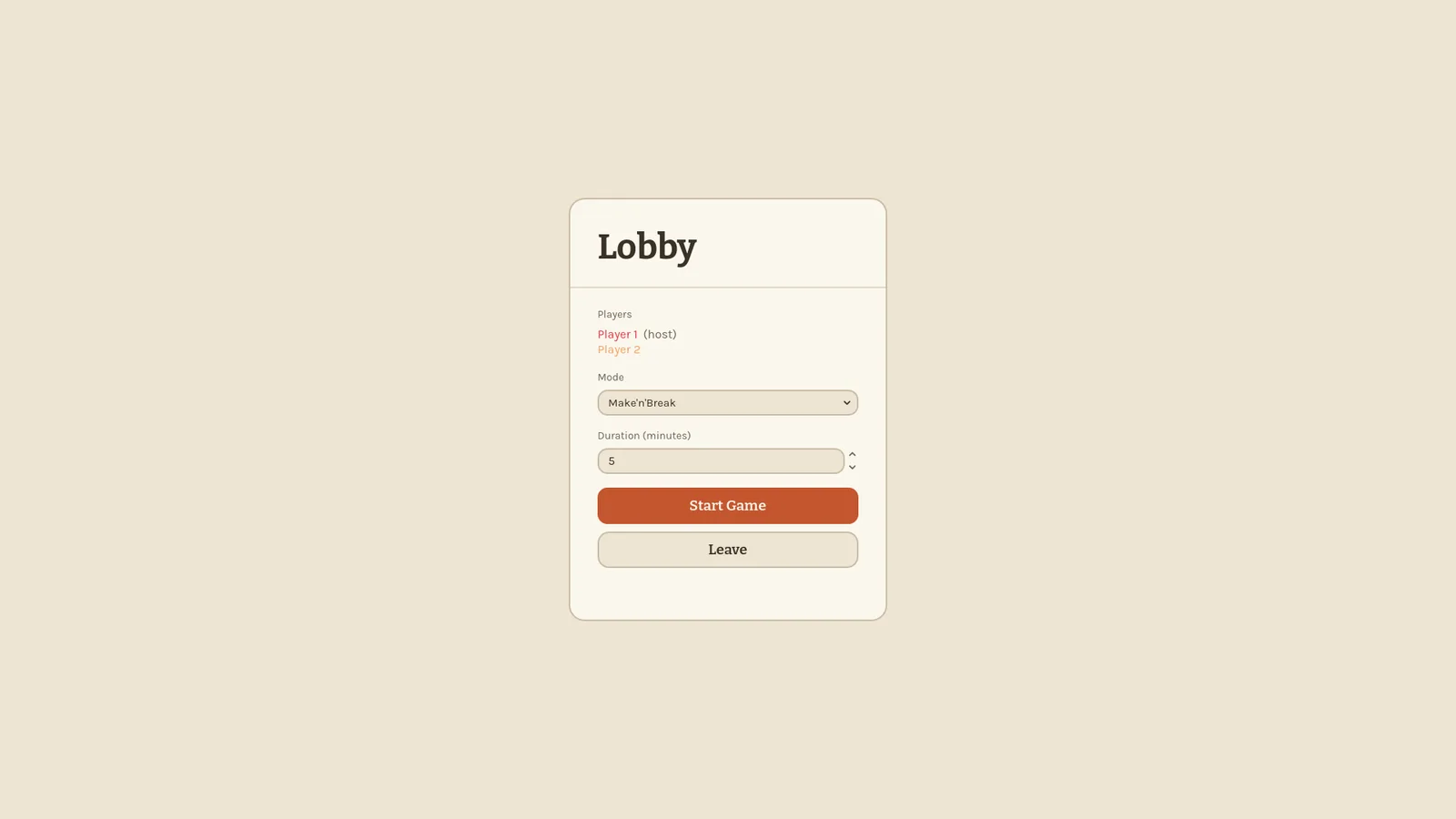
To make room for modes, there is now a lobby between the menu and the game. The host picks the mode, everyone gathers, and the round starts together.
Blocks also got their voice: they knock when they hit and click when they land. And the build table moved down to chest height, which makes building standing up much more comfortable.
0.3.0 Names, colours and a fresh coat of paint 2026-09-09
Players finally have names. Pick one in the menu, get a colour, and a name tag floats above your head so everyone knows who just knocked the tower over.
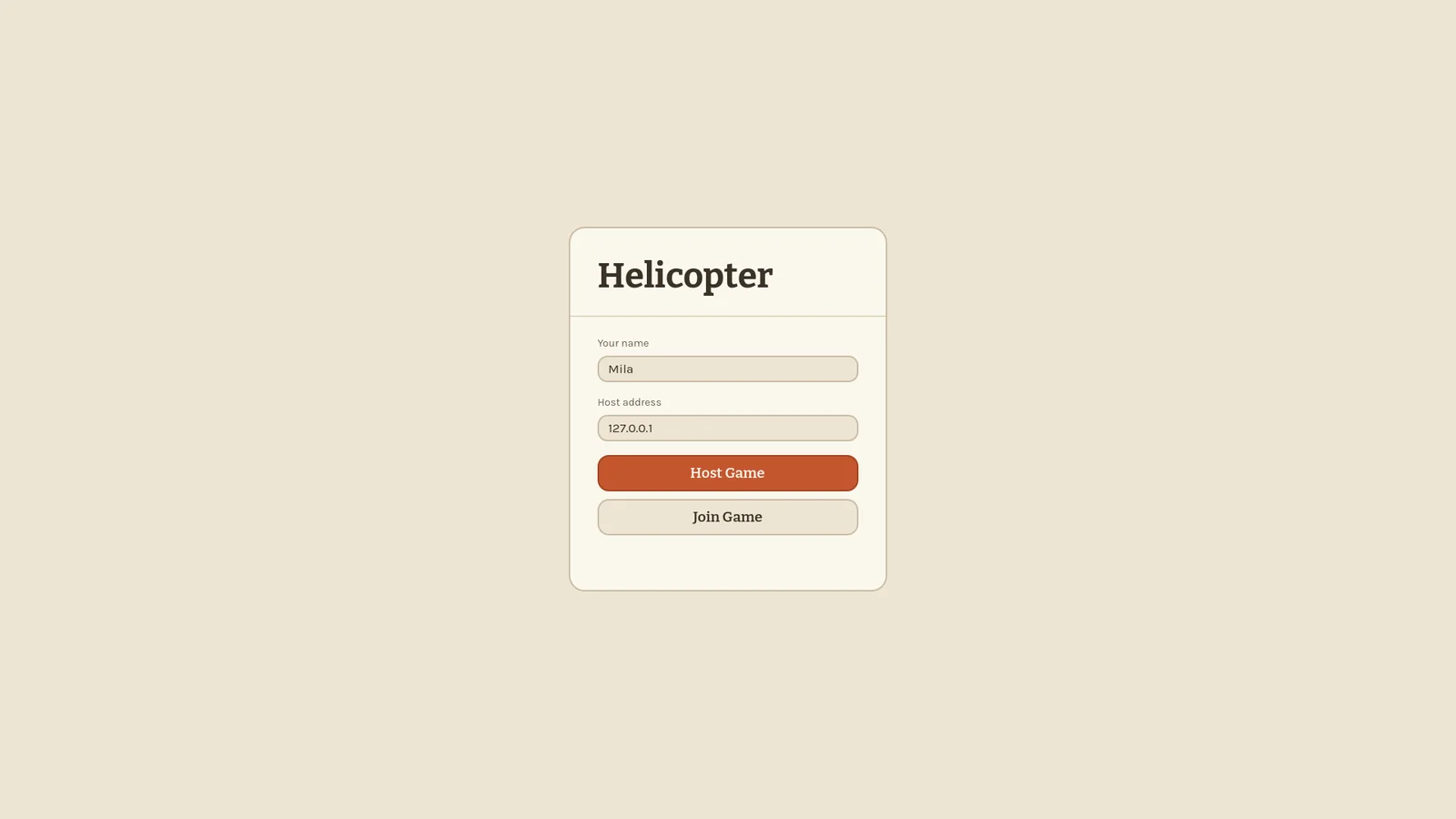
Every screen got a new look: warm paper colours, a rounded theme for menus, dialogs and tooltips, and a toolbar at the bottom where each block has a name: Bridge, Cube, Cylinder, Plank, Half Round and Roof.
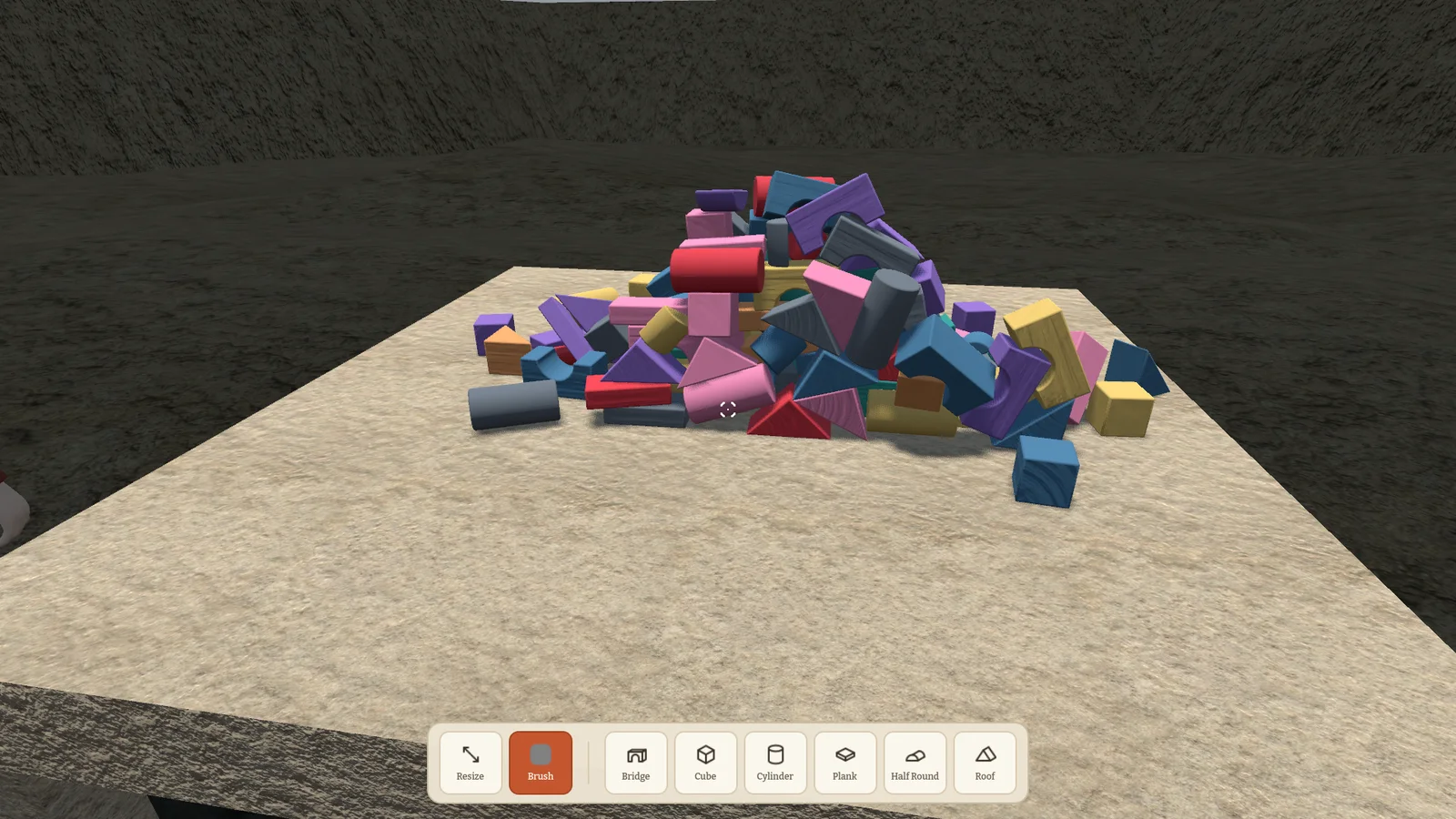
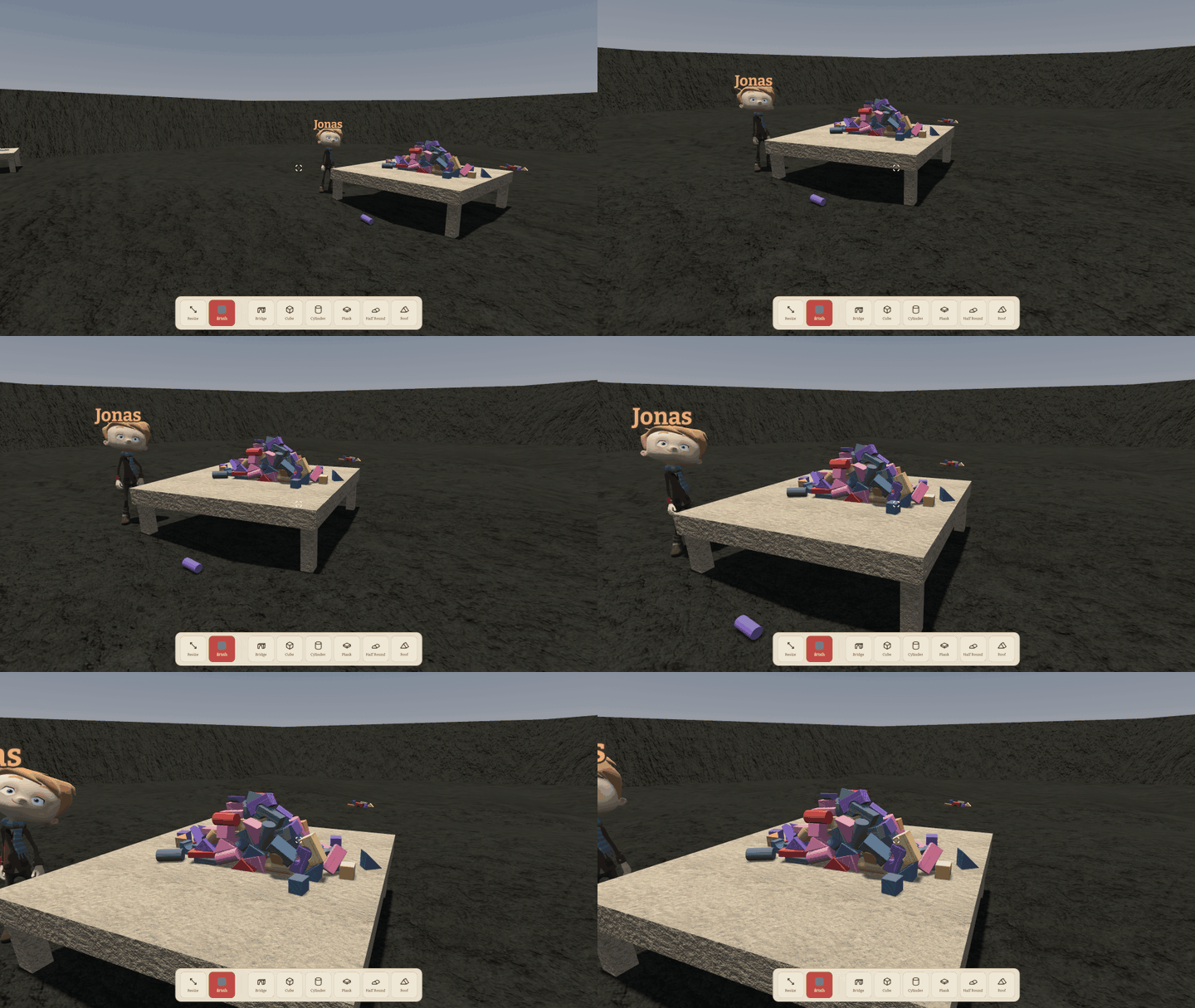
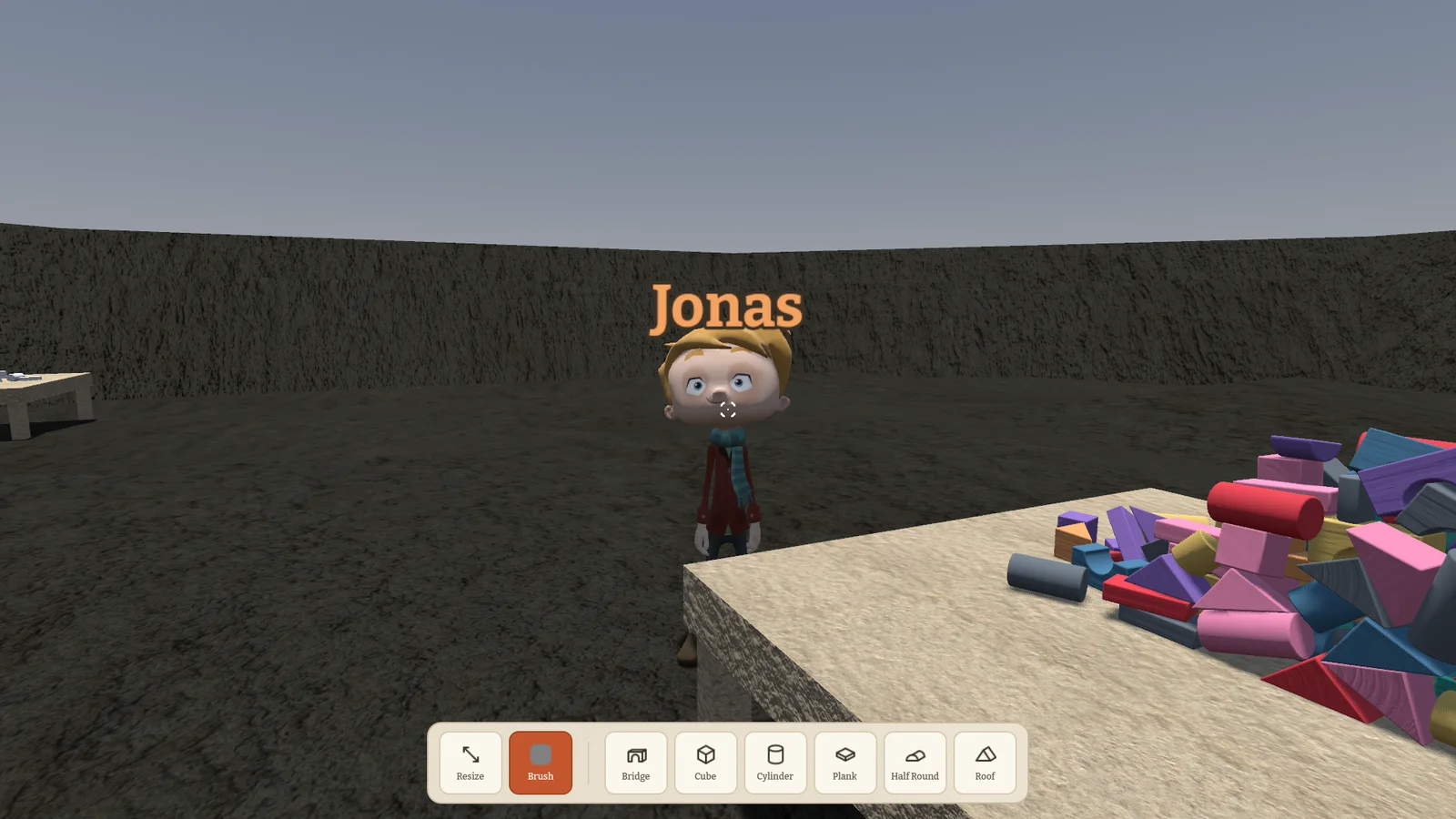
The blocks themselves were remodelled with soft bevels, the grab outline now takes the colour of the block you hold, and there are settings for graphics and the world, plus fixes for stutter on high refresh rate monitors. Control presets let you switch layouts in one click.
0.2.0 Your keys, your camera, your blocks 2026-09-03
After a summer break the game came back with a big rework of how you control it. Every action can be rebound, right from the settings, and the camera got a proper rig with a third-person view you can zoom out to.
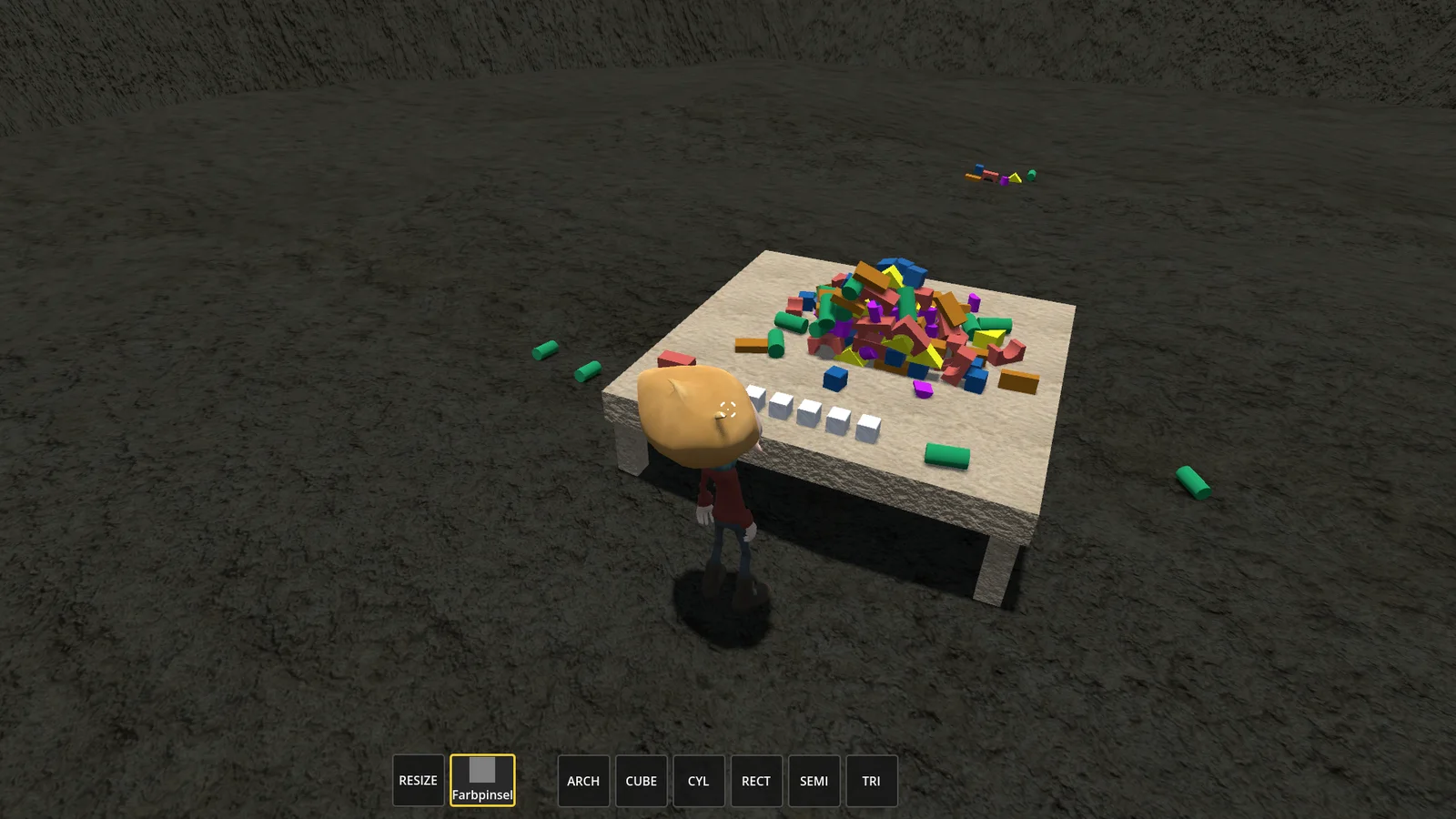
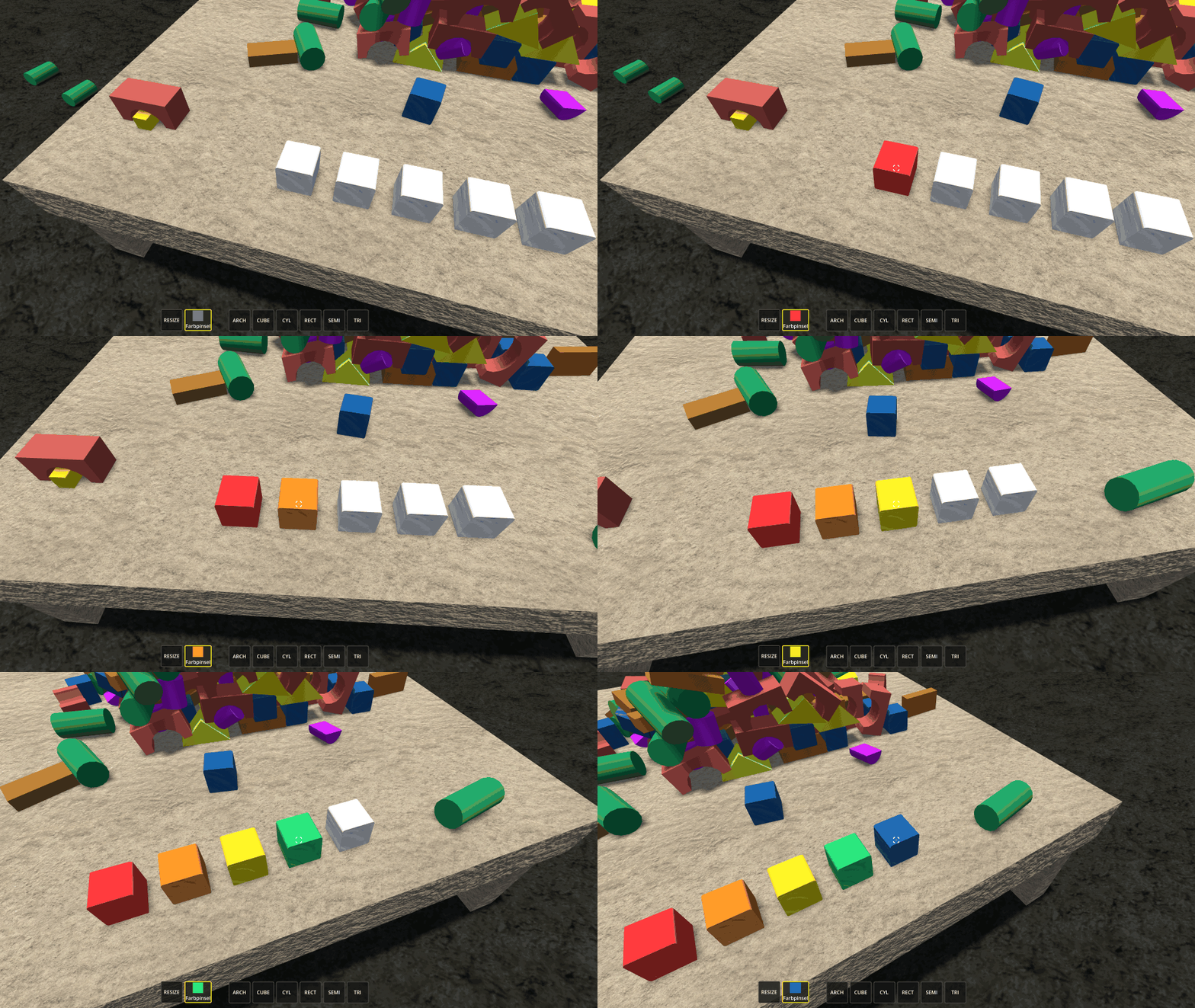
Building got real tools: spawn new blocks, paint them with a brush and resize them, all shared with everyone in the game. The blocks got bigger, too, so the table feels like a building site instead of a doll's house.
And the arch finally collides the way it looks, so you can push a block through its opening.
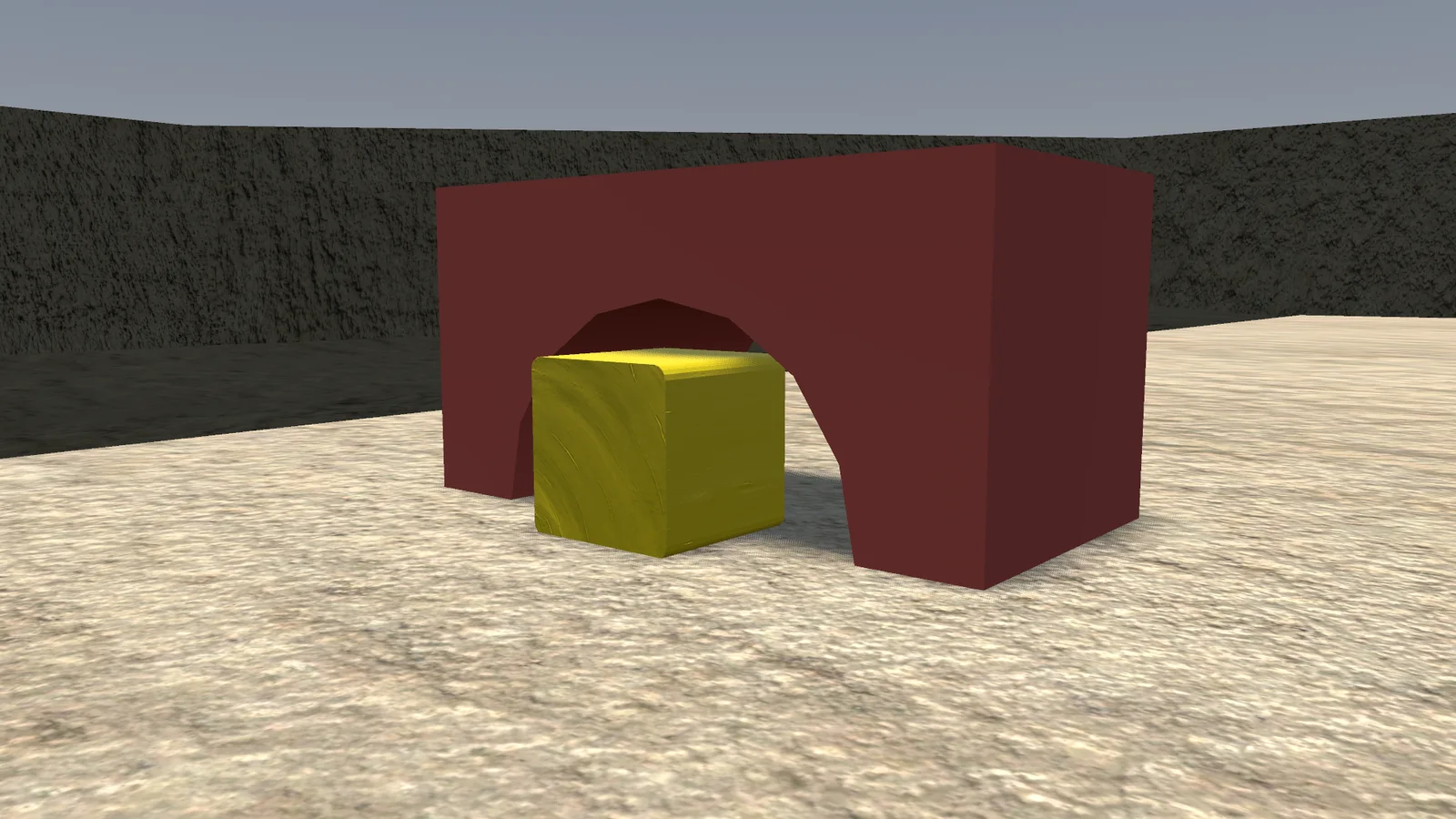
This version speaks a new language with the others, so everyone needs to update to play together.
0.1.2 Small fixes, tighter stacks 2026-07-07
A round of fixes after the first multiplayer evenings. The most visible one: blocks no longer leave hair-thin gaps when you stack them, so walls and towers finally sit flush.
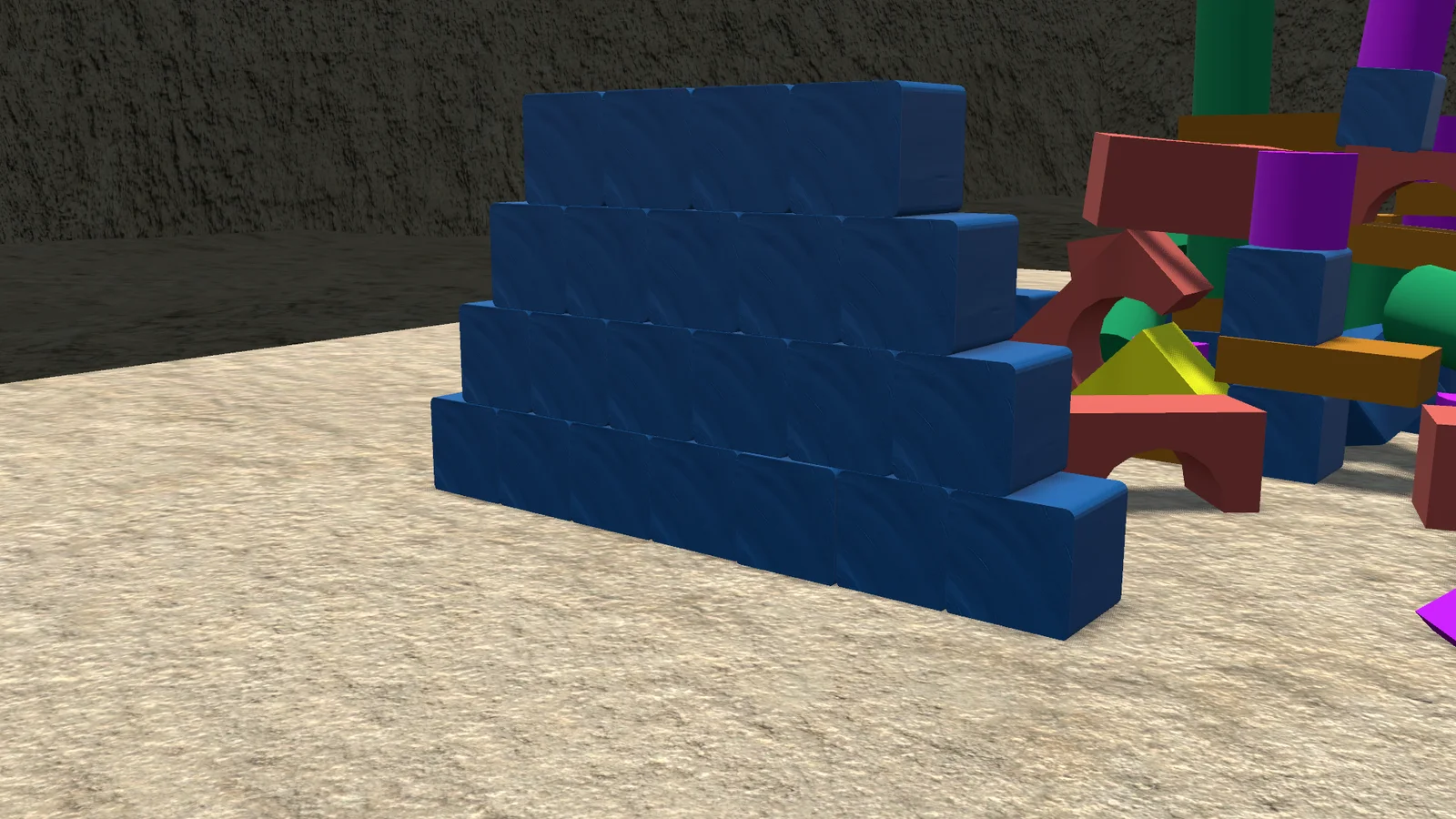
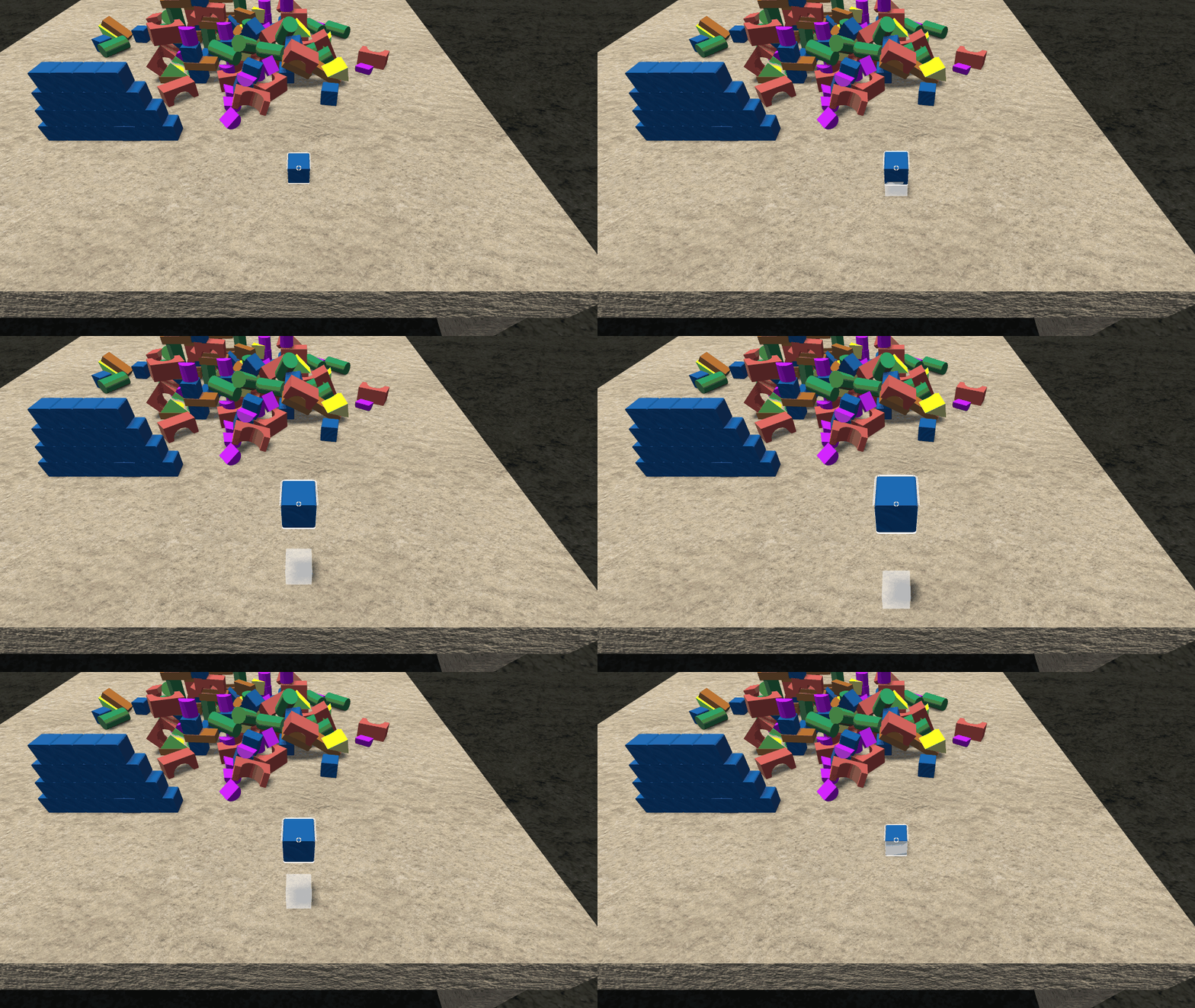
Your player now turns with the camera, the mouse wheel moves a held block nearer or farther reliably, and the blocks are a bit less slippery, so towers stand where you put them.
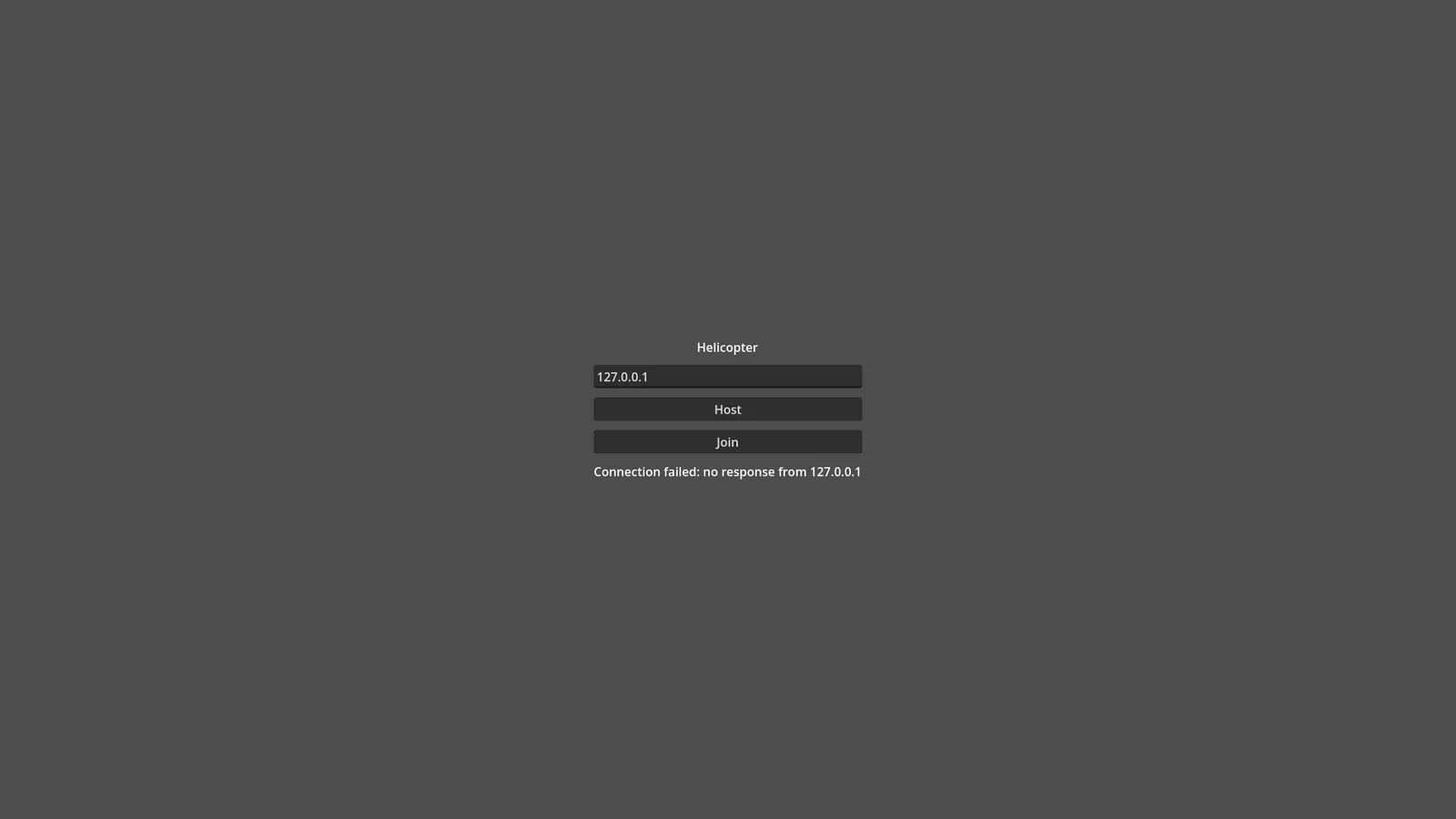
The menu also tells you what went wrong when hosting or joining fails, instead of quietly doing nothing.
0.1.1 Now with friends 2026-07-05
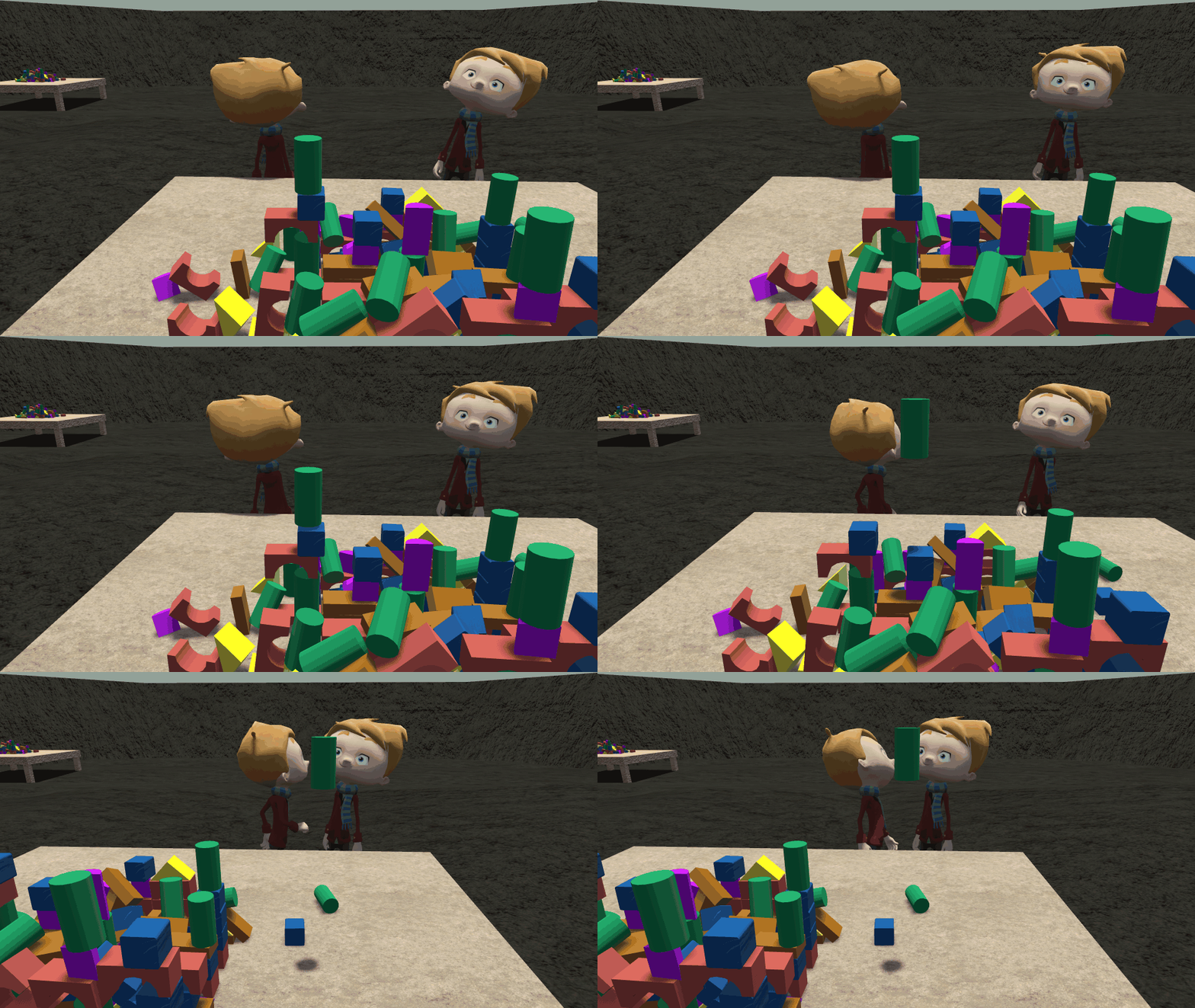
The big one: multiplayer. One player hosts, the others type in the host's IP and join. Everyone walks around the same arena, and the blocks are shared.
Grabbing works for everyone, and when someone carries a block, everyone else sees it move. Building a tower together, or taking it apart together, suddenly became the point of the game.
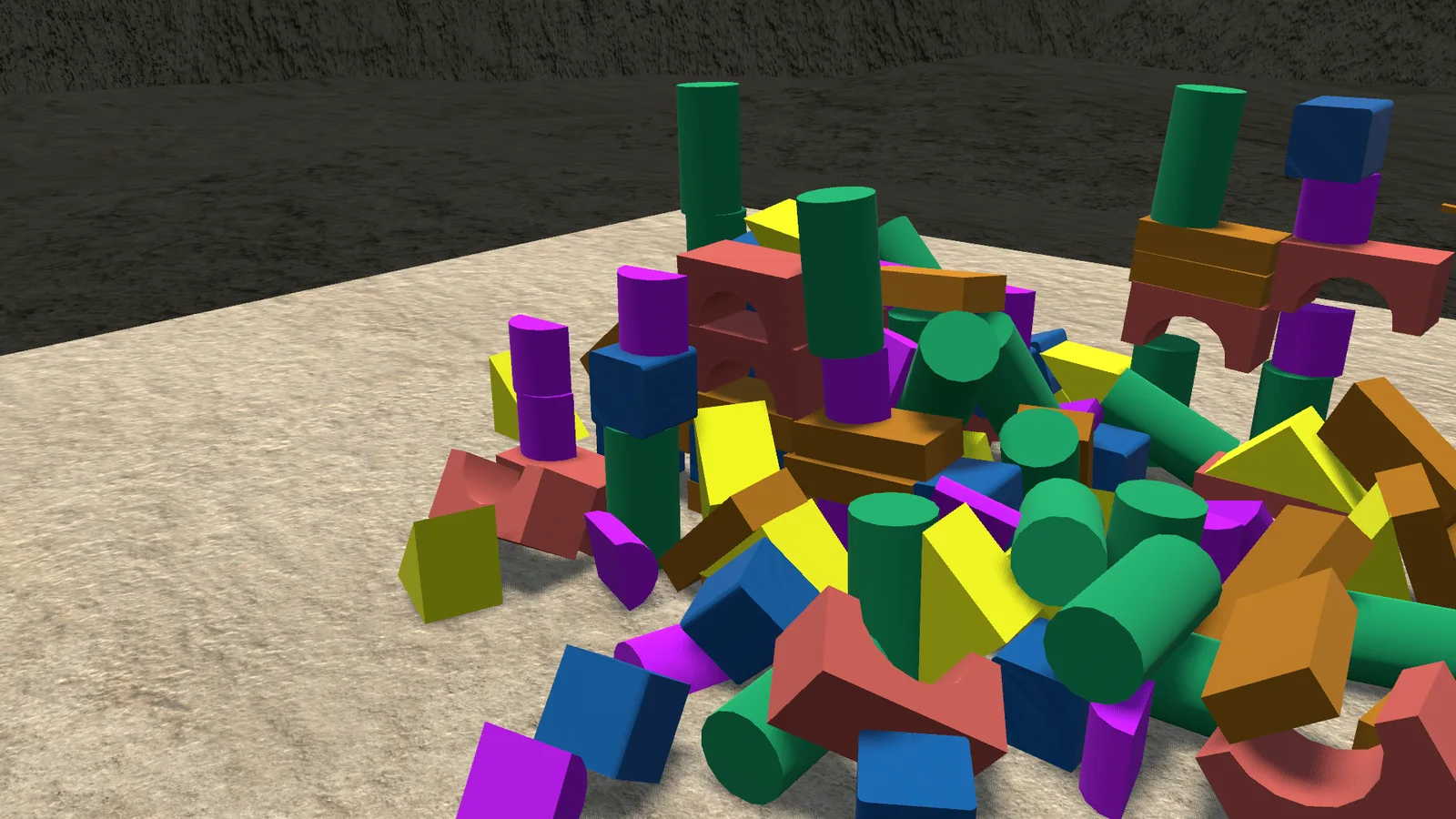
The blocks also got a texture and the edges got some anti-aliasing, so the whole thing looks a lot less like a prototype.
0.1.0 0.1.0: first upload to itch.io 2026-07-04
This is the day the game went up on itch.io for the first time. Not because it was finished, but because friends wanted to play it, and a publish script makes that a one-click job from here on.
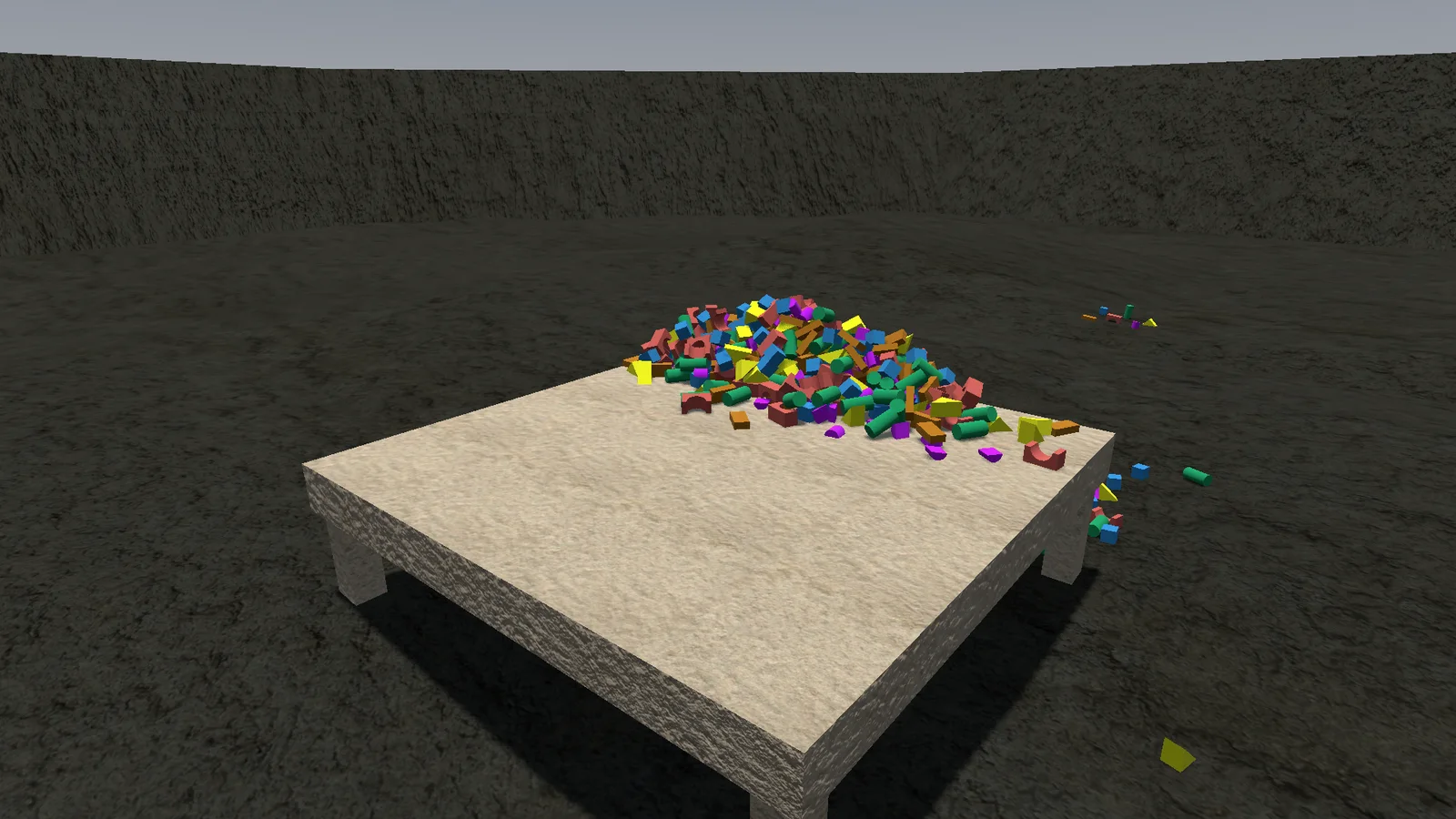
To earn the number there were a few big quality-of-life wins. A ghost now shows how a block will sit before you let go, so rotating is no longer guesswork. Grid snapping is on G, the rotation can be locked, and held blocks lift a little so they don't scrape along everything. Your head bobs as you walk, too.
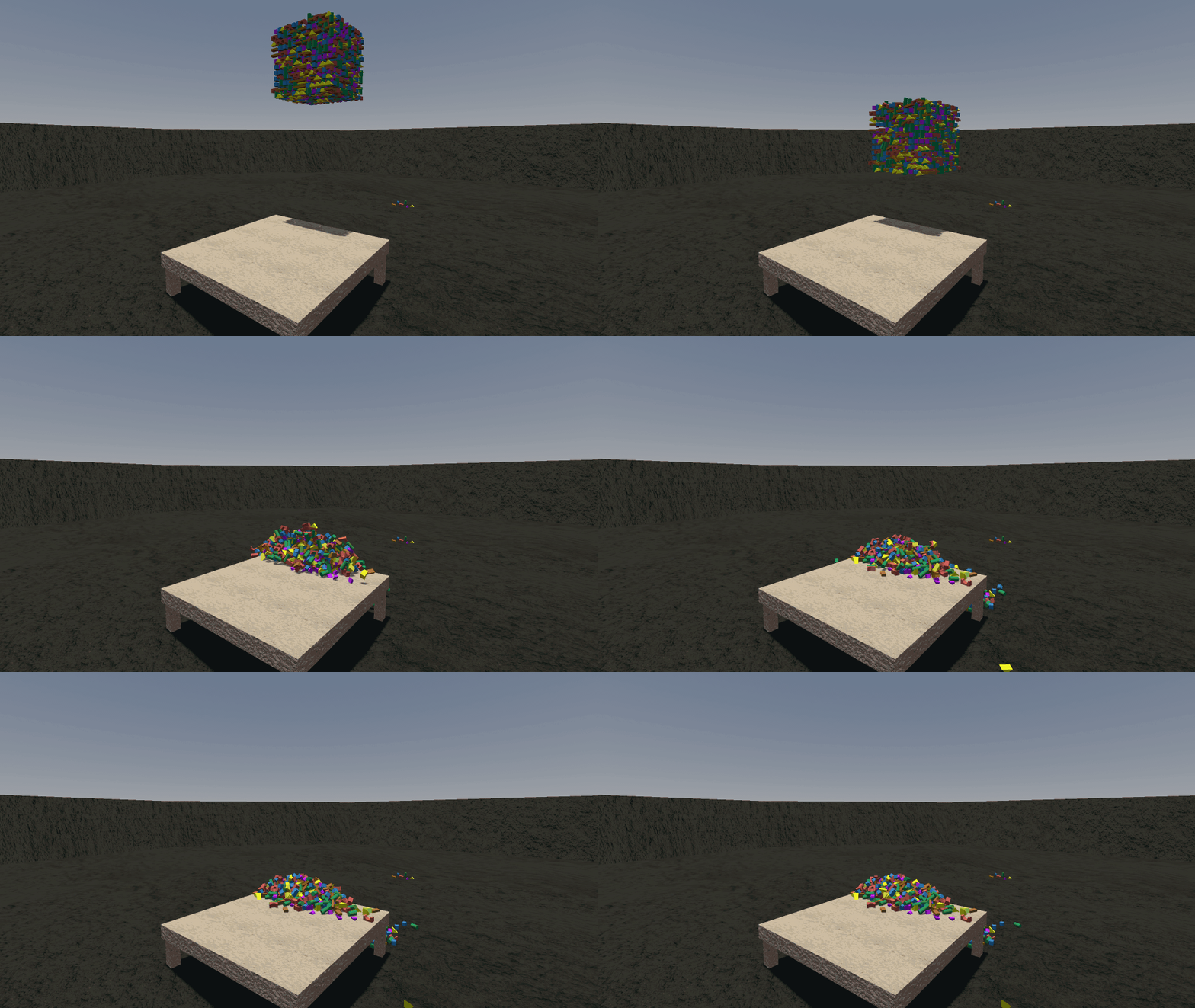
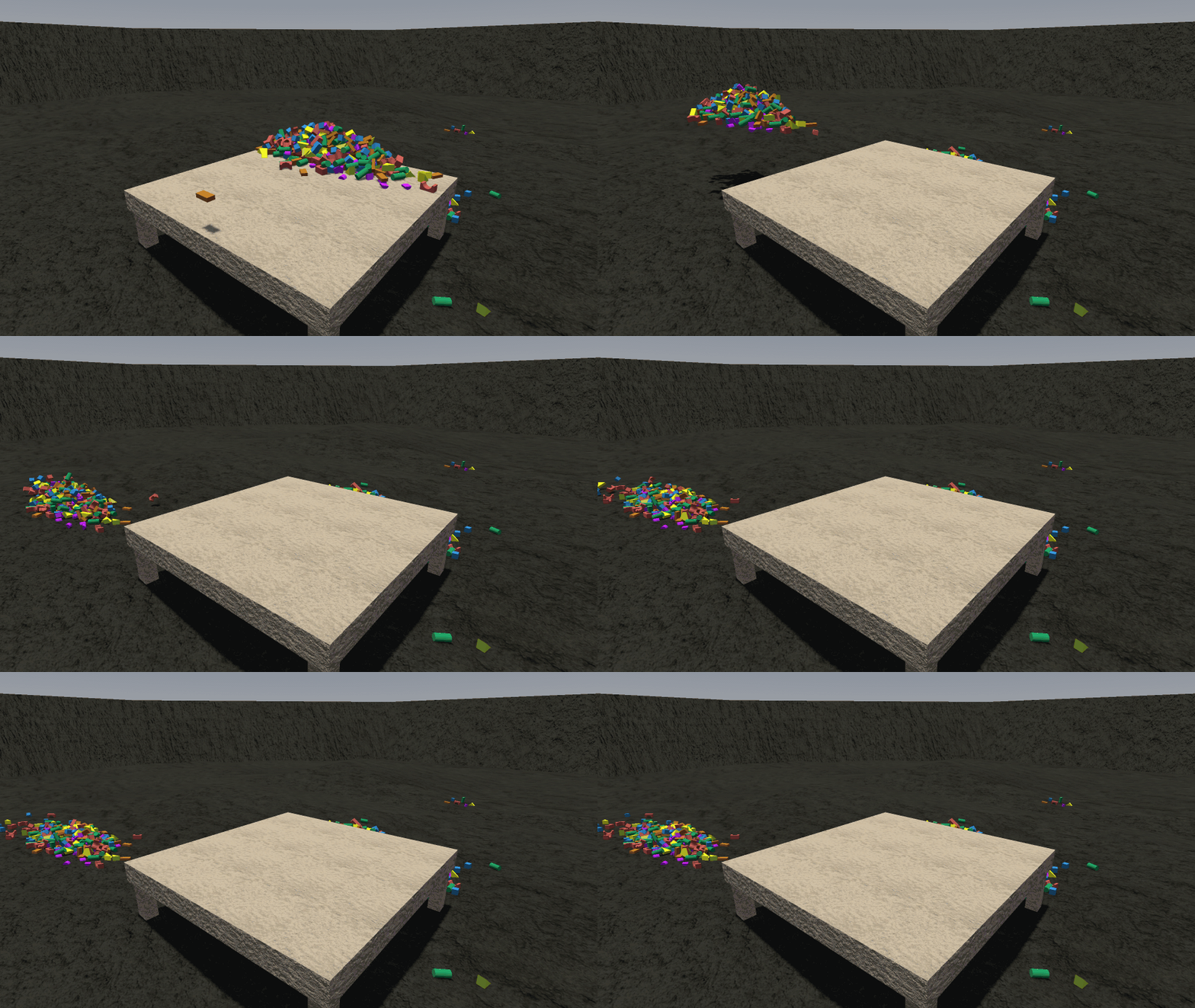
Every round now starts with a pile of blocks raining onto the table. It is the best way to say "go on then, build something".
0.0.2 An arena and six shapes 2026-07-03
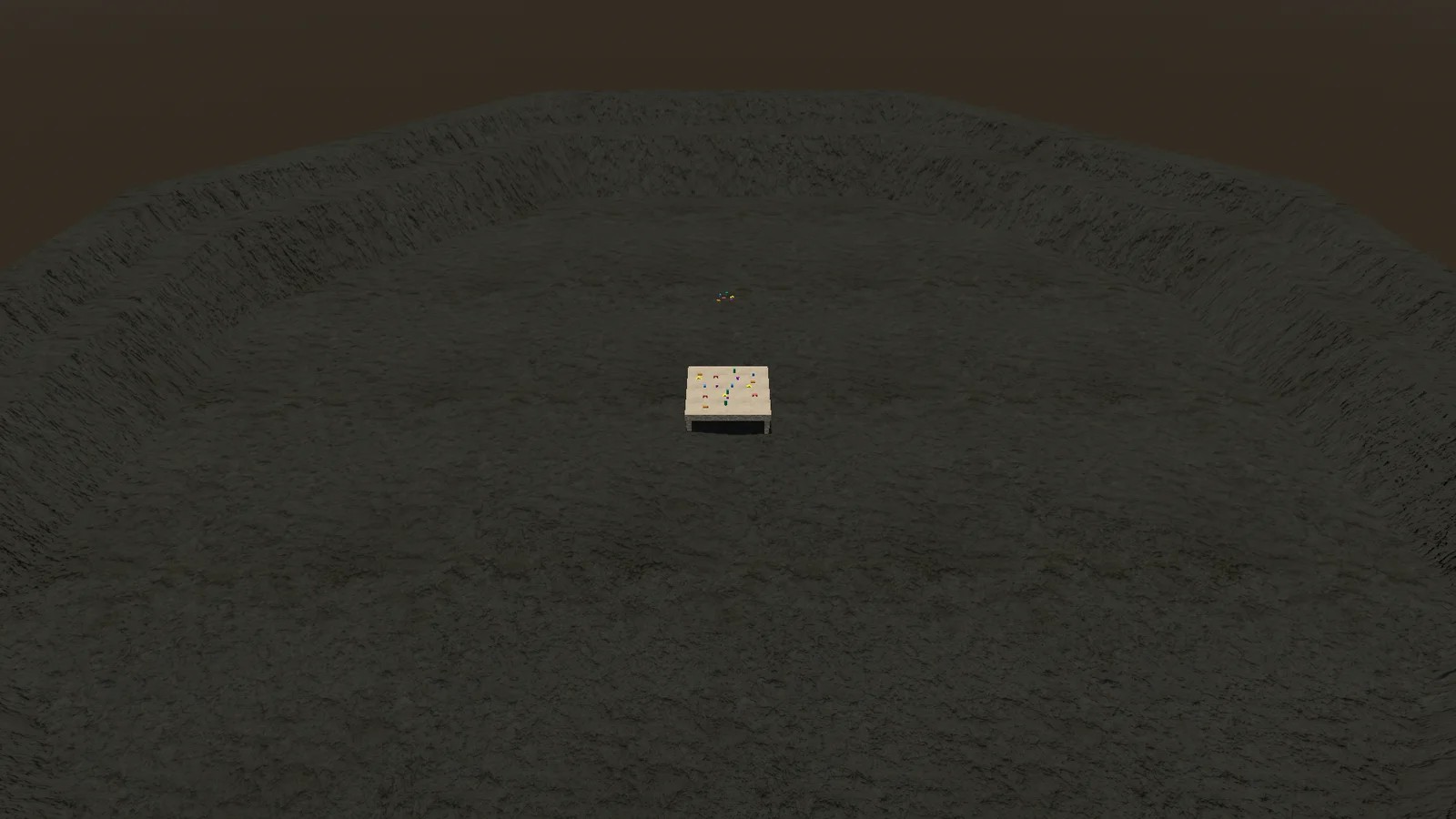
The empty grey void is gone. The table now stands in the middle of a big round arena with sloping walls, a place that finally feels like somewhere.
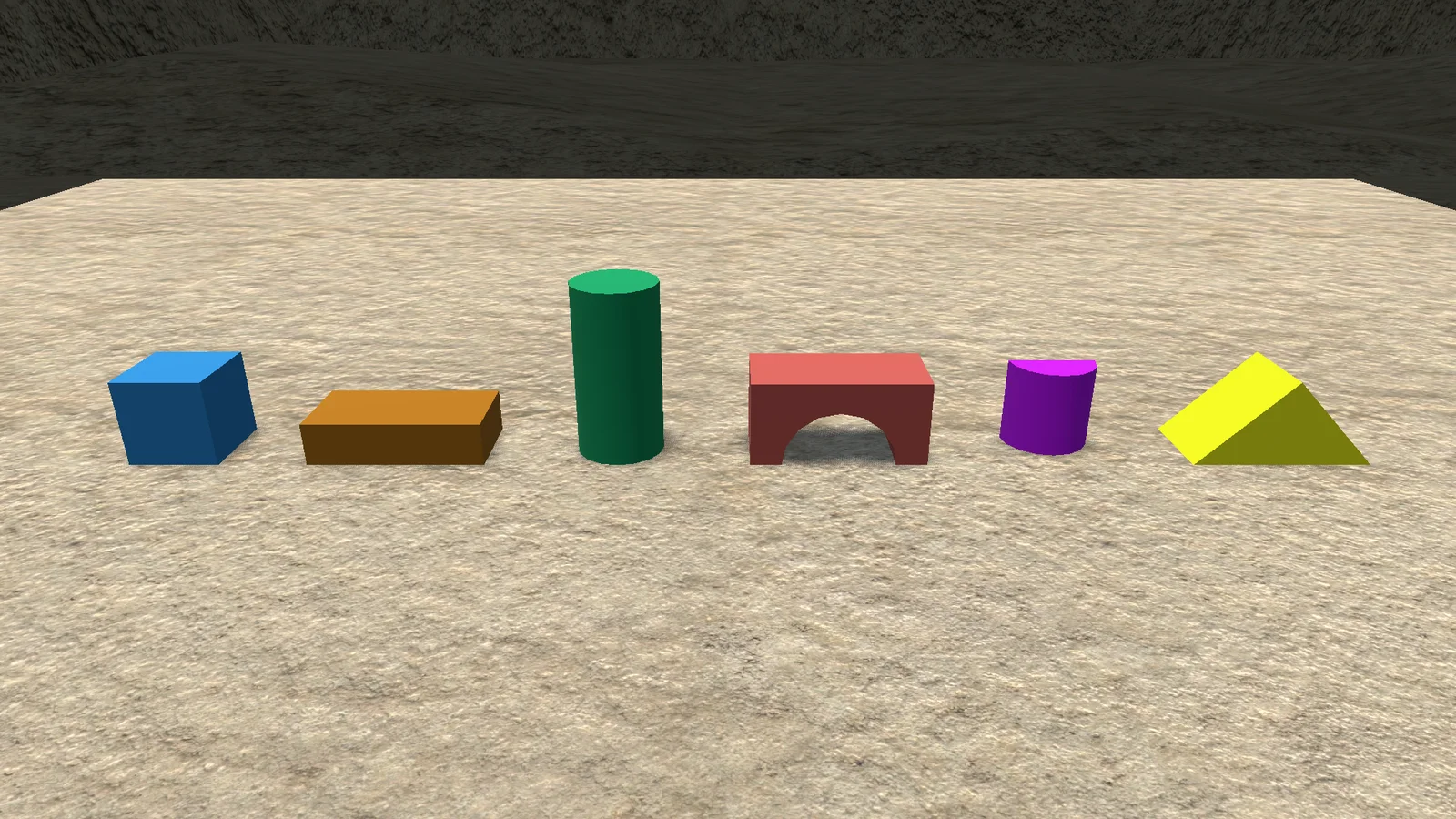
The blocks grew into a proper set: cube, plank, cylinder, arch, half round and roof. Different shapes means real building: bridges, gates, little houses with pointy tops.
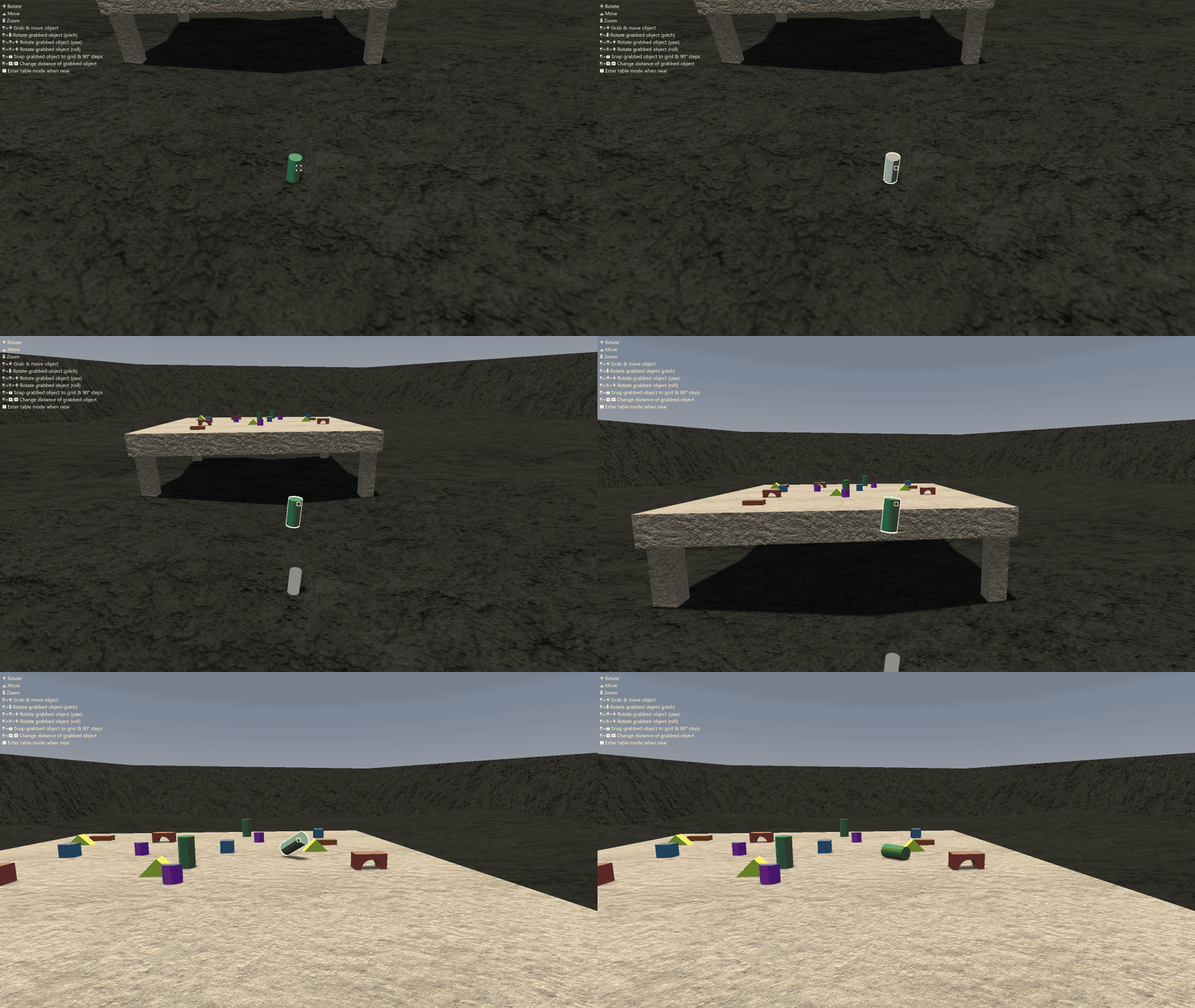
Under the hood the way you grab and carry things was rewritten. Held blocks follow your aim more steadily, which makes placing one block on another much less of a gamble.
0.0.1 A table and a view from above 2026-07-02
Stacking on the floor is fine, but every good builder needs a table. Walk up to it and switch to table mode: the camera lifts into a top-down build view over the tabletop, and the mouse takes over.
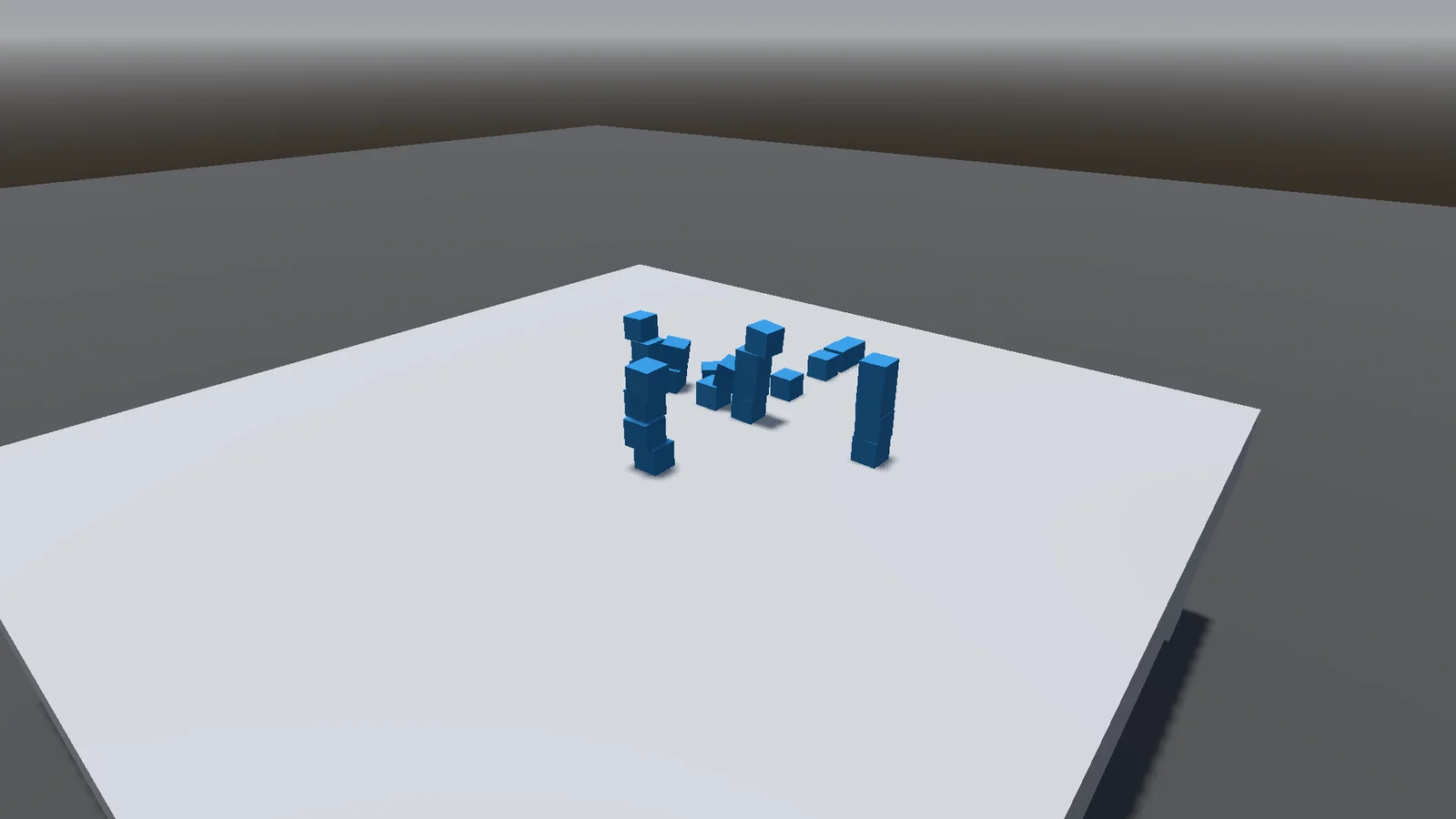
In table mode you drag blocks straight across the surface, pan around the table and zoom in for the fiddly bits. It feels a lot more like playing with toys on a desk than wrestling them in first person.
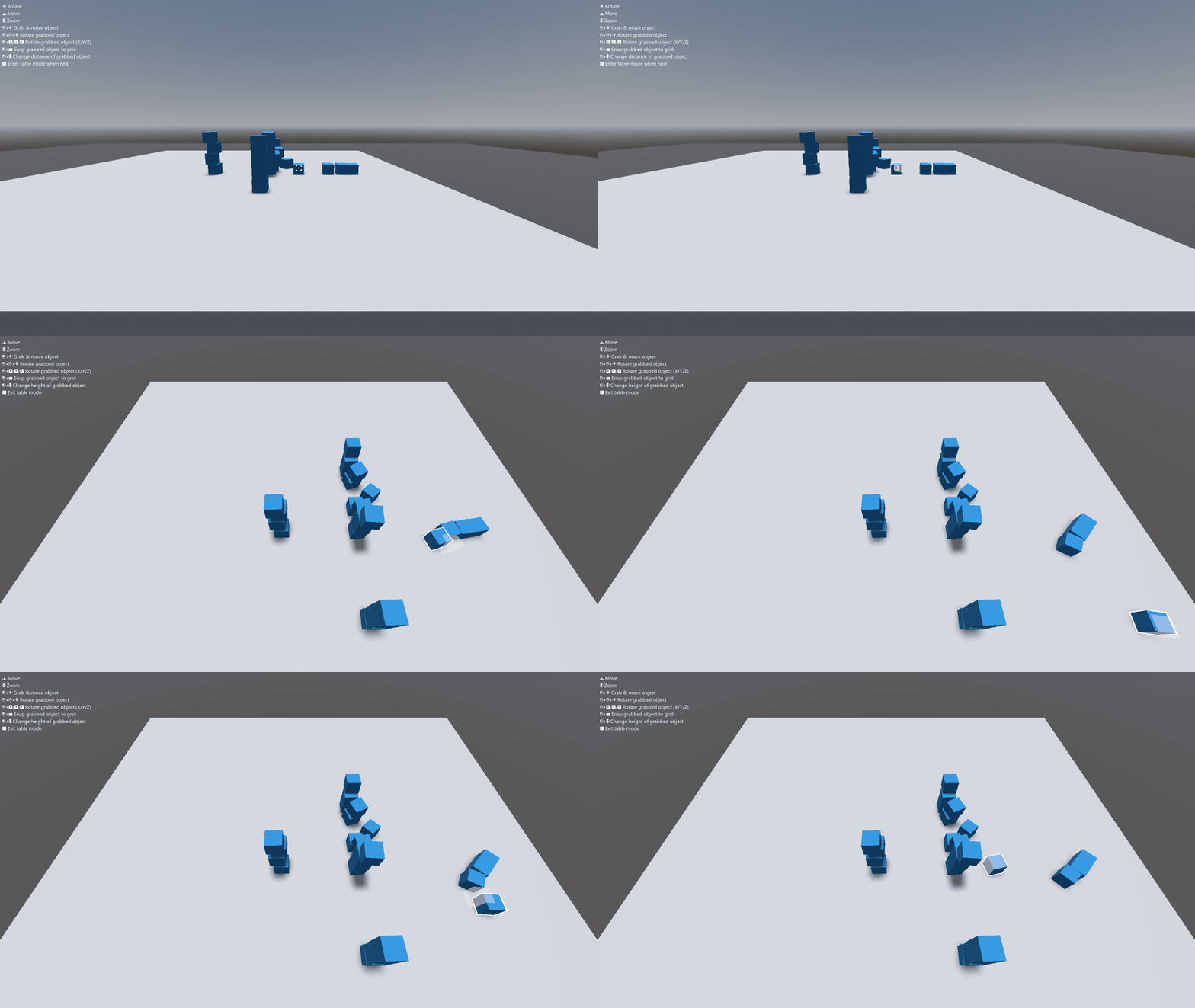
There is also a small controls overlay now, so new players know what the buttons do, and the crosshair hides when you don't need it.
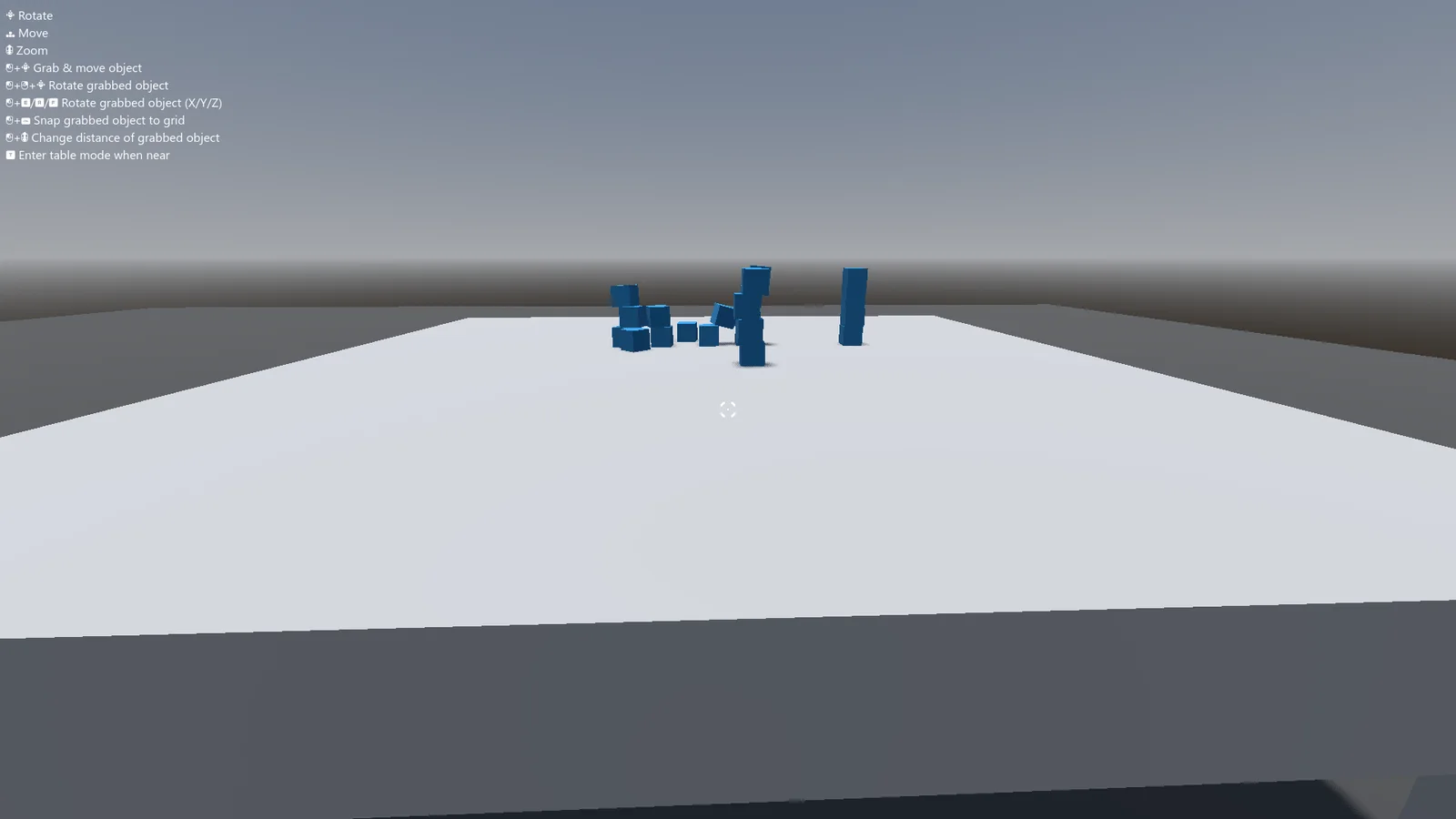
0.0.0 Day one: a Jenga tower 2026-06-30
Every block game starts with one block. This one started with a whole Jenga tower: a few long wooden bricks stacked crosswise in an empty grey world, and a player who can walk up to them and pull.
You look at a brick, grab it and drag it out. Turning it is smoothed, so a brick swings round instead of snapping, and the tower reacts the way you hope it won't.
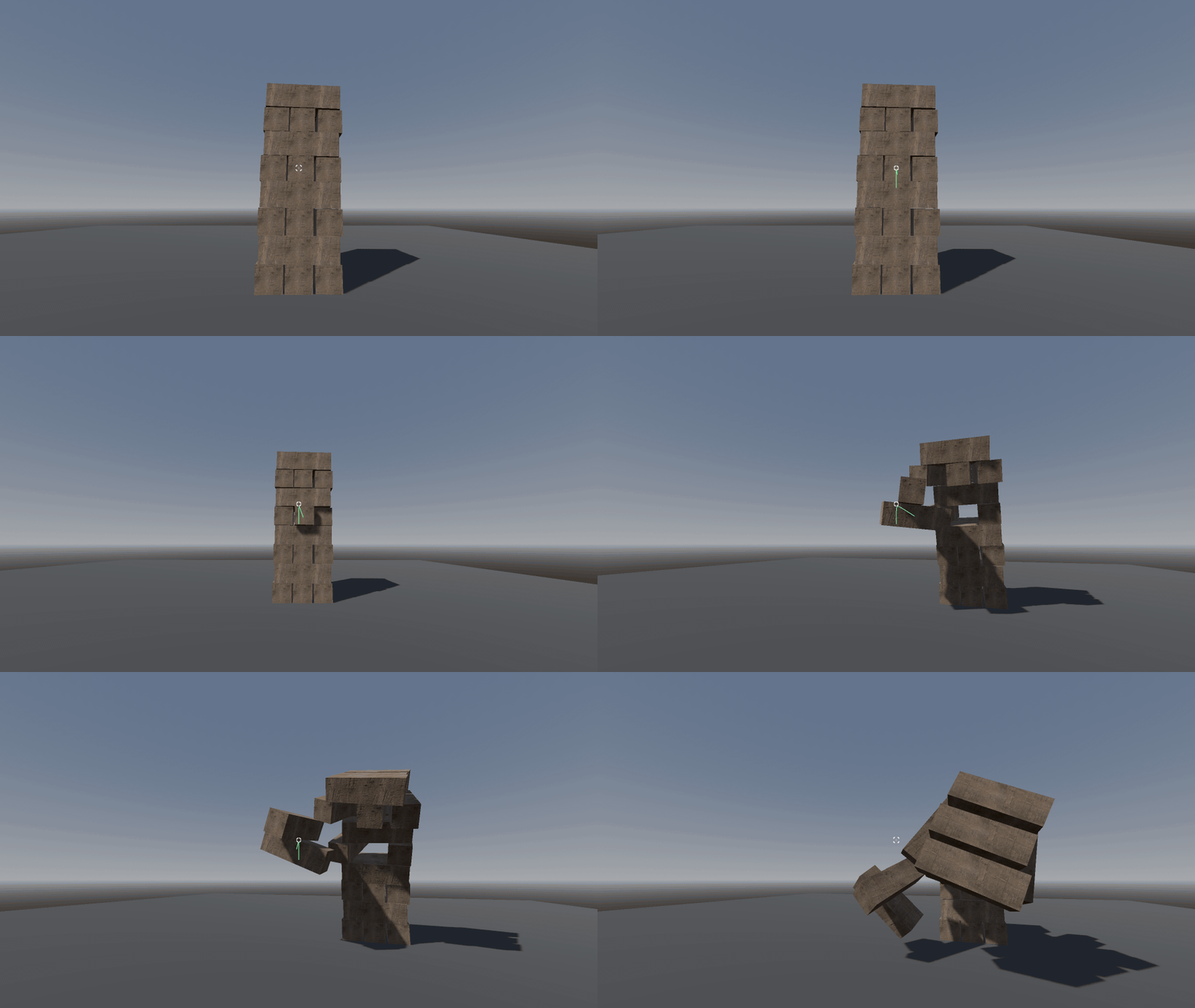
That is all there was, and it was already the whole idea: real physics, real wobble, and the moment right before it all comes down.